

Less admin. More awareness.

Log quickly
Use the Shortcut to record expenses, income, transfers and goal contributions straight from your home screen.

Stay organised
Each entry lands in the right account, category and month automatically.

See your finances clearly
Balances, monthly spending, budgets and savings goals stay current through simple dashboards and charts.
LOG → ORGANISE → REVIEW
⋆
LOG → ORGANISE → REVIEW
⋆
How it works
-
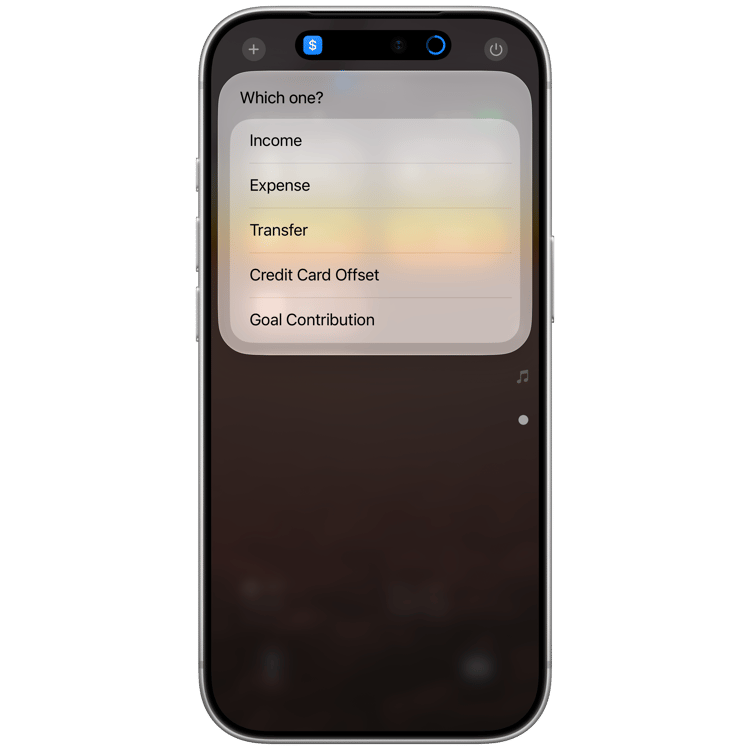
01 — Choose
Open the Shortcut and choose what you’re logging — expense, income, transfer, credit-card offset or goal contribution.
-
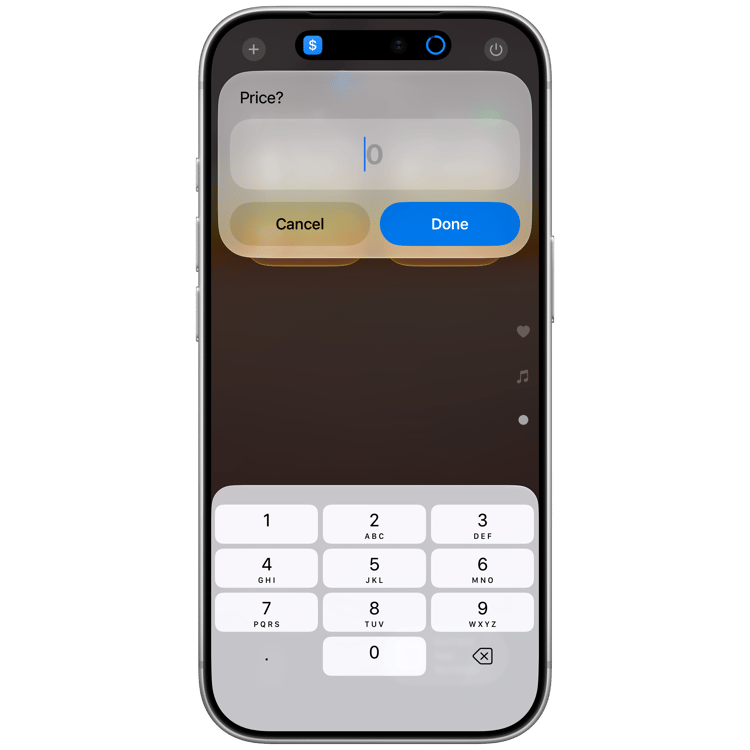
02 — Add the details
Enter the amount, account, category and any other relevant details in a few taps.
-
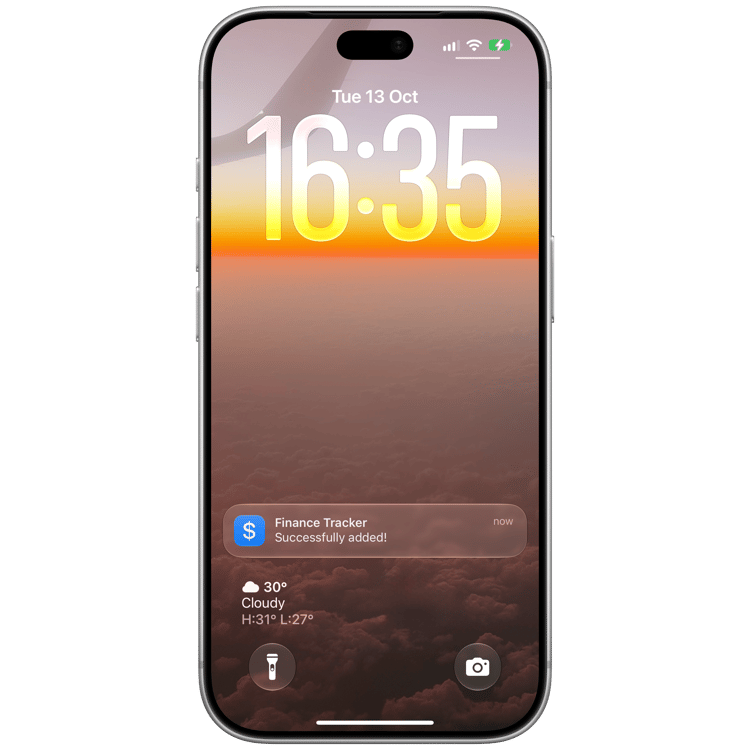
03 — Done
The entry lands in Notion, already connected to the right account, category and month.



The maker
I started this project after getting tired of finance trackers that were either too manual or too complicated to keep up with. I wanted the speed of logging from my phone with the flexibility of keeping everything in Notion.
So I built the system I actually wanted to use: quick to log, easy to understand and yours to customise.
Feel free to check my other projects with the preview button above!
FAQs
-
You’ll receive access to the Finance Tracker Notion template, the accompanying Apple Shortcut and a step-by-step setup guide.
-
Around five minutes. You’ll duplicate the template, connect your personal Notion integration and add the Shortcut. The setup guide walks you through each step.
-
Yes. The tracker is built in Notion, so you can customise accounts, categories, goals and other properties to fit your finances.
-
In your own Notion workspace. The Shortcut communicates with your Notion account using your personal integration rather than sending your financial records through a separate Barchives server.