
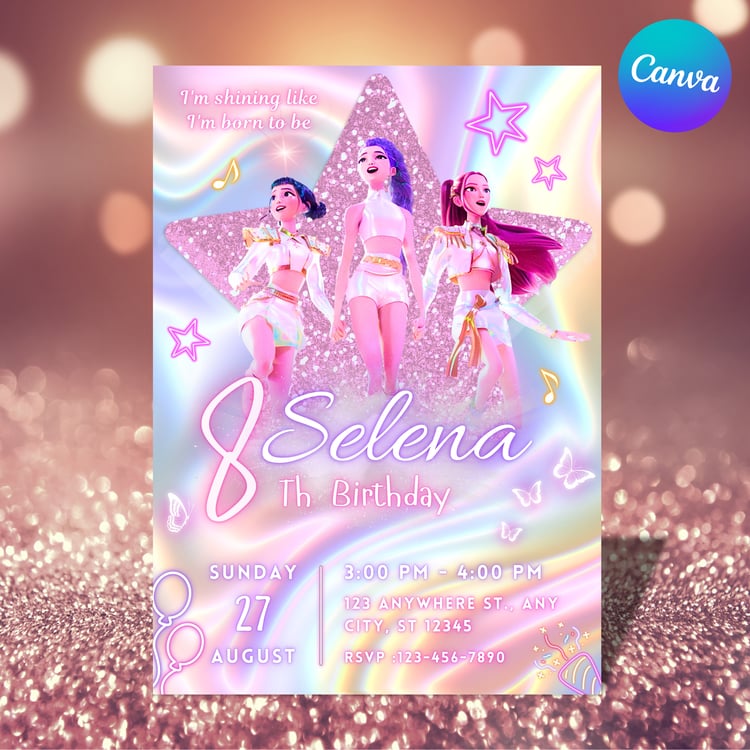
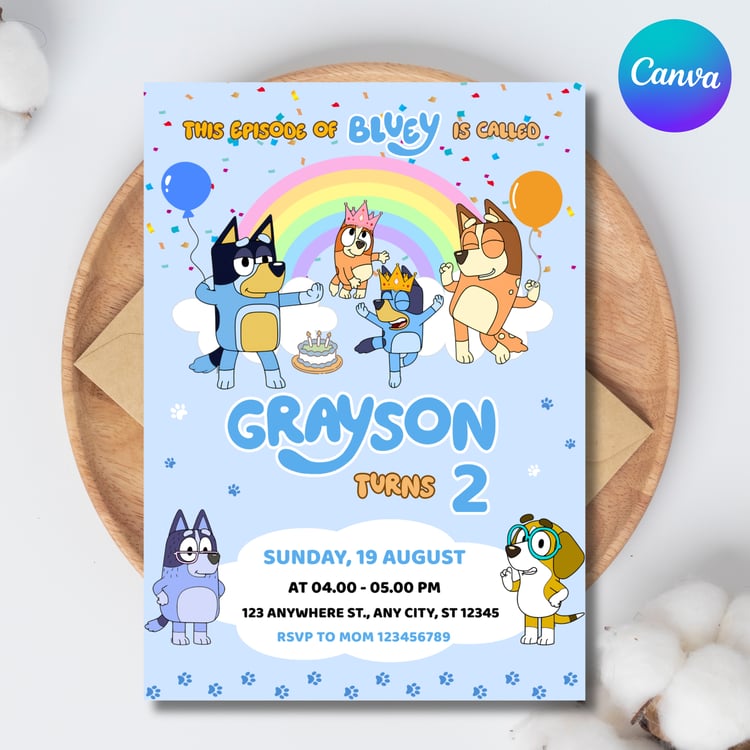

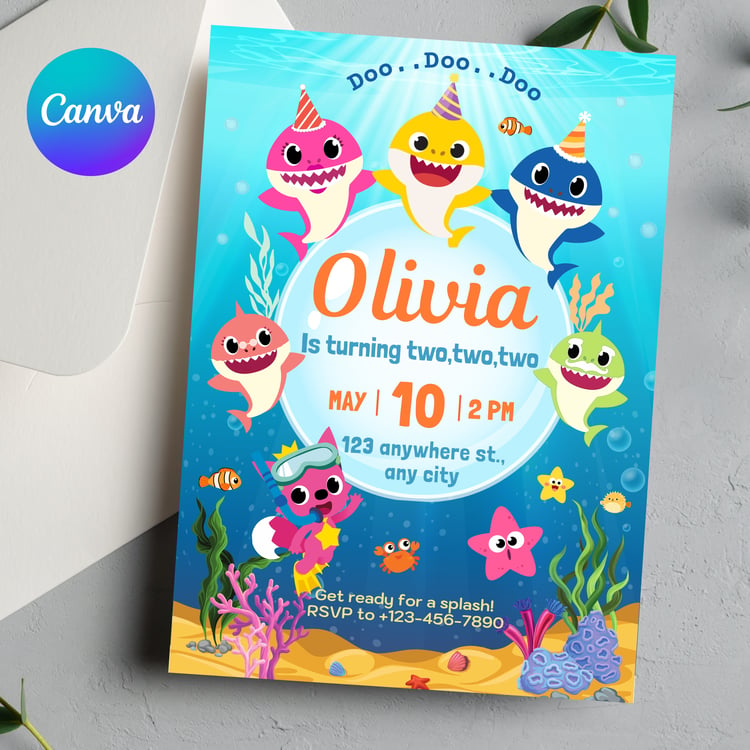


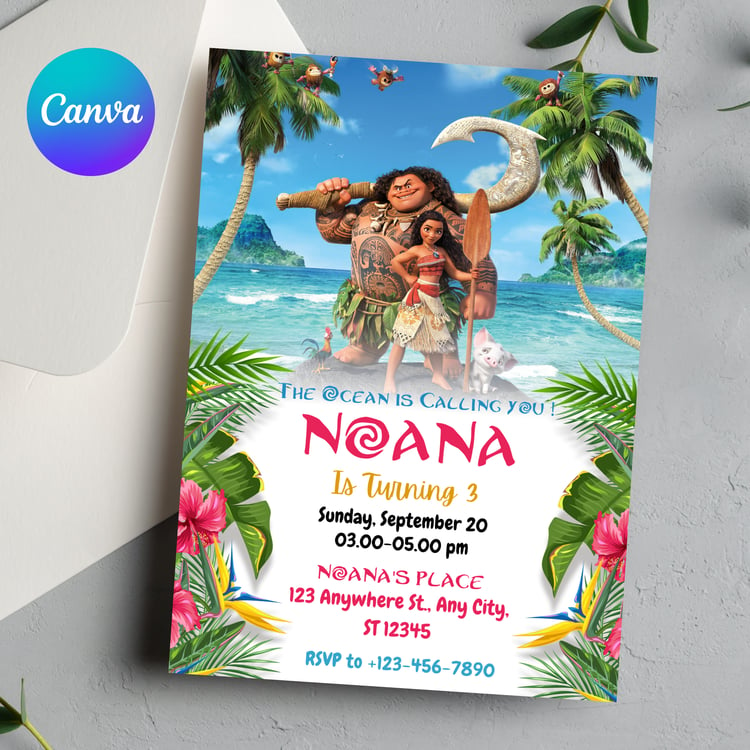
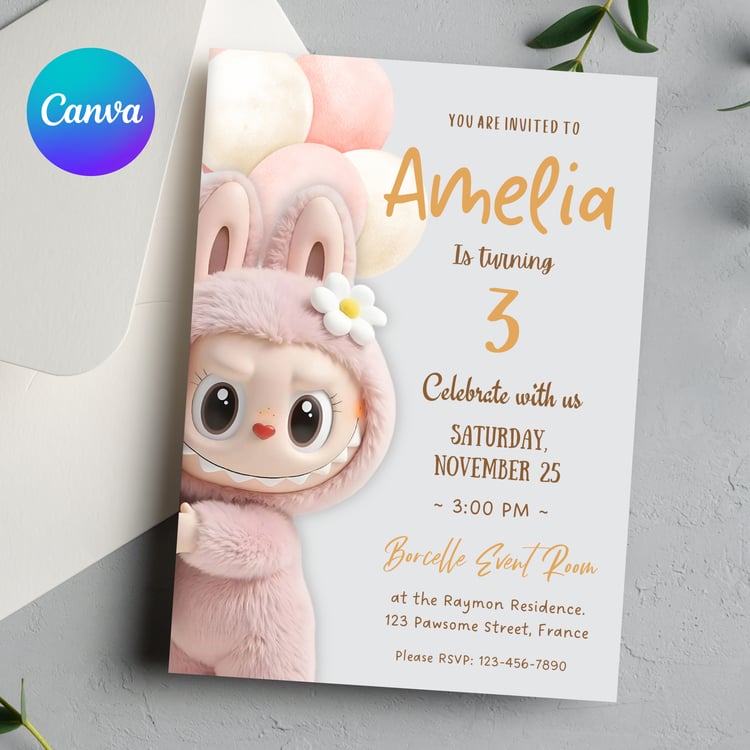
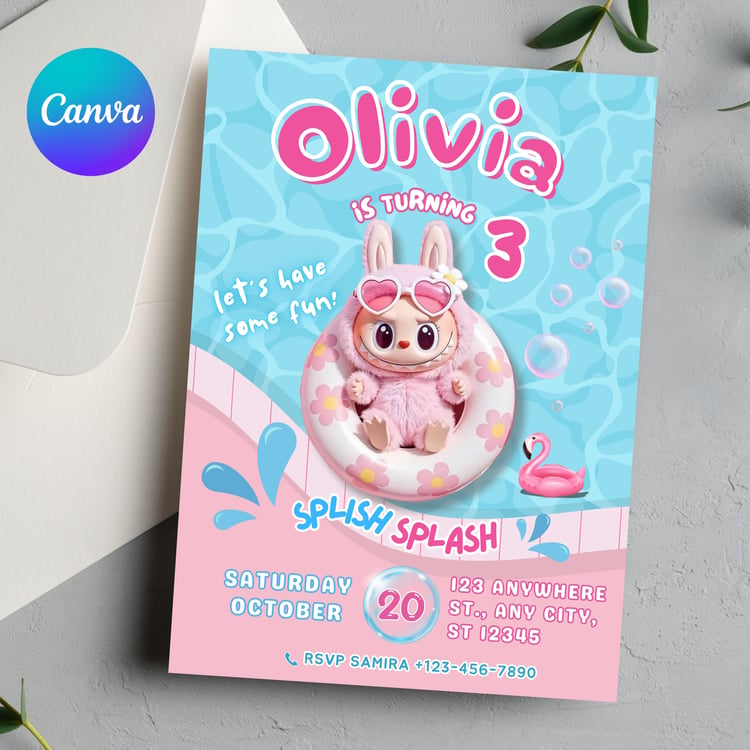
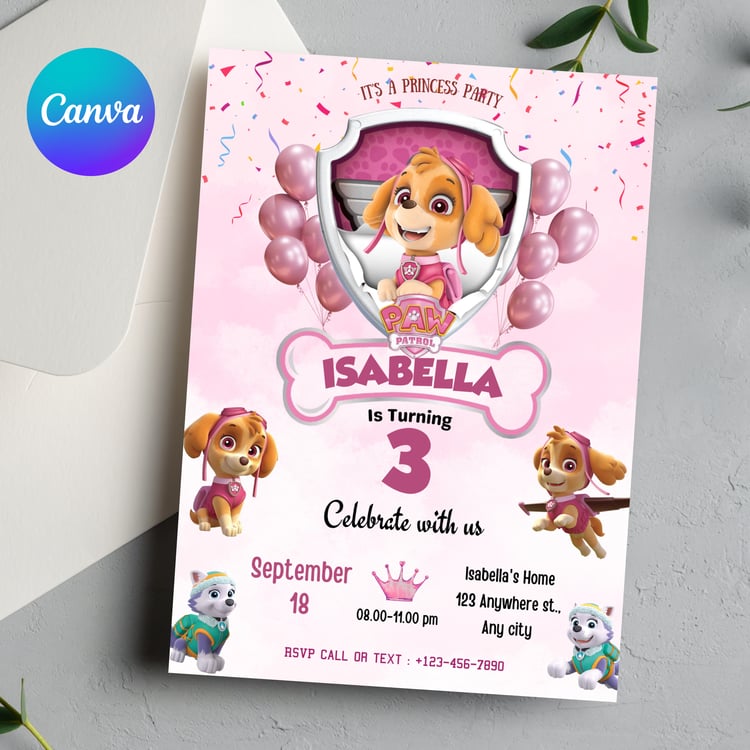

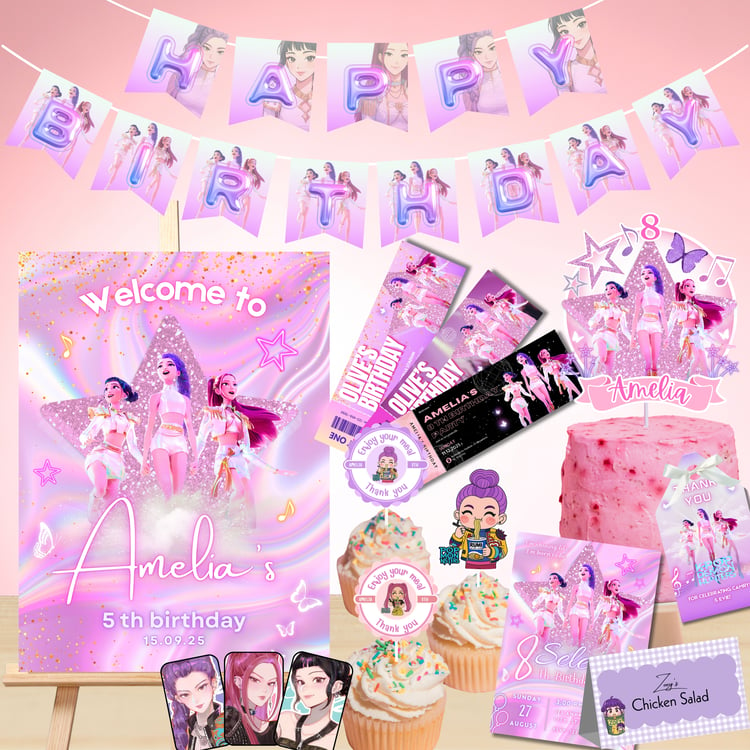


Step-by-Step Guide: Customize Your Invitation Template in Canva

FAQs
-
After purchase, Payhip will email you a download link. Open the PDF file provided, and click the link inside to access your Canva template. You’ll need a free Canva account to edit.
-
No. All templates are edited online using Canva — no software or fonts to install. You can use it from your phone, tablet, or computer.
-
Yes! You can edit your template on mobile using the Canva app. However, for the best experience and more editing options, we recommend using a desktop or laptop.
-
Yes. All templates are fully editable using a free Canva account — no need to upgrade to Pro.
-
Yes! You can change text, colors, fonts, and even move or delete elements — unless otherwise noted in the product description.
-
Yes — you can edit and download the template as many times as you like for personal use. Commercial resale or sharing of the template is not allowed.
-
Due to the nature of digital products, we do not offer refunds. Please read the description carefully before purchasing, and feel free to message us with any questions!
-
Absolutely! If you run into any issues, send us a message on Email — we’re happy to help guide you.

About Me
Welcome to ByAlthaf | Entrepreneur & problem solver. Making sure everything runs smoothly behind the scenes! 🚀 Let’s build something great together.
Verified seller on Etsy, Payhip and Spoonflower.