
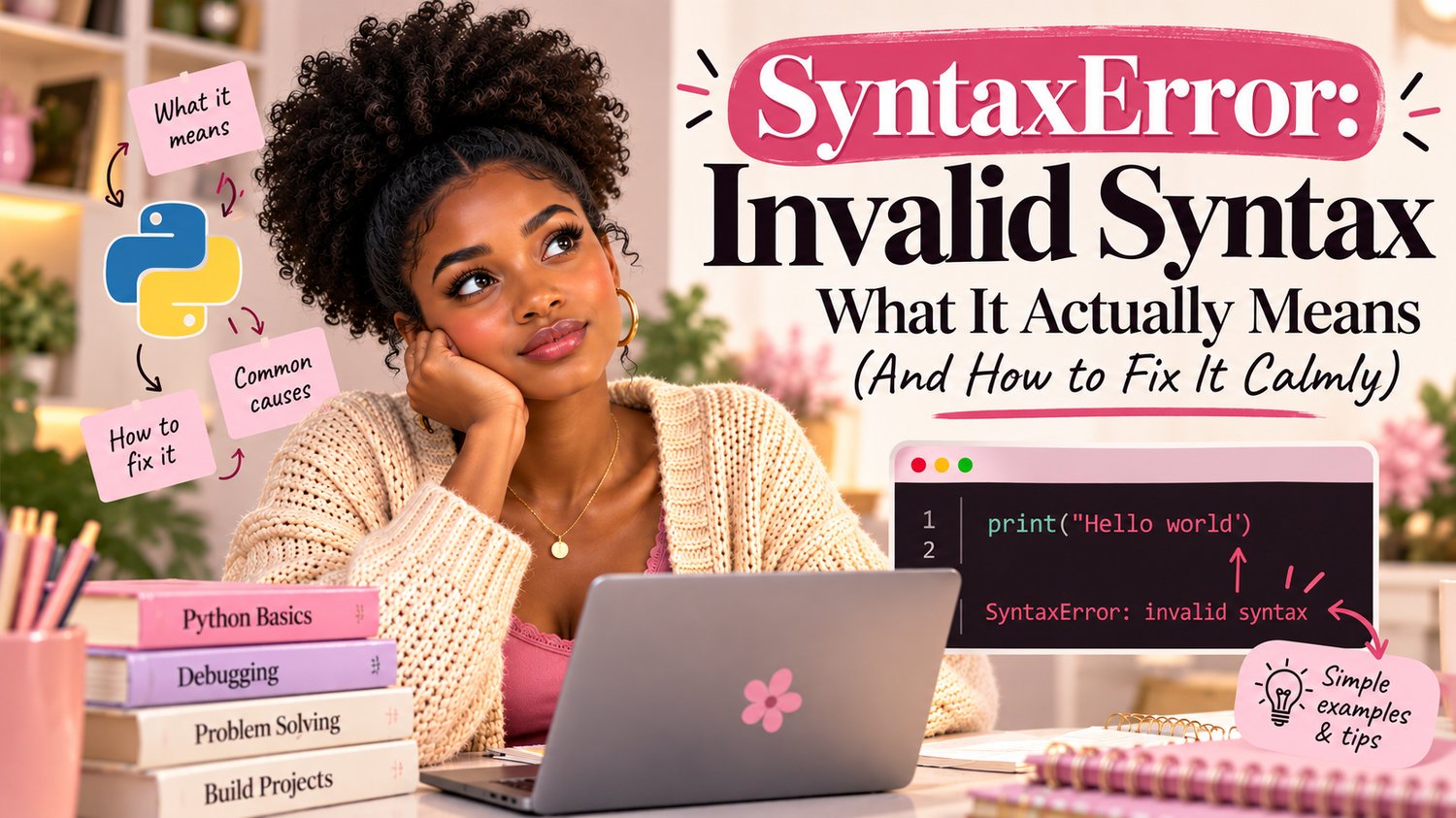
You run your very first Python program, full of hope — and the screen answers back with red text: SyntaxError: invalid syntax. If your stomach dropped, you’re in good company. This is the single most common error in Python, and every programmer alive has seen it hundreds of times.
What Python Is Actually Telling You
Here’s the secret nobody tells beginners: this error is almost never a big deal. By the end of this article, you’ll know exactly what Python is trying to say, where to look, and the six tiny typos that cause it 90% of the time.
🐍Why this matters: Learning to read error messages calmly is the skill that separates people who quit in week two from people who become coders. Errors aren’t failures — they’re Python’s (slightly awkward) way of asking for help.
“Invalid syntax” simply means: “I was reading your code and hit something I couldn’t understand, so I stopped.” That’s it. Python isn’t saying your logic is wrong or that you’re bad at this — it’s saying there’s a small grammar mistake in the writing, like a missing full stop in a sentence.
Think of Python as a very polite but very literal friend. If you say “Please pass the—” and stop mid-sentence, they freeze and wait. A SyntaxError is Python freezing and pointing at the exact spot where the sentence broke.
How to Read the Error Message (It’s Trying to Help)
A typical error looks scarier than it is. Let’s decode one:
💻 What Python shows you:

Read it in three parts, top to bottom:
- The file name — which file has the problem (useful once you have more than one).
- The line number — Python is pointing at line 3. Go there first. (Sometimes the real mistake is on the line above — more on that below.)
- The little arrow ^ — Python’s best guess at where in the line it got confused. In our example, it stopped where a closing bracket should have been.
The 6 Typos That Cause Almost Every SyntaxError
Before you rewrite anything, check these usual suspects in order. One of them is the culprit nine times out of ten.
Remember: The line number is a starting point, not a verdict. If the flagged line looks perfectly fine, the mistake is almost always on the line just above it — usually an unclosed bracket or quote.
1. A missing colon
Python needs a colon at the end of lines that start a block — if, for, while, def.
💻 Wrong → Right:

2. An unclosed quote
💻 Wrong → Right:

3. An unclosed bracket
Every ( needs a ), every [ needs a ]. This is the classic “the error is on the line above” case — Python only notices the missing bracket when it reaches the next line.
💻 Wrong → Right:

4. Using = when you meant ==
One equals sign stores a value. Two equals signs compare values. Inside an if, you almost always want two.
💻 Wrong → Right:

5. A misspelled keyword
💻 Wrong → Right:

6. Stray or missing punctuation
A comma where a colon should be, a full stop that wandered in from a WhatsApp message, a bracket type mismatch like ( closed with ]. Slow down and read the line character by character — out loud helps more than you’d think.
The Calm 3-Step Fix Method
- Step 1 — Go to the line number in the error and read that line slowly, checking the six suspects above.
- Step 2 — If that line looks fine, read the line directly above it. Unclosed quotes and brackets hide there.
- Step 3 — Fix ONE thing, then run the code again. Never change five things at once — you won’t know which fix worked.
💗 Comfy tip: Errors don’t stack forever. Fixing one often reveals the next, and that’s progress, not failure. Each error message is one step closer to running code.
📖 Want the full error survival kit? The Python Troubleshooting Handbook covers the most common Python errors — SyntaxError, NameError, TypeError, IndexError and friends — each one decoded in plain English with the exact fix, so you never lose an evening to red text again.
Python Troubleshooting Handbook →
Comments ()