

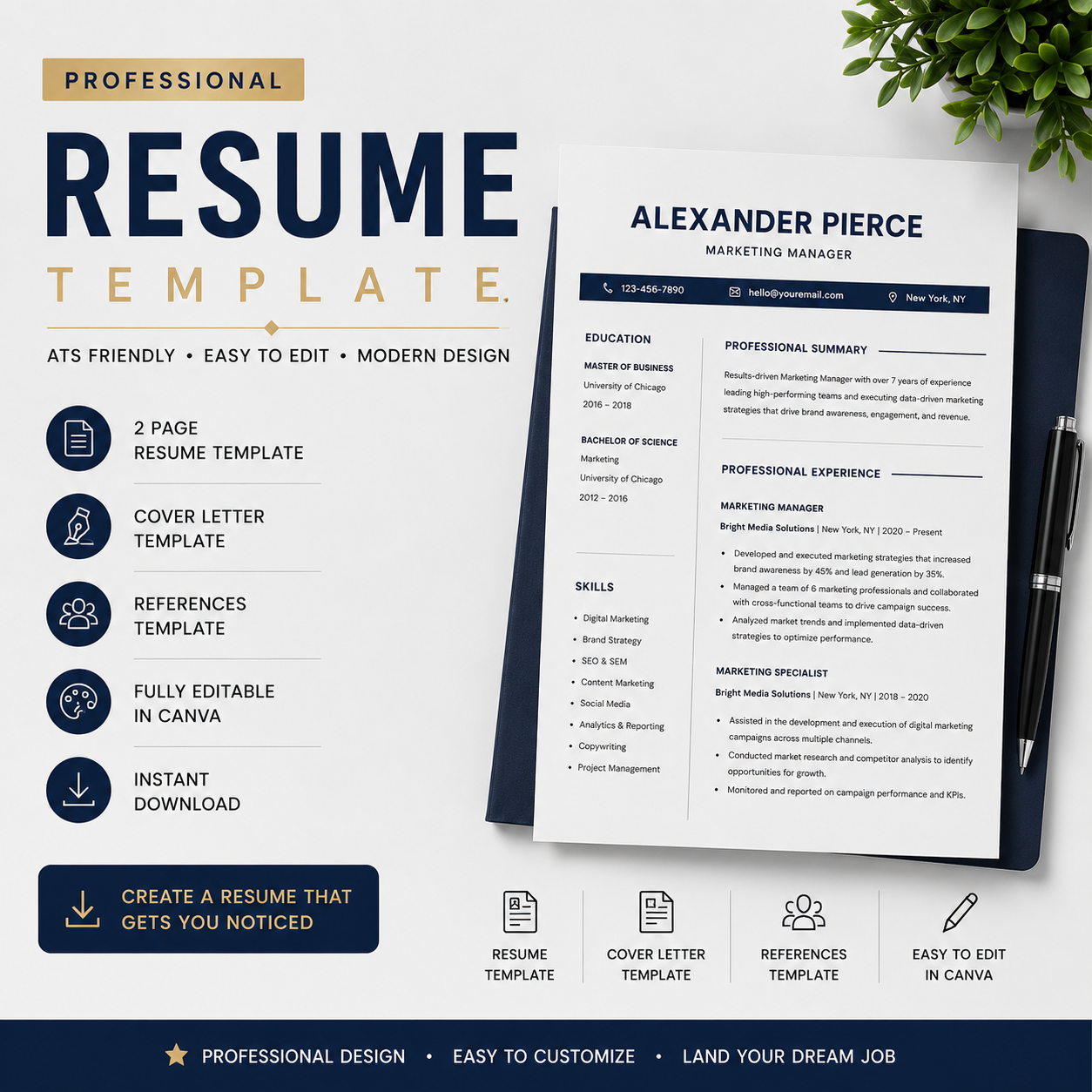
A resume is often the first impression an employer has of you. No matter how qualified you are, a poorly organized resume can make it difficult for recruiters to understand your skills and experience.
The good news is that creating a professional resume is easier than ever when you understand the basics.
In this guide, you'll learn how to create a resume that looks professional, is easy to read, and helps showcase your strengths effectively.
Why Your Resume Matters
Recruiters often review dozens or even hundreds of applications for a single position. A clear and well-structured resume helps them quickly understand your qualifications.
A professional resume should:
- Be easy to read
- Highlight relevant skills and experience
- Present information in a logical format
- Look clean and organized
- Make a positive first impression
Step 1: Start With a Professional Header
Your resume should begin with:
- Full Name
- Phone Number
- Email Address
- City and Country
- LinkedIn Profile (Optional)
Make sure your contact information is accurate and professional.
Step 2: Write a Strong Professional Summary
Your professional summary is a short introduction that appears near the top of your resume.
Example:
"Results-driven marketing professional with 5 years of experience in digital marketing, content strategy, and campaign management. Skilled in increasing brand awareness and driving measurable business growth."
Keep your summary concise and focused on your strengths.
Step 3: Highlight Your Work Experience
List your most recent position first.
For each role include:
- Job Title
- Company Name
- Employment Dates
- Key Responsibilities
- Achievements
Instead of writing:
"Responsible for social media management."
Write:
"Increased social media engagement by 40% through targeted content strategies."
Numbers and measurable results make your resume stronger.

Step 4: Include Relevant Skills
Choose skills that are relevant to the position you're applying for.
Examples:
- Communication
- Leadership
- Project Management
- Digital Marketing
- Data Analysis
- Customer Service
- Team Collaboration
Avoid listing too many skills that don't relate to the job.
Step 5: Add Education and Certifications
Include:
- Degree Name
- University Name
- Graduation Year
You can also include certifications that strengthen your application.
Examples:
- Google Analytics Certification
- HubSpot Certification
- Meta Digital Marketing Certification
Common Resume Mistakes to Avoid
Many job seekers make these common mistakes:
❌ Spelling and grammar errors
❌ Long paragraphs
❌ Poor formatting
❌ Unprofessional email addresses
❌ Outdated information
❌ Using multiple font styles
A clean and consistent layout always looks more professional.
Why a Resume Template Can Help
Creating a resume from scratch can be time-consuming.
A professionally designed resume template helps you:
- Save time
- Maintain a professional layout
- Organize information clearly
- Customize quickly for different job applications
Using a modern resume template also ensures your resume looks polished and easy to read.
Final Thoughts
A great resume won't guarantee a job, but it can help you present your qualifications clearly and professionally.
Focus on creating a clean layout, highlighting your achievements, and making your resume easy to read.
If you're looking for a simple and professional way to build your resume, a well-designed resume template can make the process much easier and faster.
Good luck with your job search and career journey!