
RunningHUB AI Interior Design Guide: The Golden Workflow
1. Core Principle: Model First, Render Later
For professional results, avoid generating renderings directly from bare-shell photos. Current AI lacks the spatial logic and dimensional precision required for implementation. You must use a "Basic Spatial Model" to ensure controllable, high-quality delivery.
2. Comparison: Finding the Best Path
To create this base model, we compared three methods:
- 3ds Max + AI: Good for high precision, but slow.
- SketchUp + AI: Good for simple concepts.
- Kujiale (Coohom) + AI: The Ultimate Solution. It offers the best balance of speed, stability, and quality.
3. Why "Kujiale + RunningHUB AI" is the Answer
The logic is simple: Use Kujiale to build the "Skeleton" and AI to apply the "Skin." Kujiale is the superior choice because:
- 🚀 Speed: Finish full construction while Max/Su users are still prepping files.
- 🧠 Simplicity: "Foolproof" drag-and-drop operation; no complex skills needed.
- 📦 Resources: Massive built-in model library—no external searching required.
- 💰 Usage cost: Kujiale is cheaper and has more features than other platform software.
4. Summary
The goal is "Fast & Beautiful." Don't waste time on tedious modeling.
Workflow:
Create precise space in Kujiale (10 mins) →
Import to RunningHUB AI →
1-Click Photorealistic Render.→
The following real-world examples all use the free basic version of Kujiale to generate the preview images, and then use RunningHub AI to generate the final images.
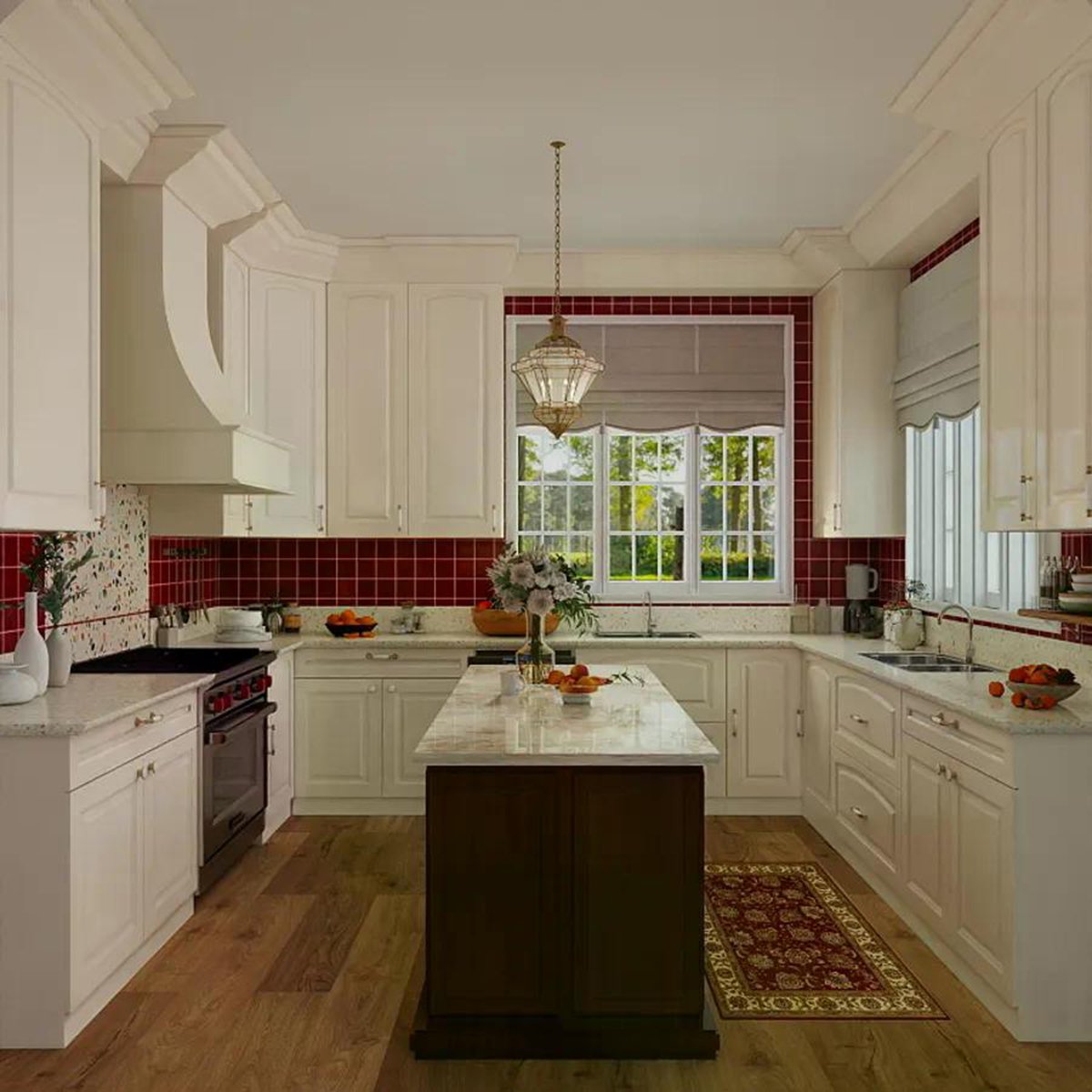
Original design drawing (pixels: 1200*1200)
You can download the original image and test the effect on Runninghub AI.
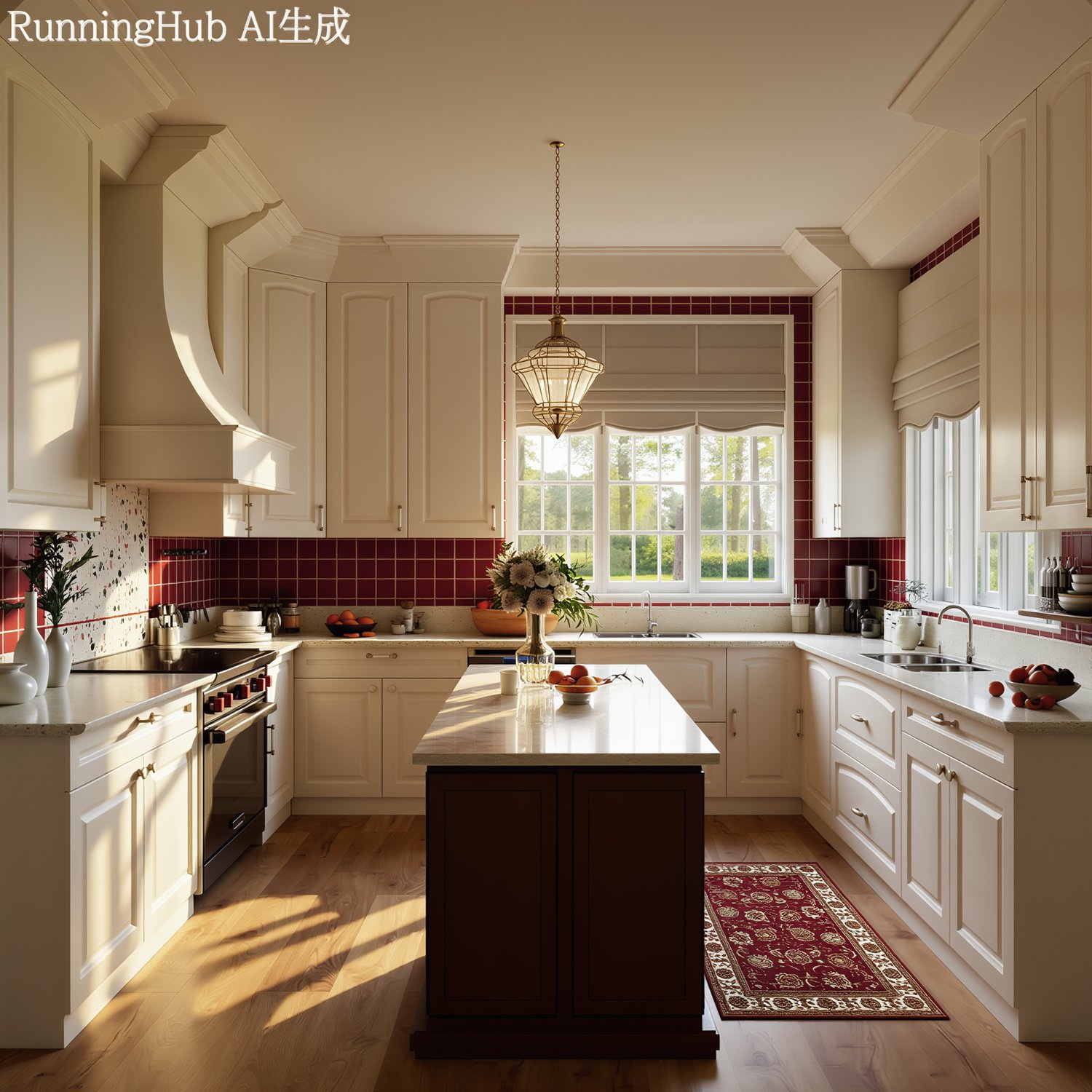
The effect of Runninghub AI optimization is shown in the figure.
AI optimized resolution: (pixels: 1800*1800), or you can upgrade to 4K or 6K.
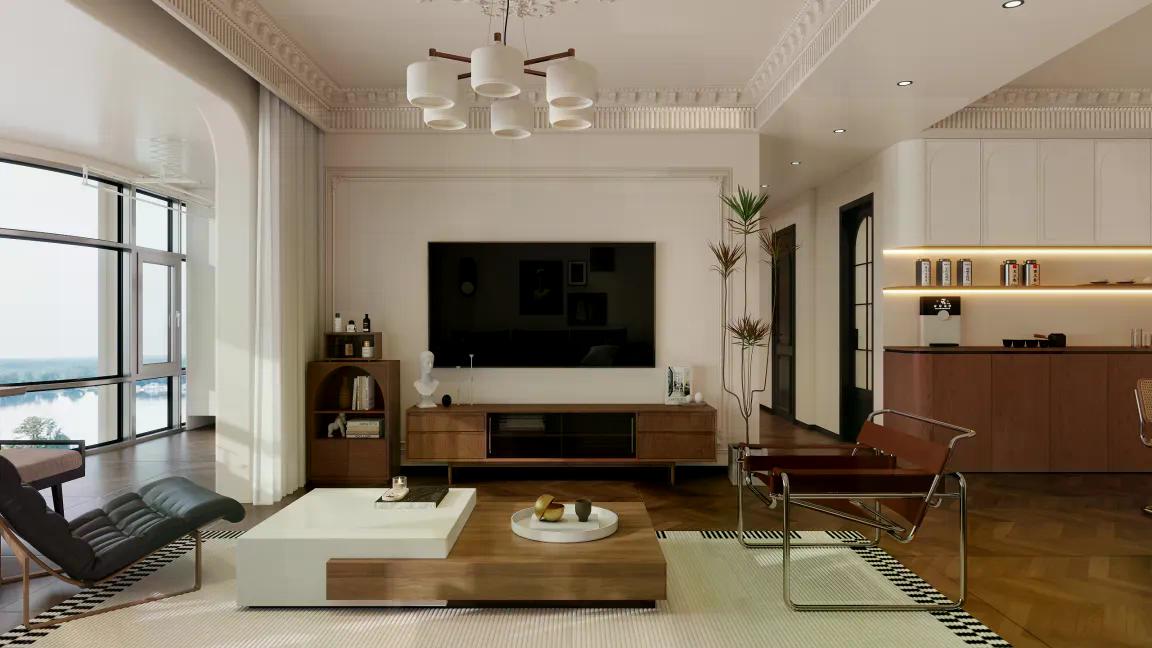
Original design drawing(pixels: 1152*648)
You can download the original image and test the effect on Runninghub AI.
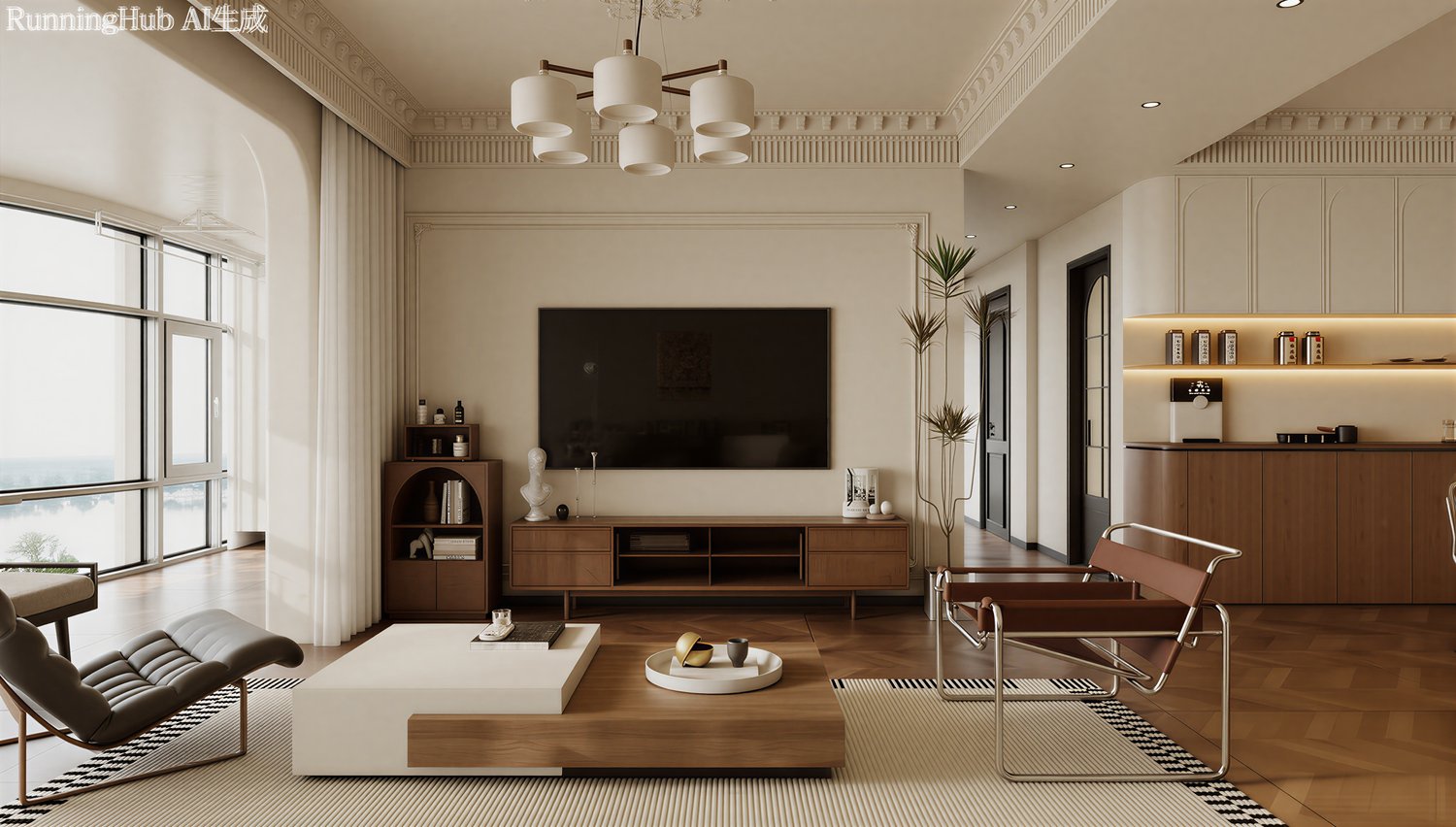
The effect of Runninghub AI optimization is shown in the figure.
AI optimized resolution: (pixels: 3080*1936), or you can upgrade to 4K or 6K.

Original design drawing(pixels: 1920*1080)
You can download the original image and test the effect on Runninghub AI.
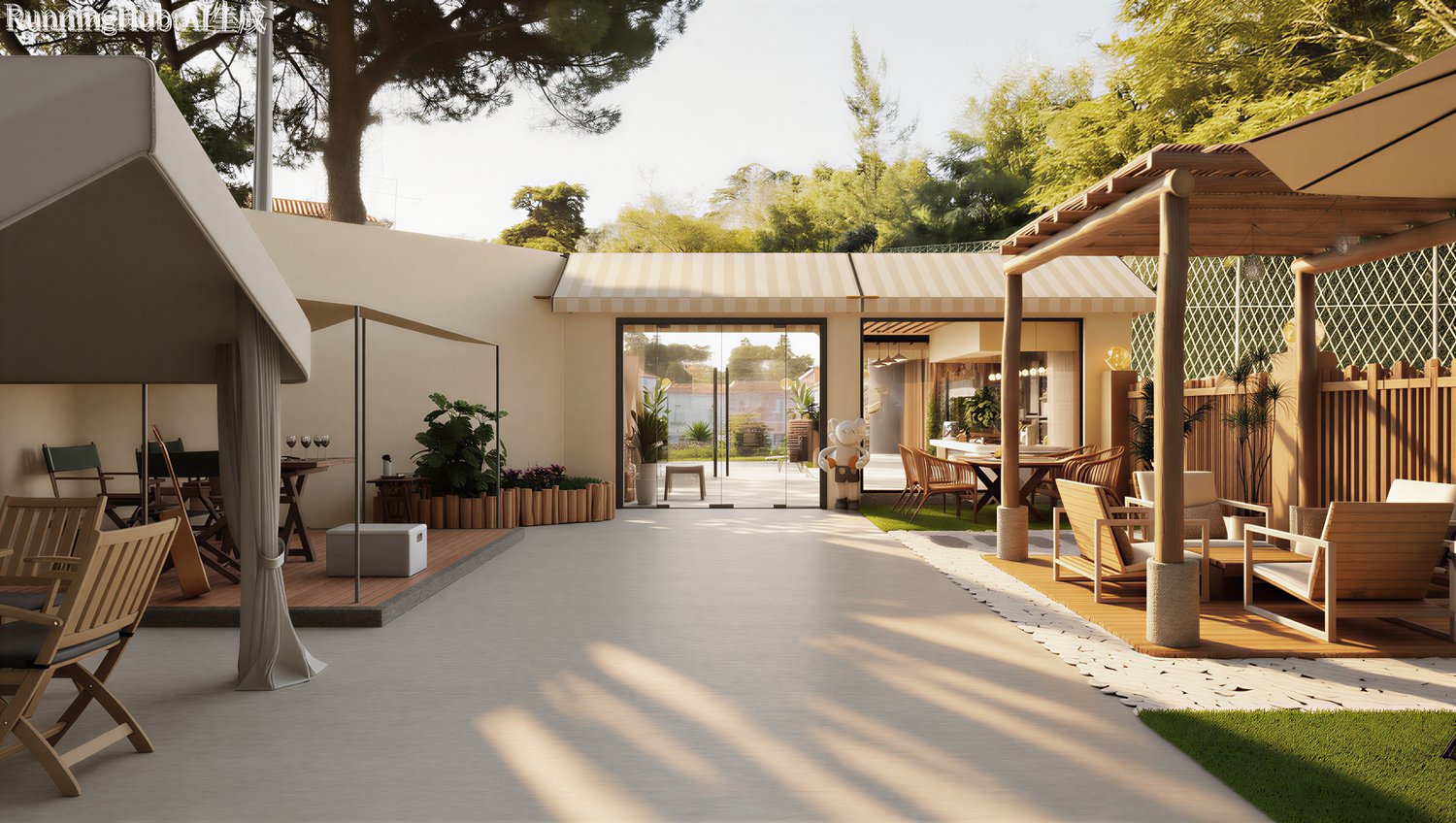
The effect of Runninghub AI optimization is shown in the figure.
AI optimized resolution: (pixels: 3424*1936), or you can upgrade to 4K or 6K.

Original design drawing(pixels: 1920*1080)
You can download the original image and test the effect on Runninghub AI.
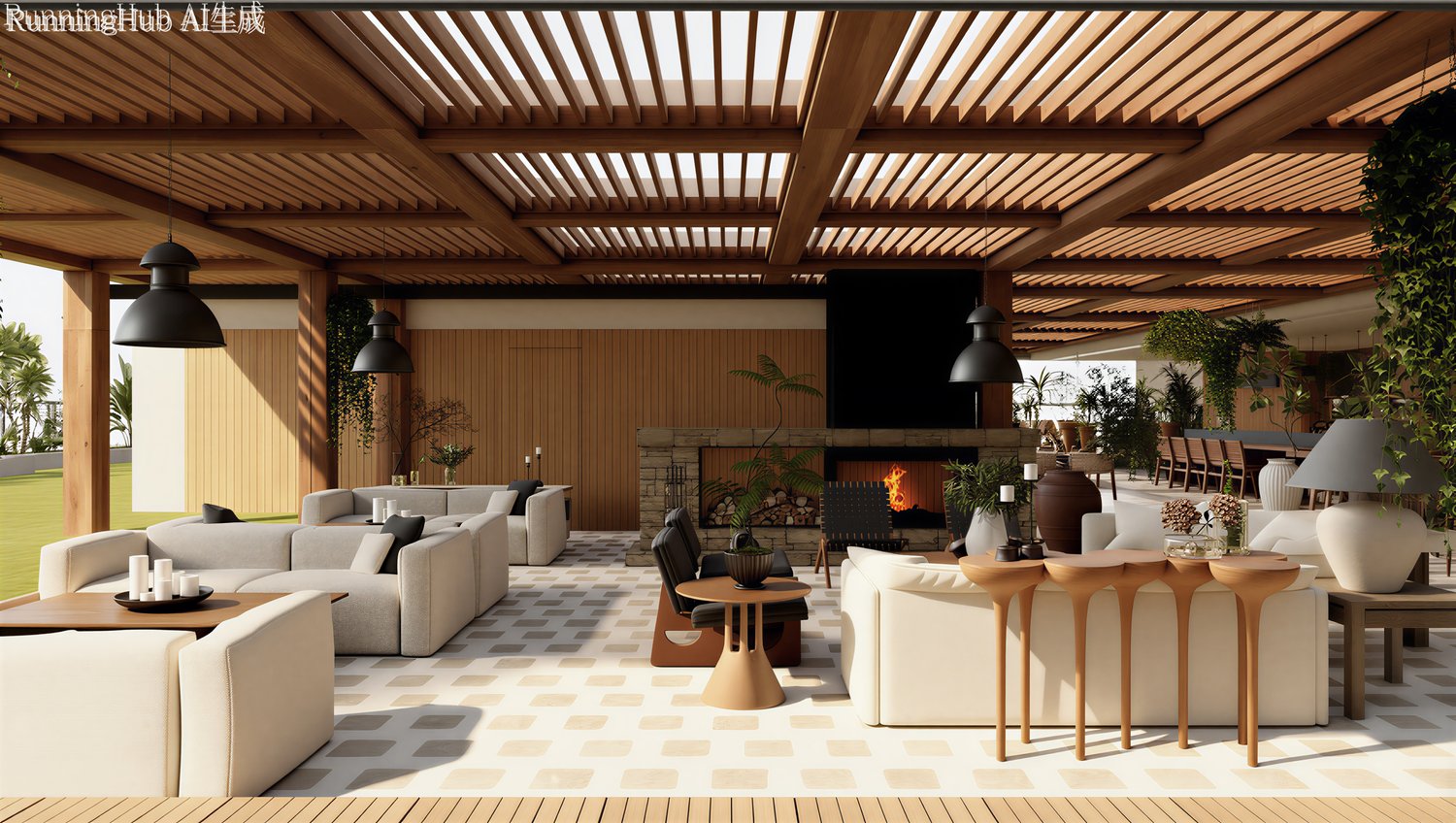
The effect of Runninghub AI optimization is shown in the figure.
AI optimized resolution: (pixels: 3424*1936), or you can upgrade to 4K or 6K.
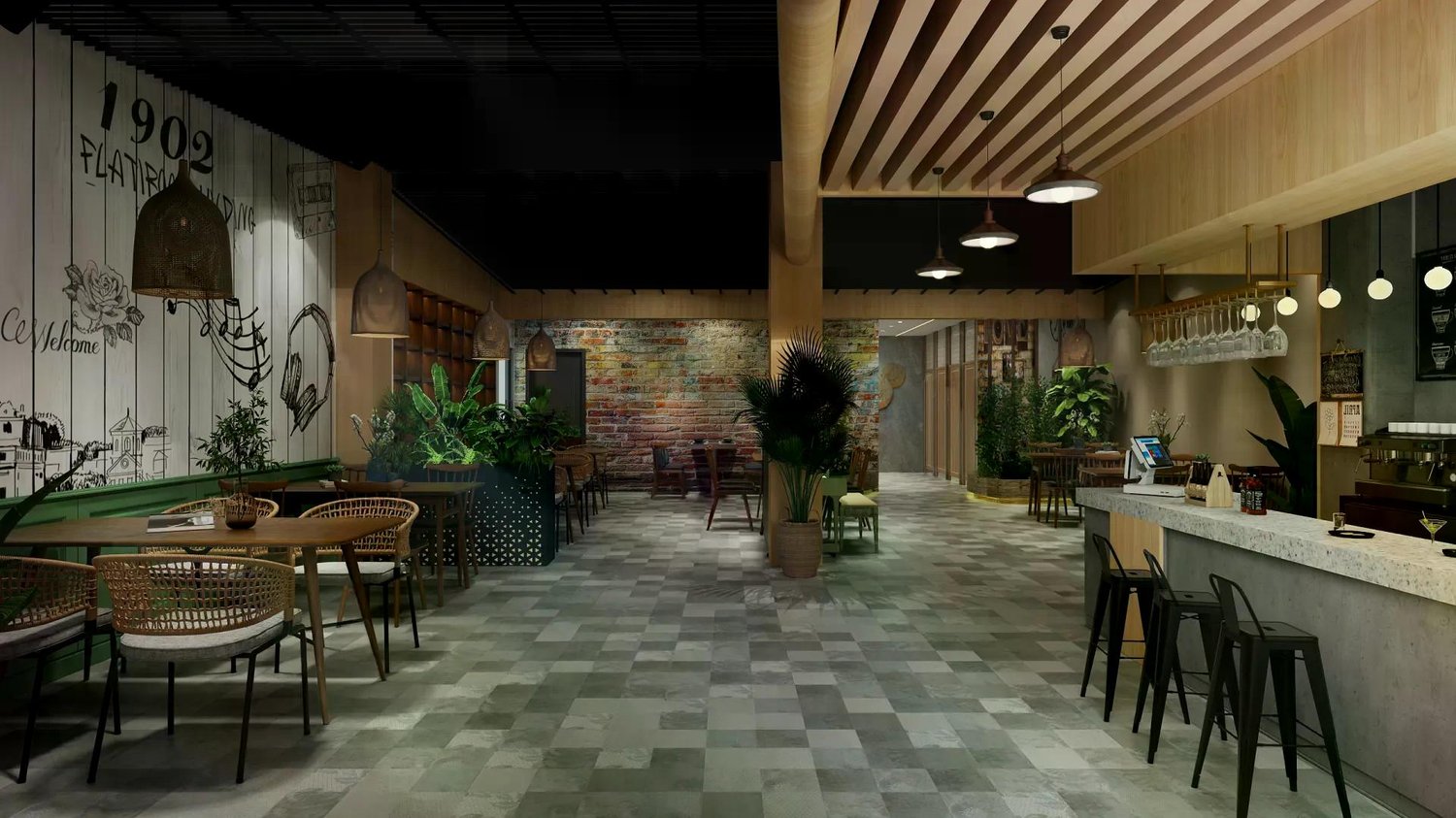
Original design drawing(pixels: 1920*1080)
You can download the original image and test the effect on Runninghub AI.
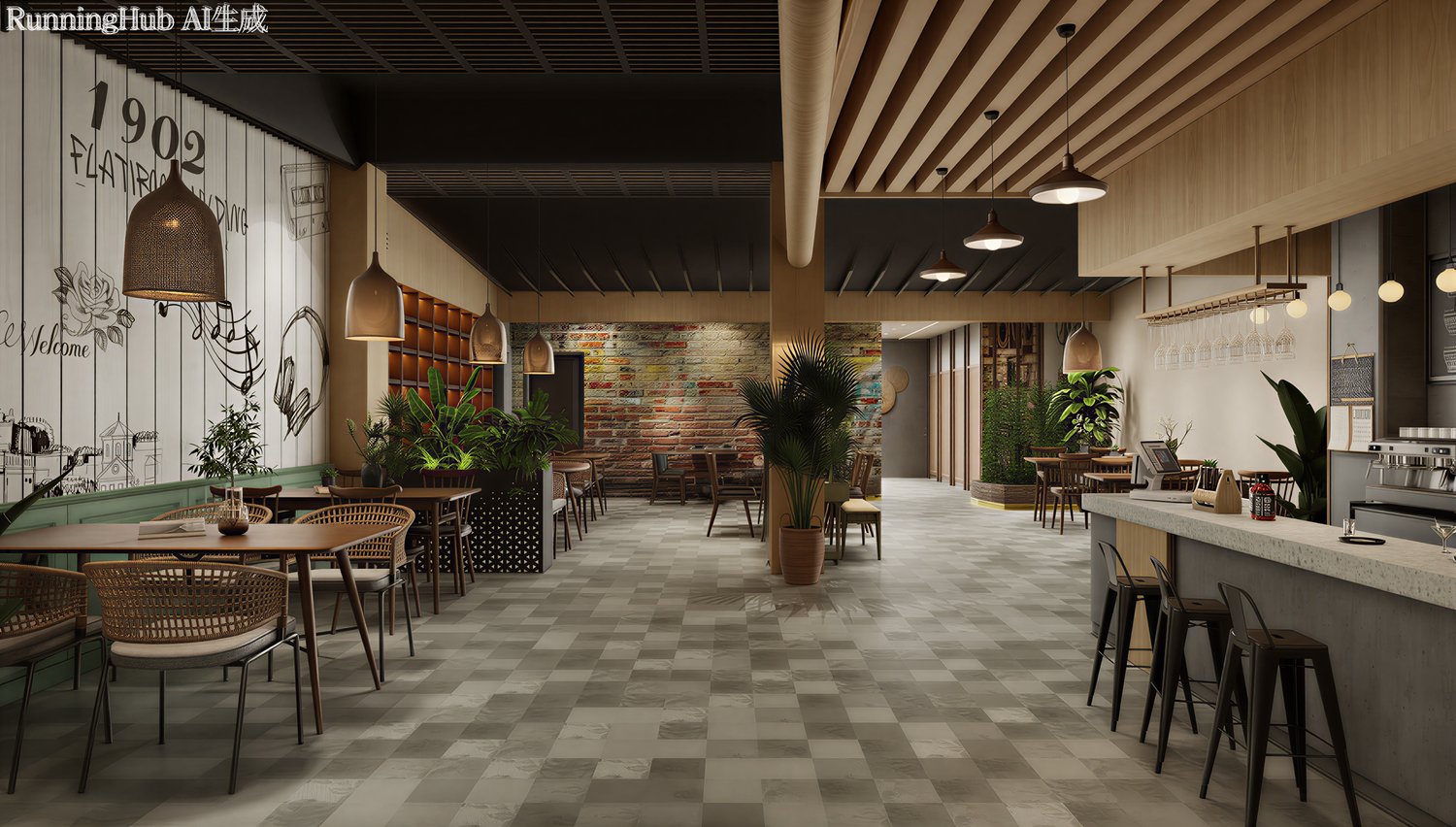
The effect of Runninghub AI optimization is shown in the figure.
AI optimized resolution: (pixels: 3408*1936), or you can upgrade to 4K or 6K.
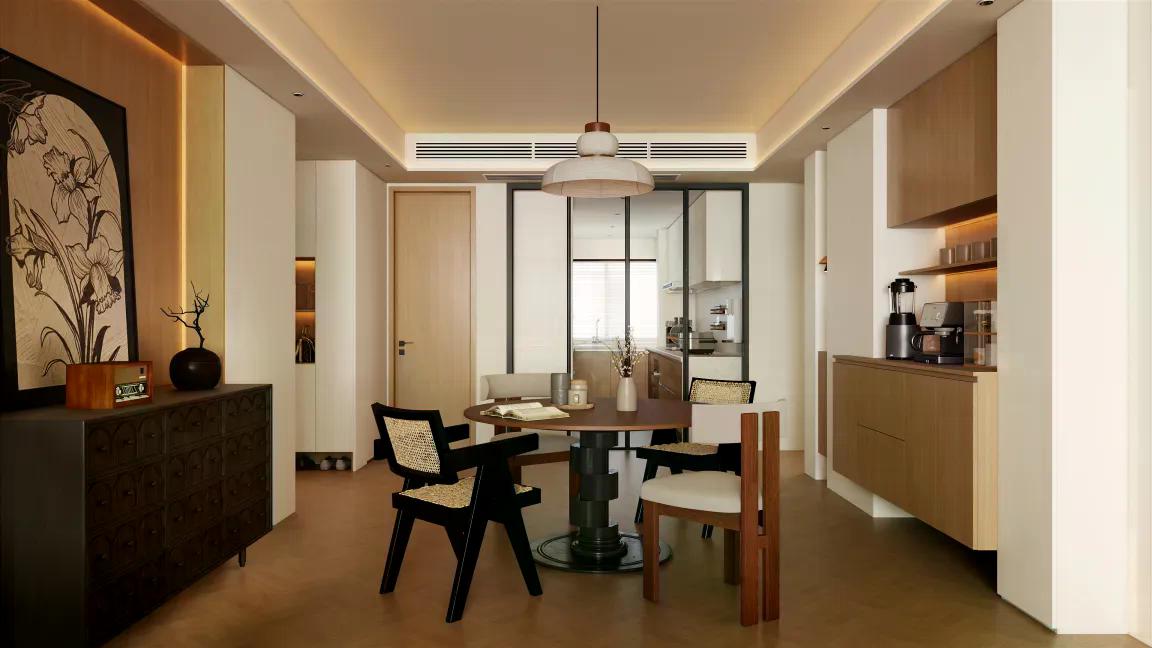
Original design drawing(pixels: 1152*648)
You can download the original image and test the effect on Runninghub AI.
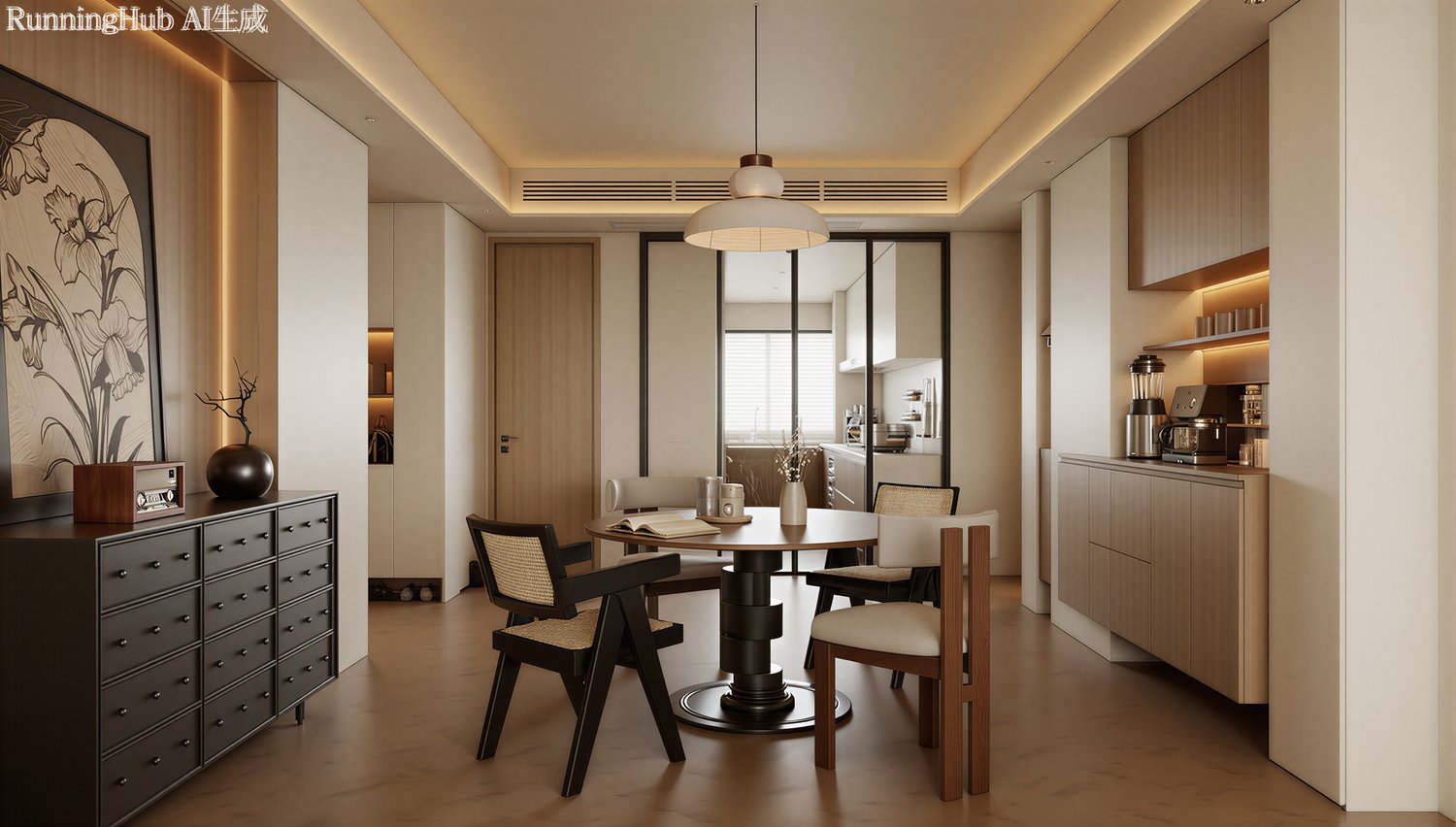
The effect of Runninghub AI optimization is shown in the figure.
AI optimized resolution: (pixels: 3408*1936), or you can upgrade to 4K or 6K.
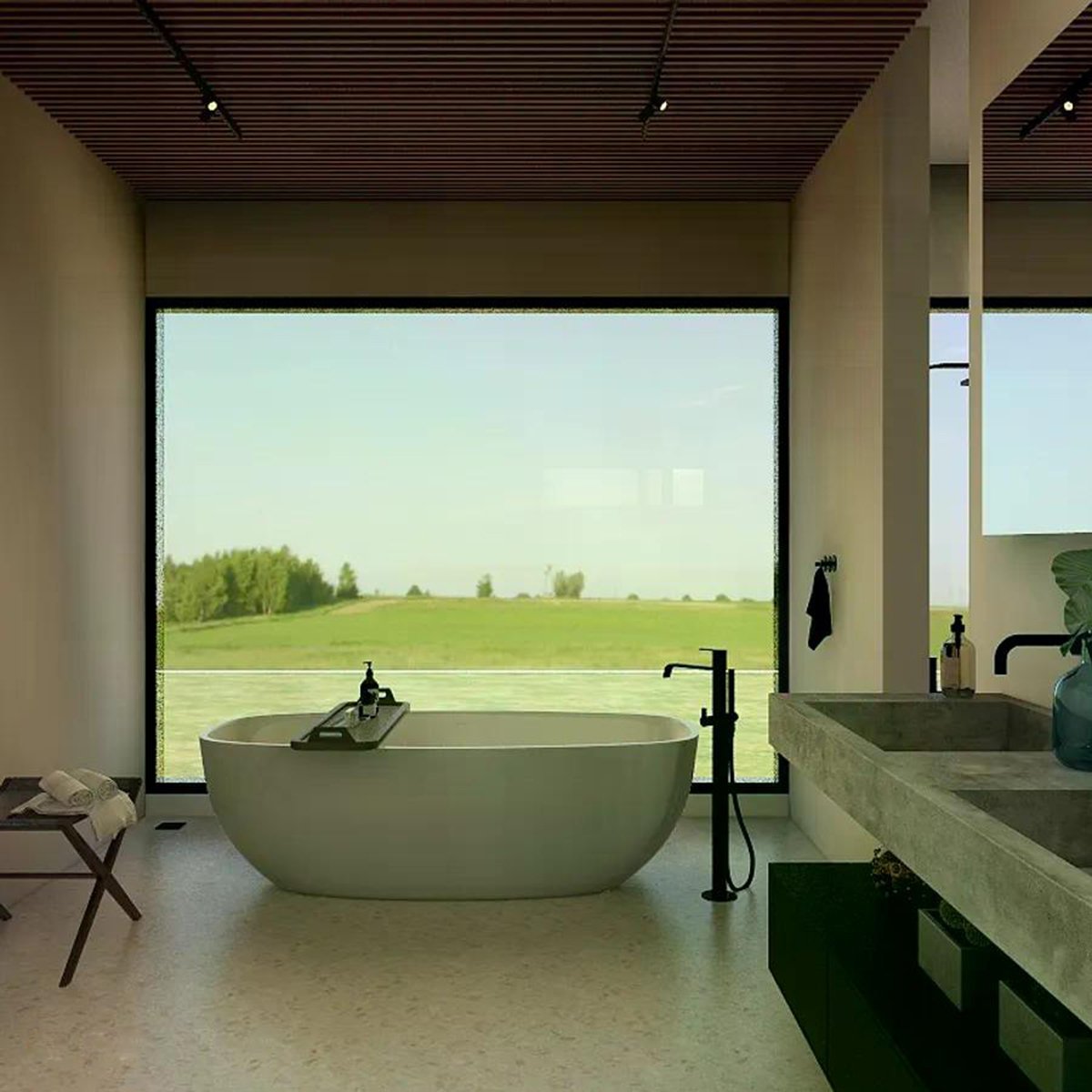
Original design drawing(pixels: 1152*1152)
You can download the original image and test the effect on Runninghub AI.
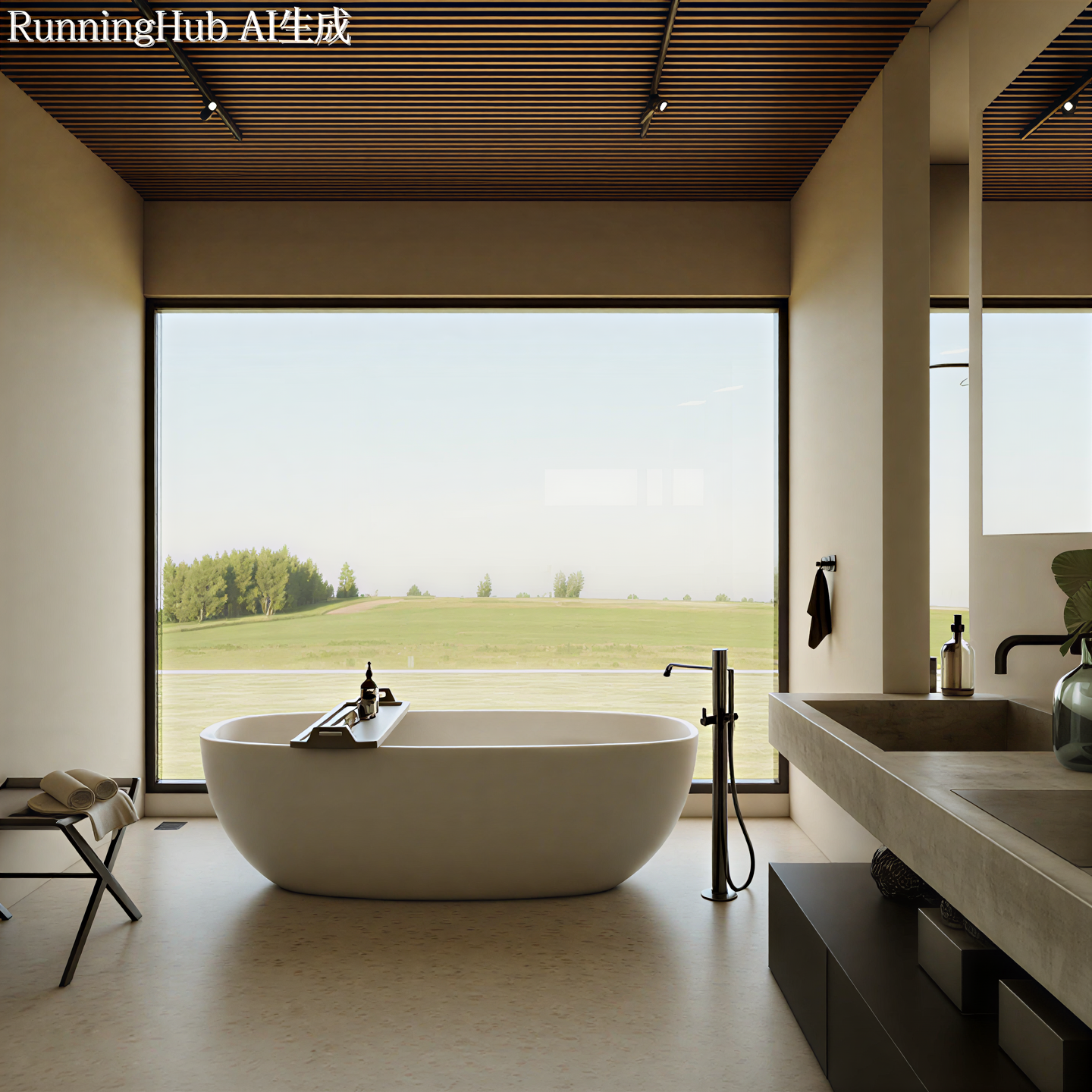
The effect of Runninghub AI optimization is shown in the figure.
AI optimized resolution: (pixels: 1800*1800), or you can upgrade to 4K or 6K.
If you don't know how to download the original image in JPG format, please install an image downloader plugin in Google Chrome to download the JPG image.
The AI workflow used in the above works is:
GD Vision Ultra-realistic Light-sensing Image Washing + HD Upscaler for Image. Using both workflows yields better results. You can copy the above works and test the effects.
In RunningHUB AI, you might be unsure which specific AI workflow to choose. Based on my daily usage and testing, I have selected the most effective interior design workflows to recommend to you. Below are the details on their specific functions and how to use them:
1、Name:GD Vision Ultra-realistic Light-sensing Image Washing .........Recommended rating: ★★★★★ stars
Suitable for.......Interior renderings
Usage.........Import images directly; no parameters are required for direct generation.
Specific functions.... Enhances image quality, automatically adjusts lighting and shadows, automatically expands images, etc.
2、Name:HD Upscaler for Image ........................Recommended rating: ★★★★★ stars
Suitable for.......All renderings
Usage.........Import images directly; adjustable parameters are typically around 1600-3000.
Specific functions.... Enhances image detail and clarity, etc.
3、Name:Light optimization limited-time trial version ..............Recommended rating: ★★★★ stars
Suitable for.......Interior renderings
Usage.........Import images directly; no parameters are required for direct generation.
Specific functions.... Suitable for interior renderings, solving problems such as graying, overexposure, and pure black in images, and increasing shadow depth.
4、Sumuyun_SU Model One-Click Rendering V2
.......................................Recommended rating: ★★★ stars
Suitable for.......Interior rendering
Usage.........If there are no parameters, you can either omit the prompt words or add prompt words.
Specific functions.... You can render directly using SketchUp or Kujiale model rendering, but there will be some issues with model control.
5、SumuCloud Image HD Enlargement 2X
.......................................Recommended rating: ★★★ stars
Suitable for.......All renderings
Usage.........Import images directly; no parameters are required for direct generation.
Specific functions....Lossless 4K enlargement of the rendering
6、Leo Workflow: SU One-click Interior Rendering V1_Kontext
.......................................Recommended rating: ★★★ stars
Suitable for.......Interior rendering
Usage.........If there are no parameters, you can either omit the prompt words or add prompt words.
Specific functions.... You can render directly using SketchUp or Kujiale model rendering, but there will be some issues with model control.
7、JUJIAO Home Decoration Renderings V1.0 (JUJIAO STUDIO)
.......................................Recommended rating: ★★★ stars
Suitable for.......Interior rendering
Usage.........If there are no parameters, you can either omit the prompt words or add prompt words.
Specific functions.... You can render directly using SketchUp or Kujiale model rendering, but there will be some issues with model control.
You can search for and bookmark the AI products mentioned above on the homepage. You can also try and discover other AI products with different functions at your own pace.