

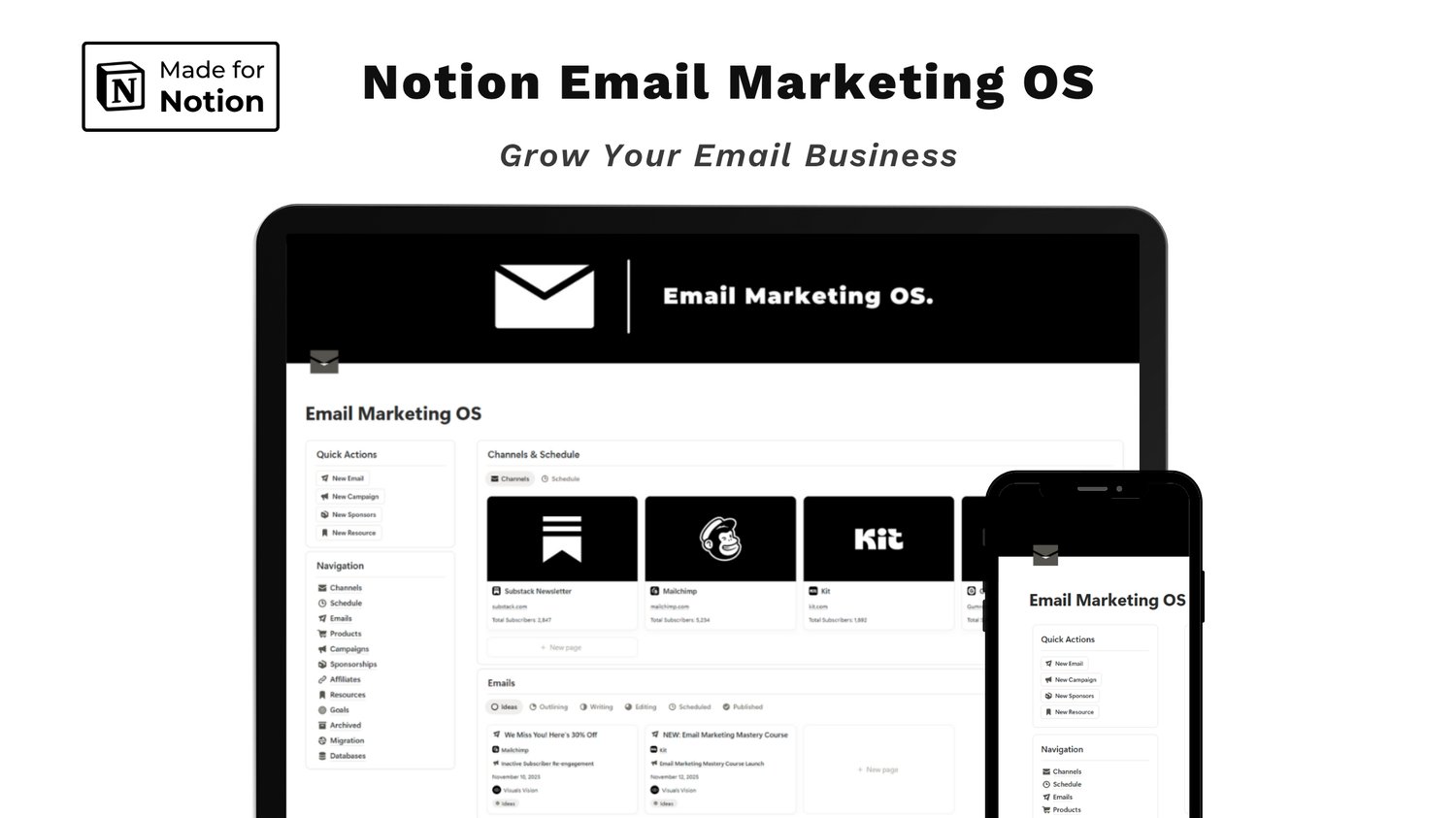
Learn how to run your entire email business in Notion. This tour of the Notion Email Marketing OS covers channels, scheduling, campaigns, sponsorships, affiliates, finances, and more.
Running an email business usually means juggling too many tabs: a Substack draft here, a Mailchimp campaign there, a sponsor's email buried in your inbox, and a spreadsheet you swore you'd update. This guide shows how to bring all of it into one workspace with the Notion Email Marketing OS, an all-in-one system designed to streamline your email workflow, manage multiple platforms, and grow your list and revenue.
This template is perfect for newsletter writers, creators, and online business owners who want to send consistent emails without the chaos. Here's a section-by-section tour.
Start With the Dashboard
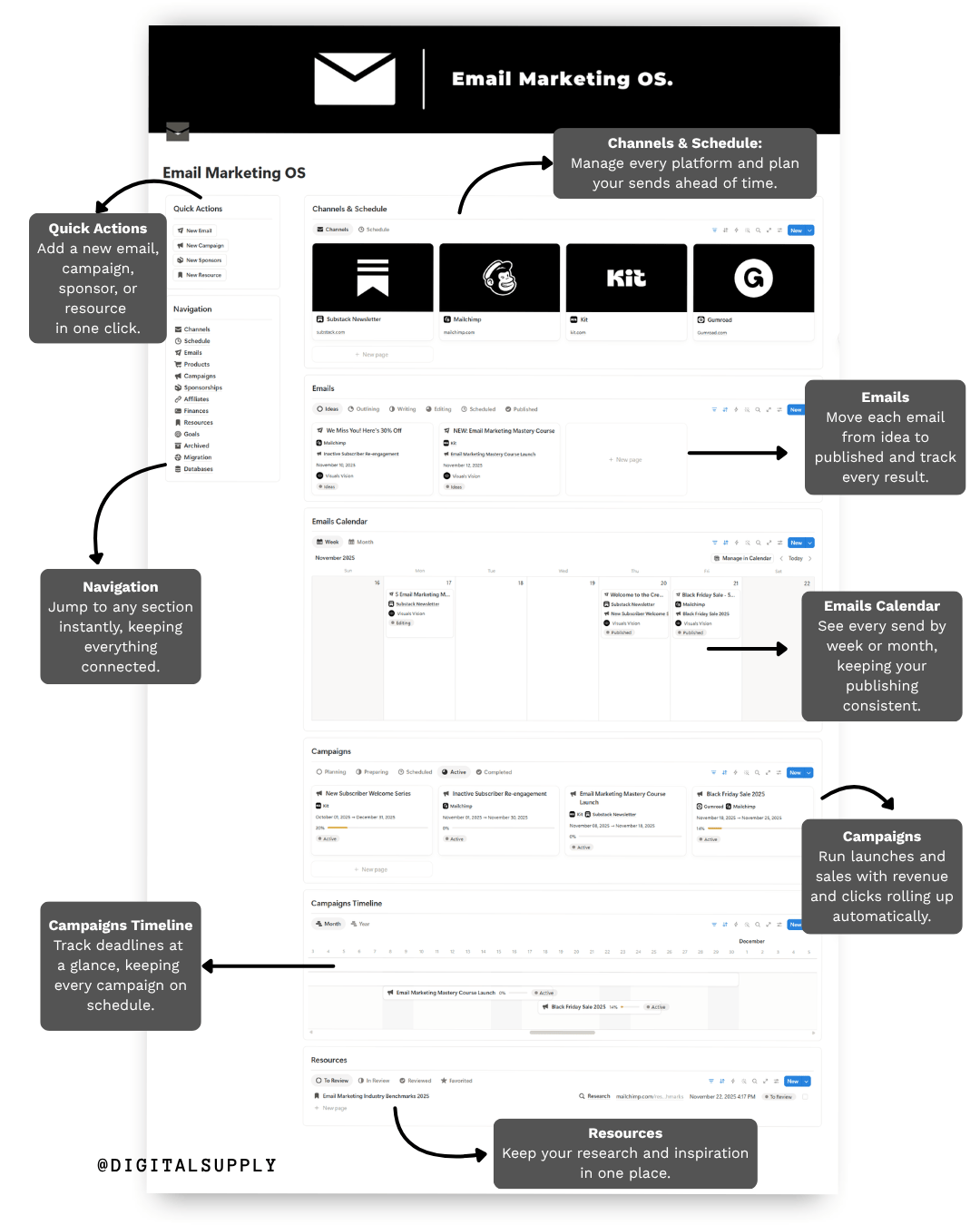
Everything begins on the main dashboard. On the left, Quick Actions let you add a new email, campaign, sponsor, or resource in one click, so your ideas never get slowed down by setup. Below it, the Navigation menu lets you jump to any section instantly, keeping everything connected and easy to find.
On the right, you see your whole system at a glance: channels, your email pipeline, the emails calendar, campaigns, the campaigns timeline, and resources.
Channels: Manage Every Platform in One Place
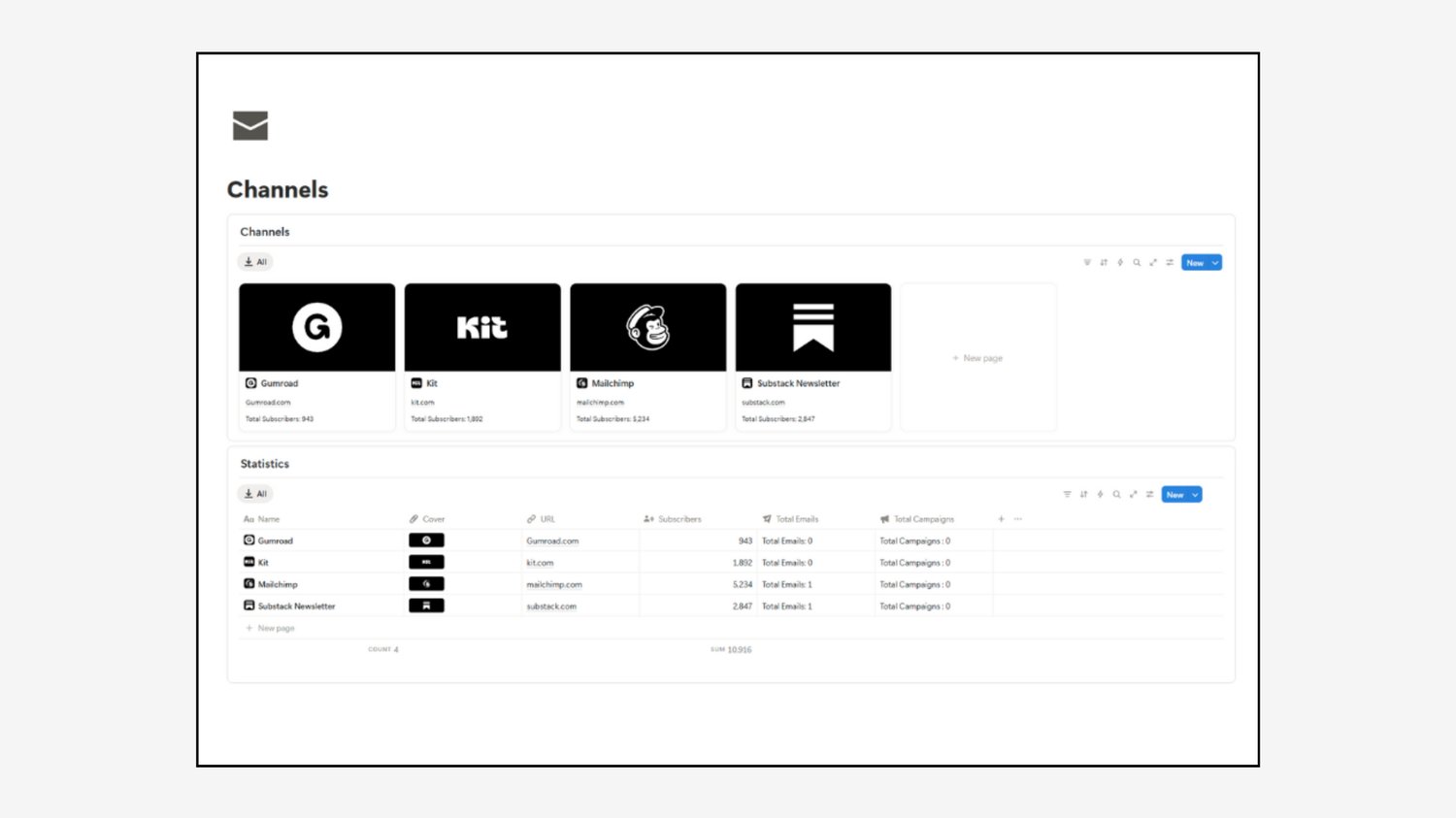
Start by managing all of your platforms in the Channels section. Whether you send through Substack, Mailchimp, Kit, or Gumroad, this section organizes each one as its own card, with the URL and subscriber count.
Below the gallery, the Statistics table shows your total subscribers across every platform, plus the total emails and campaigns connected to each channel. That way you always know where your audience lives and where your energy is going.
Schedule: Plan Your Sends Ahead of Time
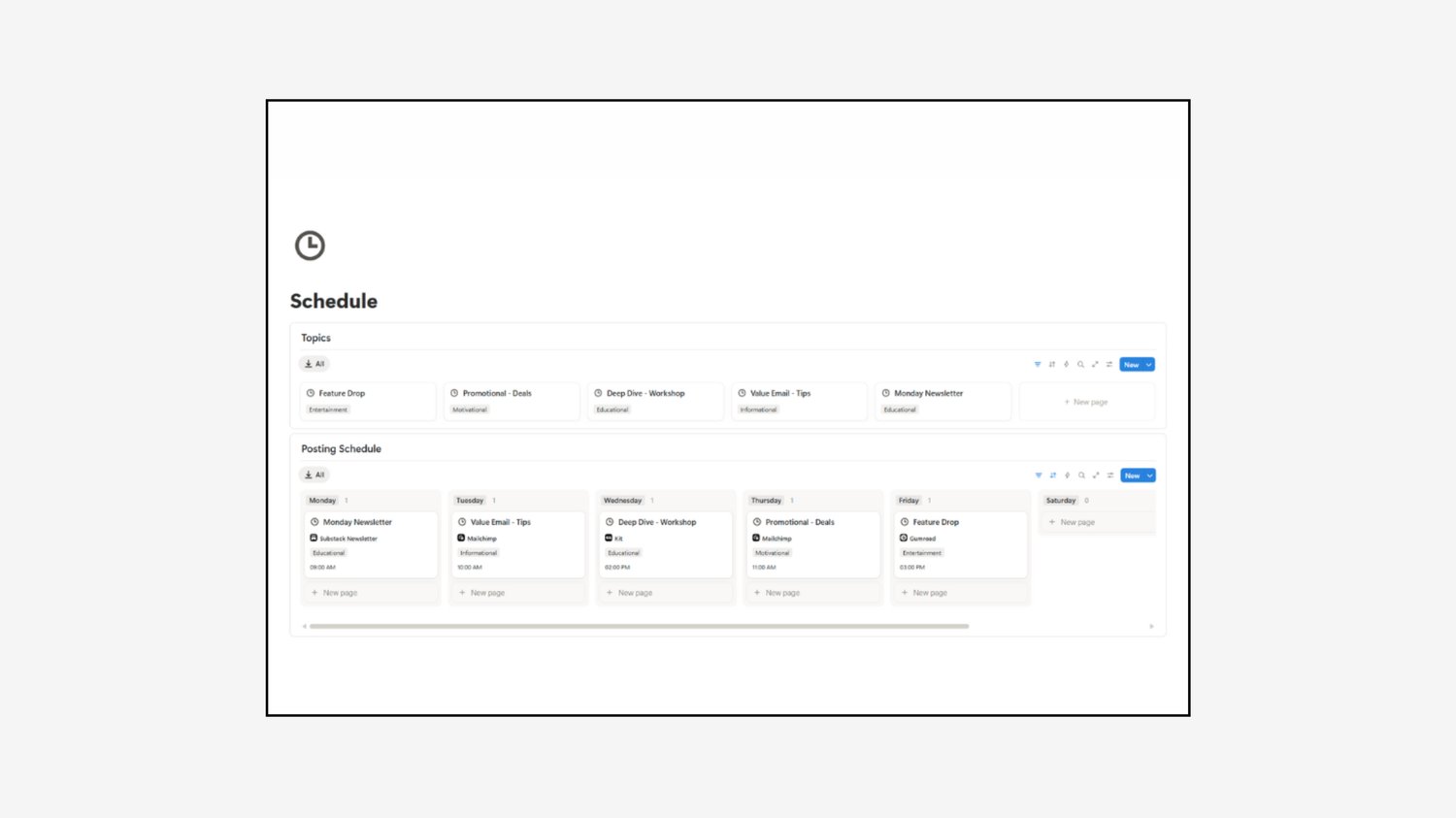
Plan your emails ahead of time with the Schedule section. It has two parts:
- Topics: create your recurring email types, such as a Monday newsletter, a value email, a deep-dive workshop, a promotional email, or a feature drop. Tag each one as educational, informational, motivational, or entertainment.
- Posting Schedule: a board organized by day, where you assign each topic to a channel and a send time.
Here you can set your rhythm once and decide on content in advance, making sure you always have a steady stream of fresh emails ready to go.
Emails: Turn Ideas Into Published Campaigns
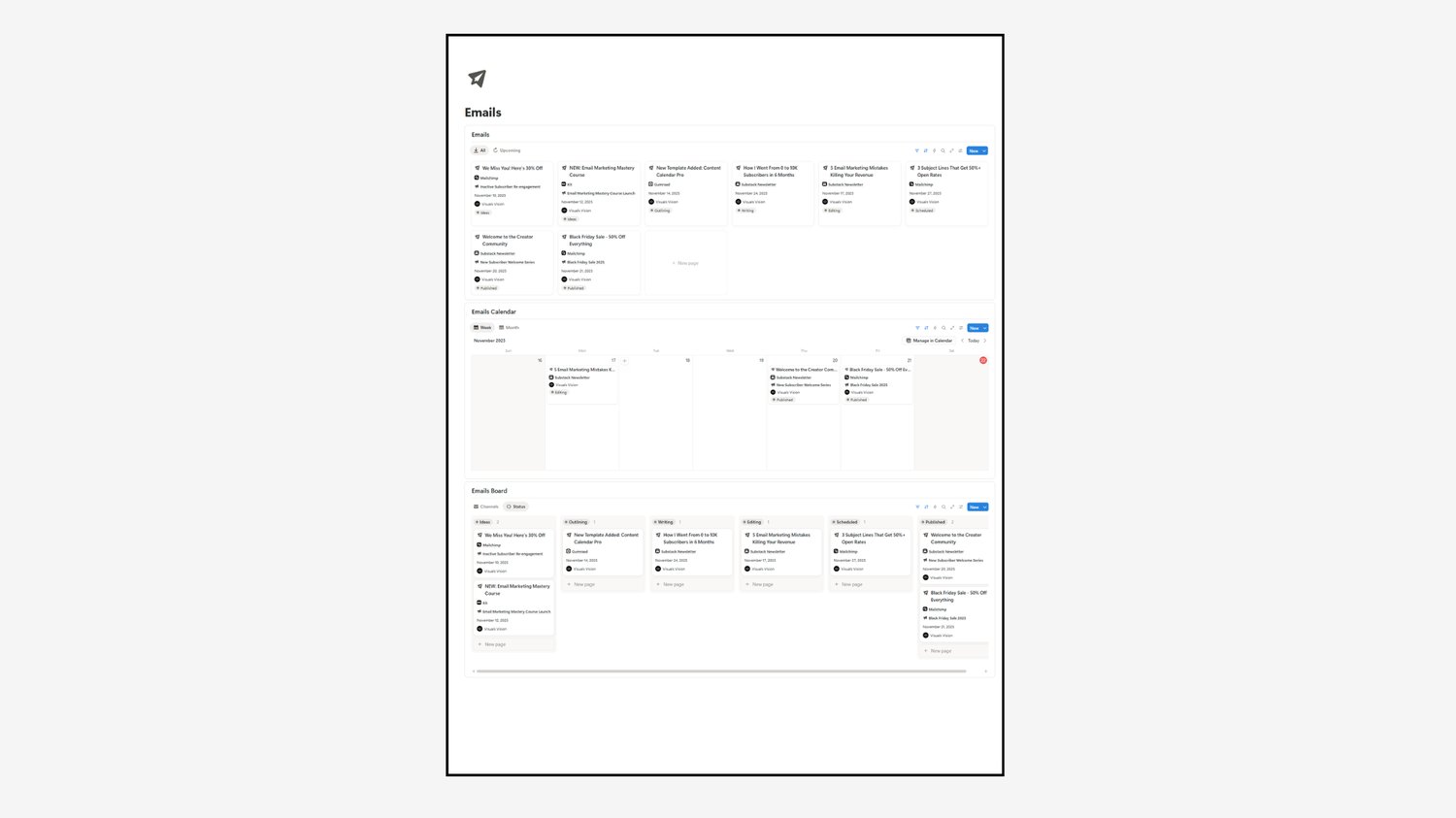
The Emails section is where your ideas come to life. It gives you three views:
- Emails gallery: every email as a card, showing its channel, campaign, date, and status.
- Emails Calendar: see every send by week or month, ensuring your publishing stays consistent and polished.
- Emails Board: move each email through every stage, from Ideas to Outlining, Writing, Editing, Scheduled, and Published.
Each email page also tracks performance, including opens, clicks, sales, revenue, open rate, and conversion rate. You always know which emails are working and which need a rewrite.
Campaigns: Run Launches, Sales, and Sequences
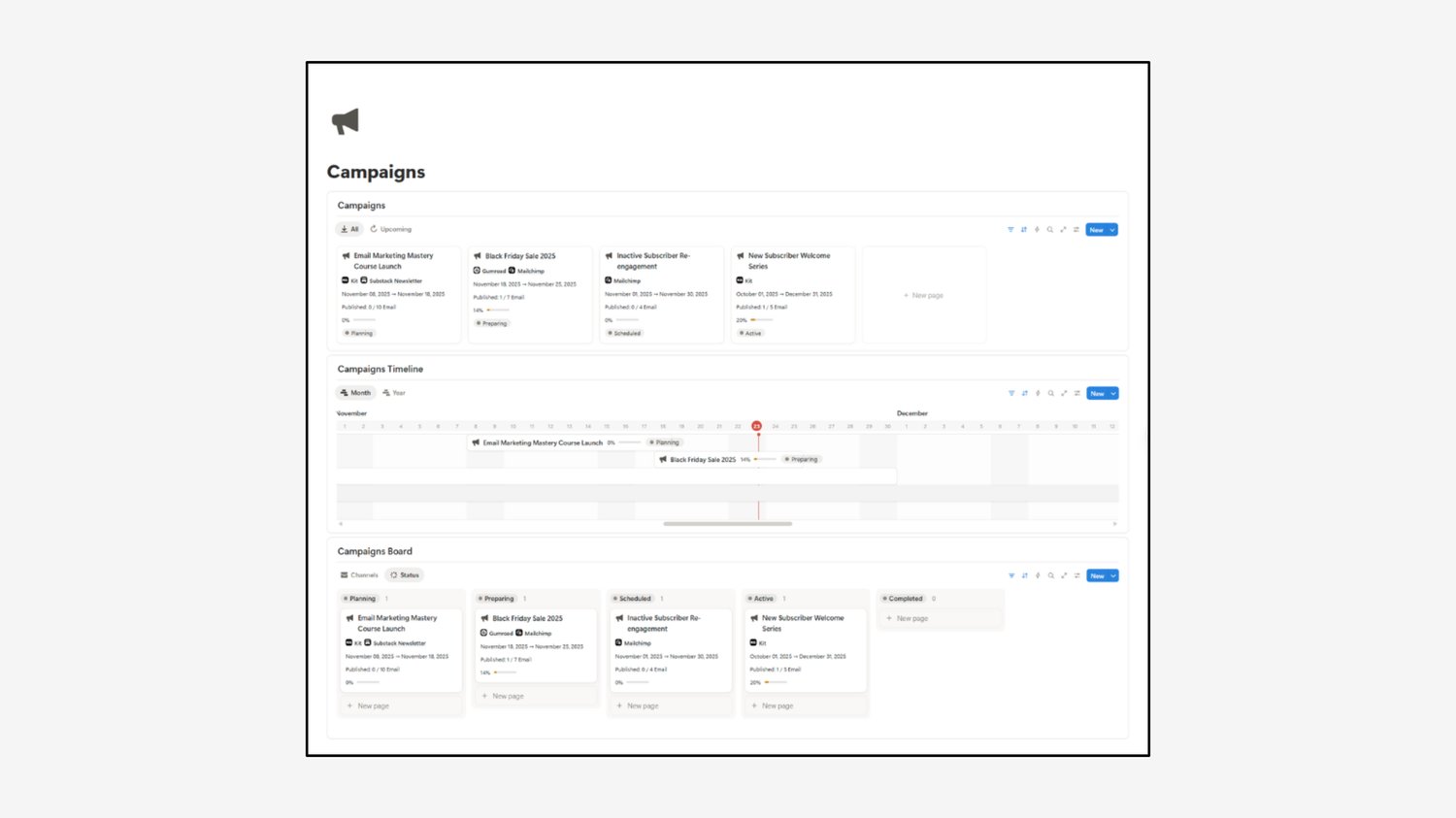
Manage bigger initiatives with the Campaigns section. Whether it's a welcome series, a re-engagement sequence, a course launch, or a Black Friday sale, each campaign gets its own card with channels, dates, a progress bar, and a status.
- Campaigns gallery: see every campaign and how many of its planned emails are published.
- Campaigns Timeline: track start dates and deadlines at a glance, keeping every campaign on schedule.
- Campaigns Board: move campaigns through Planning, Preparing, Scheduled, Active, and Completed.
Connect your emails to a campaign and its revenue, open rate, and clicks roll up automatically.
Goals: Set Targets and Track Your Growth
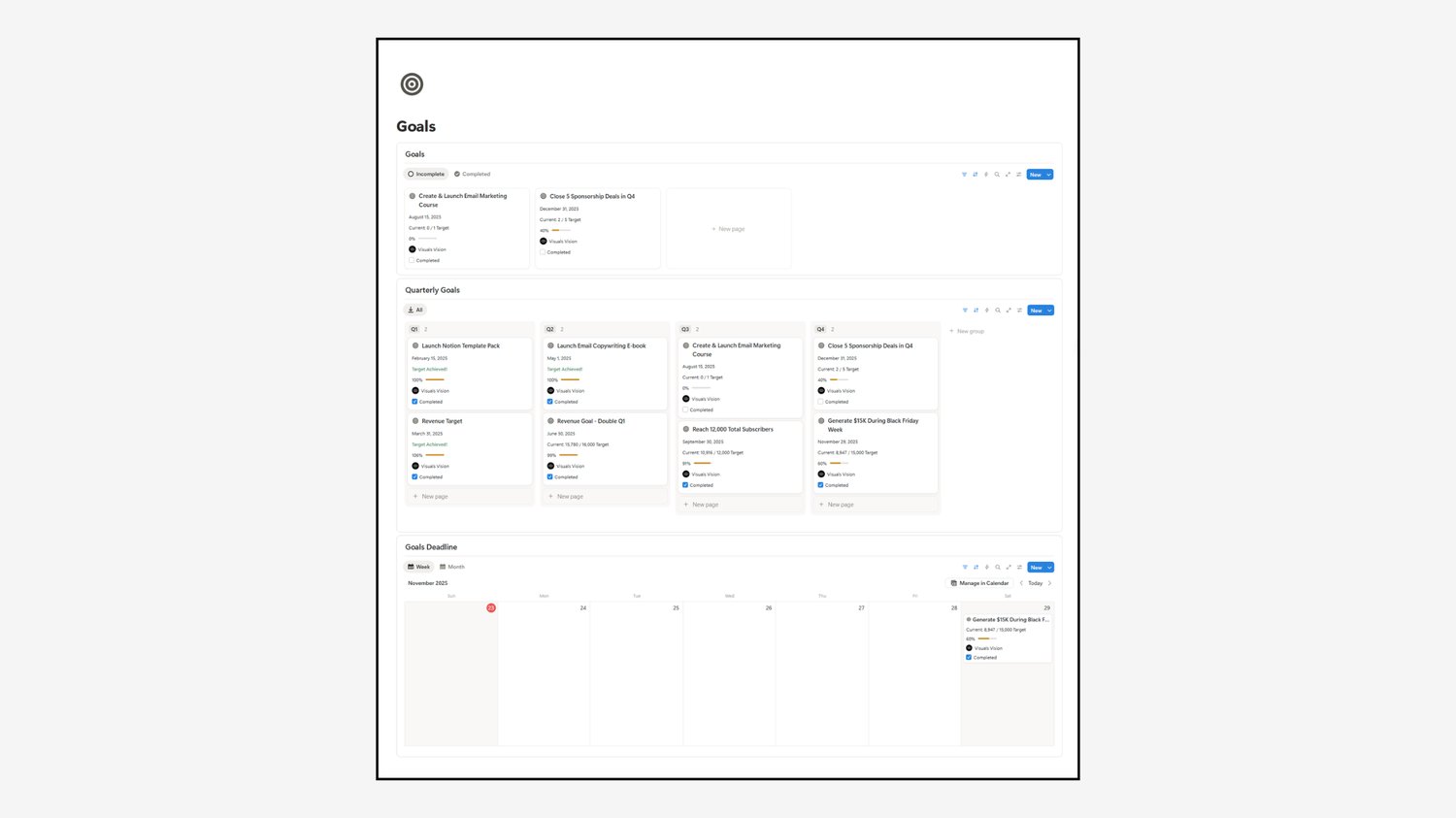
Set and track your growth targets in the Goals section. Enter your start, current, and target numbers, choose a quarter and year, and watch the progress bar move. Examples include reaching a subscriber milestone, closing sponsorship deals, or generating revenue during a sale.
You get three views: your goals list, a Quarterly Goals board from Q1 to Q4, and a Goals Deadline calendar. Check each goal off when you hit it, so you stay motivated as your list grows.
Sponsorships: Manage Brand Deals From Pitch to Payment
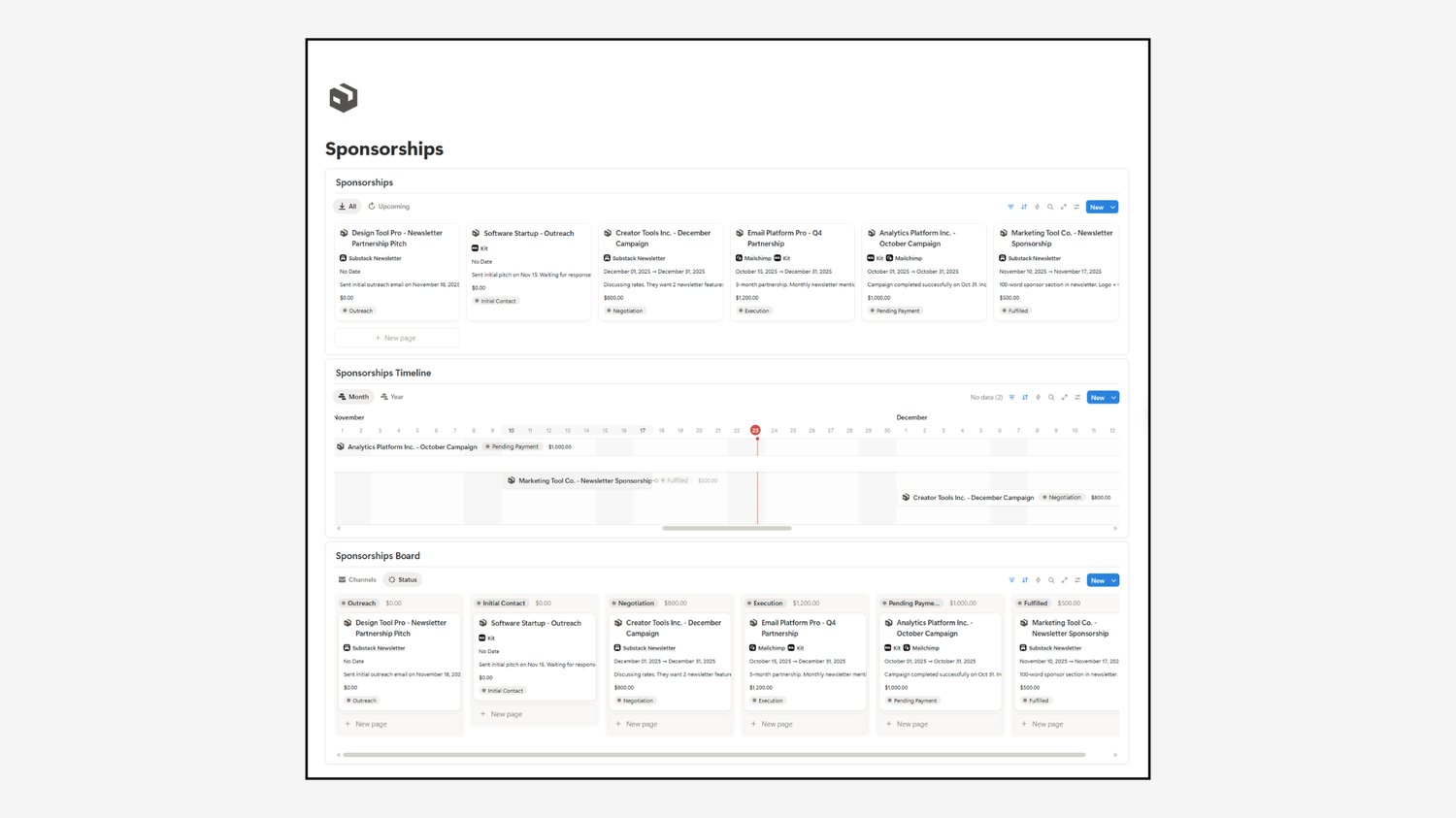
Manage brand deals in the Sponsorships section. Track every deal through Outreach, Initial Contact, Negotiation, Execution, Pending Payment, and Fulfilled, with the deal value, dates, and notes on each card.
Use the timeline to see when campaigns start and end, and the board to see the total value sitting in each stage. It keeps every deliverable and deadline in one place, so you can meet expectations and deliver quality work for your brand partners.
Products: Keep Your Offers Organized
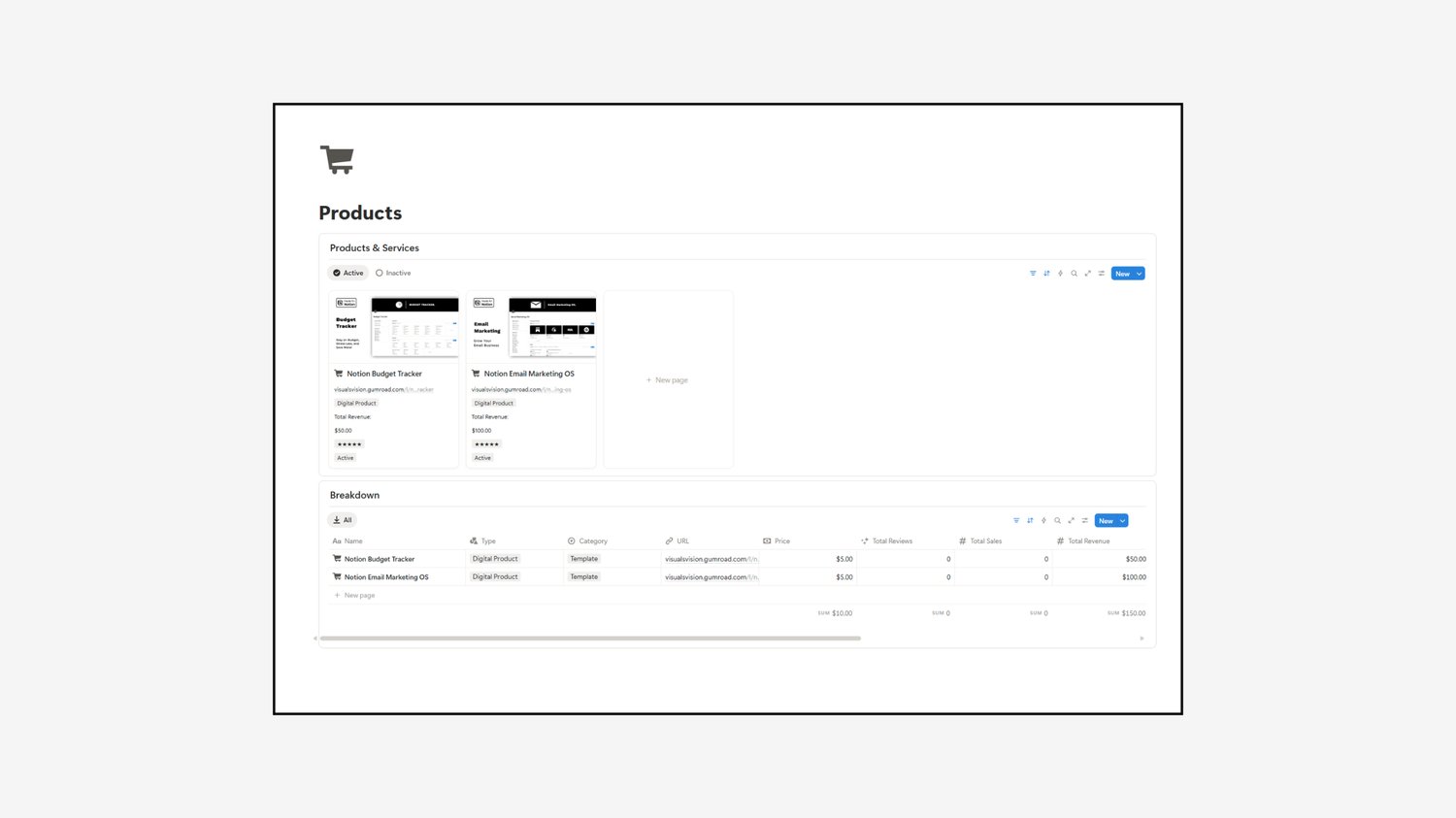
The Products section is where you keep track of everything you sell. Log each product with its type, category, price, URL, total sales, reviews, and revenue. Use the gallery for a quick visual overview and the Breakdown table to compare performance side by side.
Connect each product to the emails and campaigns that promote it, so you can see what your content actually sells.
Affiliates: Track Every Program and Commission
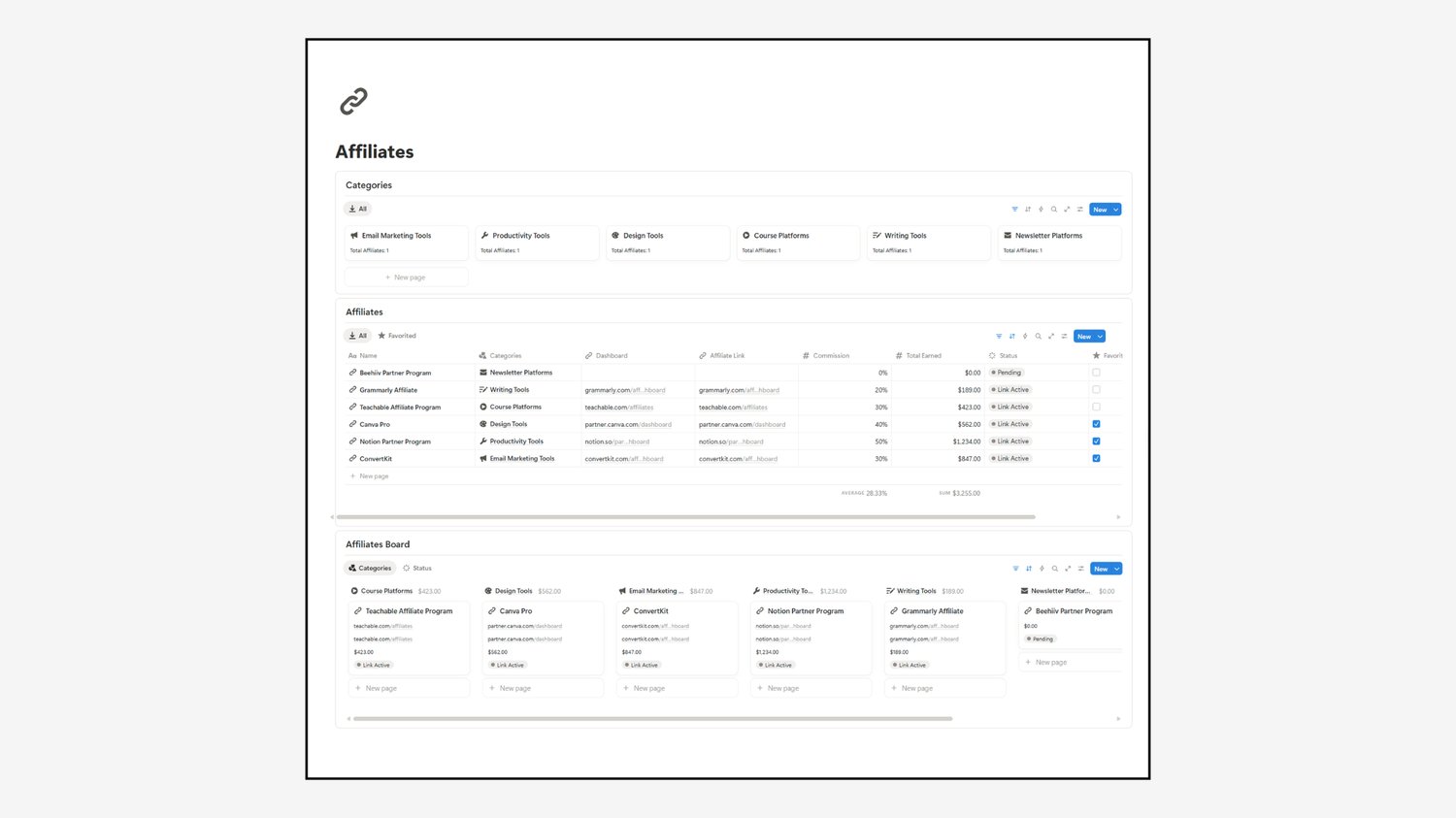
Stay on top of your partnerships in the Affiliates section. Group programs by category, such as email marketing tools, design tools, course platforms, and writing tools. Then track each program from To Apply to Pending, Link Acquired, and Link Active.
Store your dashboard and affiliate links, record your commission %, and monitor your total earned. You'll see which programs deserve more of your content.
Finances: See What's Coming In and Going Out
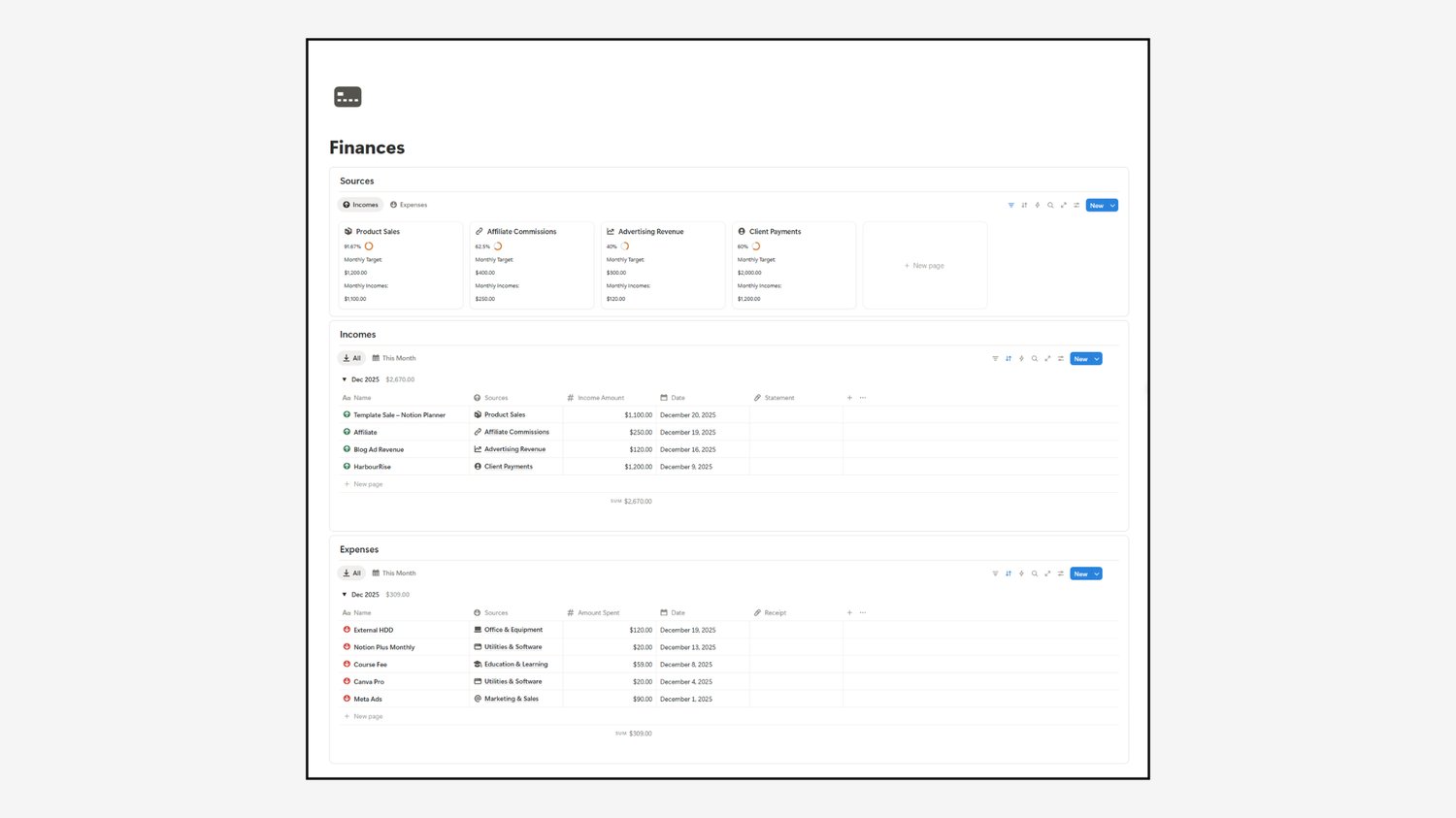
The Finances section gives you a clear picture of your email business. Set a monthly target for each income source, then watch your progress toward it. Log Incomes and Expenses with the date and amount, and see the monthly totals add up.
Track your product sales, affiliate commissions, advertising revenue, and client payments, along with tools, ads, and courses on the expense side.
Resources: Save Your Research and Inspiration
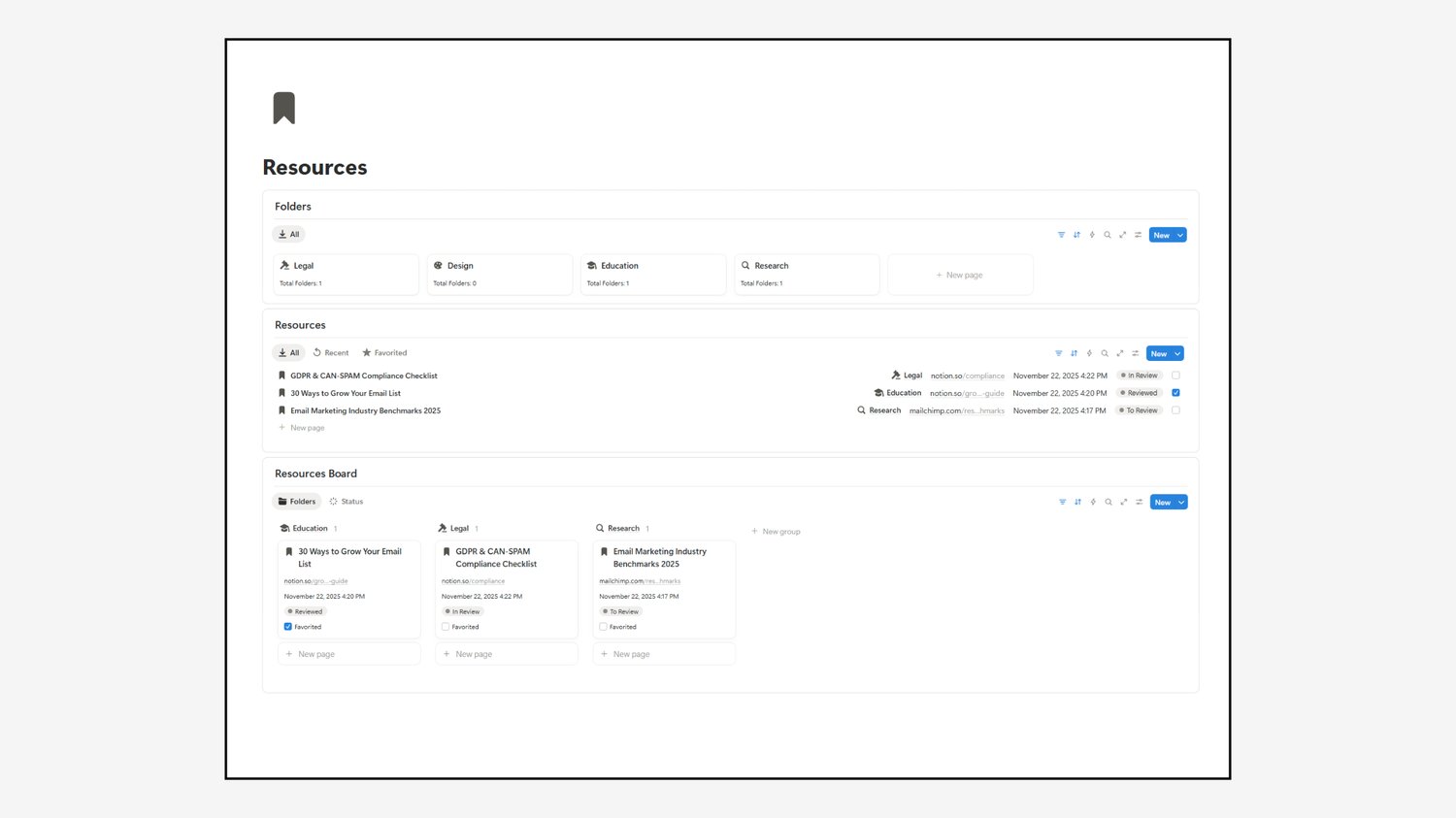
Keep all your essential research in one place with the Resources section. Organize links, guides, and benchmarks into folders like Legal, Design, Education, and Research. Mark each one as To Review, In Review, or Reviewed, and favorite the ones you want to come back to.
Whether it's a compliance checklist or industry data, you have everything you need to create impactful, informed emails.
Archive: Keep Your Workspace Clean
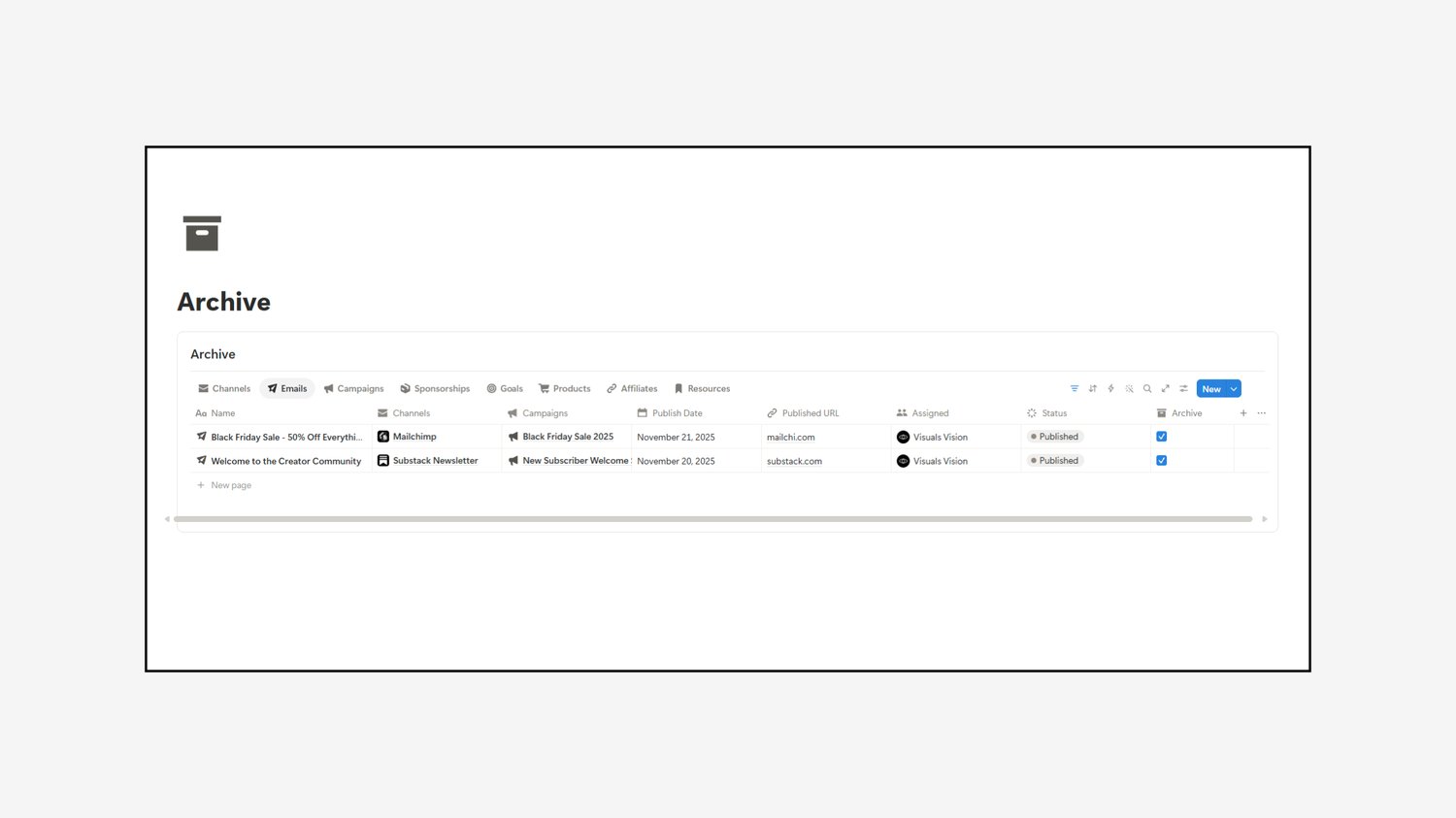
Once a project is complete, move it to the Archive. Check the archive box on any email, campaign, sponsorship, goal, product, affiliate, or resource, and it moves out of your main views but stays searchable. Your workspace stays organized, and you can reference past emails and campaigns whenever you need them.
Databases: The Engine Behind Everything
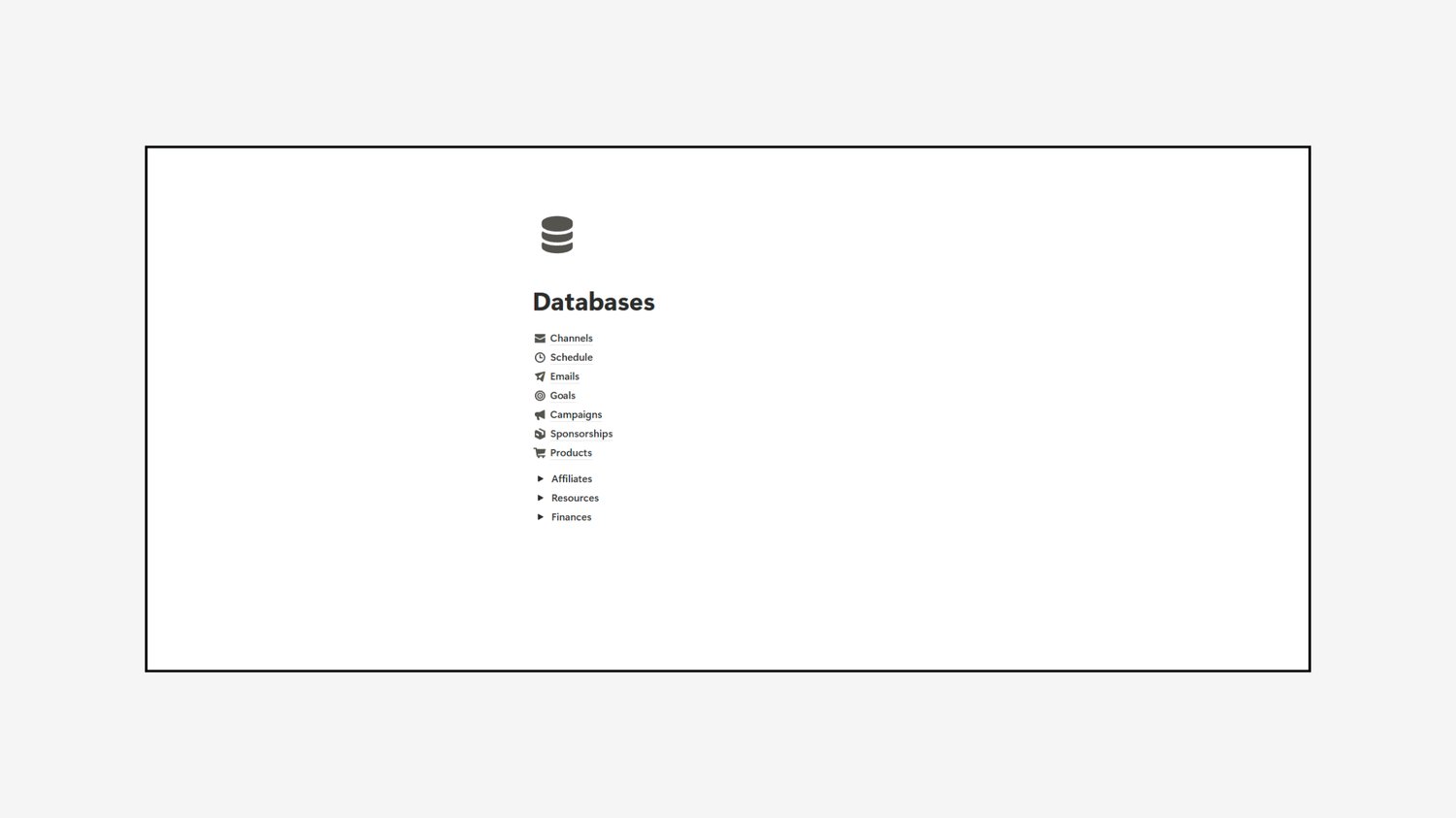
Finally, the Databases page gives you access to all the source data that powers the system. Everything is connected, making sure your process runs smoothly from start to finish. If you ever need to reorganize or move your content, the Migration section makes it easy.
Who Is This Template For?
The Notion Email Marketing OS is a great fit if you are:
- A newsletter writer sending on Substack, Kit, or Mailchimp
- A creator growing a list to sell digital products
- An online business owner who wants campaigns, sponsors, and revenue in one place
- A beginner who wants a proven structure instead of starting from a blank page
Whether you're a seasoned email marketer or just getting started, this template gives you everything you need to stay organized and focused on what matters most.
Ready to Build Your Email System?
Ready to take your email marketing to the next level? Download the Notion Email Marketing OS here and start building your audience with ease.