
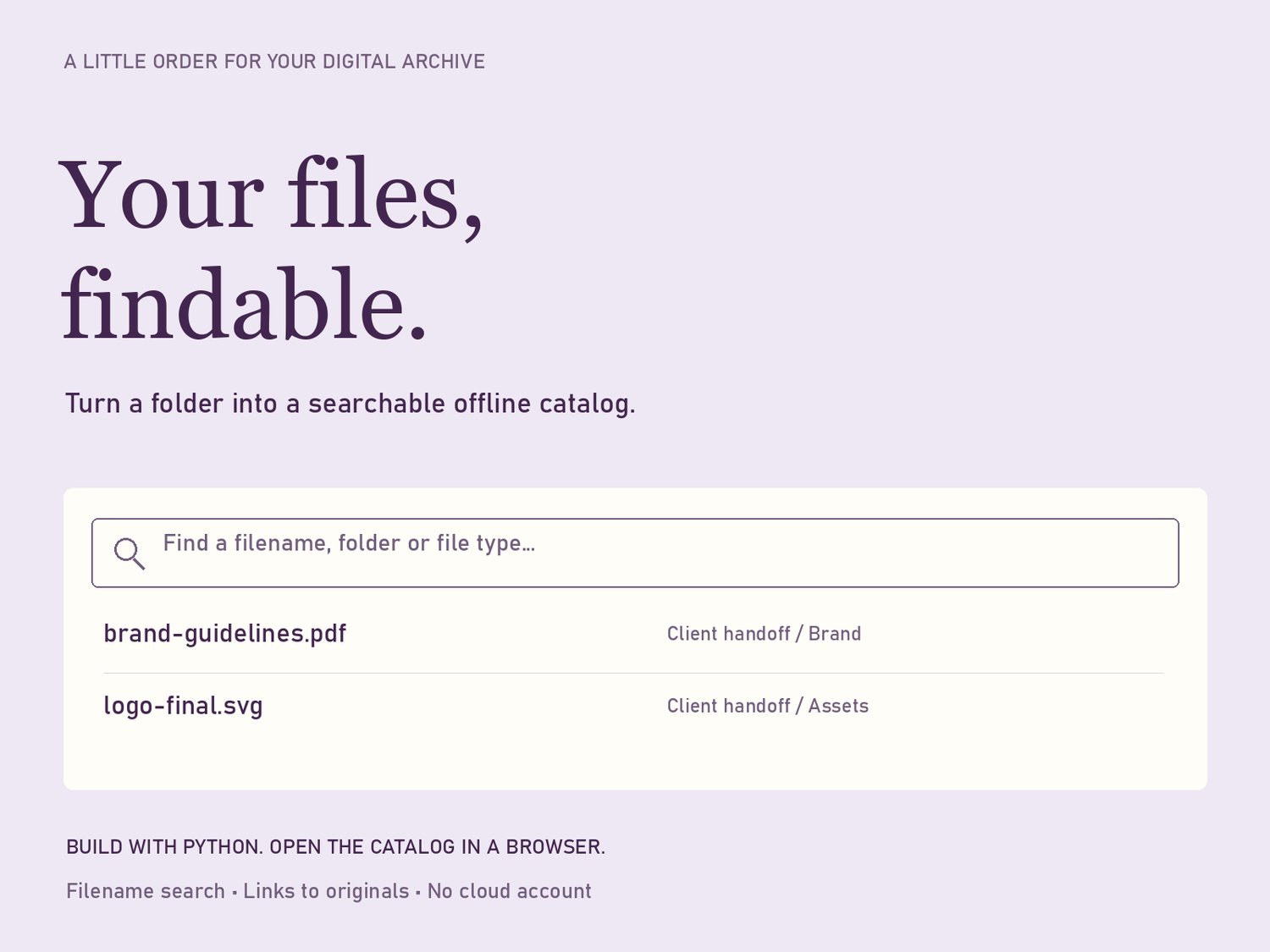
Picture a maker handing over a folder of product photos, care cards, and packing instructions. The recipient knows they need the blue cup’s front view, but there are several folders to search. Your Files, Findable creates a searchable browser page linking to those files, so a well-named collection is easier to navigate.
Who it helps
This $9 guide and Python utility is for makers, independent sellers, and creators who keep a small collection of photos, PDFs, videos, or reference files on a computer. It can also help prepare an organized asset handoff. You need Python 3.11 or later to generate the catalog. The recipient opens the generated HTML page in a browser; they do not need Python to browse it.
Try the included sample first
Extract the kit. Open a terminal in its folder and run:
python catalog.py example --output example/catalog.html --title "Sample ceramics collection"
Open example/catalog.html in your browser, search for cup, and open one of the fictional sample files. Search covers filenames, folder names, and file types. It does not read text inside PDFs or recognize objects in pictures. Descriptive names such as blue-cup-front.jpg make the catalog more useful than names such as IMG_8721.jpg.
Make a collection you can hand over
Copy only the files you intend to share into a folder named Product Collection beside the kit’s catalog.py file. Keep meaningful subfolders such as Cups and Bowls. From the kit folder, run:
python catalog.py "Product Collection" --output "Product Collection/catalog.html" --title "Product photo handoff"
The generated page belongs inside the collection. It links to the originals instead of uploading or duplicating them. Supported types include common images, PDF, MP4, MOV, TXT, CSV, ZIP, and SVG. Formats such as DOCX are not indexed. Hidden files and symbolic links are skipped.
Test the handoff
Open the catalog and find a file you recognize. Try links to an image, a document, and a nested folder. Copy the entire Product Collection folder to another location and open that copy’s catalog. Keep the relative folder structure intact. Zip the complete collection when sharing, and ask the recipient to extract it before opening catalog.html. Sending only the HTML page does not send the linked assets.
Update when your files change
The catalog is a snapshot. After adding or renaming files, run the generator again with a new output name such as catalog-v2.html. It refuses to overwrite an existing file. Check the new page before replacing your old working version.
Know the boundary
This is local navigation, not cloud storage, a backup, or an automatic sync service. A catalog does not make cloud-only files available offline. It has no password or revoke button; recipients can open the files you give them. Share only a deliberately prepared collection you have permission to distribute.
The download includes the generator, a written guide and PDF, fictional examples, and self-tests. No third-party Python packages or paid API are required. Start with the sample before organizing a larger collection.