
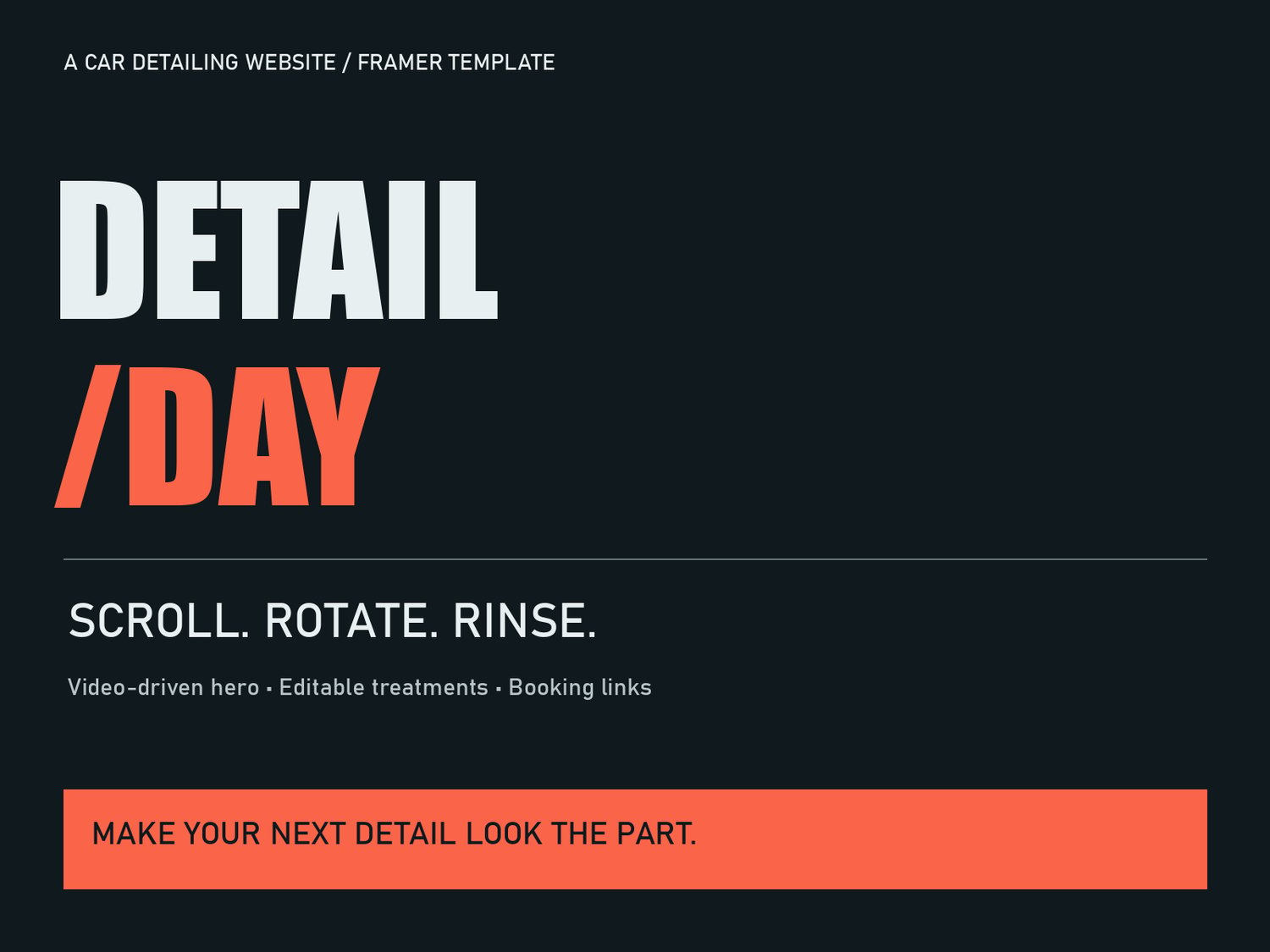
A car-detailing site needs to show the finish, explain the services, and give visitors a working next step. Detail Day is a $39 Framer template for independent detailers and designers building a detailing business website. Its scroll-driven car hero is one part of the page; the service descriptions and booking destination still need to match the actual business.
1. Make your own editable copy
The purchase includes a remix link and setup documents. Sign into Framer, open that link, and choose Copy. Work in the new project in your workspace. A Framer account is required; hosting plans, domains, and any booking-service charges are separate from the template purchase.
2. Replace the demonstration business
Open Home and select the RinseHero component. Its property controls contain the business name, headlines, introductions, buttons, services, process steps, FAQs, and accent color. Replace sample packages with services you actually offer, including relevant preparation instructions and exclusions. Service features use one line per feature. Add your actual business contact details and relevant policies before publication.
3. Use images that explain each treatment
The Story photo appears alongside the lower-page story. Each service has an optional Treatment image; use it to show the result or process for that service. Leave it empty for the text-only service layout. Add appropriate image descriptions in Framer’s image picker. Structural layout changes require editing the code component; the supplied controls cover text, media, service content, FAQs, and accent.
4. Connect a real booking destination
Set Booking URL to the complete HTTPS address of your booking page. The header and hero buttons use this destination. Service-package buttons first take visitors to the booking section and display the treatment they selected.
If your booking provider gives each service its own link, add that link to the service’s Treatment booking URL. The final booking button then uses it. An empty or invalid service link falls back to the main Booking URL. With one general booking page, the visitor may need to select the service again there. The template does not create appointments or invent provider-specific booking parameters. Without a valid destination, the demo notice stays visible and no appointment is submitted.
5. Understand and customize the hero
The car effect scrubs an AI-generated video as visitors scroll. It is not a real-time 3D vehicle model, and details can vary between frames. Replacing the fallback still does not replace the car in the video. To change the vehicle, upload your own suitable MP4 or WebM and set its description. Choose a clip whose ending shows the finished state you want. Reduced-motion visitors receive the ending view; a still is available when video loading fails.
6. Check the full visitor journey
Preview at desktop and phone widths after editing. Read every package, open each FAQ, select each treatment, and follow every booking link. Confirm the destination offers the right service. Test scrolling on a real phone before promoting your site. Then publish through Framer when your business content and links are ready.
The public demo is a demonstration, not an operating detailing business. The template includes no hosted booking service, customer database, managed maintenance, or guarantee of appointments. Choose it if you want an editable starting point and can supply your real content and booking setup.