
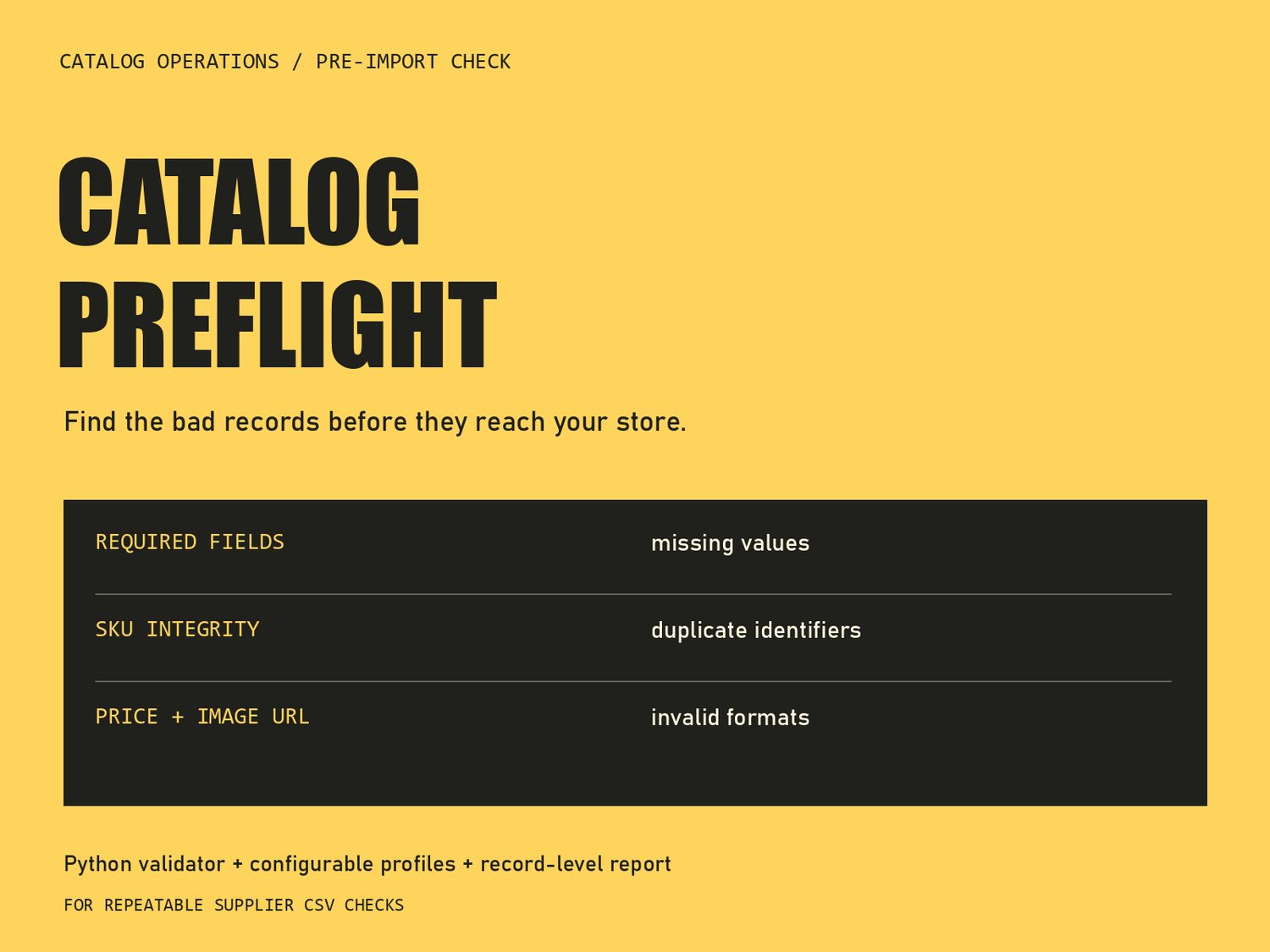
A supplier CSV can look tidy and still contain duplicate product codes, missing names, or prices written as text. Catalog Preflight gives catalog managers, small shop owners, and automation builders a repeatable check before the file moves to the next step. It reports problems without changing the source.
1. Start with a known example
Unzip the kit and open a terminal in its folder. You need Python 3.11 or later; the validator uses the standard library, so no third-party packages or API subscription are required. Run:
python catalog-preflight/scripts/check_catalog.py samples/problems.csv --profile samples/profile.json
The supplied example has five product records and deliberately produces seven findings. A findings result is expected here. It is not a crash.
2. Read the report by record
Record 3 repeats a product code from record 2. Record 4 has three problems: a missing product name, a price written as 8 USD, and an invalid image address. Record 5 has spaces around its product code and a zero price that the sample profile disallows. Record 6 contains a formula-like product name. The header is record 1, so product records begin at 2. These are logical CSV records; a quoted field with a line break remains one record.
3. Match your actual column names
Copy samples/profile.json to my-profile.json. Under columns, change the mapped values to the exact headers in your file. For example, map sku to Item Code if that is your product-code column. Keep the keys sku, name, and price unchanged. Remove the optional image mapping when there is no image column. Set the delimiter and decimal separator to match your export. The included runbook explains the available settings.
4. Check a copy of your supplier file
Run the following command from the extracted kit, replacing the sample filename with your own:
python catalog-preflight/scripts/check_catalog.py "my supplier.csv" --profile my-profile.json --output first-check.json
The JSON report identifies records, columns, and issue types. The validator does not rewrite your CSV or overwrite an existing report. Use a new report filename for the next run. Fix issues in a separate working copy, then check it again. Exit code 0 means the configured checks passed; 1 means findings; 2 means invalid input or configuration prevented the check.
5. Decide what still needs human judgment
A syntactically valid image URL may point to a missing image. An allowed numeric price may still be the wrong selling price. A passing report does not prove a file meets every requirement of Shopify or another store. This is a generic structural check, not a platform-certified importer, automatic repair service, or price recommendation engine.
You can run the tool directly or give its included skill instructions to an AI assistant using that assistant’s supported installation process. The validator makes no network requests; a separate AI assistant has its own data settings and potential costs.
Catalog Preflight is a $19 download with the local validator, agent instructions, editable mapping, examples, tests, and a repair runbook. It fits people comfortable running a short Python command who regularly prepare product spreadsheets.