
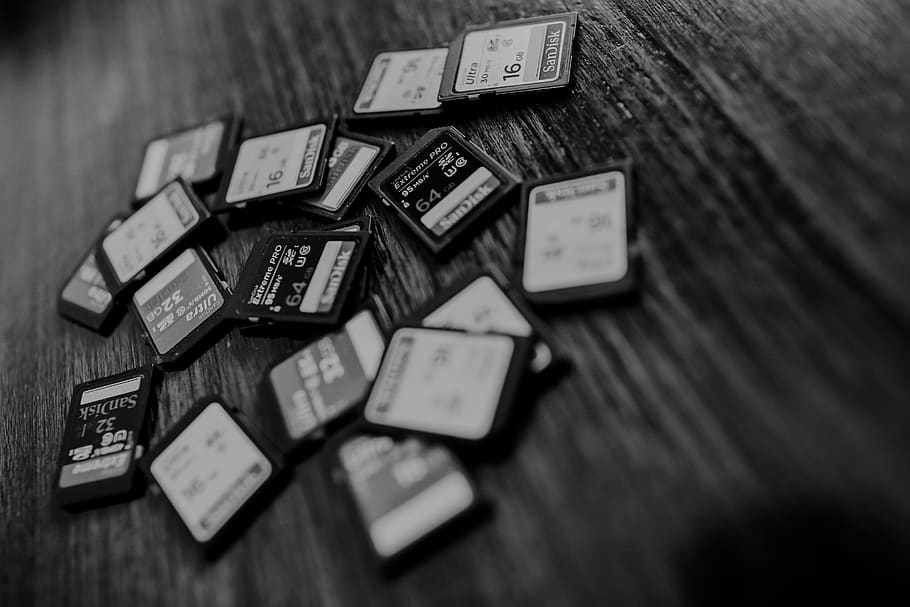
How to Properly Backup Your Memory Cards (And What to Do When it Goes Wrong)
As a photographer, there's nothing more terrifying than the thought of losing all of the images from a photoshoot. Whether it's due to a faulty memory card, a corrupted file, or a simple oversight, the loss of hours of work and precious memories can be devastating. But it doesn't have to be that way. With the right approach to backing up your memory cards, you can avoid the horror of a lost photoshoot and sleep soundly knowing your images are safe and secure.
The first step in protecting your images is to invest in high-quality memory cards. These days, it's easy to find reliable and affordable options that can hold hundreds of images. But that's not enough. Memory cards can fail, and it's important to have a backup plan in place.
After a photoshoot, the first thing you should do is transfer the images from your memory card to your computer. From there, you can organise and edit your images, and create a second backup on an external hard drive. This might seem like overkill, but it's better to be safe than sorry.
But what happens when all of your backup plans fail? This is what happened to me, I had just finished an important photoshoot, and I was feeling proud of the work I had done. I transferred the images to my computer, and then copied them onto an external hard drive, just to be safe. And then, the nightmare began. When I went to view the images, they were all black. Not corrupted, not blurry, just black. I tried to recover the images, but it was too late. They were gone, lost forever.
I was devastated, and I realised that I had made a critical mistake. I didn't verify that my backups were working correctly before continuing with the next steps. I had been so focused on getting the images off the memory card that I didn't take the time to check that everything had transferred correctly.
So, to all the photographers out there: take the time to properly backup your memory cards and double check that your backups are working correctly. It may take a little extra time and effort, but it's worth it to avoid the horror of a lost photoshoot.
This is a lesson I learned the hard way, and I want to share it with you to prevent this from happening to you. Backing up your memory cards may seem like a tedious task, but it can save you from losing precious memories forever.
Always double check your backups to make sure they are working, and you'll be able to sleep soundly knowing that your images are safe and secure.
Never forget, renew your memory card every few months to avoid losing images - https://amzn.to/3Dgi1nb
Comments ()