
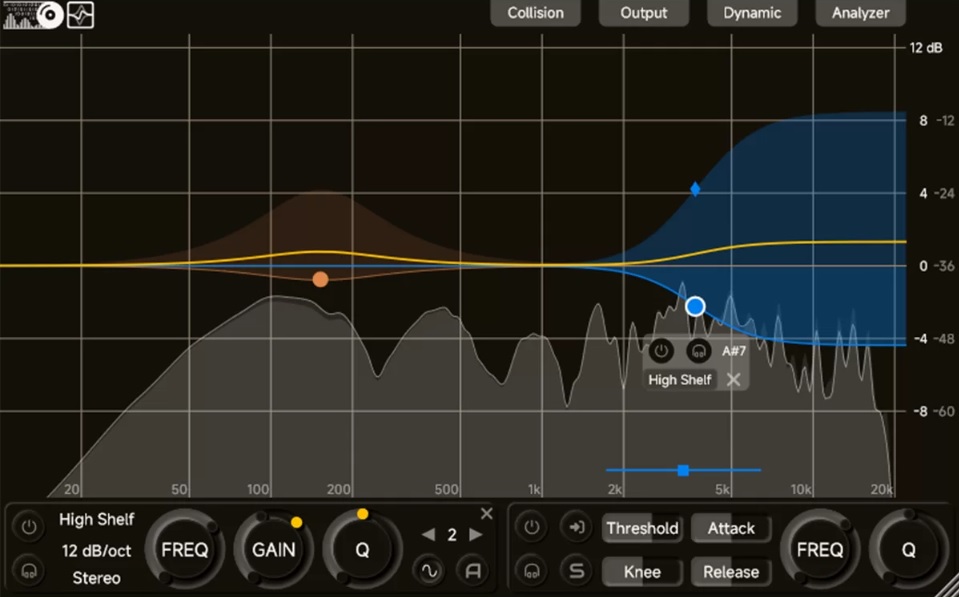
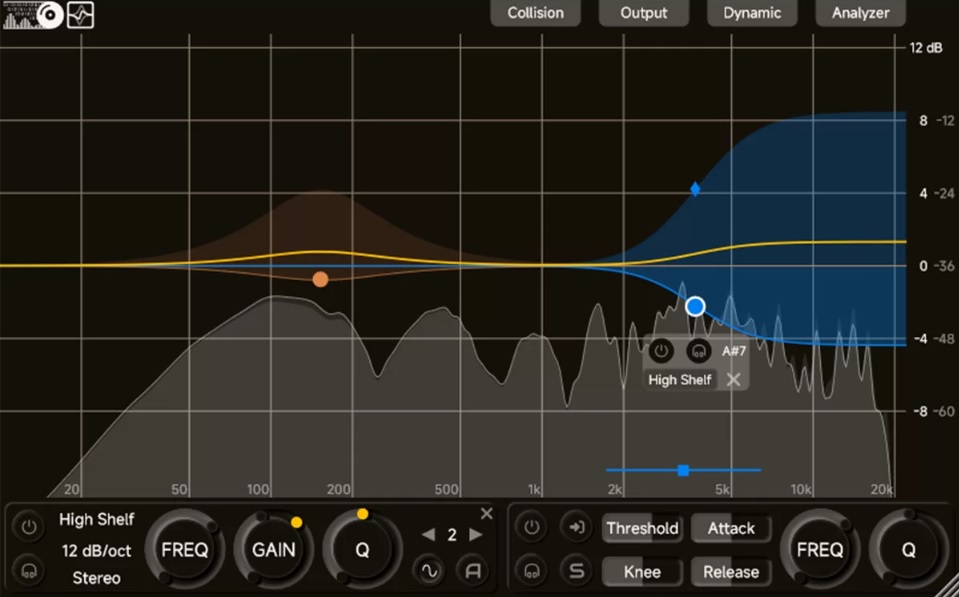
The ZL Equalizer
The ZL Equalizer provides several panels and settings that let you customize how the plugin behaves in your DAW. Below is an overview of these settings, starting with the general setup and dynamic adjustments.
General Settings Panel
To access the general settings, click the "General" button. This panel contains important options related to the filter structure and latency management:
Filter Structure Options
The ZL Equalizer offers six filter structures that alter how the plugin processes audio. These are:
Minimum Phase
The most common filter structure, ideal for minimal phase shift but prone to instability with rapid frequency and gain modulation.
State Variable
Commonly used for crossovers, this structure is more stable but introduces significant phase shifts.
Parallel
In this configuration, the Low Shelf, High Shelf, and Peak filters are processed in parallel, offering a more efficient approach to dynamic processing.
Matched Phase
This filter structure uses a short FIR filter to match analog prototypes, providing a more accurate magnitude/phase response but introducing some latency.
Mixed Phase
A variation of Matched Phase with reduced high-end phase shift, though it still causes noticeable latency.
Linear Phase
Offers zero phase shift but introduces substantial latency, making it unsuitable for real-time modulation.
Zero Latency (Zero LAT)
The "Zero Latency" option helps reduce processing delay, making it ideal for real-time applications. When activated, the plugin eliminates additional latency, although dynamic effects may still be impacted by buffer size and phase filter selection.
Dynamic Detection Settings Panel
Next, let's dive into the dynamic control options, accessible via the "Dynamic" button. Here, you can manipulate key parameters to adjust the filter response based on real-time audio dynamics.
- Lookahead
This determines the delay in the main-chain signal. When PDC (Plugin Delay Compensation) is supported, it can be interpreted as the lookahead time for the side-chain signal.
- RMS
The RMS setting defines the length of the audio window used to calculate instantaneous loudness. Increasing the RMS value causes the attack and release times to lengthen significantly.
- Smoothness
This adjusts the smoothness of the attack and release times, offering a more refined and musical dynamic effect.
- High Quality (HQ)
Turning this on makes the dynamic effect adjust the filter state per sample, which helps smooth out the dynamic response and reduces unwanted artifacts. However, it also increases processing time, so it’s best used when performance is not a major concern.
Dynamic and Automatic Threshold
The ZL Equalizer’s dynamic effect can automatically adjust the threshold based on side-chain loudness. Here’s how it works:
- Threshold and Knee Width
When the side-chain loudness exceeds or falls below certain thresholds, the plugin switches between the base and target filter states. The knee width allows for smooth transitions between these states.
When the loudness is below (threshold - knee width), the filter is set to the base state.
When the loudness is above (threshold + knee width), the filter is set to the target state.
- Automatic Threshold Adjustment
When enabled, the plugin calculates and adjusts the threshold based on the instantaneous loudness of the side-chain, providing dynamic, real-time threshold adjustments for optimal performance.
- Threshold Modes
The ZL Equalizer offers two threshold modes: Absolute and Relative. In absolute mode, the threshold is fixed, while relative mode adjusts the threshold based on the difference between the side-chain's instantaneous loudness and the overall loudness.
ZL equalizer by ZL audio here
If you found our information helpful, consider supporting us with a donation HERE to help us continue providing you with valuable resources. Your support keeps this blog running!
Video from Luyu Liu's youtube channel
Comments ()