

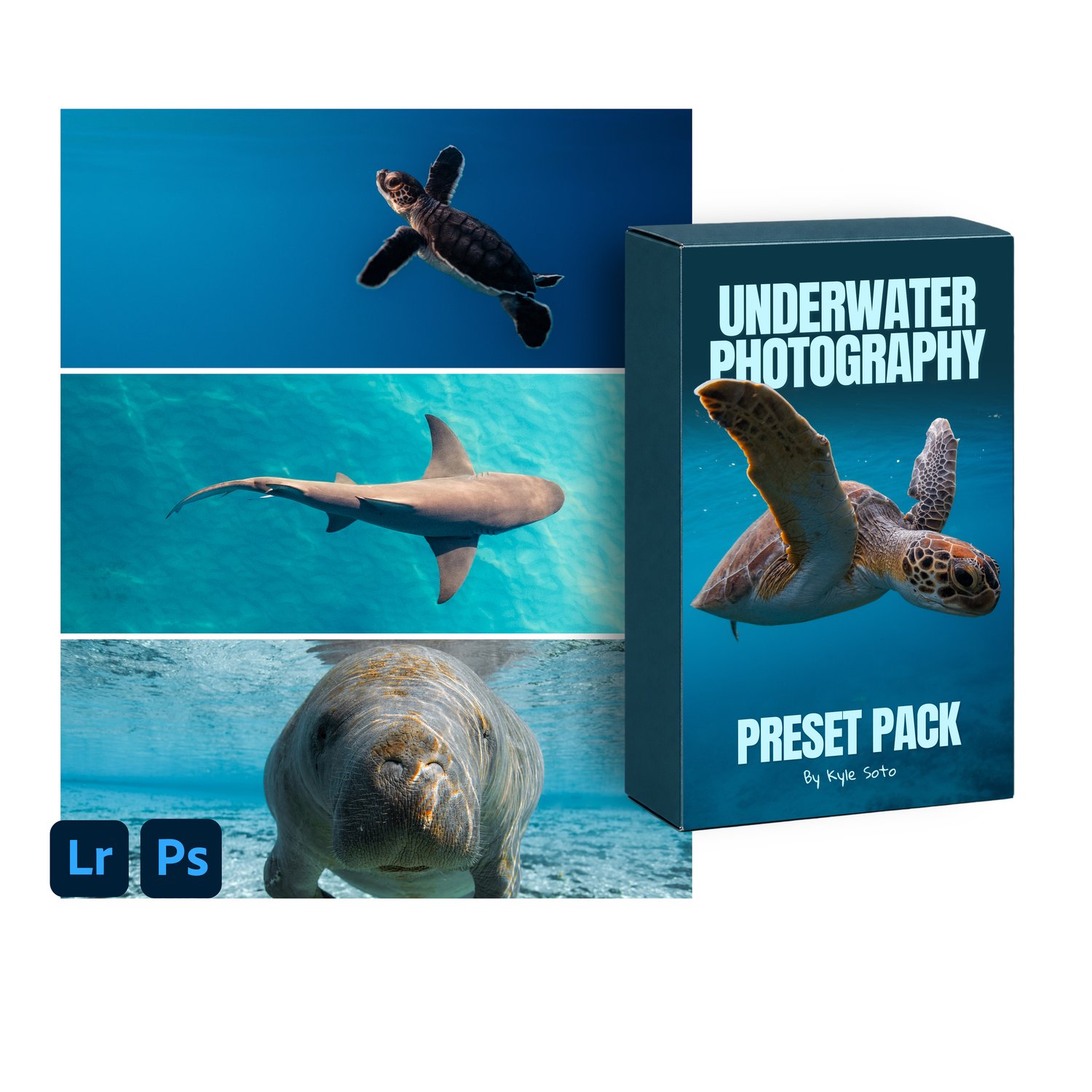
My underwater photography preset pack is here, with eight presets for Adobe Lightroom and Photoshop’s Camera Raw. I built this collection around the adjustments I regularly make when editing my own underwater images. Shop the Underwater Photography Preset Pack
Photographing sea turtles, reefs, and other marine life means working with whatever conditions I find that day. Sometimes the water is clear and the colors come through beautifully. Other times, a blue or green cast takes over, details look flat, and the subject blends into the background.
These presets give you a starting point for working through those challenges and finding a look that suits your photograph.
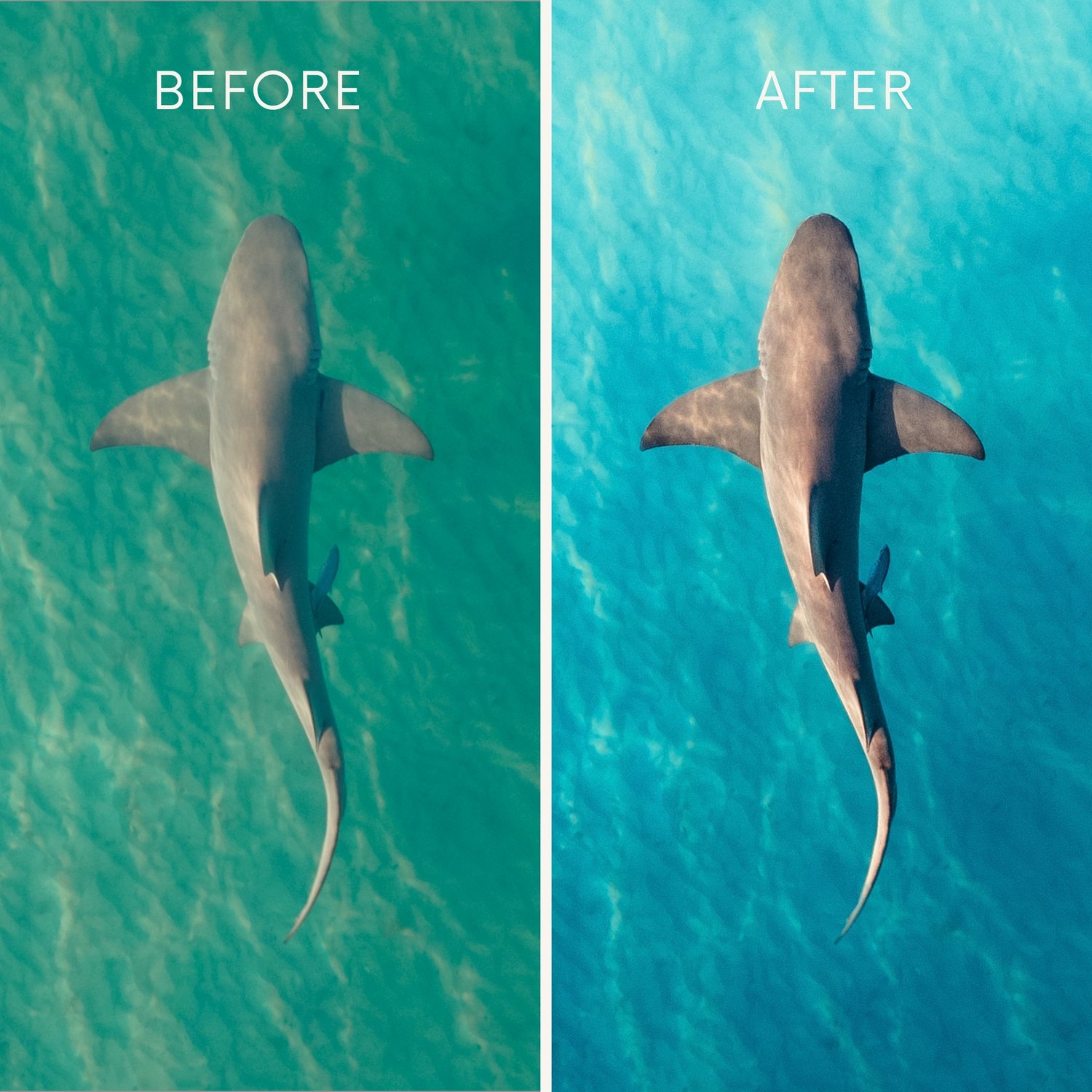
What’s included:
The pack includes six color presets with looks ranging from natural color correction to deeper blues and stronger contrast:
- Ocean Clean
- Color Surge
- Vivid Tropics
- Soft Blue
- Crisp Ice
- Deep Teal
You’ll also get two adaptive presets: Adaptive Spotlight and Adaptive Subject Pop. These use AI masking to adjust the subject and background separately, helping draw attention to the animal or detail you want people to notice.
All eight presets come as XMP files, with a step-by-step installation guide.

Make them work for your photos
Start with a preset you like, then fine-tune it for the image.
Depth, visibility, sunlight, and distance from your subject all affect underwater color. A preset that works well on a turtle near the surface may need a few adjustments on a reef photographed farther down.
Exposure, white balance, and preset strength are good places to start. With the adaptive presets, check the masks to make sure they’ve selected the subject correctly.
I created this pack to save you some of the repetitive work and give you more time to explore how you want your images to look.
Available now
The collection works in Adobe Lightroom and Photoshop through Adobe Camera Raw. The adaptive presets require a compatible version with AI masking support.
You can see examples, read the full compatibility details, and download the collection here: