
Disclosure: I make and sell the planners linked below. This post was written with AI help and checked by me.
A reading goal is easier to keep when you can see it. A bookshelf tracker is one of the simplest ways to do that: a page of empty book spines, one for every book you plan to read, that you colour in as you finish each one. Here's a free one for 2027 and a few ways to use it.
Get the free page
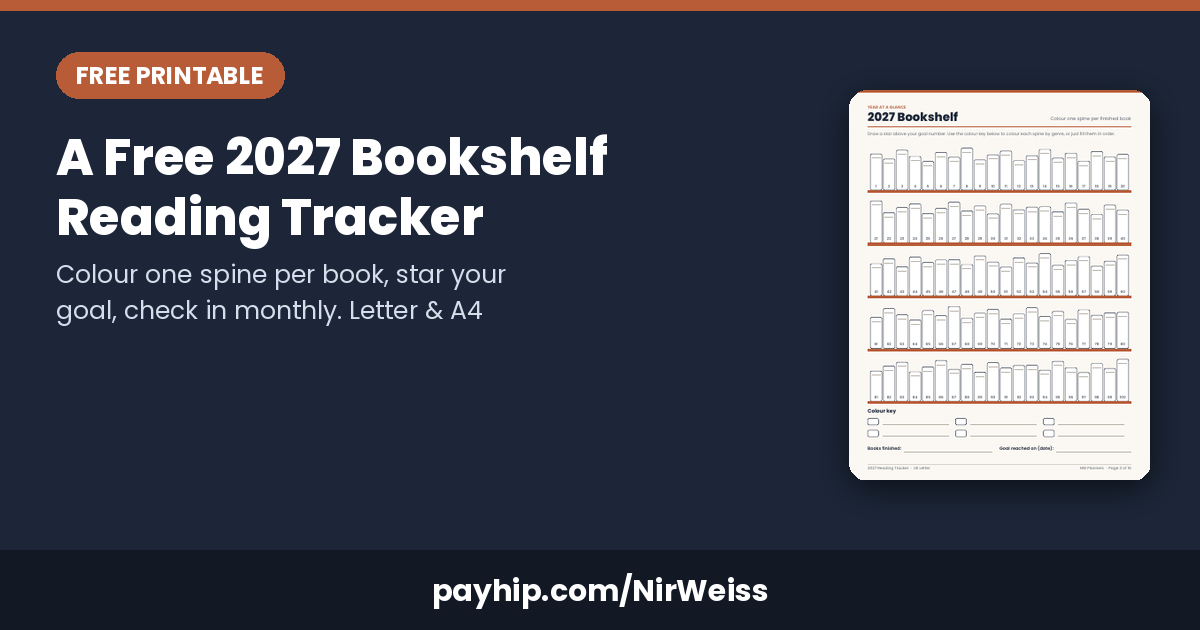
The free 2027 Bookshelf page has 100 numbered spines, a small colour key and a line for the date you reach your goal. It comes as a PDF in US Letter and A4: https://payhip.com/b/5smBZ
1. Star your goal number
Pick a number you can hit in a normal year, not your best year. If you're not sure, count the books you finished in 2026 and add a few. Draw a star above that spine number so you can see where the finish line is.
2. Colour one spine per finished book
Only colour a spine when you finish a book. It's a small thing, but filling in a spine feels good, and you'll want to finish the next book too.
3. Use the colour key (optional)
Give each genre its own colour: fiction, non-fiction, audiobooks, re-reads, books you borrowed. By December the shelf shows what you actually read, not just how much.
4. Keep it where you'll see it
Tape it inside a notebook, pin it above your desk or put it on the fridge. If you can see the shelf, you'll remember to fill it in.
5. Check in once a month
On the first of each month, count your coloured spines and compare them with where you'd like to be. If you're behind, shorter books and audiobooks count too.
Want more than the bookshelf?
The bookshelf page comes from the 2027 Reading Tracker & Book Log ($4). It also has a reading goal page, a 24-prompt reading challenge, 12 monthly reading logs, book review pages, a TBR list and a series tracker. It has 16 pages in US Letter and A4: https://payhip.com/b/tcS52
You can find more 2027 planners in the store: https://payhip.com/NirWeiss