
Can I sell prints of this 3D model? A licence check before you list
A free model download is not the same as permission to sell what you print from it. Every model you sell should have a licence that clearly allows commercial use, and you should be able to show where you found it. This guide covers the common licence families and a short check you can run in a few minutes per model.
This is general information, not legal advice. Always read the actual licence text on the model page.
The common licence families
Many model sites let designers choose a Creative Commons licence. In short:
- CC0 (public domain dedication): the designer has given up their rights as far as the law allows. Selling prints is usually fine.
- CC BY (Attribution): commercial use is allowed if you credit the designer the way the licence asks, for example in your listing or on a card in the parcel.
- CC BY-SA (Attribution, ShareAlike): commercial use is allowed with credit. If you change the design and share the changed file, it must use the same licence.
- CC BY-NC (NonCommercial): no commercial use. Do not sell prints, even "just covering material costs".
- CC BY-ND (NoDerivatives): you may not share changed versions. Read the terms closely if you plan to modify or personalise the model; if in doubt, ask the designer or skip it.
- No licence shown: treat it as "all rights reserved". No licence means no permission.
Some designers also sell their own commercial licence or offer it through a membership. Then the terms of that licence apply, not the Creative Commons ones. Save a copy or screenshot of what you agreed to.
Brands and characters are a separate problem
A model can carry a permissive licence and still be unsellable. If it shows a logo, a brand name, a film or game character or a sports club, the rights of that brand or studio still apply, whatever licence the uploader chose. The uploader cannot give away rights they do not hold. For a small shop the simple rule is: no brands, no characters, no fan art.
A 5-step check per model
- Source: note the exact model page URL and the designer's name.
- Licence: write down the licence type as shown on the page today, and save a screenshot with the date.
- Commercial use: is it clearly allowed? If not, the model is blocked.
- Changes: will you modify or personalise it? Check that changes are allowed and what attribution is needed.
- Third-party rights: any brand, logo or character? If yes, blocked.
Recheck your licences from time to time. Designers can change the licence on a page, and your saved screenshot shows what applied when you started selling.
Keep it in one place
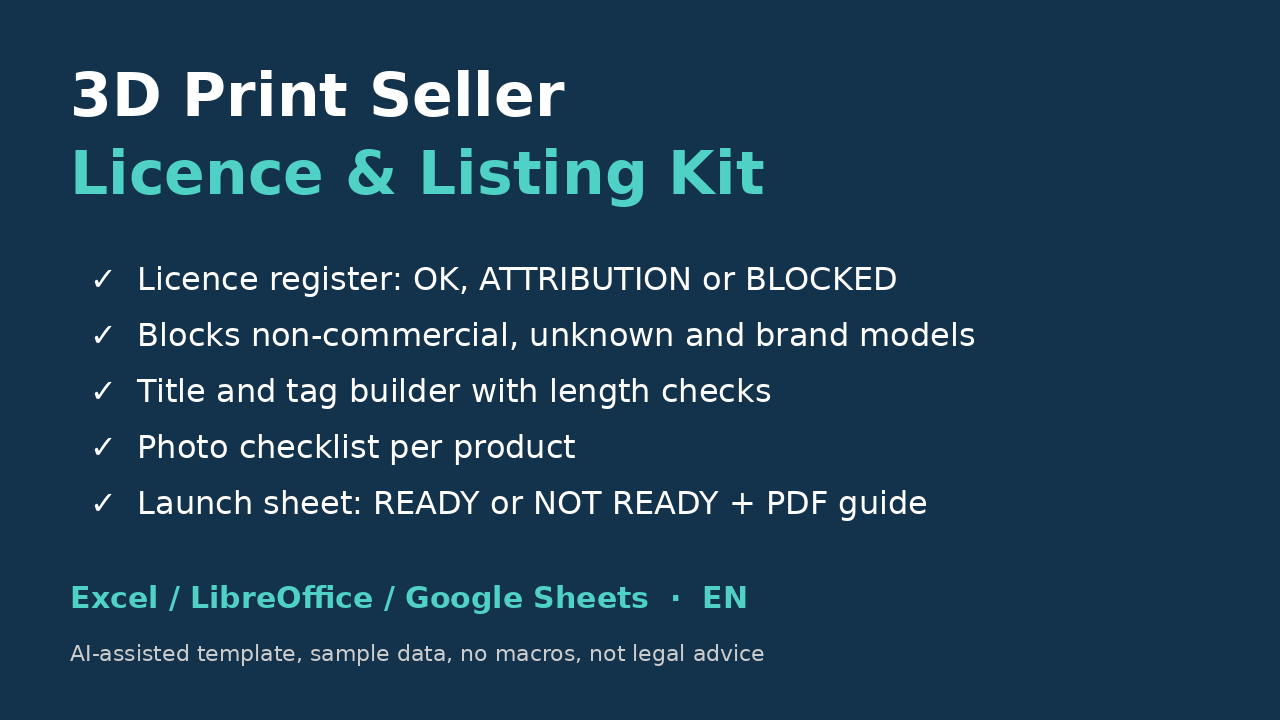
A simple register with one row per model (source, designer, licence, proof, attribution needed, last check) saves you when a buyer, a platform or a designer asks. If you want a ready-made version, the 3D Print Seller Licence & Listing Kit has a licence register that flags non-commercial, no-licence and brand models as blocked, plus a title and tag builder and a launch checklist. Together with the profit calculator it is also part of the 3D Print Seller Complete Kit. For pricing your prints, see the true cost of a 3D print.
Written with AI assistance and checked by hand. Not legal advice.