

These Python statements are commonly used when handling uploaded files, especially in applications built with Streamlit.
1. Check whether a file was uploaded
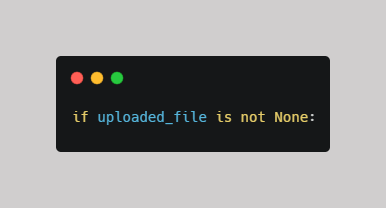
- if checks a condition.
- uploaded_file is a variable that holds the uploaded file.
- is not None checks that the variable contains a value rather than None.
Purpose: Run code only when a file has been uploaded.
2. Use try to run code safely

- try contains code that Python attempts to execute.
- If the code succeeds, Python continues normally.
- If an exception occurs, Python can move to an except block.
Purpose: Handle operations that might fail, such as reading or processing a file.
3. Use except Exception to handle errors
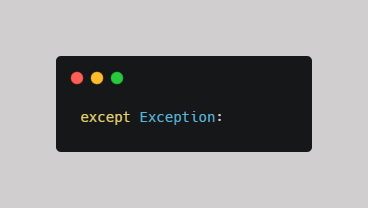
- except = handles an error.
- Exception = specifies which category of errors to catch.
Purpose: Handle errors that occur during execution.
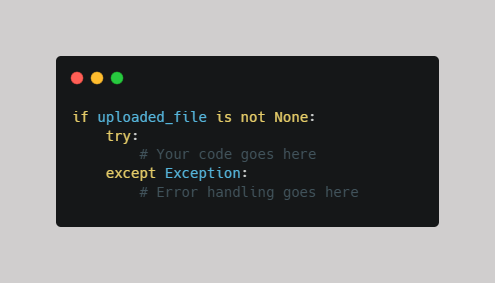
4. Combine all three
Comments ()