

Recurring window cleaning route planning becomes easier to review when cadence and due windows are recorded separately from the route day itself. Cadence describes how often an account should receive service. A due window describes when the next visit can reasonably happen. The route day is the actual group of stops you are considering for one date.
Keeping those layers separate prevents a common problem: treating every recurring account as if it must land on one exact calendar date even when the agreement or operating reality allows a range.
Build a clean recurring-account register
Start with one row per recurring stop. Use an internal account ID or short label instead of storing unnecessary private customer data. Record the service cadence, next target date or due window, price, expected service time, setup time, known direct cost, and a route-group label that makes sense locally.
Cadence might be weekly, every four weeks, monthly, quarterly, or another interval you actually offer. Define the cadence consistently. “Monthly” and “every four weeks” are not always the same schedule over a full year, so use the term that matches the service arrangement.
Include brief operational notes only when they affect planning: access hours, a key pickup process, parking limits, or a condition that changes setup. Do not turn the route sheet into a customer database.
Use due windows instead of false precision
A due window can show an early, target, and late range. It gives you room to group nearby work without losing sight of service commitments. The appropriate window depends on the agreement and customer expectations; a spreadsheet should not invent it.
Review upcoming windows at a consistent weekly time. Identify accounts entering the early range, accounts currently due, and accounts approaching the late boundary. This creates a planning queue without claiming that every stop is equally urgent.
If a customer requires an exact appointment, record that constraint separately. Do not move a committed date merely to improve a route metric.
Use route groups as planning labels
A route group can represent a neighborhood, corridor, town, service-day pattern, or another practical cluster. It is a label you assign, not a live map result. Keep labels broad enough to remain useful and specific enough to prevent unrelated stops from being grouped automatically.
When several accounts share a due window and route group, they become candidates for the same route day. Candidate does not mean confirmed. You still need to consider access, customer timing, realistic drive time, and the work you can safely complete.
Build the route day with manual time estimates
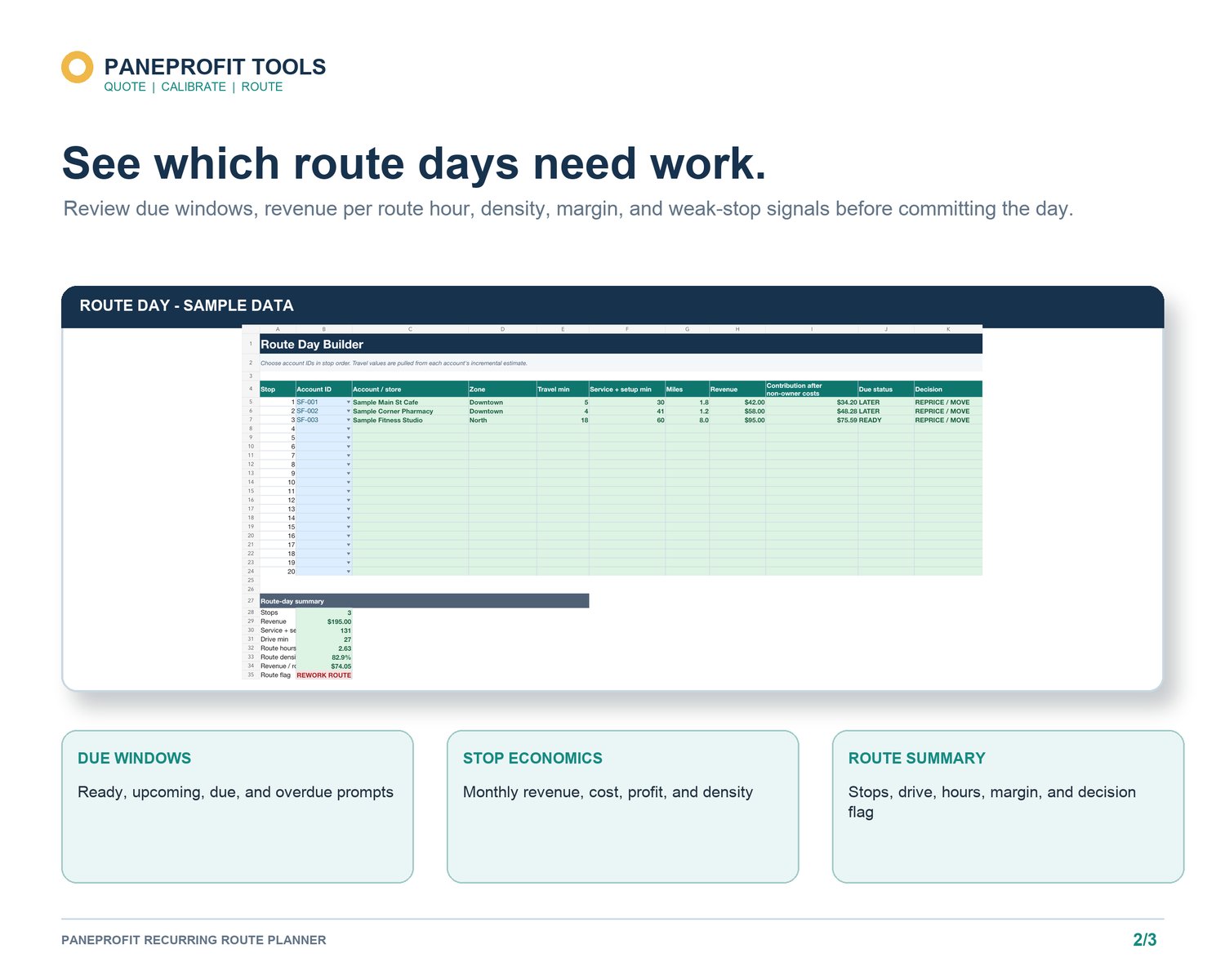
Select the stops you are considering, then enter expected service, setup, and drive minutes. Use a current mapping tool or local knowledge for the sequence and travel estimate. An offline workbook does not supply traffic, GPS, road closures, or the shortest route.
Add the planned revenue and known direct costs for each stop. Review total route hours, revenue per route hour, expected profit indicators, and the share of time spent driving versus servicing or setting up. These figures come from your entries and remain planning references.
Review density without chasing stop count
A route with many stops is not automatically dense. Repeated setup, long gaps, low-price stops, and cross-town travel can fill the day without producing a strong route-time result. Conversely, a day with fewer well-grouped stops may fit the available hours more cleanly.
Review weak-looking stops individually. The answer may be a different service day, cadence, route group, access window, or price review. It may also be that the stop has strategic value your worksheet does not measure. Record the reason instead of letting one metric make the decision.
A weekly recurring-route routine
1. Update completed visits and next due windows.
2. Review early, due, and late accounts.
3. Filter by practical route group.
4. Build a candidate route day.
5. Enter manual drive, setup, and service estimates.
6. Review route hours, revenue, costs, and density signals.
7. Confirm customer commitments outside the workbook.
PaneProfit Recurring Route Planner keeps the account register, cadence, due windows, route-day inputs, and planning summaries in one offline Excel workbook:
https://payhip.com/b/fp6Fr
For Quote Guard, Bid Calibration, and Recurring Route Planner together:
https://payhip.com/b/pnuPh
PaneProfit tools are estimators and recordkeeping aids. They do not replace an on-site inspection or professional tax, legal, accounting, insurance, or safety advice. Review every result and adapt all assumptions to your market and business.