
Work moves fast. Slides, documents, and content need to be clear and ready on time. Plus AI helps you handle design, translation, and rewriting without slowing down.
You do not need complex tools or long learning time. Plus fits into your existing workflow. You focus on ideas while the tool handles the structure and clarity.
This guide shares practical tips and tricks. Each section shows how to use it better for real tasks.
What Is Plus AI and How It Helps Daily Work
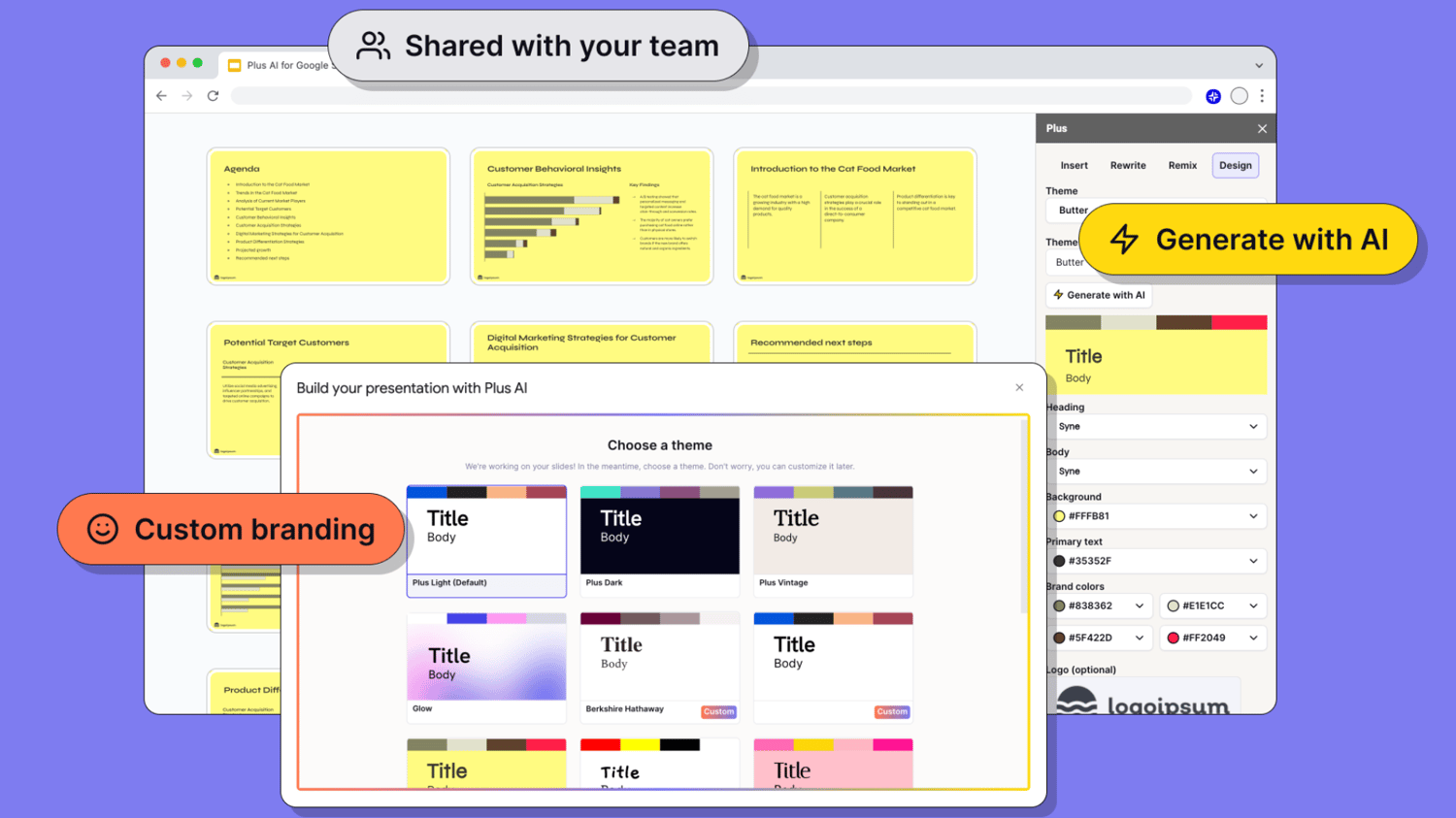
Plus works inside your documents and presentations. It supports writing, rewriting, translation, and layout improvements. The goal is speed and clarity.
You do not start from scratch every time. You refine what already exists. This saves effort and keeps work consistent.
Key uses include:
- Improving slide content
- Rewriting text for clarity
- Translating content accurately
- Adjusting tone and structure
It also supports daily work without adding steps.
Core Ways Plus AI Helps You Create, Refine, and Manage Content Faster
Daily work involves design, writing, rewriting, and organizing information. These tasks often overlap and repeat. Plus AI brings them together in one workflow so you can focus on clarity instead of manual effort.
Design Better Presentations
Design often slows people down. Slides need structure, not decoration. Plus AI helps you organize content clearly.
It works well when ideas are rough. You provide the input. AI improves layout and flow.
Helpful design tips include:
- Convert notes into clean slides
- Adjust slide length automatically
- Improve headline clarity
- Balance text across slides
This keeps slides readable. Your message stays clear. You spend less time formatting.
Rewrite Content Without Changing Meaning
Rewriting is common in daily work. You may need shorter text, clearer language, or a different tone. This AI tool helps without losing intent.
You keep control of the message. The tool focuses on structure and clarity.
Use this tool to:
- Simplify long sentences
- Remove repeated points
- Adjust tone for formal or casual use
- Improve readability
This helps content sound natural. The message stays accurate. Editing becomes faster.
Translate Content With Context Intact
Translation needs more than word replacement. Meaning and tone must stay clear. Plus AI supports translations that feel natural.
It works well for business content. The structure stays consistent. The message remains clear.
Useful translation tips:
- Translate full documents at once
- Keep formatting unchanged
- Maintain sentence flow
- Adjust tone after translation
This saves review time. You avoid rewriting translated text. The result feels polished.
Improve Slide Headlines and Key Points
Headlines guide attention. Weak headlines reduce impact. Plus tool helps sharpen them quickly.
You can test different versions. Choose what fits your audience best.
Ways to improve headlines:
- Shorten long titles
- Make points direct
- Remove filler words
- Match headline to slide content
This improves clarity. Slides become easier to follow. Viewers understand faster.
Turn Rough Ideas Into Clear Structure
Many people start with unorganized notes. Plus tool helps shape them into usable content. You do not need perfect input.
This is useful for early drafts. The tool helps with order and flow.
You can:
- Turn bullet notes into paragraphs
- Split long text into sections
- Create slide outlines from text
- Reorder content logically
This saves planning time. You move faster from idea to output.
Adjust Tone for Different Audiences
Tone matters. Internal notes differ from client slides. This AI helps adjust tone without rewriting everything.
You control how formal or relaxed the content feels. The meaning stays the same.
Tone adjustment tips:
- Shift from casual to professional
- Simplify language for wider audiences
- Make content more direct
- Reduce overly complex phrasing
This keeps communication clear. Content fits the audience better.
Speed Up Repetitive Tasks
Many tasks repeat daily. AI helps reduce manual effort. This frees time for decision-making.
You apply the same logic across files. Consistency improves.
Tasks Plus handles well:
- Standard slide formatting
- Rewriting similar sections
- Translating repeated content
- Cleaning up long documents
This reduces fatigue. Work feels more manageable.
Keep Content Clear and Focused
Clear content performs better. This AI tool helps remove clutter. You focus on key points.
It helps trim unnecessary lines. The result feels tighter.
Ways to keep focus:
- Remove extra explanations
- Highlight key messages
- Simplify sentence structure
- Improve flow between points
This improves understanding. Readers and viewers stay engaged.
Best Practices for Using Plus AI Effectively
Tools work best with clear input. Plus tool is no different. Small habits improve results.
You do not need detailed prompts. Simple direction works.
Best practices include:
- Start with clear intent
- Review and refine outputs
- Use short input text
- Apply changes step by step
This keeps results accurate. You stay in control.
Common Mistakes to Avoid
Using AI without review causes issues. Plus ai supports you, not replaces thinking. Awareness helps avoid problems.
Avoid relying fully on first output. Always check clarity.
Common mistakes:
- Skipping review
- Overloading prompts
- Using long unclear input
- Ignoring audience needs
Correct use improves results. Mistakes reduce value.
Conclusion
Clear design, accurate translation, and clean rewriting matter every day. Plus tool helps manage these tasks without complexity. You work faster and with less effort.
The right habits improve results. Small adjustments make content clearer and more useful. Over time, this saves hours.
For professionals who want simple, effective support for writing and presentations, Plus AI fits naturally into daily work.