

Running a small business gets much easier when you know exactly where your money is going.
You might know your total sales for the month, but that number alone doesn't tell you whether the business is actually making money.
To understand that, you need to look at your revenue, expenses and profit together.
Excel is a simple way to do this because you can record your business activity, calculate the numbers and review your performance in one place.
What is small business profit?
The basic calculation is straightforward:
Profit = Revenue − Expenses
For example, imagine your business generates ₹50,000 in sales during a month.
If your total business expenses for that month are ₹20,000:
₹50,000 − ₹20,000 = ₹30,000 profit
That ₹30,000 is what remains after those expenses are taken into account.
But in a real business, there can be many different expenses, customers, products and payments to keep track of. That's where a structured Excel system becomes useful.
Step 1: Record your sales
Start by keeping a record of the sales your business makes.
Depending on your business, this could include:
- Product sales
- Service sales
- Order amounts
- Customer information
- Payment status
- Dates of transactions
The goal is to have a reliable record of the money your business has generated instead of trying to remember everything at the end of the month.
Step 2: Track your business expenses
Next, record the money your business spends.
Common expenses can include:
- Advertising
- Materials and supplies
- Software and subscriptions
- Delivery or shipping
- Rent
- Utilities
- Packaging
- Professional fees
- Bank or platform fees
- Other operating expenses
Keeping these expenses organized makes it much easier to understand your actual business costs.
Step 3: Calculate your profit
Once your revenue and expenses are recorded, you can calculate your profit.
For example:
Business activityAmountTotal sales₹50,000Total expenses₹20,000Net profit₹30,000
This is much more useful than looking at sales alone.
A business can have strong sales but still have a low profit if its expenses are too high.
Step 4: Look at profit over time
Calculating profit once is useful.
Calculating it regularly is even more useful.
Compare your monthly revenue, expenses and profit to identify trends.
You may notice that:
- Sales are increasing but expenses are increasing faster.
- One product generates much more profit than another.
- Advertising costs are becoming too high.
- Certain months perform better than others.
- Outstanding customer payments are affecting your cash position.
These observations can help you decide what needs attention.
Step 5: Track products and services separately
If you sell multiple products or services, it can also help to understand which ones are contributing the most to your business.
For example:
Product A
Sales: ₹15,000
Cost: ₹6,000
Profit: ₹9,000
Product B
Sales: ₹12,000
Cost: ₹8,000
Profit: ₹4,000
Even though Product A and Product B have relatively similar sales, Product A is generating considerably more profit.
This is the kind of information that can help you make better decisions about pricing, marketing and what to focus on.
Don't forget about unpaid sales
Another important number is money that customers still owe you.
A sale may increase your revenue, but if the payment hasn't been received yet, you still need to keep track of it.
Tracking pending payments can help you follow up with customers and avoid losing track of money that is due.
A simple Excel system can bring everything together
You don't necessarily need complicated accounting software to get started with basic business tracking.
A well-organized Excel workbook can give you a central place to record your business activity and review the numbers.
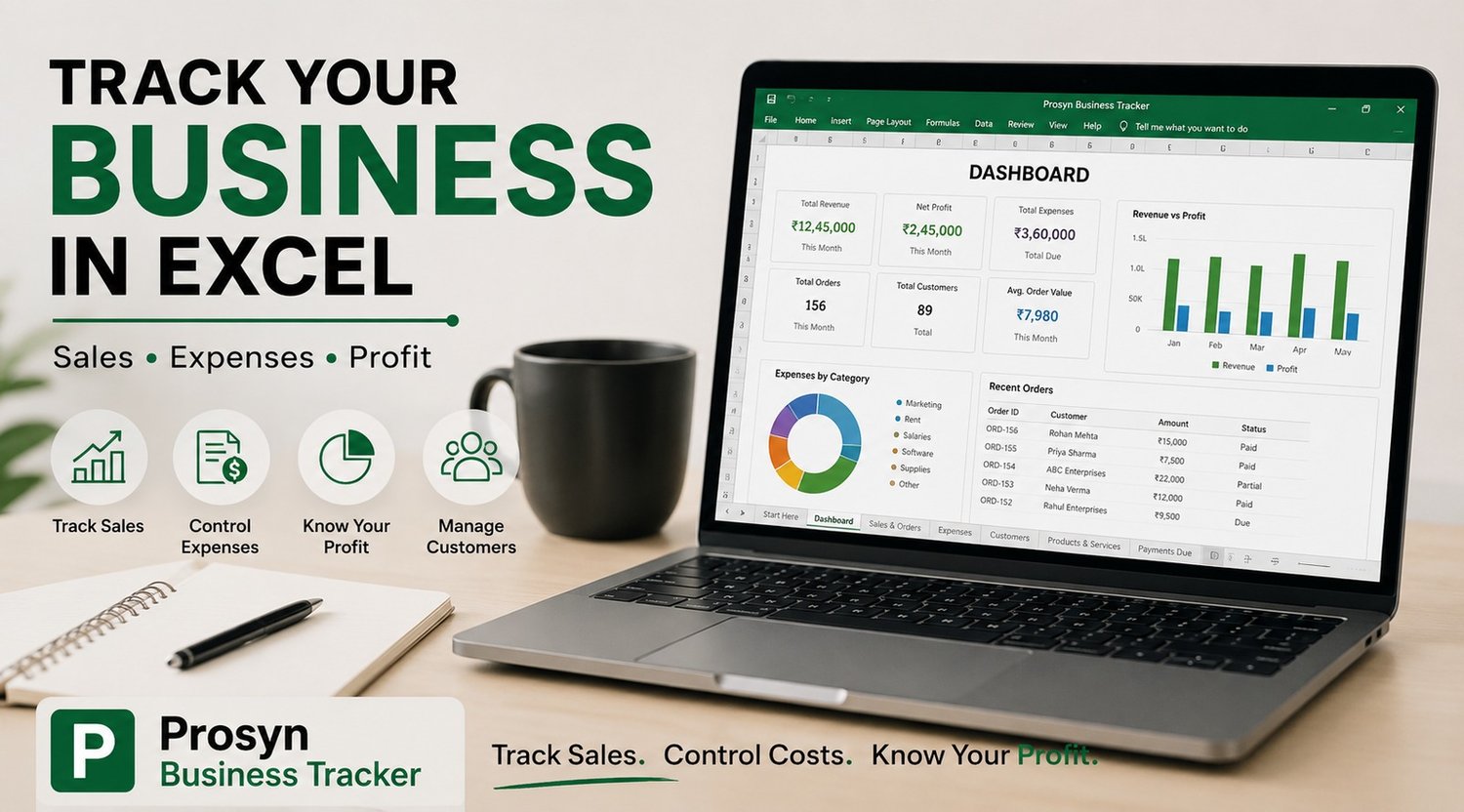
The Prosyn Business Tracker is built around this idea.
It includes structured areas for products and services, customers, sales, expenses, payments, profit and loss, goals, reports and invoices. The workbook also includes a dashboard so you can review important performance information without manually calculating everything each time.
The important part is consistency
The biggest benefit of a business tracker isn't simply having a spreadsheet.
It's actually using it.
Record your sales when they happen.
Record your expenses regularly.
Keep your customer information organized.
Review your profit and performance every month.
When your numbers are organized, it becomes much easier to see what's working and what needs to change.
If you want a ready-made Excel system for organizing these areas in one workbook, take a look at the Prosyn Business Tracker.