

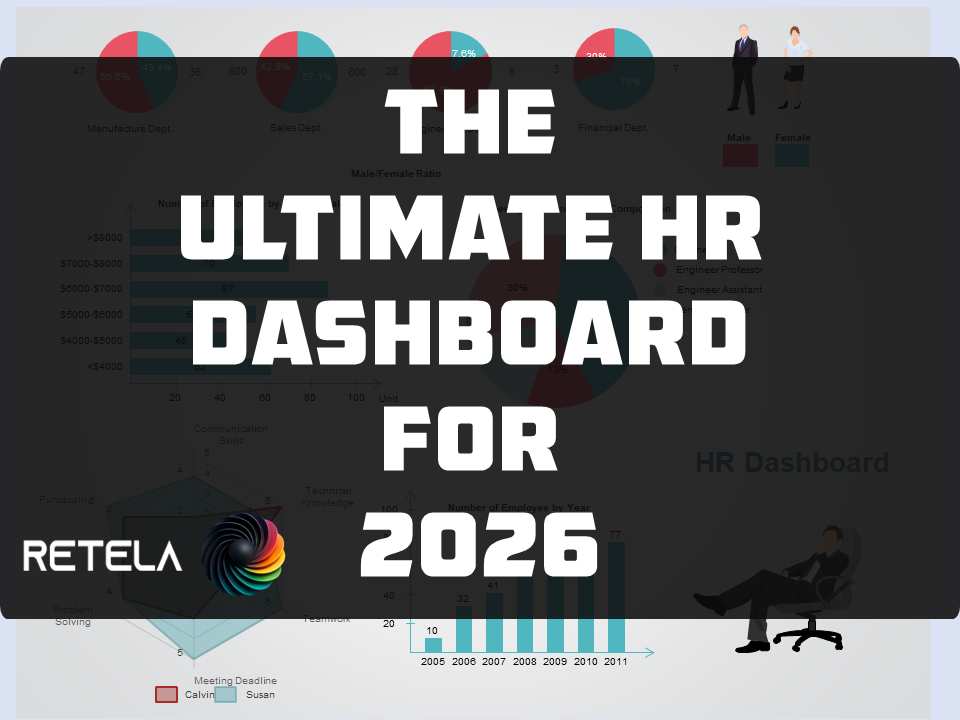
🗂️ I've been building this HR Dashboard since 2016. AI just took it to another level.
Let me tell you a story about persistence, spreadsheets, and one very satisfying glow-up.
Over the years I've experimented a lot with HR dashboards.
Templates, frameworks, models, I collected them like some people collect vinyl records.
At some point I thought: why not compile the best of them into one workbook?
So I did.
Around 2016, I started merging everything, the layouts I liked, the metrics that actually mattered, the structures that made sense to a real HR practitioner, into a single, unified HR Dashboard workbook.
By 2018, I had something I was genuinely proud of.
Was it perfect? No.
But it covered the ground HR functions need to cover, and it worked.
I called it a "no-biggie" side project. 😅
Of course, I didn't stop there.
New research. New benchmarks. New tools.
I kept tweaking it quietly in the background, refining formulas, adding metrics, improving the logic.
It became one of those projects that never really ends, it just evolves.
Then recently, I asked myself: what if I brought AI into this?
I revisited the entire project with fresh eyes and used AI to help me rethink, restructure and rebuild it properly.
The result?
A marked improvement and that might be the understatement of the year.
Here's what the current version includes:
✅ 27 sheets — structured, colour-coded, and logically ordered
✅ 10 specialist dashboards — Attrition, Compensation, Recruitment, Talent Management, L&D, Employee Relations, Manager Effectiveness, Operational Excellence, Executive HR Metrics, and Payroll
✅ 12 data input tables — one per HR function area, all formal Excel Tables that auto-expand
✅ 10+ live metrics — every one IFERROR-wrapped, structured-reference driven, zero hardcoded values
✅ VBA-powered — Refresh All Data, Import Employee Data, Protect/Unprotect, and navigation buttons all built in
✅ Succession RAG table, 9-box talent matrix, Payroll Gantt chart, Visier-benchmarked KPIs and a full HR formula reference suite
✅ Plain English User Guide — 12 sections covering setup, data entry, metric definitions and benchmarks
The best part? It's plug-and-play.
Fill in your data, hit Refresh, and the dashboards self-populate.
No pivot table expertise needed. No formula editing required.
I'm making it available, link in the comments below. 👇
Whether you're an HR team of 2 or an HR function of 2000, this gives you a structured, professional analytics platform without the enterprise price tag.
If you find it useful, share it with someone in HR who's still living in single-tab spreadsheet purgatory.
They'll thank you.
And if you've been on a similar journey, I'd genuinely love to hear about it in the comments.
This space moves fast, and the best ideas always come from the community.
Get the product right here, right now:- ULTIMATE HR DASHBOARD
#HRAnalytics #PeopleAnalytics #HRDashboard #HRTech #Excel #FutureOfWork #HumanResources #DataDrivenHR #HRLeadership #AIinHR
Comments ()