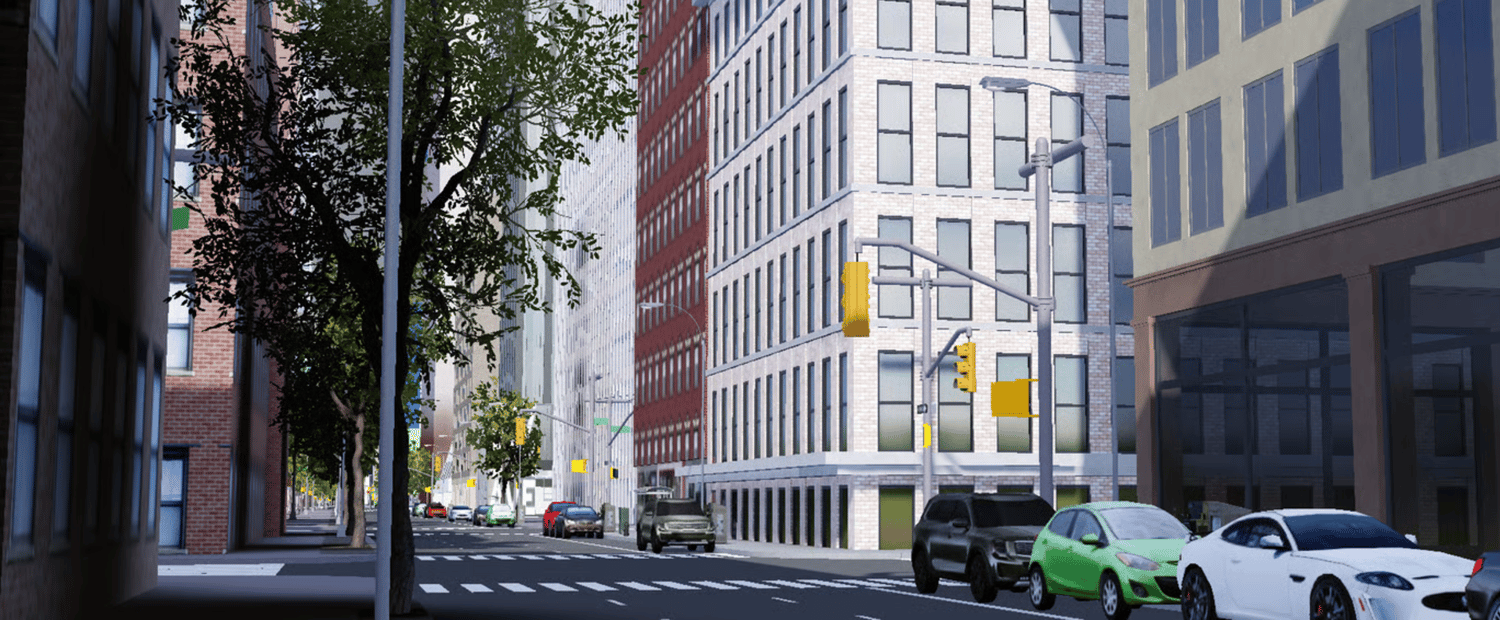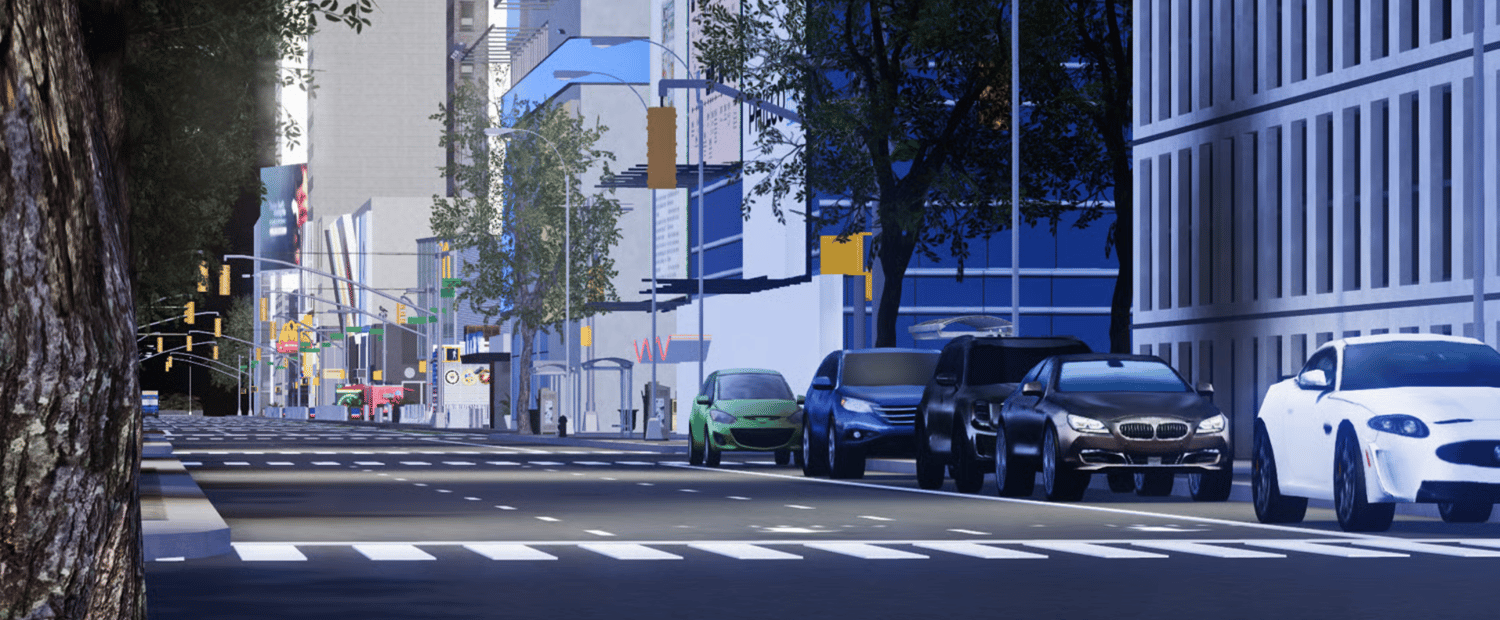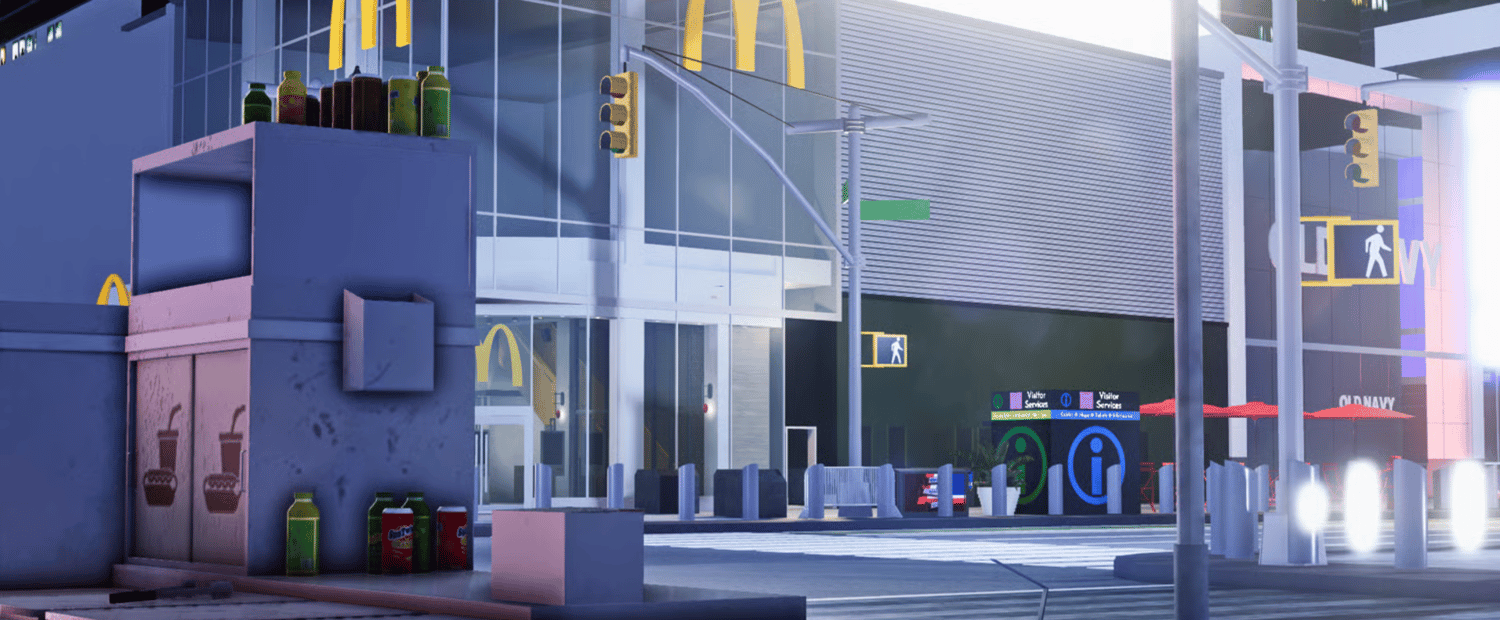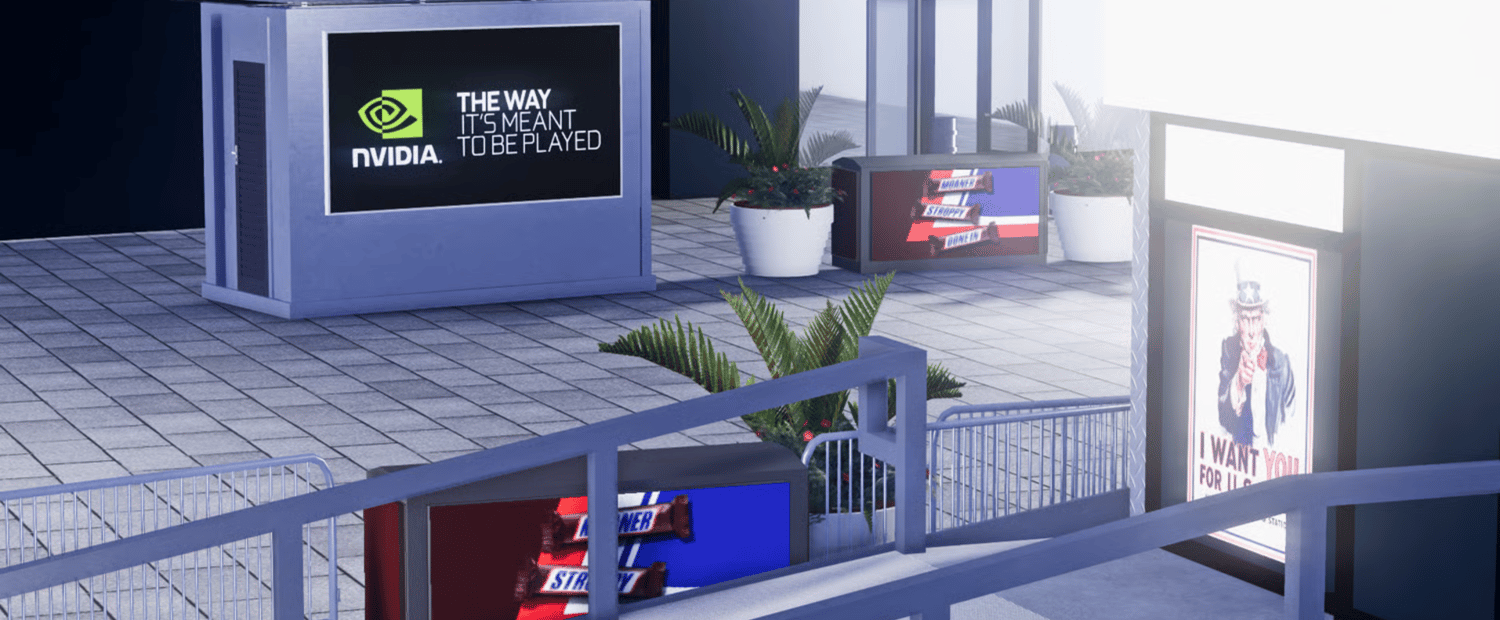


Looking to upgrade your Roblox roleplay server with a detailed New York City map? Purchasing your copy is quick, secure, and only takes a few minutes. Follow the simple steps below to get started.
1. Visit Our Official Store
Start by going to our Payhip store using the link provided on our website.
Once you're on the store page, you’ll see our available Roblox maps and products clearly displayed.
2. Locate the New York Roleplay Map
Browse through the listings until you find:
New York Roleplay Map for Roblox
Click on the product to open its full page. Here you can:
- Read the complete description
- View included features
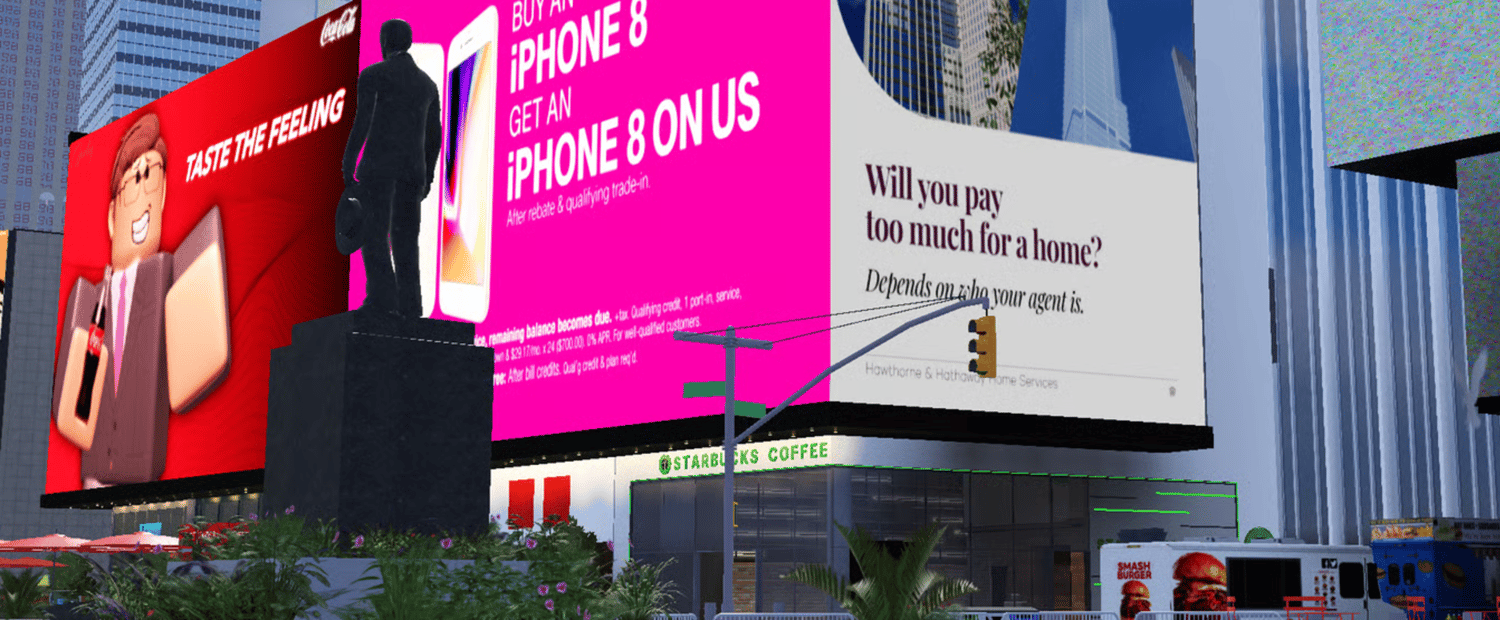
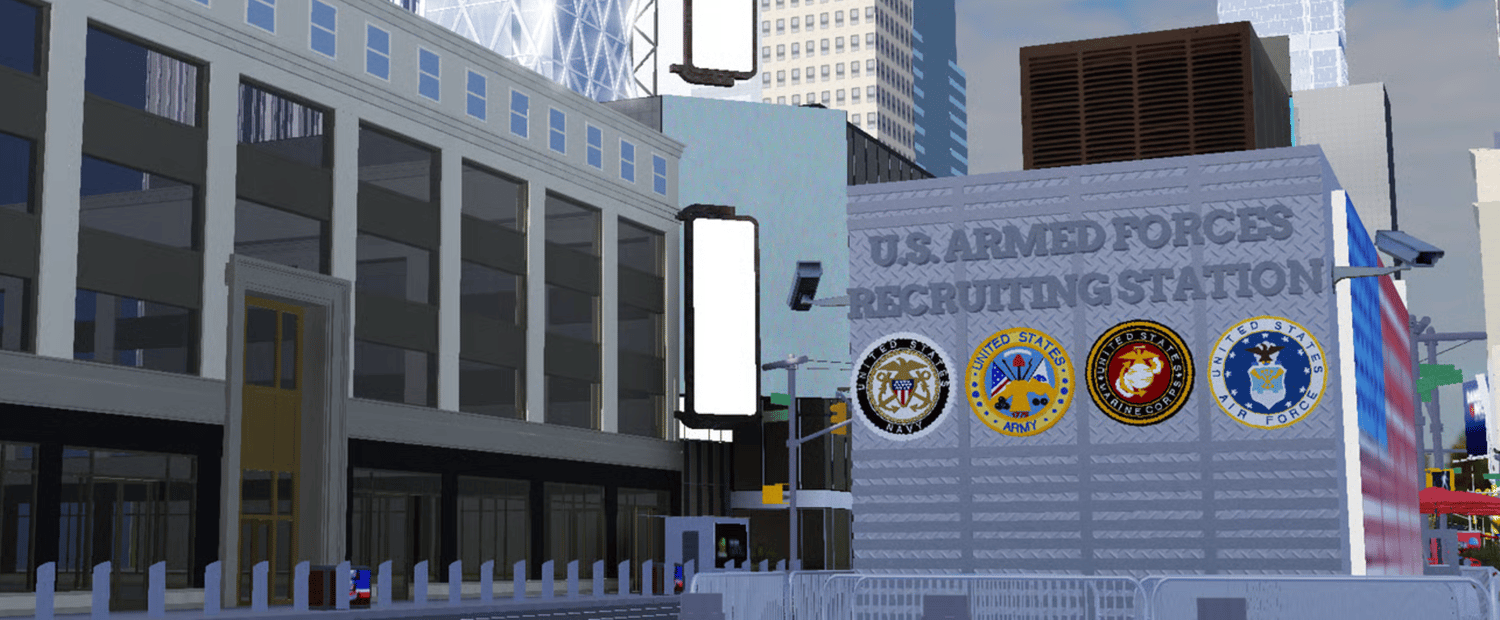
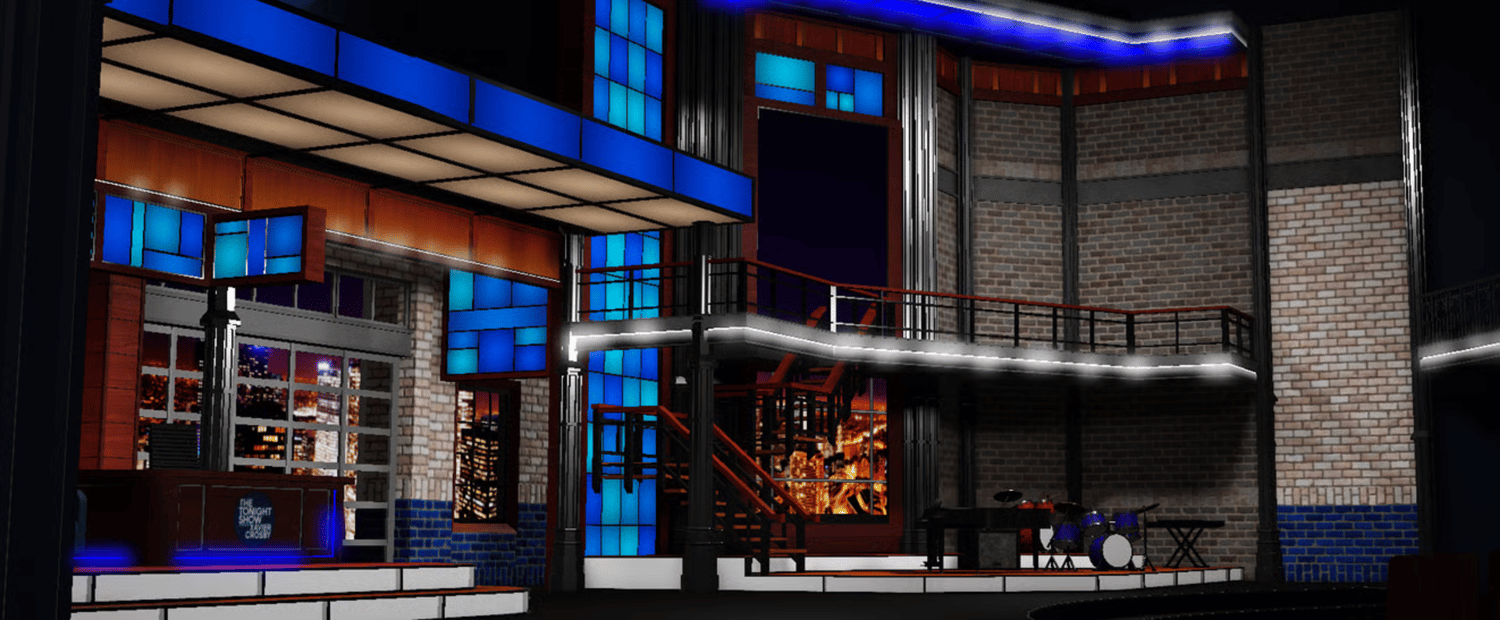
- Check preview images
- Confirm pricing
Take a moment to review everything to ensure it fits your server’s needs.
3. Complete Your Purchase Securely
When you’re ready to buy:
- Press the Buy Now button
- Enter your email address carefully
- Choose your preferred payment method
- Finalize checkout through Payhip
All payments are processed securely through Payhip’s encrypted system. Your payment information is never stored or handled by us directly.
Supported payment methods may include:
- Credit or Debit Card
- PayPal (if enabled)
4. Receive Your Download Instantly
After your payment is confirmed:
- A download link will be automatically sent to your email
- You can immediately download the map files
- Save the files securely on your device
If you don’t see the email within a few minutes, check your spam or junk folder