
1. Access the Store
Start by opening our official Payhip store using the link provided on our website or Discord.
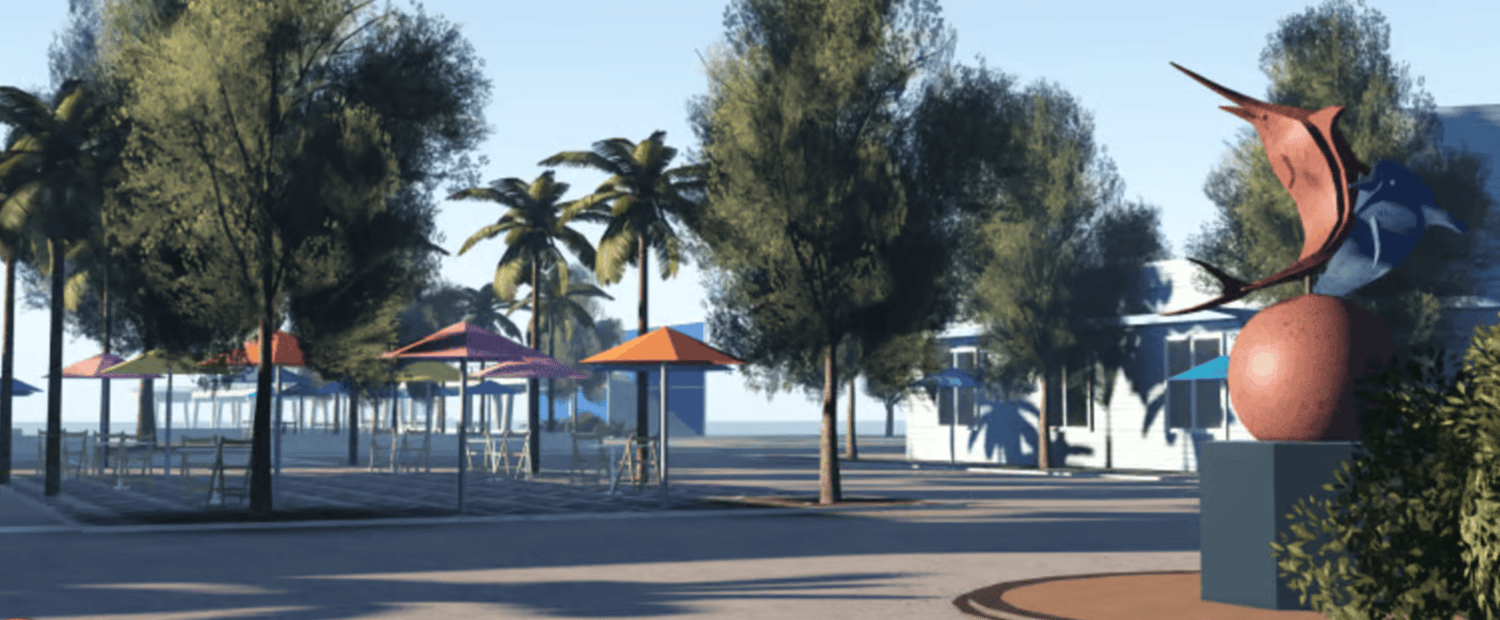
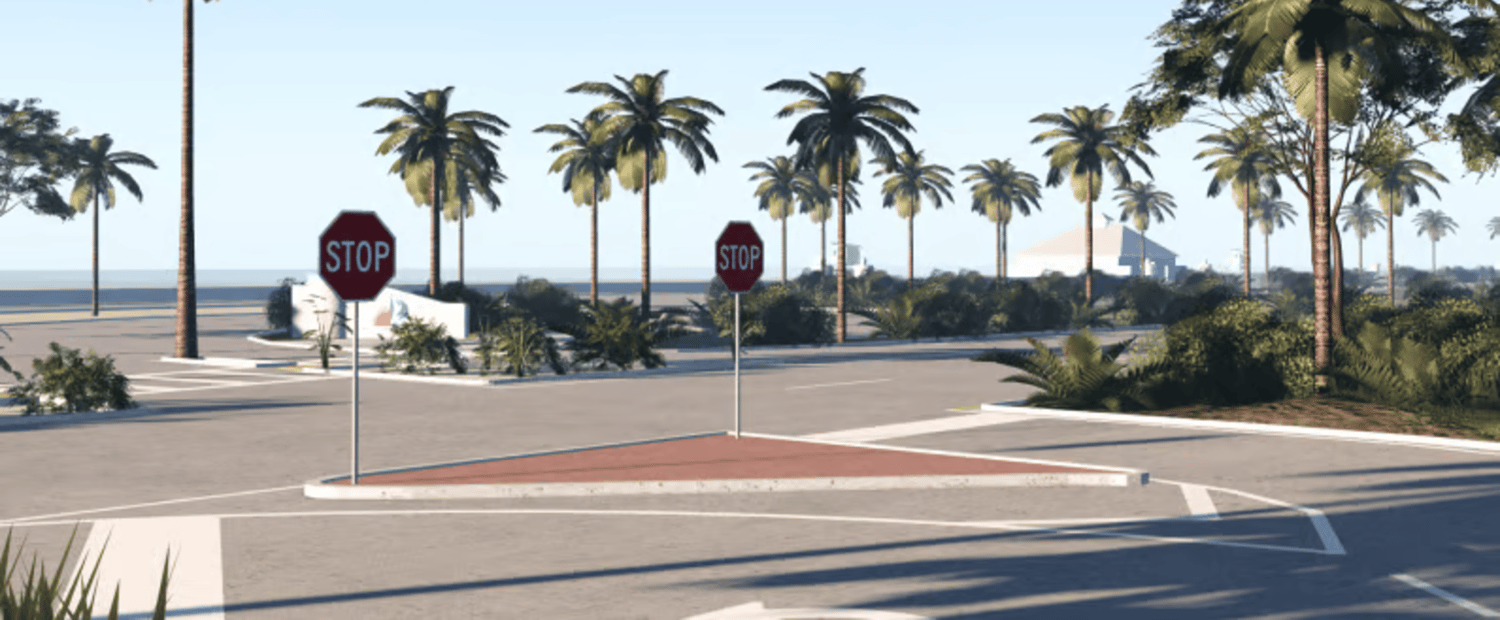
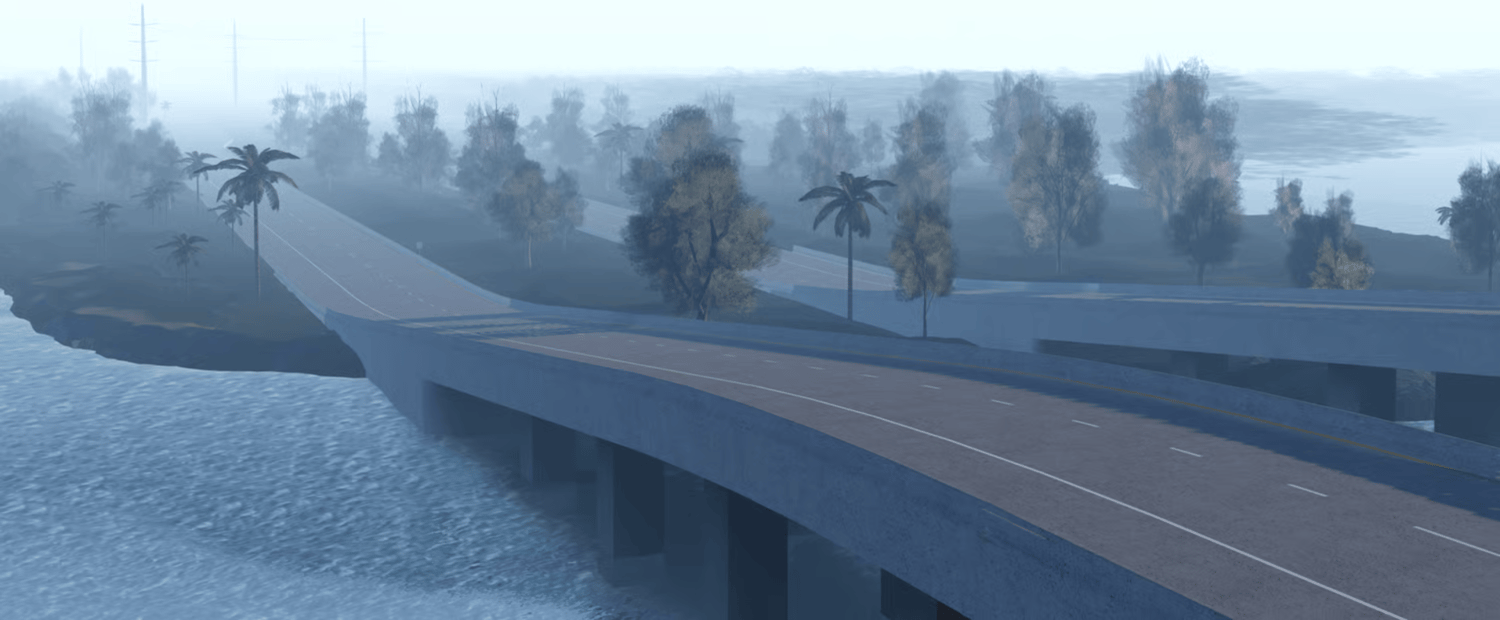
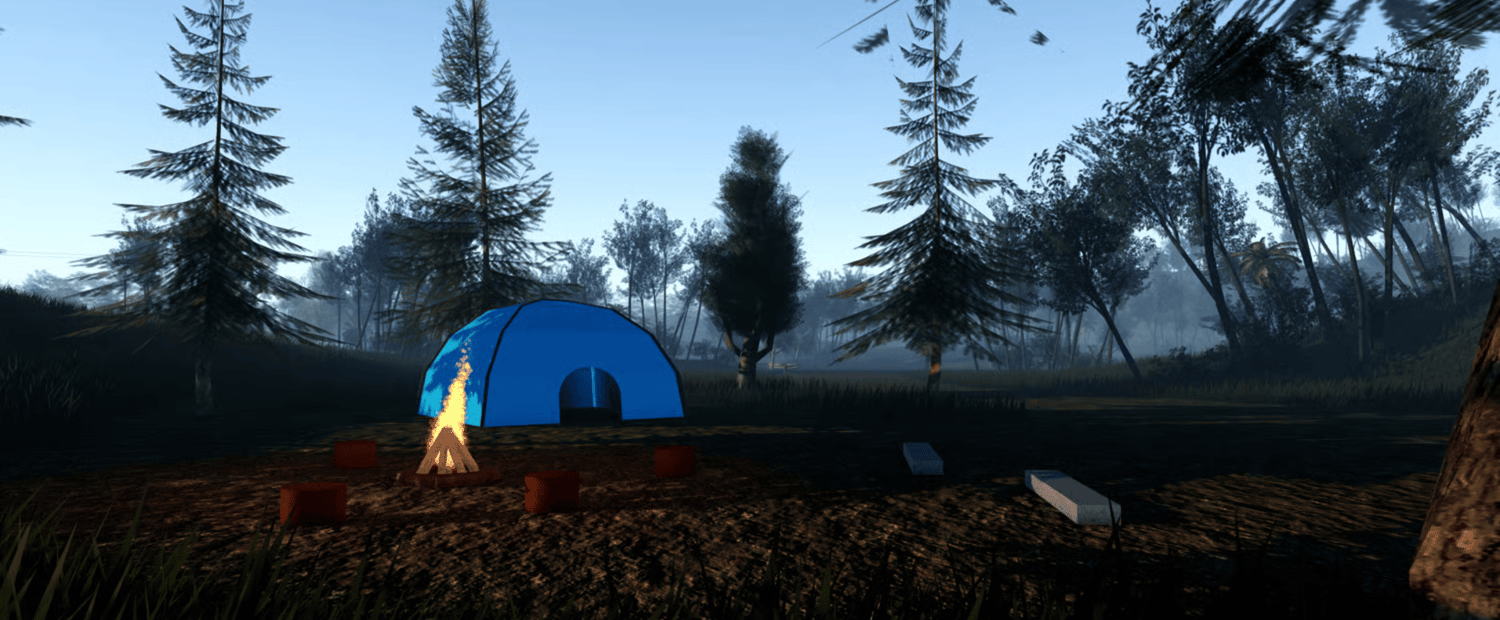
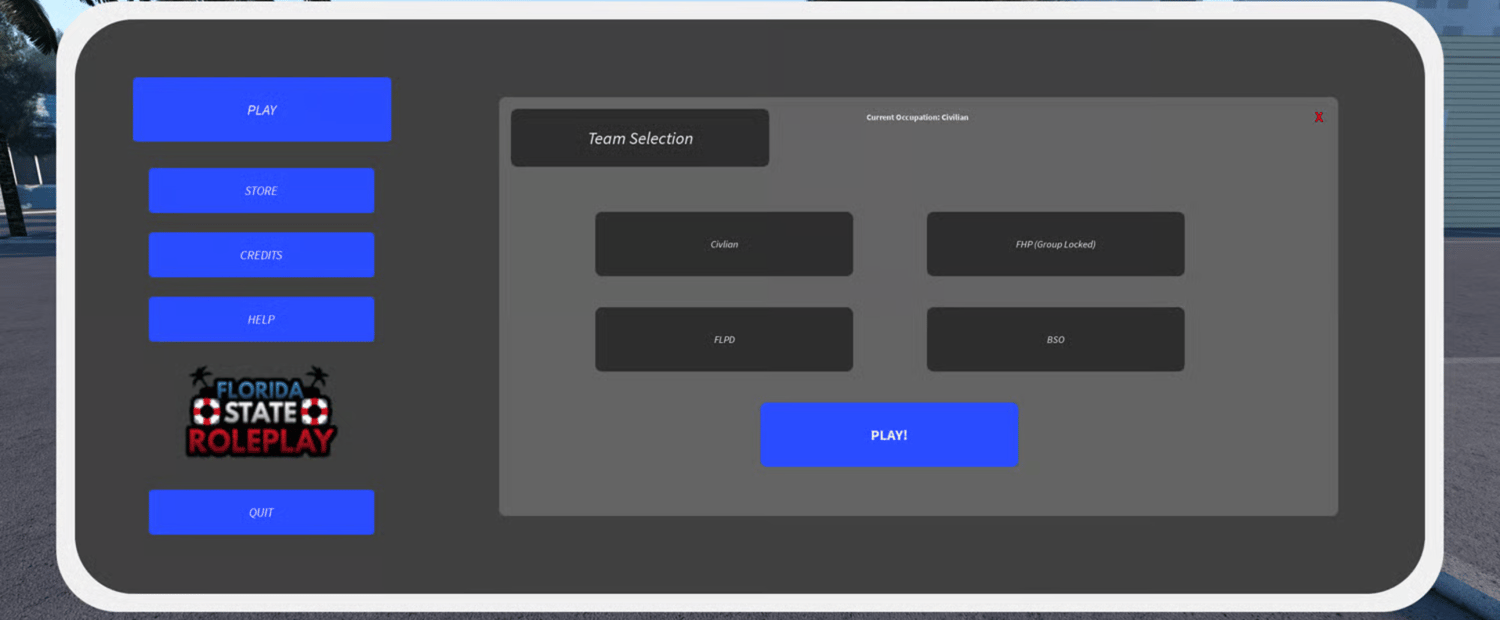
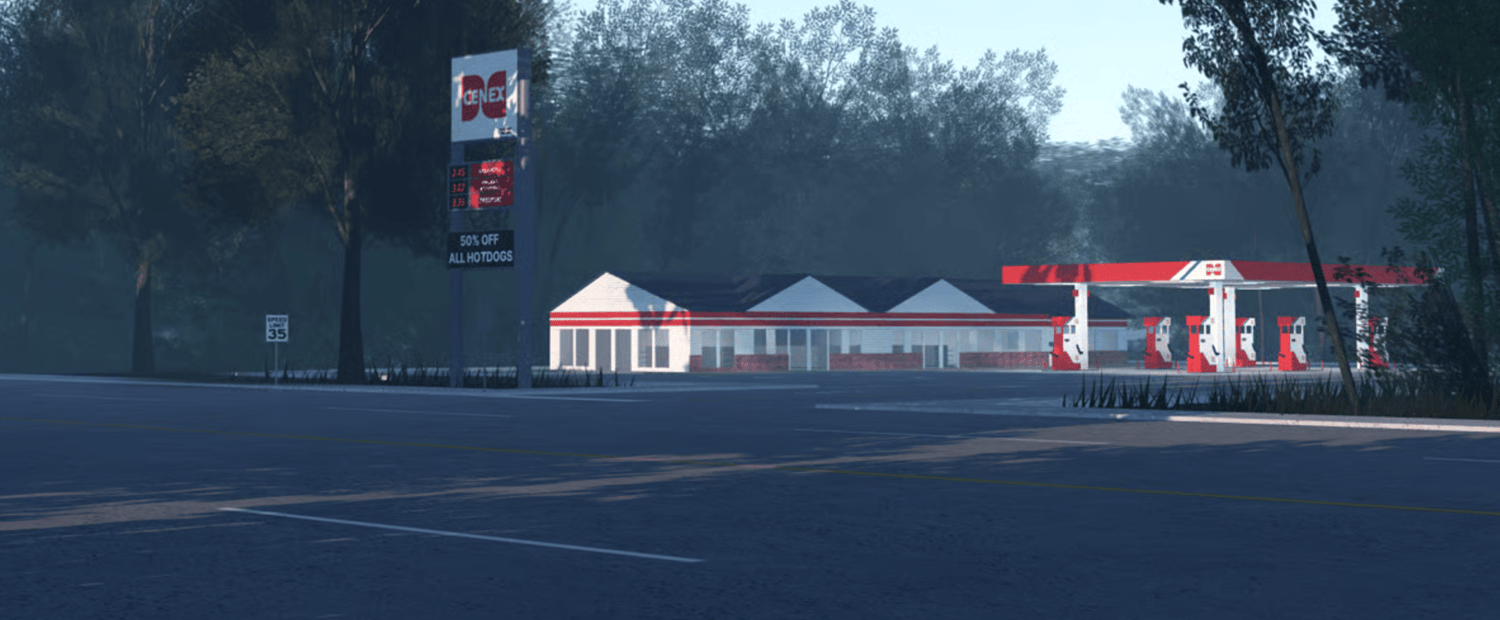
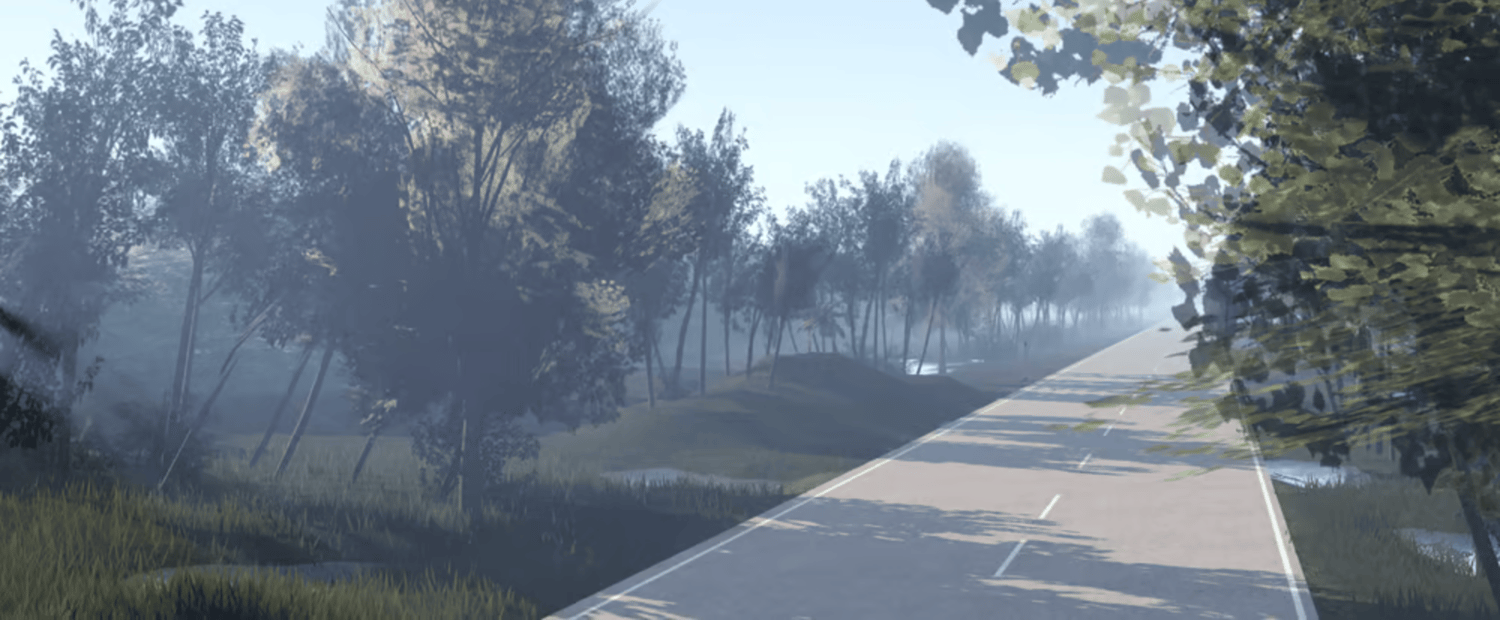
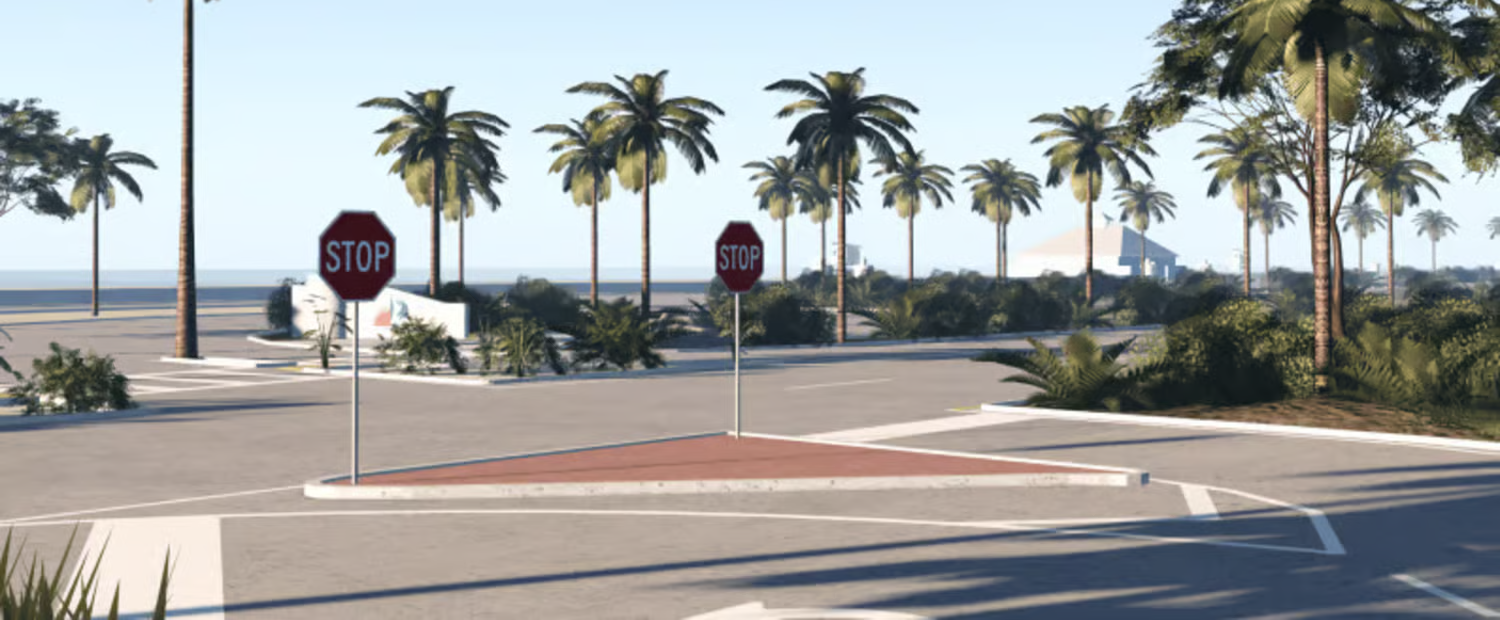
You’ll land on our storefront where all available Roblox maps are displayed. Each product includes detailed descriptions and preview images to help you make the right choice.
2. Review the Map Details
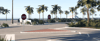
Select the Fort Lauderdale Florida – Fully Scripted Roleplay Map from the listings.
Before purchasing, take a moment to review:
- Included scripted systems
- Map layout and size
- Preview images
- Performance optimization details
- Compatibility with Roblox Studio
Because the map is fully scripted, core systems are already implemented — saving you hours (or weeks) of development time.
3. Complete Your Order
Once you’re ready:
- Click the purchase button
- Enter a valid email address (this is important for delivery)
- Choose your payment method
- Confirm your order through Payhip’s secure checkout
All transactions are encrypted and processed safely through Payhip.
4. Access Your Files
After successful payment:
- A confirmation email will be sent immediately
- Inside the email, you’ll find your personal download link
- Download and save the files to your device
You can then import the map directly into Roblox Studio and begin customizing or launching your server.
If you don’t see the email, check your spam or promotions folder.
5. Launch or Customize
With the map fully scripted and organized for easy editing, you can:
- Launch your roleplay server immediately
- Add your own custom systems
- Modify buildings or departments
- Expand the map as your community grows
If you need assistance, our support channels are available to help.