
1. Open the Official Store Page
Begin by visiting our Payhip store through the link shared on our website or Discord.
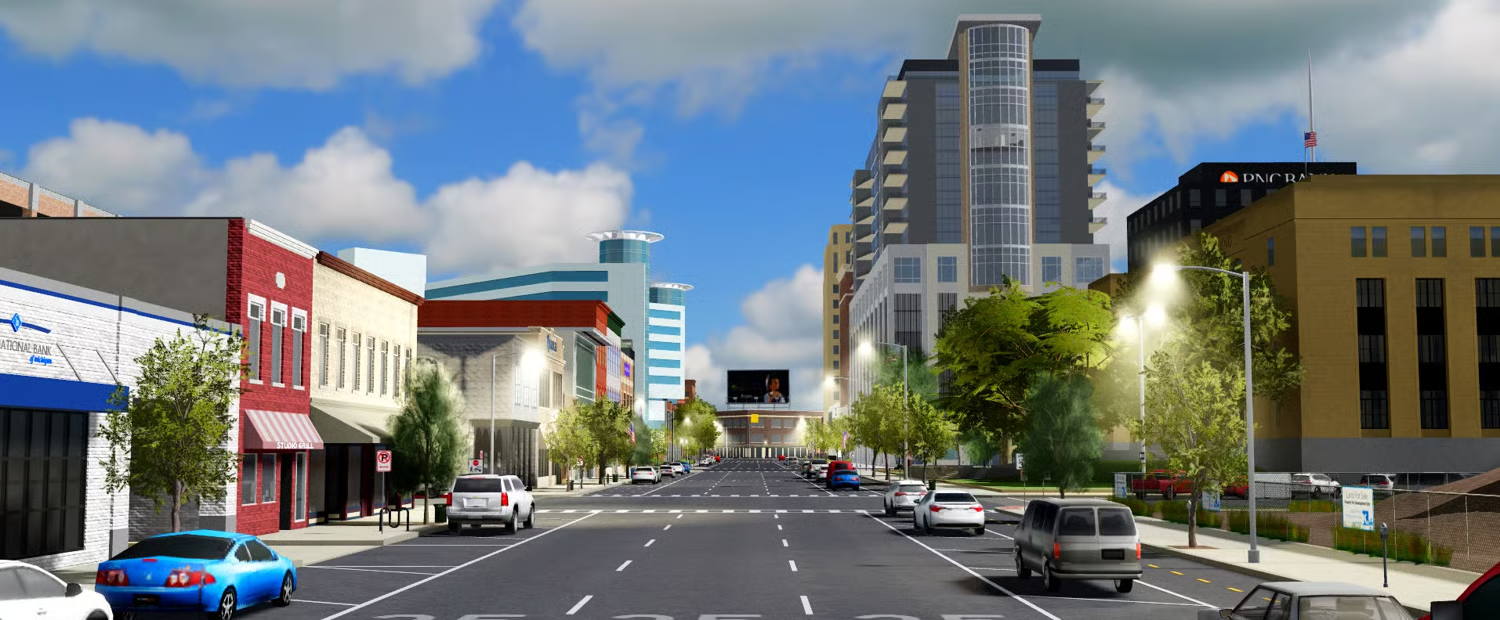
Once inside the store, browse the available products until you find the Kalington County listing.
2. Explore What’s Included
Click on Kalington County – Fully Scripted Roleplay Map Roblox to open the product page.
Inside, you’ll be able to review:
- All included scripted systems
- Map layout and scale
- Departments and roleplay-ready areas
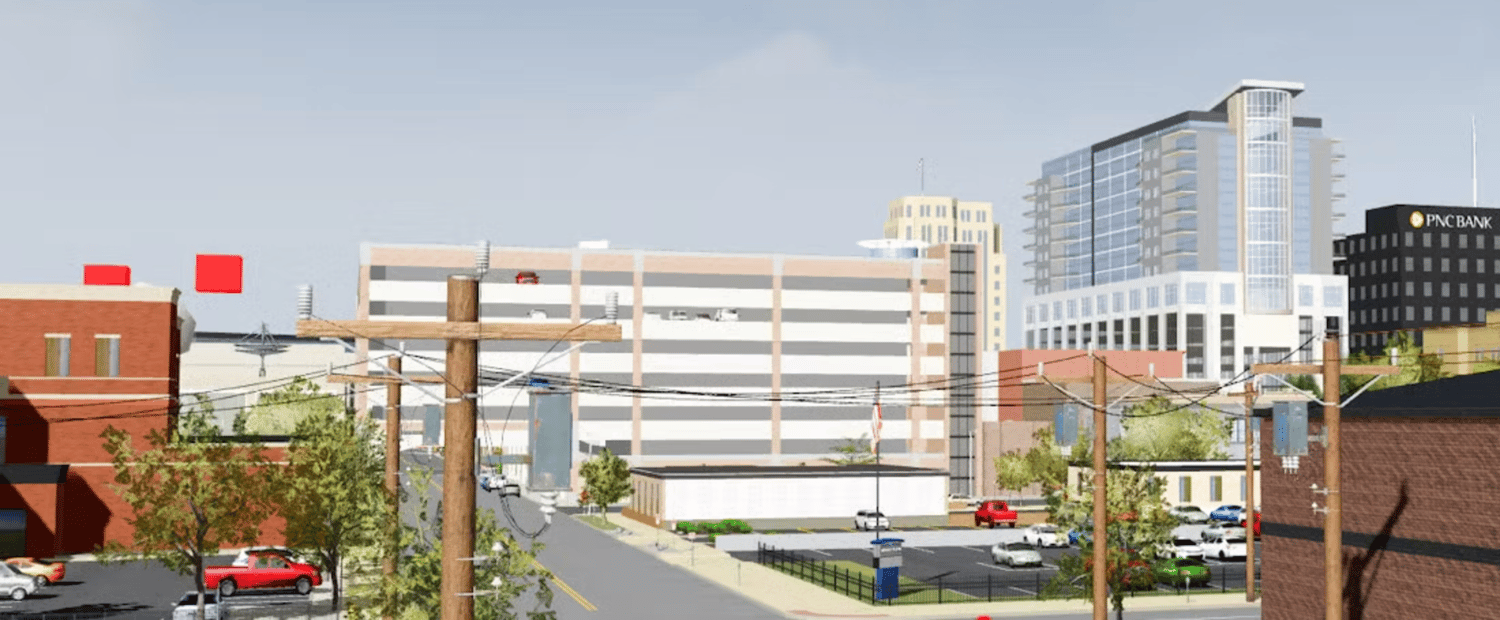
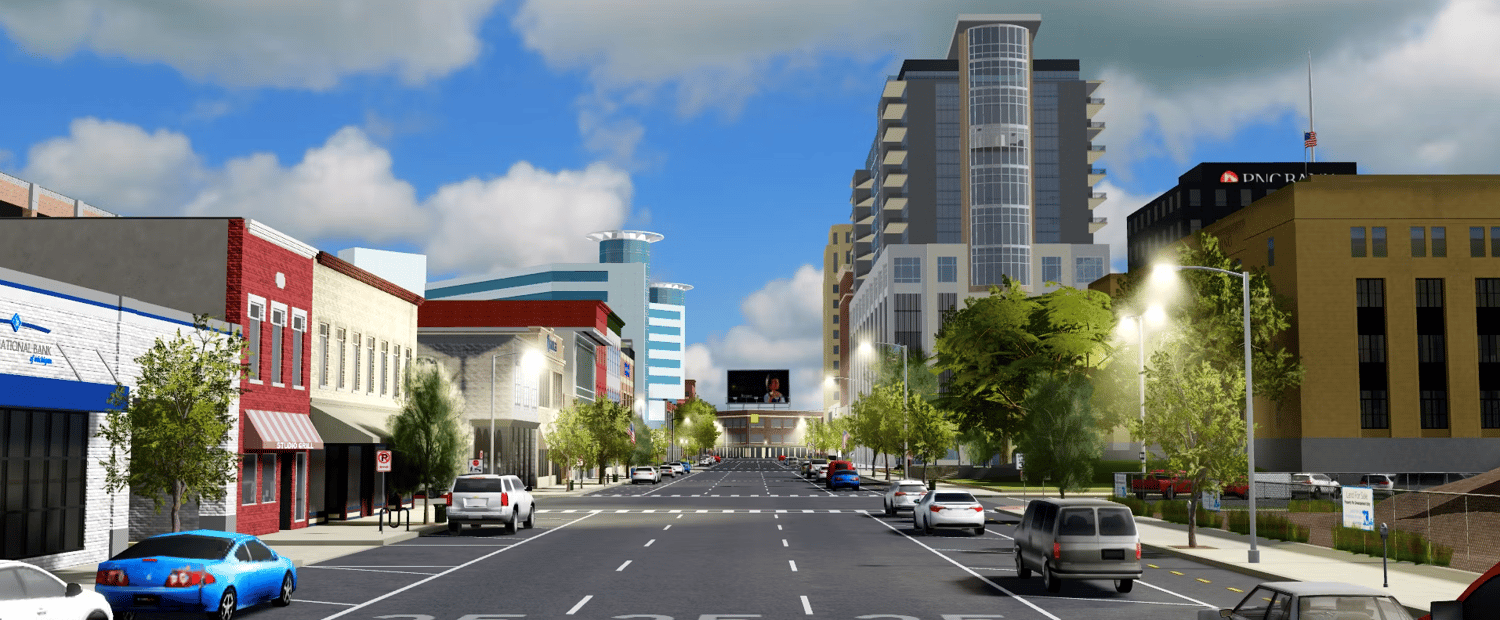
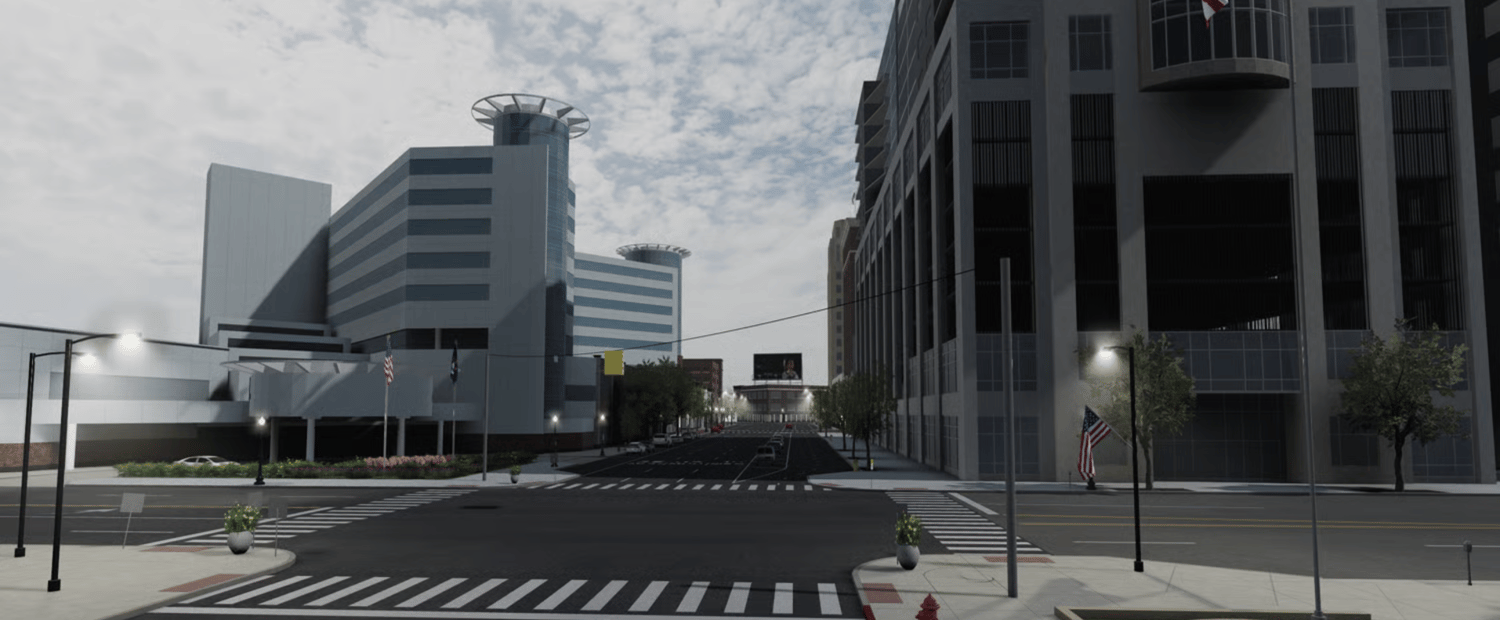
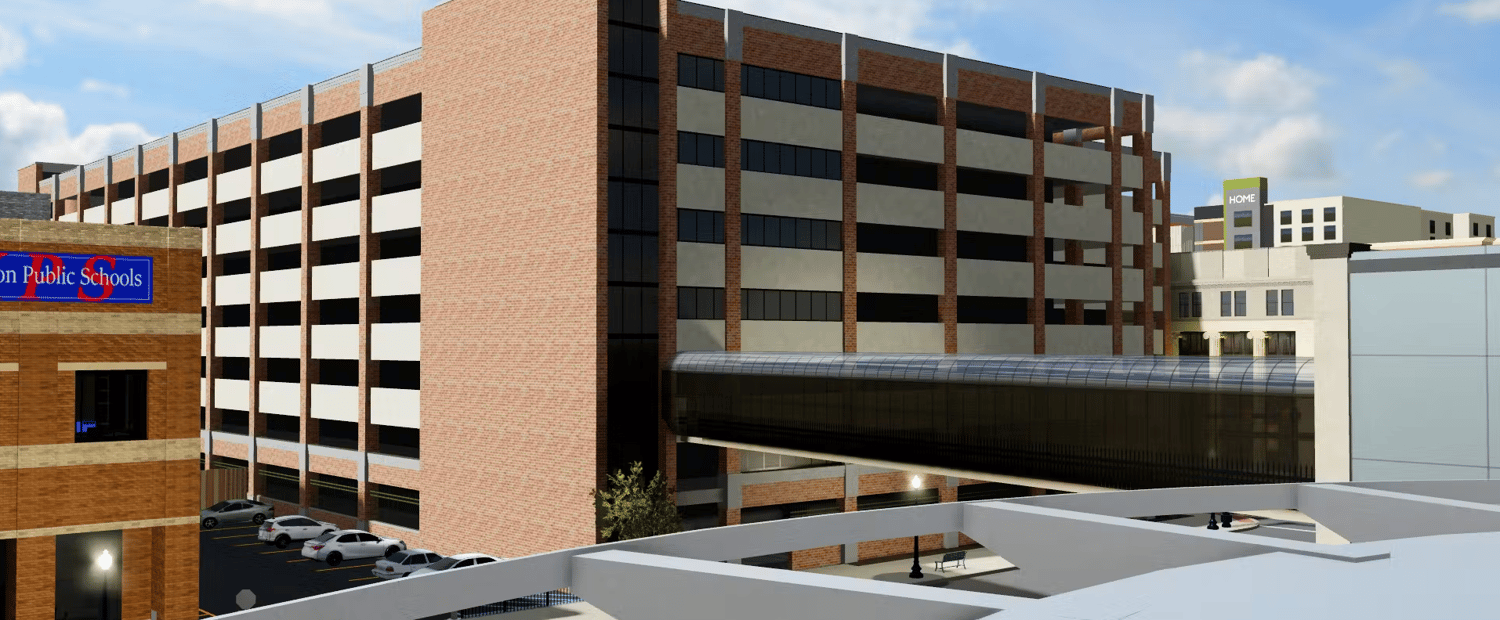
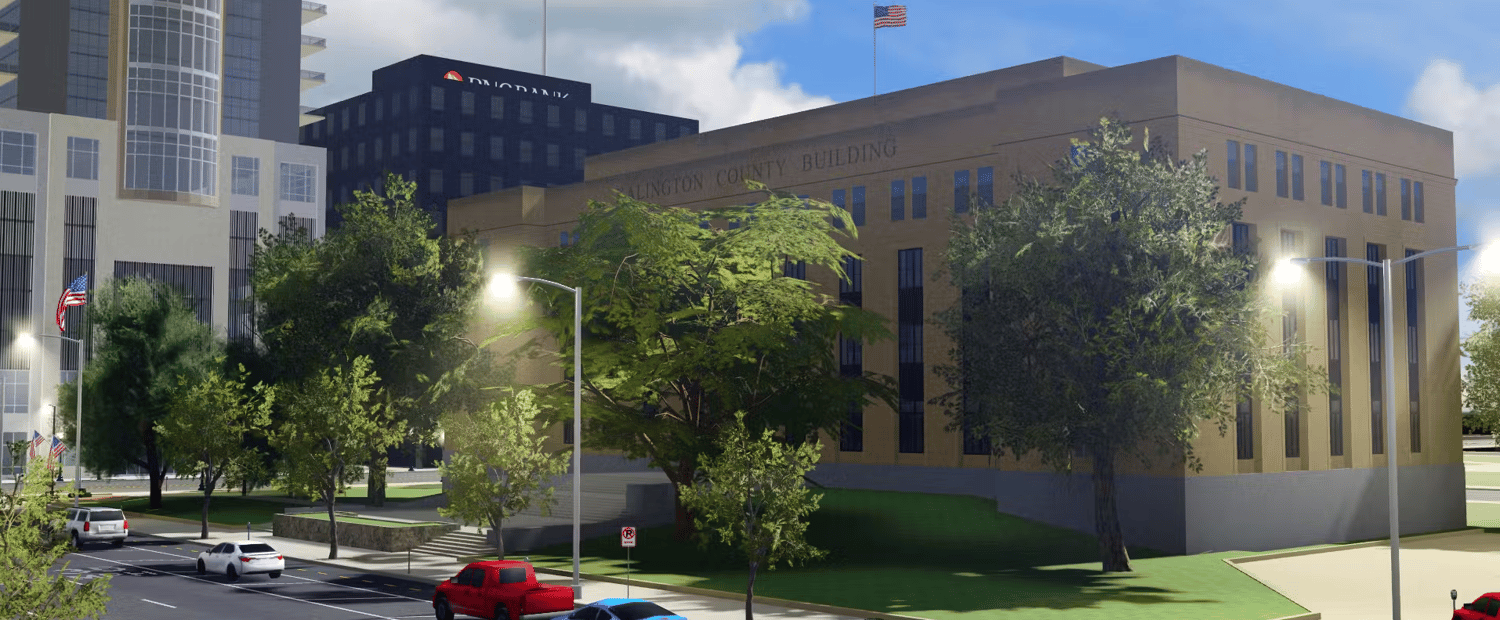
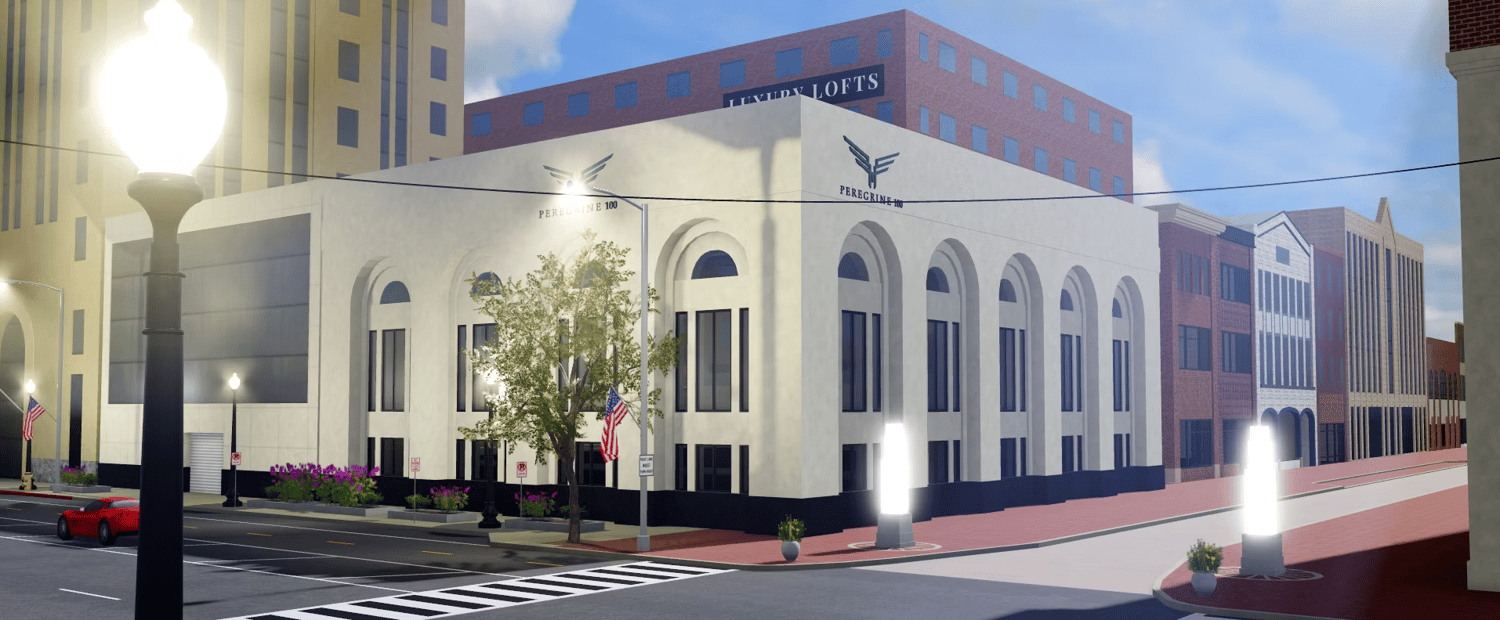
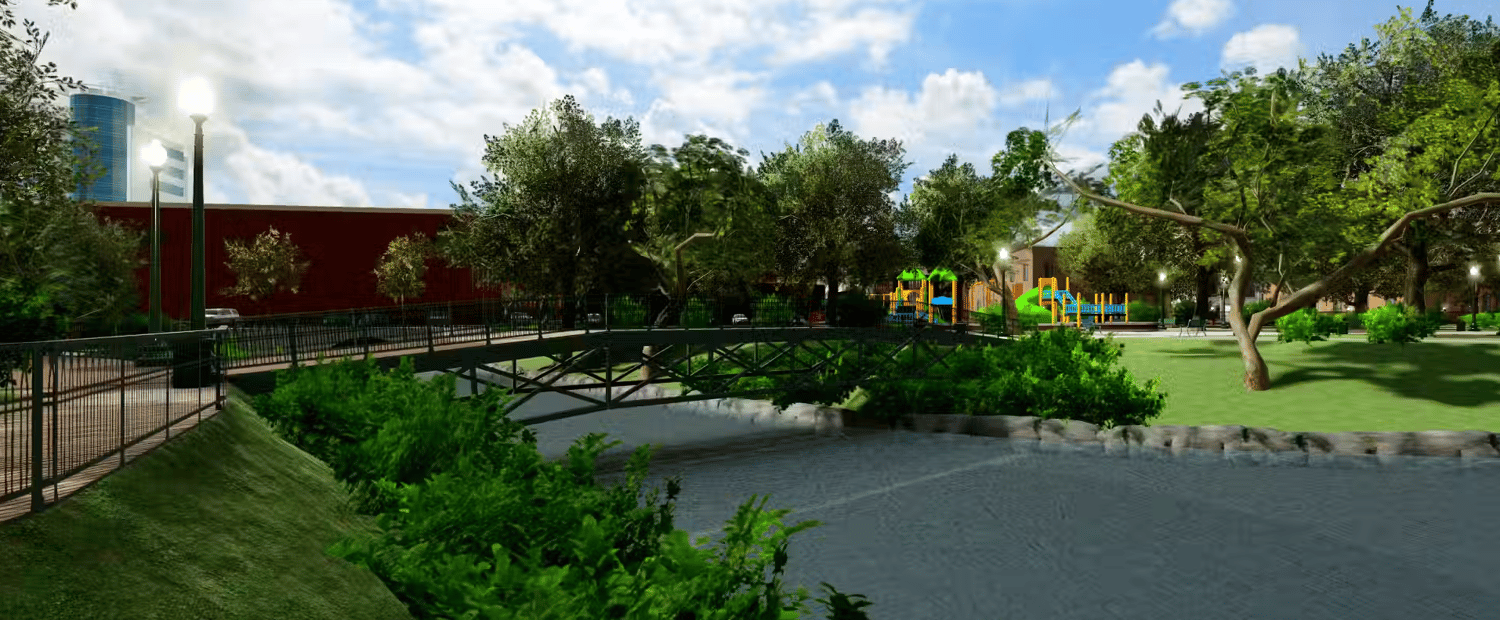
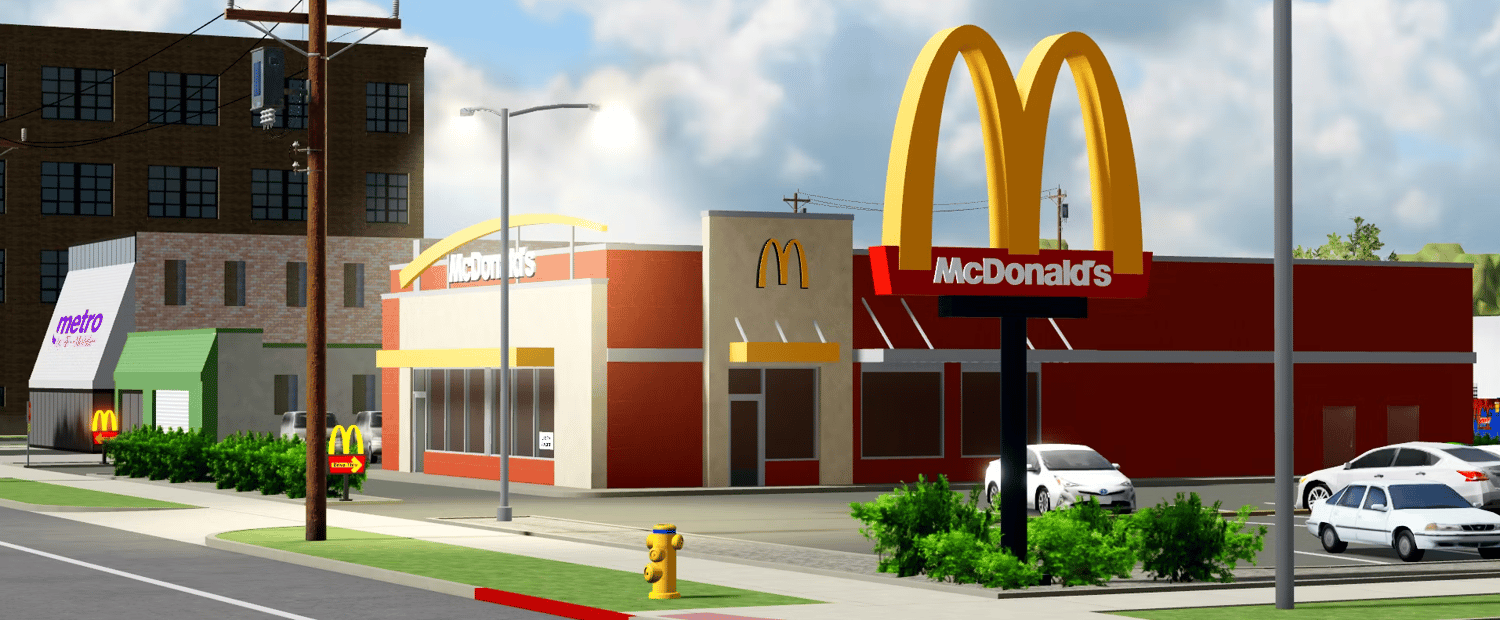
- Preview images
- Technical and optimization details
This map is fully scripted, meaning essential systems are already built in to help you launch faster and operate smoothly.
3. Purchase Through Secure Checkout
When you're ready to proceed:
- Select the purchase option
- Enter a correct and active email address
- Choose your preferred payment method
- Confirm your order via Payhip’s secure checkout system
All payments are encrypted and processed safely. Your financial information is never stored by us.
4. Receive Your Download Link
After your transaction is completed:
- A confirmation email will be sent automatically
- The email will contain your personal download link
- Download the map files directly to your device
Be sure to check your spam folder if you don’t see the message within a few minutes.
5. Import & Customize
Once downloaded, you can import the map into Roblox Studio and:
- Launch immediately with built-in systems
- Adjust departments or layouts
- Add custom scripts or assets
- Expand the county as your server grows
Kalington County provides a structured, professional foundation for serious roleplay communities.
If you need assistance at any point, contact us through our store page or Discord support.
Start building your Kalington County roleplay experience today.