

“We shape our tools, and thereafter our tools shape us.” — Marshall McLuhan

This quote aptly describes the importance of tools.
The better the TOOLS, the better the PRODUCTIVITY and consequently the better the RESULTS.
Whether you’re working in an office or home or even building your dream business — Tools are super important.
When I started my journey as a content creator on Pinterest I barely had any knowledge about the importance of tools, what role they play, how to actually find them, what tools can save us time while boosting our productivity…nothing.
But as I continued in my journey I personally made this analysis —the importance of tools can’t be ignored.
And as a result of this analysis, I’m able to scale my Pinterest business account to massive heights (Without spending a single penny!)
Recently, I have achieved a major milestone in my journey.
I crossed more than 600k impressions on my account and that too in a single day.
Here’s the proof!
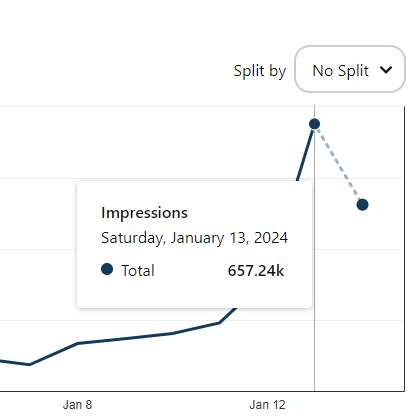
From these stats, you can get an idea what impact right tools can have on your creator account.
So, to help you get the same or even better results in your journey I’m going to share the 5 best tools that
I’ve discovered during my journey as a content creator.
I can assure you, once you start using these tools, you’ll yourself see the DIFFERENCE in your productivity and content style.
(I would be more than happy if you come back and share your experience with me😊)
Let’s explore these supercool tools!
1. Notion
Notion is an all-in-one organization tool!
I believe it’s the best tool when it comes to organizing your content, ideas and workflows.
This given picture shows you the organic traffic that Notion received in the last two years, managing to achieve 2.6 million users per month. — Source

I use it regularly to create and organize my content.
Recently I’ve started posting on Twitter on a consistent basis and Notion helps me keep track of Twitter posts too.

Here’s what Notion can be for you:
- A taskmaster: Create to-do lists, set deadlines, and track your progress.
- A knowledge hub: Jot down ideas, build a personal wiki, organize research, and keep all your notes in one place.
- A project planner: Brainstorm with your team, collaborate on projects, and manage tasks seamlessly.
- A personal planner: Keep your life on track with calendars, habit trackers, and mood journals.
The potential is limitless and do you know what’s the best part?
Notion is super flexible.
You can customize it the way you want.
2. PlaceIt
If you’re someone who’s into the e-commerce or POD (Print on Demand business) you must have heard about this tool termed as- PlaceIt.
It’s the world’s biggest mockup library, owned by Envato.
This platform has 43,000+ graphics that really take away the stress of finding the perfect mockups.
You just need to upload your designs and you’re all set to show them to the world.
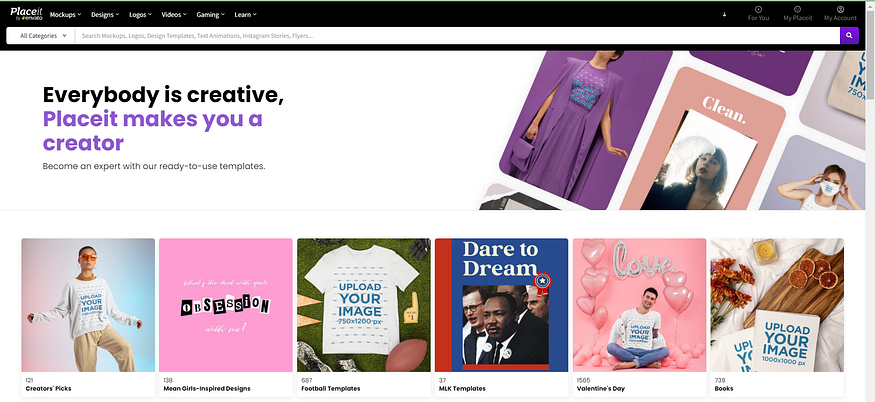
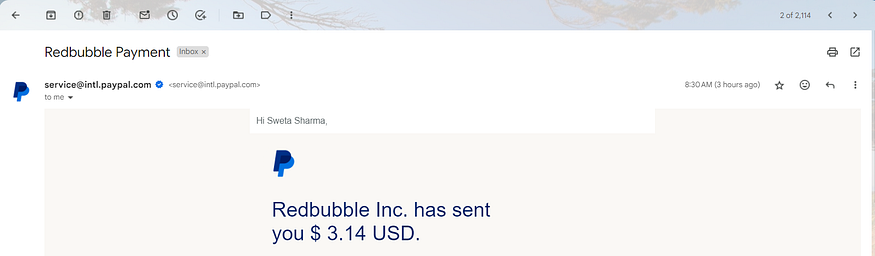
I upload my print on demand designs on this platform and then I cross promote them on different
platforms like Pinterest and once any product gets sold out, I get a commission for that product.
3. Creative Fabrica
Creative Fabrica is a hub of creative assets.
Whatever you want — fonts, graphics, PNGs, KDP interiors everything is available on this platform.
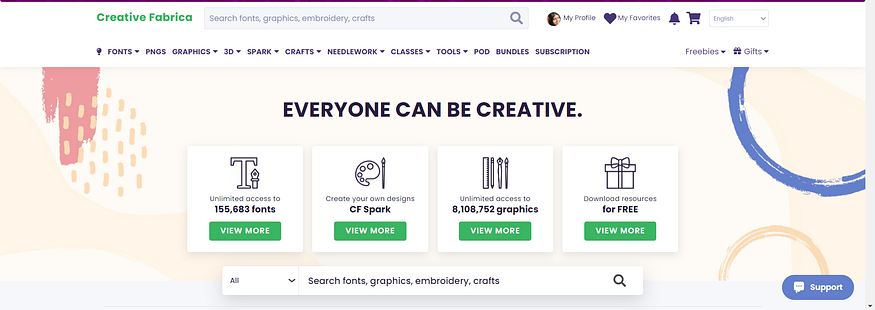
I personally use it to get Fonts. Their font collection is huge!
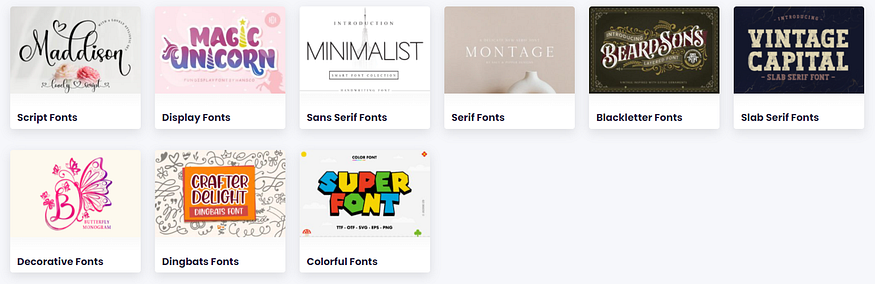
You can also give it a try to add more resources to your toolkit.
4. Canva
How can we forget Canva?
It’s actually the best thing that has happened in the digital world.
Especially for people who aren’t that technically sound.
I use this designing tool to design my pins and it saves me a hell lot of time.
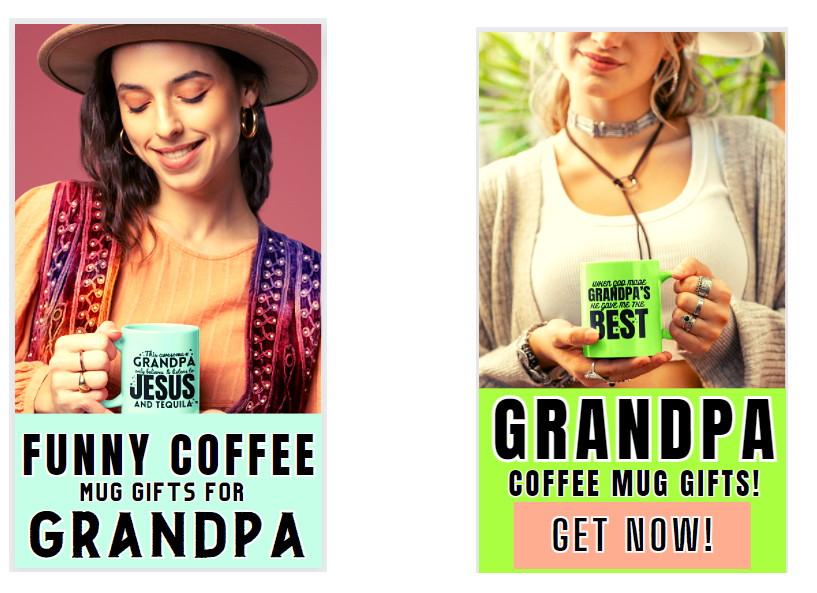
One more strategy that I use while creating and designing my pins is — Batch Content Method.
Batch content creation is a strategy where you work on and schedule multiple pieces of content in one go, instead of creating and posting them individually.
I make multiple versions of my products by using a similar theme.
Here’s an example!
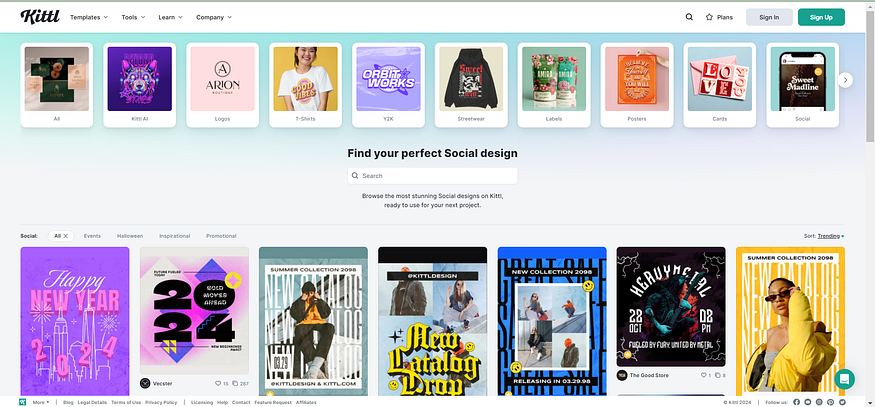
Note: You can also use Kittl, if you don’t want to use Canva. They’re also one of a kind, when it
comes to designing.
5. Pinterest Trends
Pinterest Trends help you find the interests and passions of your audience.
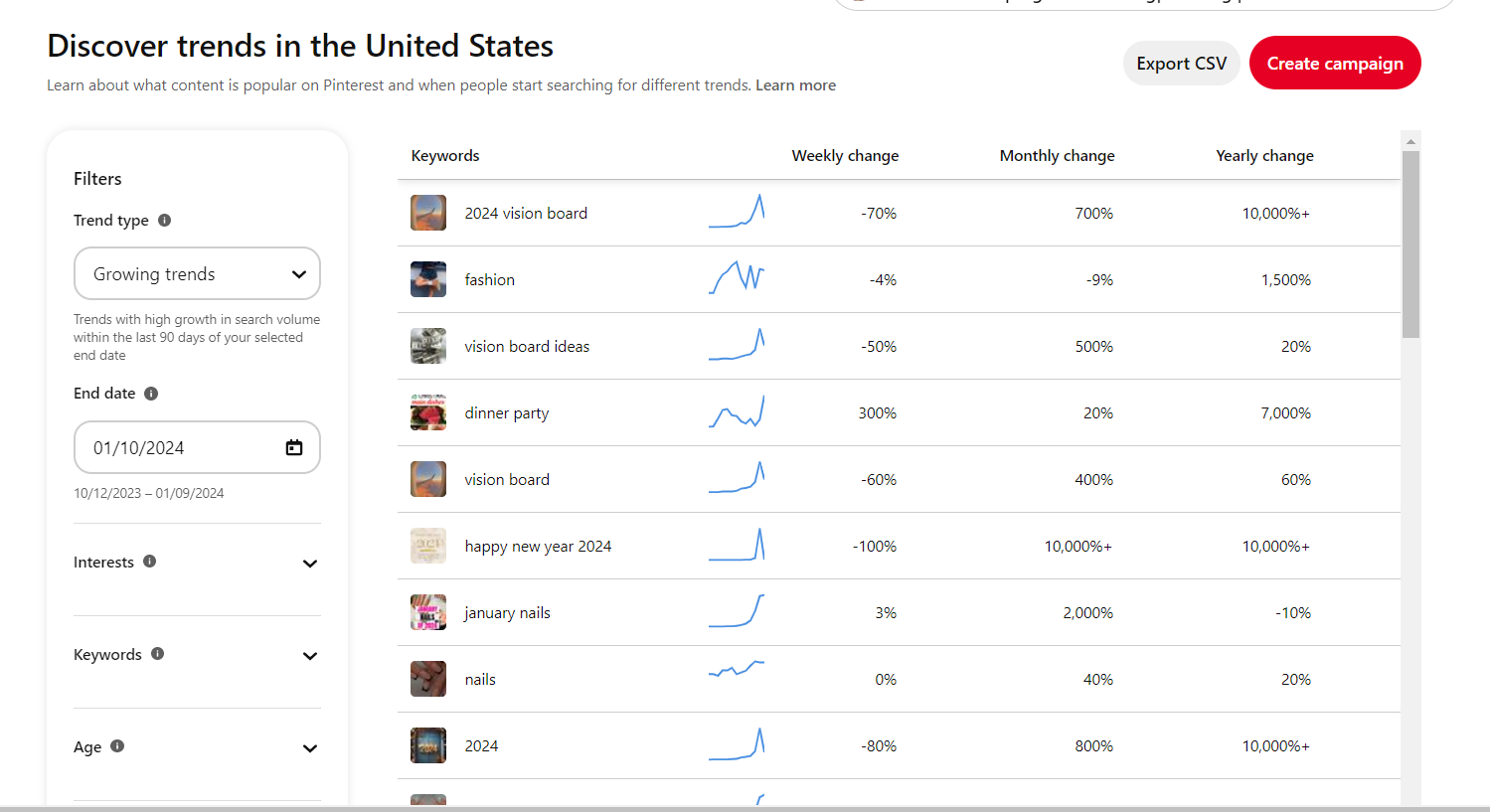
Know what’s capturing your audience’s attention by exploring Pinterest Trends.
Then align your content strategy with these trends to ensure that you’re ready to serve your audience what they are actually searching.
Let me explain this by giving an example.
Suppose I’m creating content in the fashion niche and as I can see in the trend sheet the keyword Fashion is going upward.
Now, I can create more content related to that particular keyword.
If I keep on adding more and more content pieces to my account then gradually the Pinterest algorithm will start noticing my efforts and they will give me an organic boost, just because I’m being consistent on their platform.
In summary, these 5 tools were game-changers, propelling my Pinterest impressions to a whopping 657K in a single day.
Give them a try and let me know how they turn out.
Happy Pinning!