

If you've connected ChatGPT or Claude to your accounting software, your files, or your CRM in the last year, you've used MCP, whether or not you knew the name. The Model Context Protocol is the plumbing behind most AI "connectors": the standard way an AI assistant reaches into another app to read your data or take an action for you.
It spread fast. Anthropic released it as an open standard in November 2024. OpenAI and Google both adopted it in 2025, and in December 2025 Anthropic handed it to a new foundation under the Linux Foundation so no single company controls it. Today, connecting an app to your AI assistant usually takes a couple of clicks.
That ease is exactly why it's worth slowing down for a minute.
What happened
Three things landed over the last few months, and together they sharpen a question most small businesses haven't asked yet.
A public argument about whether MCP is still needed. On September 20, a Hacker News thread titled "MCP was always a bad idea?" argued that the protocol has become unnecessary. Developer and writer Simon Willison pushed back. He agreed that for a full coding agent with open internet access, "there's almost no reason to use MCPs." But for anything more careful than that, he wrote, you want "control over exactly which external services it can access," a way to handle logins "that doesn't allow the agent to directly access API keys," and "strong audit logging for what's going on." His conclusion: "MCP makes all of that so much easier to provide."
Security guidance from the NSA. In May, the NSA's Artificial Intelligence Security Center published design guidance for organizations using MCP. Its core advice: "Adopters are advised to proceed with caution, drawing on lessons from prior distributed and plugin-based ecosystems while applying heightened scrutiny to MCP's novel integration and automation patterns."
Real problems in real connectors. In August, researchers at Pillar Security documented a campaign they called Deadbugz: 23 pull requests submitted to open-source AI and developer projects in 74 minutes, each trying to add a connector that offered harmless text-formatting and summarizing tools. After exactly three uses, the connector changed the instructions it sent back to the AI, directing it to hunt for passwords and cloud credentials while hiding the activity from the user. The same month, three security flaws were published in the U.S. national vulnerability database against MCP connectors, including a community-built Atlassian connector and a community-built Facebook Ads connector. Both were patched.
Why it matters
The debate and the security news point in the same direction. The value of a connector isn't that it exists. It's that it gives you controlled access: this assistant can reach this app, for this purpose, and you can see what it did. A connector you added on a whim, don't use, or can't vouch for gives you the risk without that value.
There's a second, less obvious cost: clutter. Every connected app describes its tools to the AI in advance, and those descriptions take up part of the assistant's limited working memory (what developers call the "context window"). Anthropic gave a concrete example in November 2025: a setup with five connected services (GitHub, Slack, Sentry, Grafana, and Splunk) loaded 58 tools, "consuming approximately 55K tokens before the conversation even starts."
More tools also make it harder for the AI to pick the right one. Anthropic has since built a feature that lets Claude search for tools only when it needs them instead of loading every description upfront. The company reported an 85% cut in the space tool definitions take up, and in its own tests with large tool libraries, accuracy at choosing the right tool rose from 49% to 74% for one of its models. Some AI tools now handle this better than others, so how much clutter costs you depends on what you use. But the principle holds everywhere: an assistant with ten connectors it doesn't need is working harder to do the same job.
What it means for a small business
Most small businesses aren't building connectors. You're choosing them from a directory inside ChatGPT or Claude, or copying one from a tutorial. That makes three distinctions matter more than anything technical.
Official versus community-built. The Atlassian and Facebook Ads connectors with published flaws weren't built by Atlassian or Meta. They were built by independent developers and shared publicly, and names like that make it easy to assume otherwise. Before you connect anything that touches money, customer data, or your files, check who actually publishes it.
Read versus write. A connector that can only look things up is a different decision from one that can act. QuickBooks is a useful example. On July 28, Intuit expanded its official connector for Claude and ChatGPT beyond read-only: it can now create and manage invoices, set up recurring invoices, and generate payment links. (Payroll stays look-up only, and the connector isn't available outside the U.S.) In Intuit's words, "This is moving beyond read-only access to your data." That can be useful, and it's also a new kind of permission. Intuit says every action "remains reviewable and human-verified." Use that review step. Don't click past it.
Built for you versus built for developers. Intuit also publishes a separate, open-source QuickBooks connector that exposes 144 tools and requires registering an app in Intuit's developer portal. It's built for developers creating custom software, not for a business owner who wants to ask about overdue invoices. More tools isn't a better connector for your use case. It's a different product for a different person.
Behind all three sits the lesson from Deadbugz: approving a connector once isn't the same as trusting it forever. Pillar Security's recommendation was aimed at the companies that build AI tools, but it applies to anyone: "Clients should treat a change in the tool definition of an already-approved server as a meaningful security event."
What to do next
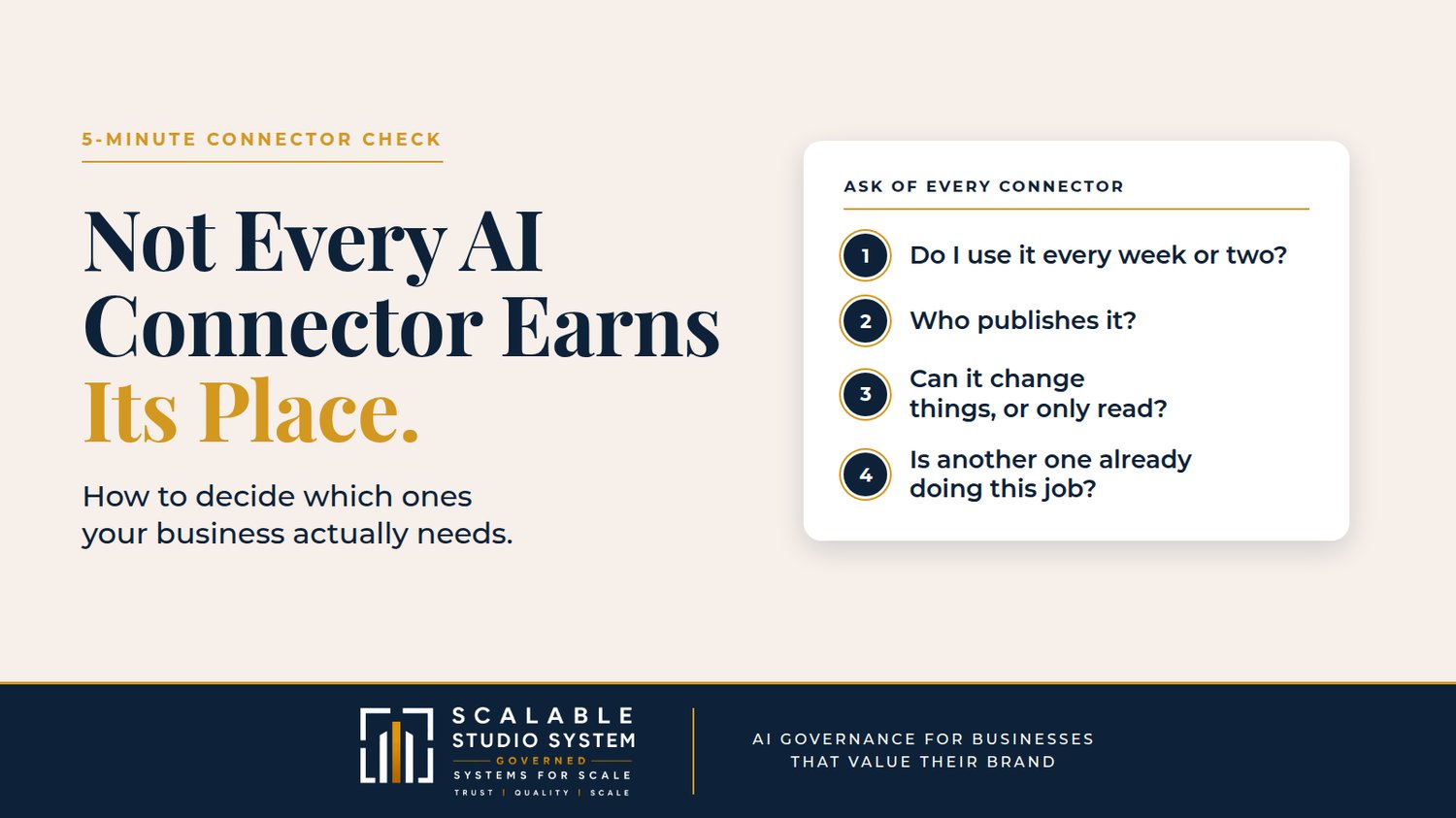
You don't need a security team to get this right. You need one pass through your settings and a habit of rechecking. Open the connectors or apps page in whichever AI assistant you use and ask four questions of each one:
- Do I use this at least every week or two? If not, disconnect it. Reconnecting takes a minute; carrying an unused one costs you something every session.
- Who publishes it? Prefer the official connector from the company whose data it touches. If it's community-built and handles money or customer information, find the official option or leave it off.
- Can it change things, or only read them? For anything that can send, pay, invoice, or delete, keep any approve-before-acting setting your AI tool offers switched on, and read what you're approving.
- Is another connector already doing this job? Two tools that reach the same data double the clutter and the exposure without adding capability.
Then put a fifteen-minute review on your calendar once a quarter, and treat any connector that suddenly asks for new permissions as a fresh decision, not a formality.
The businesses that get the most from AI connectors won't be the ones with the longest list. They'll be the ones that can say, for every connection, what it's for and why it's there. This week, open your AI assistant's connector settings and run those four questions on the first connector you see. It takes five minutes, and it's the start of a system instead of a pile.
Every connection should earn its place. The ones that don't are just open doors.
Sources
- Simon Willison — Comment: MCP was always a bad idea? — https://simonwillison.net/2026/Sep/20/hn-49779718/
- NSA — NSA Releases Security Design Considerations for AI-Driven Automation Leveraging the Model Context Protocol — https://www.nsa.gov/Press-Room/Press-Releases-Statements/Press-Release-View/Article/4496698/nsa-releases-security-design-considerations-for-ai-driven-automation-leveraging/
- Pillar Security — Deadbugz: Currently Active MCP Supply-Chain Campaign — https://www.pillar.security/blog/deadbugz-currently-active-mcp-supply-chain-campaign
- Anthropic — Introducing advanced tool use on the Claude Developer Platform — https://www.anthropic.com/engineering/advanced-tool-use
- Intuit — QuickBooks Expands Into Claude and ChatGPT with New Features — https://www.intuit.com/blog/news-social/quickbooks-expands-into-claude-and-chatgpt-with-new-sales-invoicing-payroll-and-lending-features/