

If your business runs on a Custom GPT, you have about ten weeks to move it. The migration tool handles most of the work. What it can't do is make you the owner of your own AI setup.
If you've ever built a Custom GPT for your business, a brand-voice writer, a customer-reply helper, an assistant that knows your SOPs, it now has an end date.
What happened
On September 11, OpenAI announced it is retiring Custom GPTs across all ChatGPT plans and replacing them with plugins. According to OpenAI's migration FAQ, Custom GPTs are scheduled to retire on December 11, 2026. Enterprise workspaces with an approved deferral get until February 11, 2027. Creation of new Custom GPTs ends sooner, on October 26, on every plan. OpenAI notes that migration and plugin access may differ by account or workspace, so check the notice in your own account.
Plugins are OpenAI's new container for reusable AI setups. In OpenAI's words, they "bring reusable instructions, reference files, and connected apps together." There's a built-in "Migrate to plugin" option in My GPTs, and it carries over the core of a GPT:
- Your instructions become a skill inside the plugin
- Your knowledge files are copied into the plugin's reference files
- Your connected apps are added to the plugin
Several things don't carry over. Custom actions have to be rebuilt; OpenAI says features that depend on them "will not work in the plugin until you set up a replacement." Existing conversations stay behind. The model you selected doesn't transfer, and neither do sharing settings or GPT Store listings. Only the published version of a GPT migrates, so unpublished draft changes are left out. If you have edits sitting in draft, publish them before October 26. After migration, the original GPT becomes read-only but stays usable until the retirement date. After that, it's gone.
Why it matters
For a lot of small businesses, a Custom GPT was the first time AI stopped being a blank chat box and became something repeatable. You wrote down how you wanted it to behave, uploaded the documents it needed, and reused it every week. Those instructions are often the most refined thinking a business has written down about its own voice and process, even if nobody ever called it that.
The migration covers the basics, but a few gaps will catch people:
- If your GPT connects to another service through a custom action (a booking system, a spreadsheet, an order lookup), that part stops working in the plugin until you rebuild it.
- If you shared a GPT with a team member or contractor, you'll need to set up their access again.
- If your business depends on a GPT someone else built, such as one from the GPT Store, OpenAI is clear that "access to the original GPT does not automatically give you access to a replacement plugin." Whether a replacement exists is up to its creator.
- Because the selected model doesn't carry over, a migrated plugin may not respond exactly the way the original did. That's worth checking before you rely on it.
This has happened before. In 2024, OpenAI wound down its original ChatGPT plugins beta, and existing plugin conversations stopped working that April as users were pointed toward GPTs. Today's plugins reuse the name but work differently. The takeaway isn't that OpenAI is unreliable. It's that the container your AI setup lives in is a product decision someone else makes, and it will keep changing.
What it means for a small business
The retirement exposes a question most businesses never had to answer: where does the real version of your AI setup live?
If the only copy of your instructions sits inside a GPT builder, the tool isn't just hosting your system. It's holding it. When the tool changes, the migration only goes as well as the vendor's conversion does, and you find out what was lost after the fact.
If the master copy lives in a document you own, the picture is different. The GPT, the plugin, a Claude Project, whatever comes next, each one is just a place you deploy that setup to. A platform change becomes a copy-and-test job, not a rebuild from memory. That's the difference between using AI and running a system: the thinking behind it belongs to the business, not to the tool.
What to do next
You have time, but not so much that it's safe to leave until December. This week:
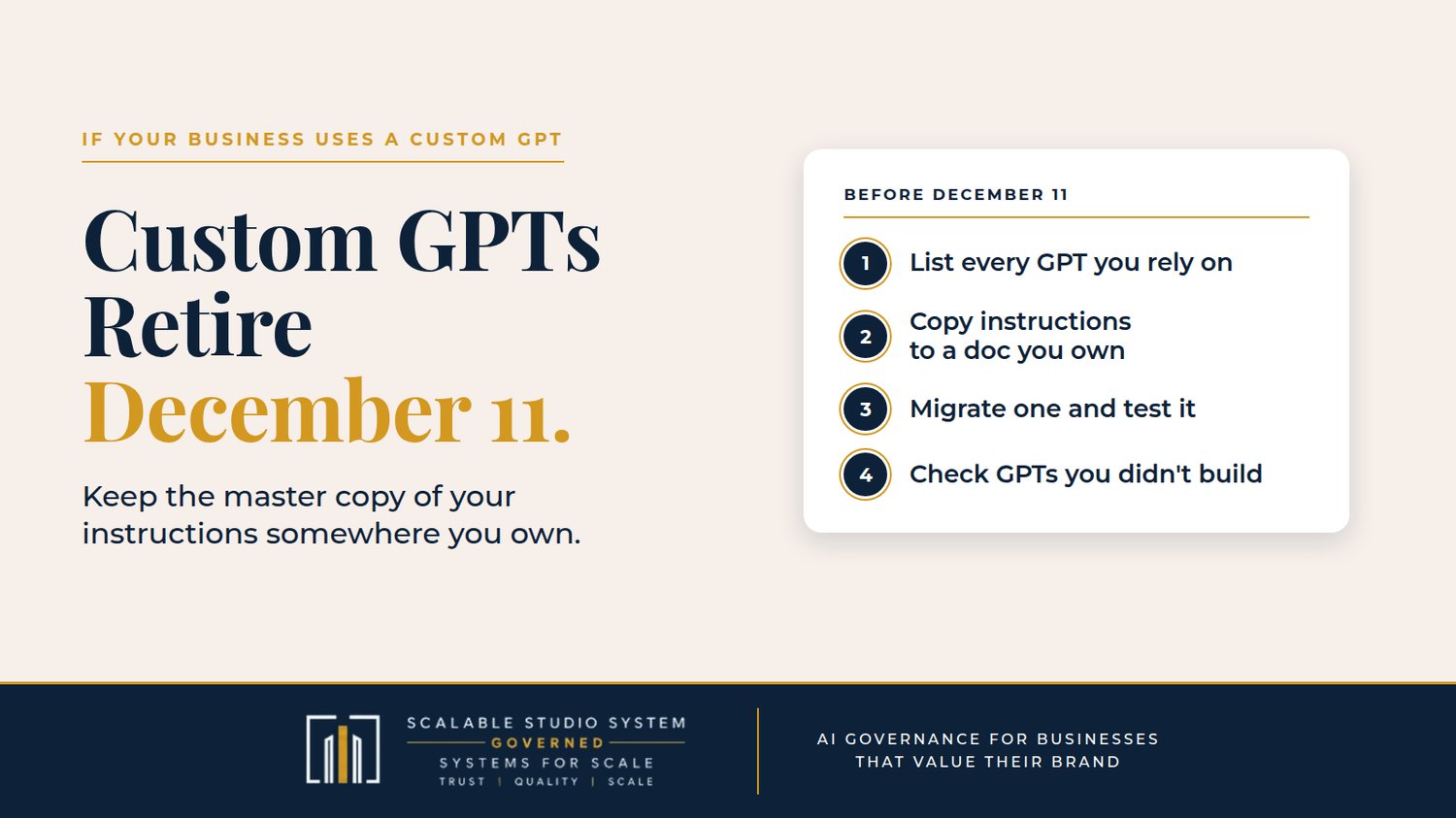
- List every GPT your business uses. Include the ones you built and the ones you rely on from other people. Mark the ones a weekly task actually depends on.
- Copy out the important parts before you migrate. Paste each GPT's instructions into a document you control. Make sure you have your own copies of its knowledge files. Write down any custom actions and what they connect to. That document becomes your master copy.
- Migrate one GPT and test it. Run three to five real tasks where you already know what a good answer looks like, and compare the plugin's output against the original while you can still use both. Rebuild any actions and reset team access.
- For GPTs you didn't build, check the creator's notice for replacement plans. If there isn't one, decide now what replaces it, rather than finding out on December 11.
Then keep that master copy current. The next platform change becomes a much smaller job.
Building that kind of structure from the start is exactly what Scalable Studio System's Build Your AI Project God Mode — Complete Kit ($97, on Payhip) is designed for. Its seven-stage framework includes a source-of-truth structure for your project documents and a 12-part Instruction Core template for how the AI should operate, so your setup lives in documents you keep, not only inside the tool you happen to be using this year.
Tools will keep changing what they call things. Your instructions should outlast every name change.a
Sources
- OpenAI Help Center — Custom GPT retirement and migration FAQ — https://help.openai.com/en/articles/20001519-custom-gpt-retirement-and-migration-faq
- OpenAI Help Center — ChatGPT release notes — https://help.openai.com/en/articles/6825453-chatgpt-release-notes
- MIXED — OpenAI is retiring custom GPTs, here's what carries over to plugins — https://mixed-news.com/en/openai-retiring-custom-gpts-what-carries-over-to-plugins/