

Image and text
How Digital Downloads Work
Our artwork is delivered as a digital download. You receive the files to print in the size and style you choose. No physical print or frame is shipped with your Payhip purchase.
1. Purchase and download
After checkout, Payhip will take you to a page where you can download your artwork. It will also email you a receipt with a link to your download page. Save that email in case you need the files again.
2. Open the ZIP file
Your artwork files are packaged together in a ZIP file. Think of it as a folder that keeps the print files together for downloading. Before printing, you need to take the files out of the ZIP. This is called unzipping or extracting.
- On Windows: Find the downloaded ZIP file, right-click it, choose Extract All, and follow the prompts.
- On a Mac: Double-click the downloaded ZIP file. A folder containing your files will appear beside it.
3. Choose the right print file
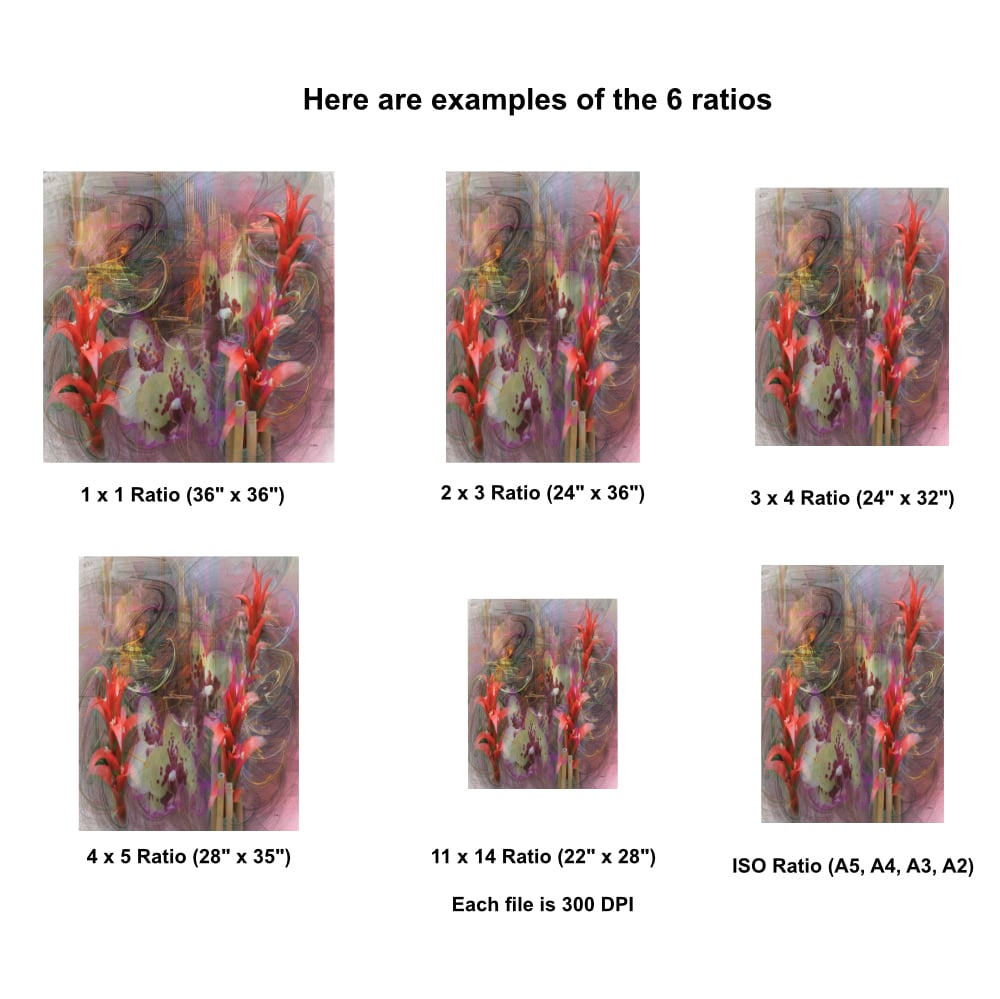
Each artwork includes six high-resolution versions prepared for different print proportions. Open the included print guide and find the size you want to make. The guide will tell you which file to send to your printer.
4. Have your artwork printed
You can use a local print shop or a professional online printing service. Tell them your desired size and material, and send them the matching artwork file. Ask to see the final crop before they print, especially if you choose canvas.
Need help? If you cannot find your download email, check your spam or junk folder. If you have trouble opening the ZIP or choosing a file, please contact us through the store.