
AI tools are only as useful as the data you feed into them.
If a spreadsheet has mixed date formats, duplicate rows, hidden blanks, unclear column names, or copied PDF table errors, the downstream result can look confident but still be wrong. The same problem shows up before CRM imports, dashboard updates, no-code automations, and simple client handoffs.
Here is a small cleanup pass I use before sending messy source data into AI or automation tools.
1. Keep the raw file untouched
Save a copy of the original file before cleaning anything. If a client asks where a number came from, the raw source is your reference point.
For PDF exports, keep the PDF page number beside the extracted row whenever possible.
2. Normalize the column names
Make every column name short, clear, and consistent.
Avoid vague columns like Notes 1, Data, or Other unless you define exactly what belongs there.
3. Fix obvious formatting problems
Before using AI, formulas, imports, or dashboards, check for:
This is simple work, but it prevents a lot of downstream confusion.
4. Separate unclear values from clean values
Do not guess when a value is unclear.
Use a small QA log with:
This makes the handoff more professional and avoids silently inventing data.
5. Test a tiny sample first
Before cleaning 1,000 rows, clean 10 rows and test the result:
If the small sample fails, fix the workflow before scaling it.
6. Deliver the cleaned file with a short QA note
A clean delivery note can be as simple as:
This turns basic data entry into a clearer service, especially for freelancers and virtual assistants.
Useful templates
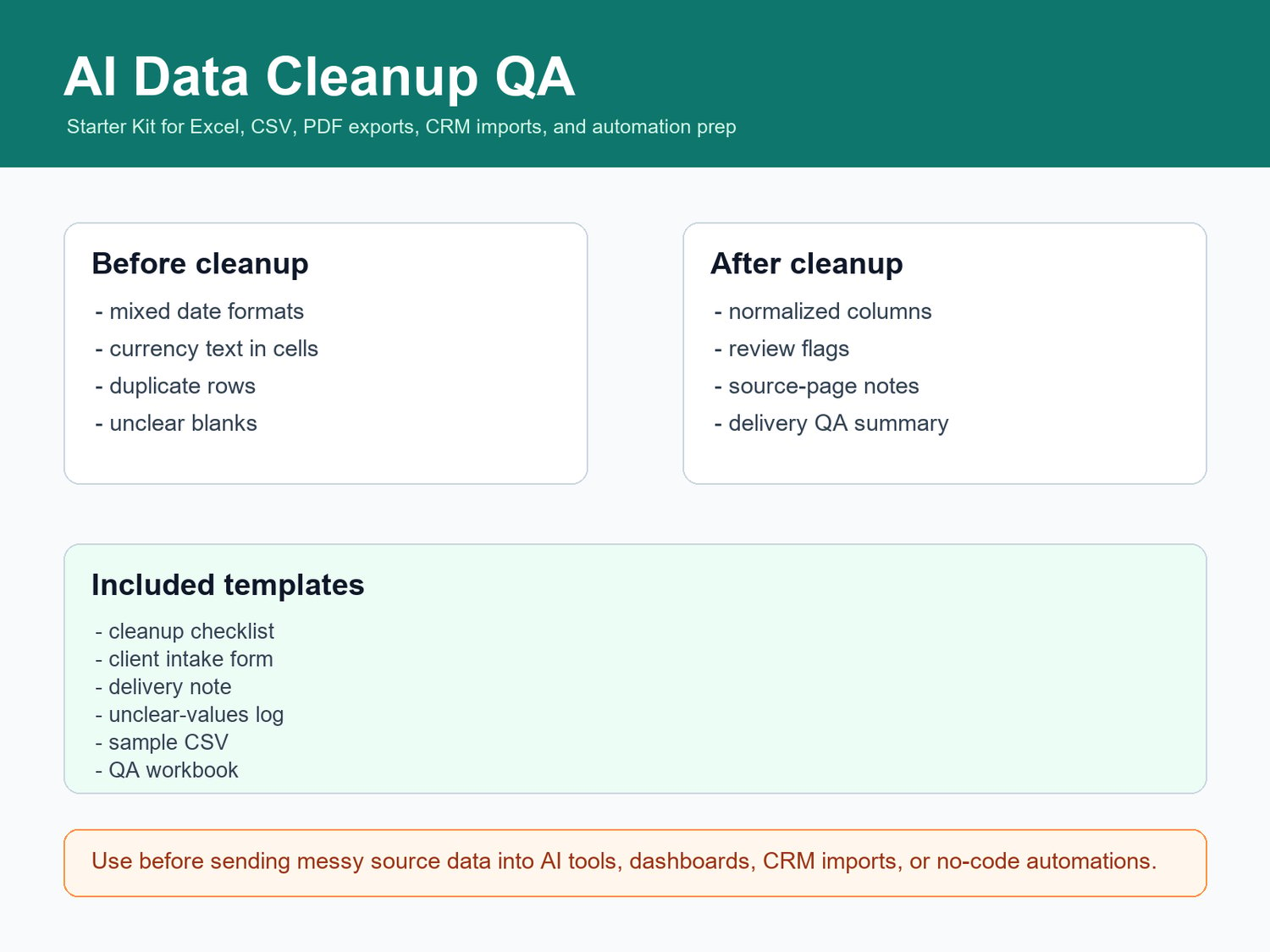
I made a small starter kit for this exact workflow:
Launch offer: use code STUDIO20 at checkout for 20% off the starter kit.
Get the AI Data Cleanup QA Starter Kit.
Browse the free and paid Data Entry Freelancer Kits.
Book the direct-pay PDF-to-Excel or spreadsheet cleanup mini job.
No private scraping, protected-file bypassing, fake data, or sensitive-data compliance advice is included. The goal is simple: make messy source files easier to review before they move into AI tools, CRM systems, dashboards, or client delivery.