
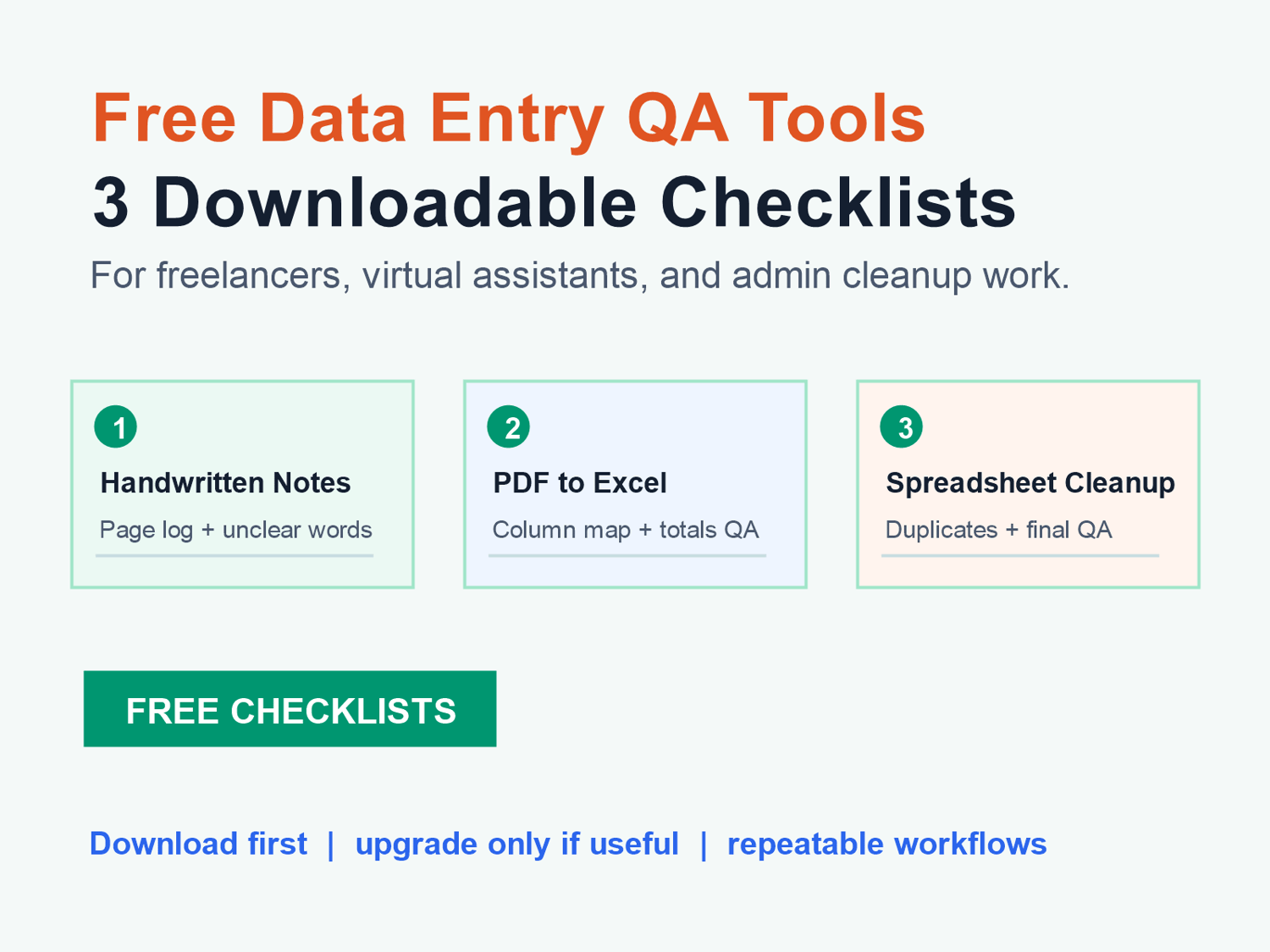
If you do data-entry, copy typing, PDF-to-Excel, spreadsheet cleanup, or admin support work, quality control is what makes a simple task feel professional.
These three free starter kits help you track source files, avoid guessing unclear data, review messy rows, and send cleaner handoff notes to clients.
Start with the free checklist that matches the work in front of you:
1. Handwritten Notes To Word QA Checklist
3. Spreadsheet Cleanup QA Checklist
If you need the larger paid workflow set after trying the free files, browse the Data Entry Freelancer Kits collection.
If you would rather have a small task cleaned up for you, use the fixed-scope Data Entry Mini Job: PDF to Excel or Spreadsheet Cleanup. It is a 19 USD direct-pay service for one small file or task.
1. Handwritten Notes To Word QA Checklist
Use this when you are typing handwritten notes, scanned notes, meeting notes, class notes, or phone-photo notes into a clean Word document.
The free kit helps you track every source page before typing, flag unclear handwriting instead of guessing, check headings and spacing, and send a short delivery note that explains flagged items.
Download it here: Handwritten Notes To Word QA Checklist
2. PDF to Excel QA Checklist
Use this when you are converting PDF tables, invoices, statements, scanned tables, or structured lists into Excel or Google Sheets.
The free kit helps you log source PDF pages, map source labels to spreadsheet columns, reconcile totals where possible, and track unclear values before delivery.
Download it here: PDF to Excel QA Checklist
The related paid starter kit is here: PDF-to-Excel QA Starter Kit
3. Spreadsheet Cleanup QA Checklist
Use this when a spreadsheet already exists but needs cleanup before the client can use it.
The free kit helps you audit messy columns before editing, standardize names, emails, dates, phone numbers, and currency fields, review suspected duplicates instead of deleting blindly, and send a clear handoff note after cleanup.
Download it here: Spreadsheet Cleanup QA Checklist
The related paid starter kit is here: Spreadsheet Cleanup Starter Kit
How To Use The Free Kits
Do not treat these as heavy systems. Use them as a quick QA layer before delivery.
For a small job, open the relevant CSV or checklist, duplicate it, and fill in the obvious fields. For a larger job, keep the page log, unclear items, duplicate review, or delivery note with the client project folder.
The goal is simple: make it easy to prove what was reviewed, what was changed, and what still needs client confirmation.
When To Use The Paid Collection
The free kits are intentionally small. If you want a broader set of reusable templates for client delivery, PDF-to-Excel work, spreadsheet cleanup, and general data-entry service workflows, use the Data Entry Freelancer Kits collection.
Browse the full collection here: Data Entry Freelancer Kits collection
Need the work done instead of using a template? Order the 19 USD mini job here: https://payhip.com/b/YVtyW
Want the complete workflow pack?
Start with the free checklists, then use the AI Data Cleanup QA Starter Kit when you need intake notes, delivery notes, unclear-value logs, before/after samples, and a QA workbook in one place.