

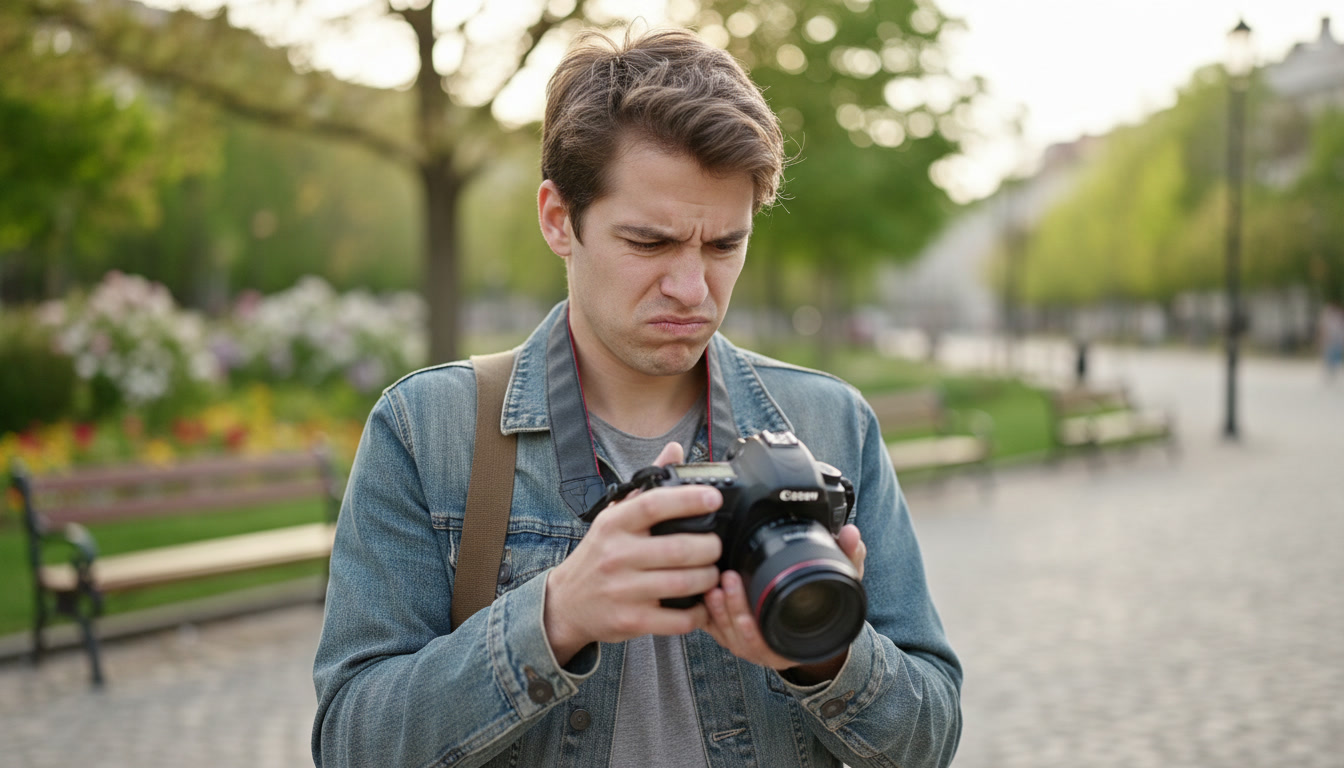
You know that frustrating moment. You point your camera at something beautiful — golden light, a laughing kid, a landscape that took your breath away — and the photo comes back dark, blurry, or weirdly washed out.
You try again.
Still not right.
And you have no idea why.
If that sounds familiar, you're not alone. It's the experience of almost every photographer in the first few years. Not because you lack talent. Because nobody ever explained the three settings that control every single photo you take.
The Problem Nobody Warns You About
Photography courses teach you composition. YouTube teaches you editing. But the thing that actually determines whether your photo is sharp, bright, and beautiful? Three camera settings that most beginners are left to figure out on their own — usually while standing in the middle of a shoot, panicking.
Aperture. Shutter Speed. ISO.
Change one of them and the photo brightens or darkens. Change it the wrong way and you get blur, grain, or a completely blown-out image. And the relationship between the three — what photographers call the Exposure Triangle — is the single most important thing to understand if you want to stop relying on Auto mode.
The problem is that most explanations of these settings are either too technical (full of stops, EVs, and histograms) or too vague to actually be useful on a shoot. What you need is something clear, visual, and right in your pocket when you need it.
What Shoot Smart Actually Is
Shoot Smart is an interactive photographer's field guide that lives on your phone as a single HTML file. No app to install. No subscription. No internet required once it's loaded. Just open it and go.
It covers everything a newbie to mid-level photographer needs to understand exposure, light, and camera settings — with interactive demonstrations that show you the result, not just tell you about it.
Here's what's inside:
The Exposure Triangle - explained simply
A clean visual diagram showing how aperture, shutter speed, and ISO work together. Change one and you change the others. Master the relationship and you master the camera.
The Aperture Simulator - tap and see
Five pre-rendered scenes showing exactly what happens to your background as you move from f/1.4 to f/16. The blurry portrait background at wide aperture. The sharp-from-front-to-back landscape at f/16. Tap the button, see the result.
No more trying to imagine what "f/2.8 gives you background blur" means. You see it.
The Shutter Speed Simulator - freeze or blur
Five shutter speed scenes showing a moving subject go from completely frozen at 1/2000 to heavily motion-blurred at 1/4 of a second. Essential for anyone shooting sport, kids, pets, or creative long exposures.
The Exposure Simulator - six stops of brightness
From severely underexposed to blown out — six pre-rendered scenes showing what happens when your exposure is wrong and how to read the result. Includes the settings that produced each outcome so you can reverse-engineer what went wrong.
The Exposure Calculator - on location, in real time
The one you'll actually use on a shoot. Tap your light condition — bright sun, overcast, open shade, golden hour, indoors, or night — and get recommended settings immediately. Each condition gives you multiple scenarios:
- Portrait settings (Aperture Priority)
- Action and sport settings (Shutter Priority)
- Landscape settings (Manual)
- Long exposure settings (Manual + Tripod)
- Flash settings where relevant
This isn't a generic "try f/8" guide. It tells you which **camera mode** to use, what settings to start from, and gives you a plain-English tip for that specific situation.
Outdoors, Golden Hour, Blue Hour, Flash - all covered
Sections on shooting in natural light cover the Sunny 16 Rule, why overcast days produce better portraits than sunny ones, and how to use open shade. Golden hour and blue hour get their own section with timing guidance and specific settings. Flash basics cover sync speed, bouncing, fill flash, and dragging the shutter.
Quick Reference Cheat Sheet
Thirteen common shooting situations with starting settings at a glance. Sunny portrait, indoor event, silky waterfall, night handheld, flash outdoors — tap the section and you're there in seconds.
Who It's For
Shoot Smart is built for photographers who are past the "just use Auto" stage but haven't yet locked in the instincts that make setting changes feel automatic.
It's for you if...
- You shoot in Aperture Priority but you're not totally sure why
- You know ISO affects grain but you're not sure when to raise it
- Your action shots come out blurry and you're not sure if it's shutter speed or camera shake
- You've heard of golden hour but you're not sure what settings to use when you get there
- You've accidentally overexposed or underexposed and couldn't work out why
You don't need to be a beginner. Mid-level photographers who shoot regularly will still find the exposure calculator genuinely useful on location — especially in tricky or unfamiliar light.
Why a Phone-Optimised HTML File?
Because the best reference tool is the one you actually have with you.
Shoot Smart is designed for a phone screen first. Big, bold typography. High-contrast dark design. Tap targets large enough to use with one hand. No squinting at tiny text or scrolling through a PDF.
It opens in your browser. It works offline. And because it's a single file, there's nothing to update, nothing to log into, and nothing that stops working when a subscription lapses.
What You Get
One HTML file. Download it, open it in your browser, and you have a complete interactive photography reference guide that covers:
✓ The Exposure Triangle — visual diagram
✓ Aperture simulator — 5 interactive DOF scenes
✓ Shutter speed simulator — 5 motion blur scenes
✓ Exposure simulator — 6 brightness presets
✓ Exposure Calculator — 6 light conditions × multiple modes
✓ Outdoors shooting guide — sun, cloud, shade
✓ Golden hour and blue hour — timing and settings
✓ Flash basics — sync speed, bounce, fill, dragging
✓ Quick reference cheat sheet — 13 shooting situations
A Note on the Design
Shoot Smart isn't a dry technical manual. It's bold, visual, and built to be used — not just read. The dark high-contrast design works in any light. The interactive simulators teach through demonstration rather than explanation. The calculator gives you actionable settings rather than theory.
It's the guide a patient, experienced photographer friend would hand you before a shoot and say: *"Here. This will tell you what you need."*
*Shoot Smart is a SpotLight resource, produced by The Ideas Bunker. © The Ideas Bunker 2026.*