

Shared expenses get messy fast.
One person pays for groceries. Someone else covers parking. Another person buys supplies. By the end of the week, the group chat is full of screenshots, half-remembered totals, and messages like "wait, who do I owe again?"
If you live with roommates, plan group trips, split dinners, run student clubs, or manage small creator projects, you need a simple system for tracking:
- Who paid
- What they paid for
- Who should split the cost
- Who owes who at the end
Why shared expenses get confusing
Most people try to split receipts in one of three places:
1. A notes app
2. A group chat
3. A messy spreadsheet
That works for one receipt. It breaks when there are multiple people, multiple purchases, and different people paying at different times.
The real problem is not the math. The problem is that the information is scattered.
A better shared expense workflow
Use this simple process:
1. Add each person involved.
2. Add each shared expense.
3. Choose who paid.
4. Choose who should split that specific expense.
5. Review the final "who pays who" list.
This keeps the group from overpaying, underpaying, or guessing.
Best use cases
This works especially well for:
- Roommate groceries
- Shared apartment supplies
- Utility reimbursements
- Group trips
- Gas and parking
- Group dinners
- Club purchases
- Creator project costs
- Small team expenses
Try the Receipt Splitter
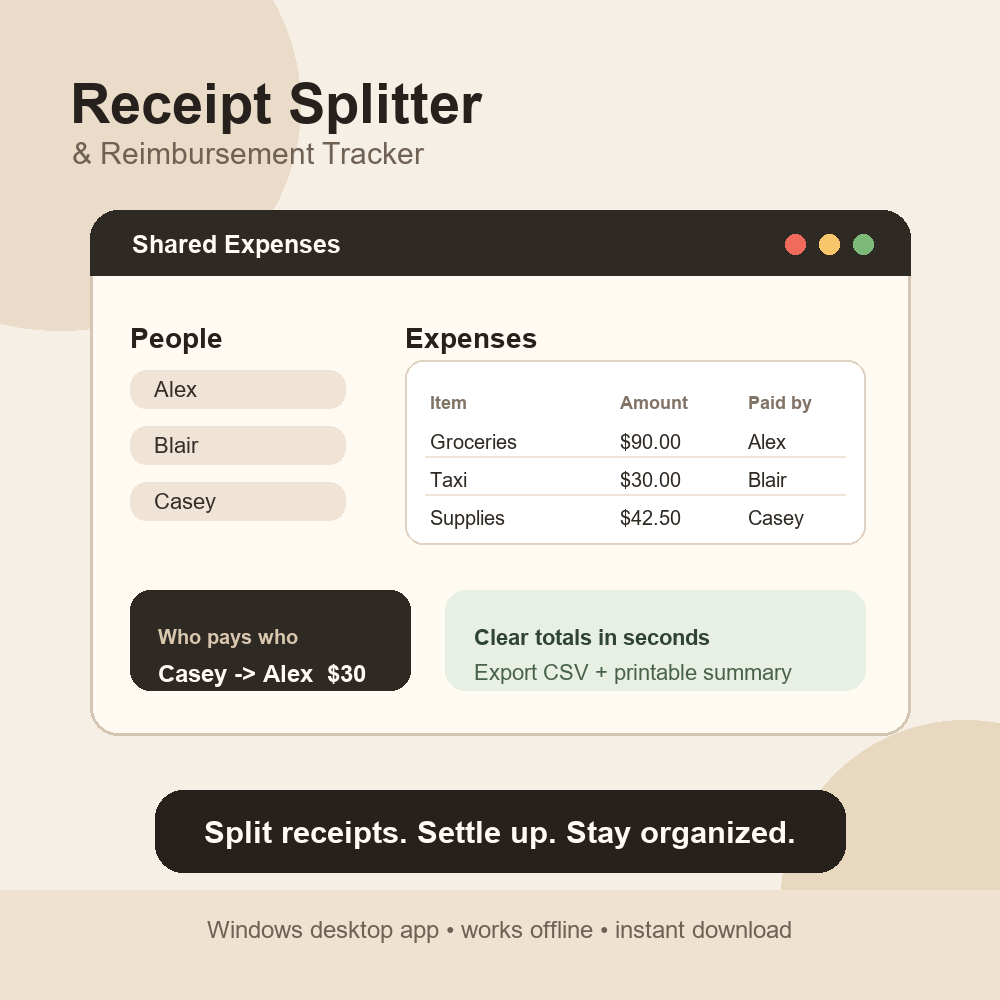
I built Receipt Splitter & Reimbursement Tracker for exactly this situation.
It is a simple Windows app that lets you add people, enter receipts, calculate balances, and export a clean reimbursement summary.
Download it here:
https://payhip.com/b/oLSdu
If you also want to organize your personal student budget, pair it with the Student Finance Kit:
https://payhip.com/b/O8vHL
Final tip
Do not wait until the end of the month to figure out shared costs. Add expenses as they happen, then settle up once a week. Future-you and your group chat will be much calmer.