

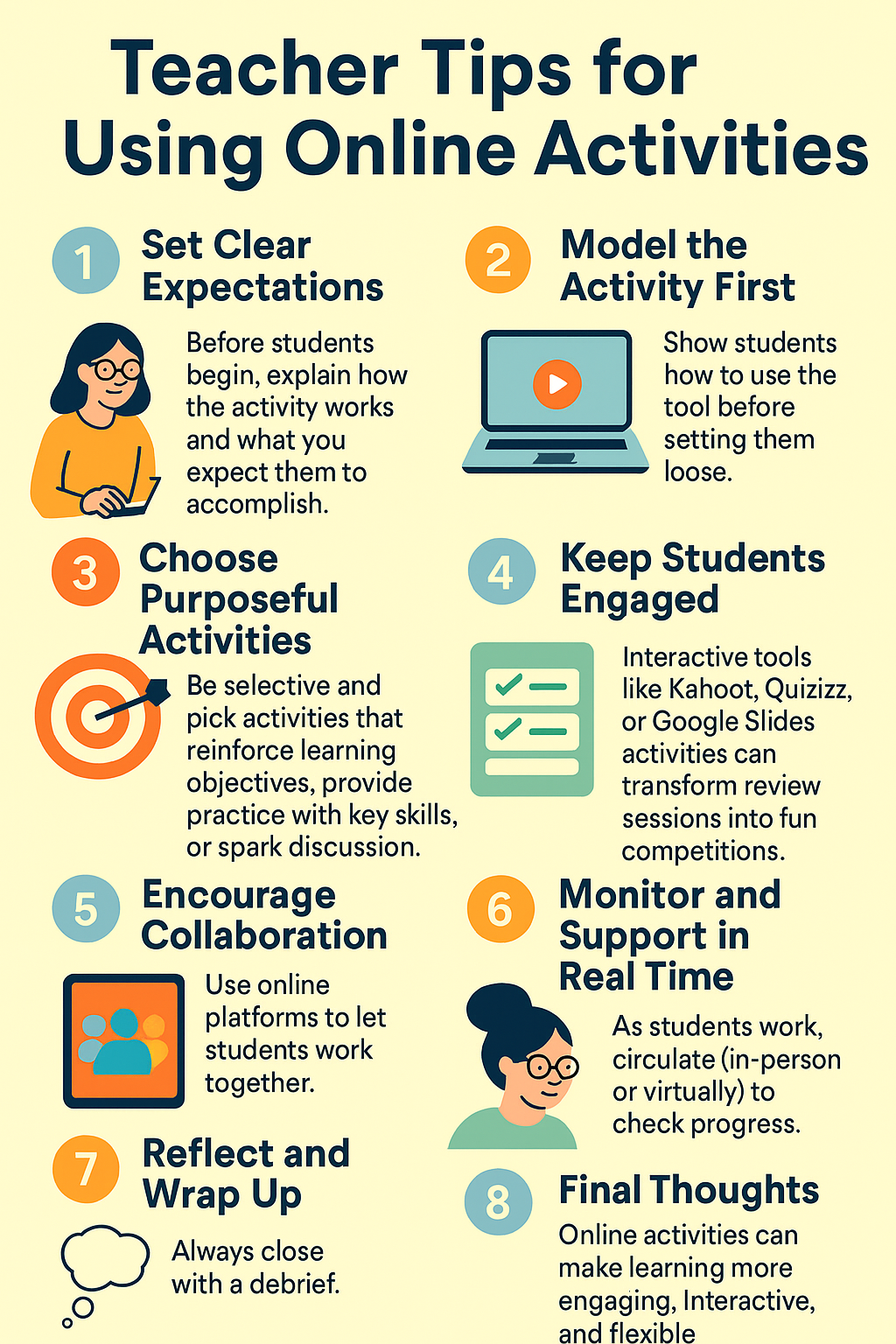
Online activities are a game-changer in education. They save prep time, make lessons more interactive, and give students opportunities to practice skills in new ways. But to get the most out of them, teachers need a thoughtful approach. Here are some practical tips for making online activities a success in your classroom.
1. Set Clear Expectations
Before students begin, explain how the activity works and what you expect them to accomplish. Whether it’s completing a digital worksheet, participating in an online game, or working on a collaborative document, clear guidelines help everyone stay on track.
2. Model the Activity First
Show students how to use the tool before setting them loose. A quick demo can prevent confusion, especially if it’s a platform they’ve never used before. Modeling also gives you a chance to highlight any common mistakes.
3. Choose Purposeful Activities
Not every online resource fits your lesson goals. Be selective and pick activities that reinforce learning objectives, provide practice with key skills, or spark discussion. The best digital activities enhance—not replace—your teaching.
4. Keep Students Engaged
Interactive tools like Kahoot, Quizizz, or Google Slides activities can transform review sessions into fun competitions. For younger learners, choose colorful, drag-and-drop tasks, while older students may enjoy simulations, challenges, or problem-solving scenarios.
5. Encourage Collaboration
Use online platforms to let students work together. Tools like Jamboard, Padlet, or shared Google Docs allow for real-time brainstorming and group problem-solving. Collaborative tasks build communication skills while making learning more dynamic.
6. Monitor and Support in Real Time
As students work, circulate (in-person or virtually) to check progress. Many platforms let you see student work as it happens, which makes it easier to step in, provide feedback, or redirect when needed.
7. Reflect and Wrap Up
Always close with a debrief. Ask students what they learned, what they enjoyed, and where they struggled. Reflection helps solidify understanding and gives you valuable insights for improving future activities.
Final Thoughts
Online activities can make learning more engaging, interactive, and flexible. With clear expectations, purposeful planning, and opportunities for collaboration, they become a powerful tool in any teacher’s toolkit. By blending them thoughtfully into your lessons, you’ll create experiences that spark curiosity and keep students motivated.
Please share your own tips for online activities in the comments.
Comments ()