

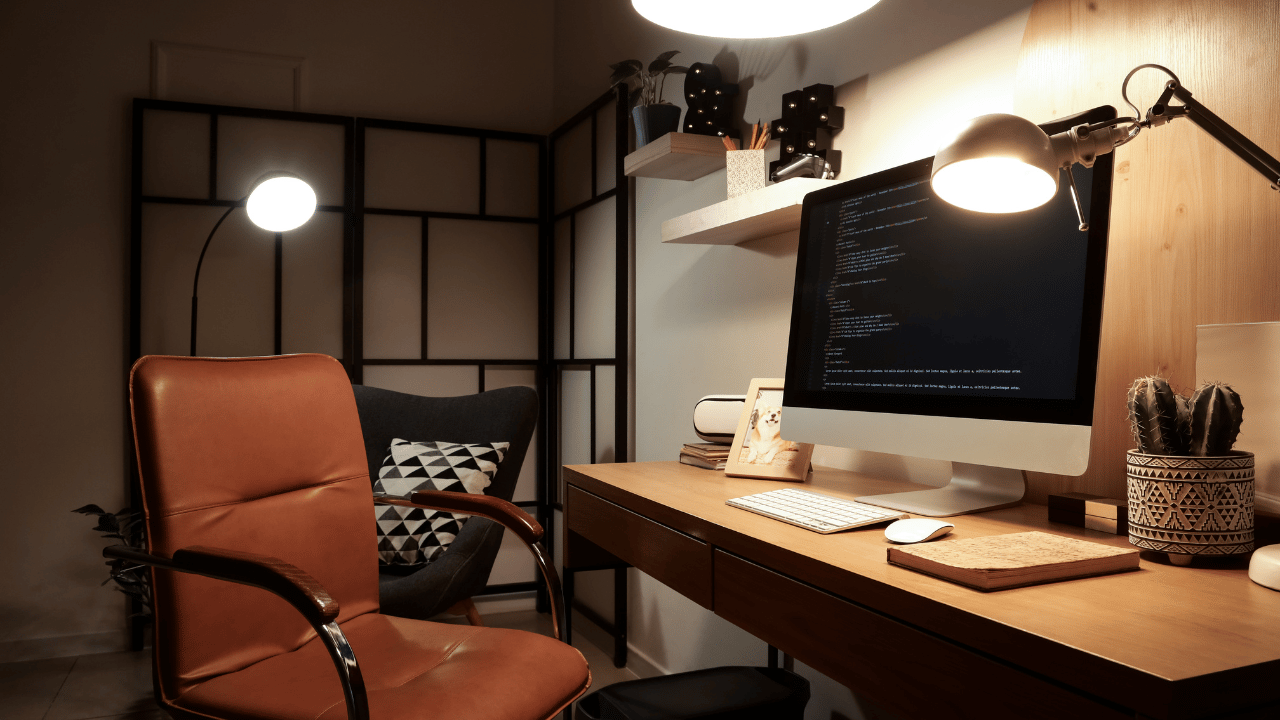
One of the biggest advantages of becoming a virtual assistant is how simple it is to get started. You don’t need a large upfront investment or a complicated setup—but you do need the right tools to show up professionally and work efficiently.
Here’s a quick breakdown of the essential equipment every virtual assistant should have.
1. A Reliable Computer
Your computer is your main workspace, so reliability matters.
Whether you prefer a laptop or desktop, make sure it:
- Runs smoothly without frequent crashes
- Can handle multiple tabs and applications at once
- Supports tools like video conferencing, file sharing, and project management platforms
You don’t need the most expensive option—but you do need something dependable.
2. High-Speed Internet
A strong, consistent internet connection is non-negotiable.
As a virtual assistant, you’ll likely be:
- Attending virtual meetings
- Uploading and downloading files
- Communicating in real time with clients
Unstable internet can quickly impact your professionalism, so this is worth investing in.
3. Headset or Quality Audio
Clear communication matters—especially in virtual meetings.
A good headset or set of earbuds with a microphone helps:
- Reduce background noise
- Improve call clarity
- Present a more polished, professional experience
4. A Quiet, Dedicated Workspace
You don’t need a full home office, but you do need a space where you can focus.
This helps you:
- Minimize distractions
- Stay organized
- Show up confidently during meetings
Even a small, consistent workspace can make a big difference in your productivity.
5. Basic Software & Tools
While not “equipment” in the traditional sense, your digital tools are just as important.
At a minimum, you should be comfortable with:
- Email platforms (like Gmail or Outlook)
- Calendar management tools
- Video conferencing (Zoom, Google Meet)
- Document creation (Google Docs, Microsoft Office)
As you grow, you may also use project management tools, CRMs, and specialized platforms depending on your role.
6. Backup & Security Basics
Things happen—technology fails, internet drops, files get lost.
Having simple backup plans in place can save you stress:
- Cloud storage (like Google Drive or Dropbox)
- A backup internet option (like a hotspot, if possible)
- Basic password management for security
Final Thoughts
You don’t need a perfect setup to start—you just need a functional and reliable one.
The goal is to create an environment where you can:
- Communicate clearly
- Work efficiently
- Deliver consistent, high-quality support
 Join us for community, conversation, and remote work connections.
We’re (heavy on 'WE') building more than careers — we’re building support, collaboration, and opportunities together.
I can’t wait to see you inside.
Have a beautiful day,
Regina
As your skills and income grow, you can always upgrade your setup. But starting with the essentials will position you to show up professionally from day one.
Comments ()