

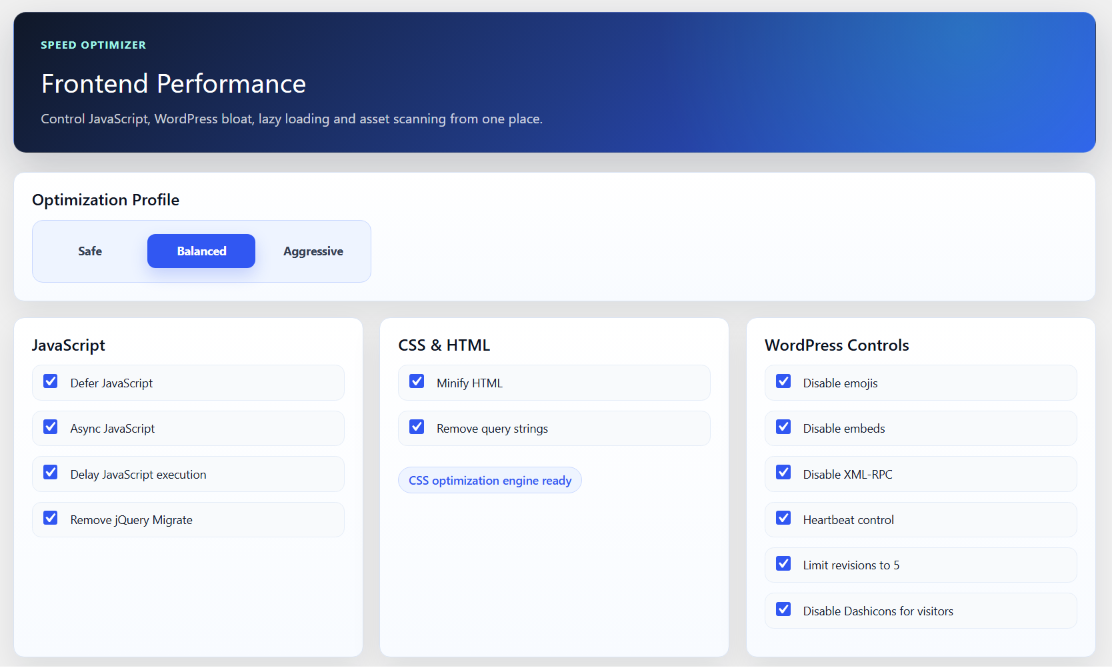









Kaddora Performance Suite Pro – All-in-One WordPress Speed & Performance Optimization Plugin
Kaddora Performance Suite Pro – All-in-One WordPress Speed & Performance Optimization Plugin
Documentation Link - - https://mens.kaddora.com/docs-performance-suite-pro/
Overview
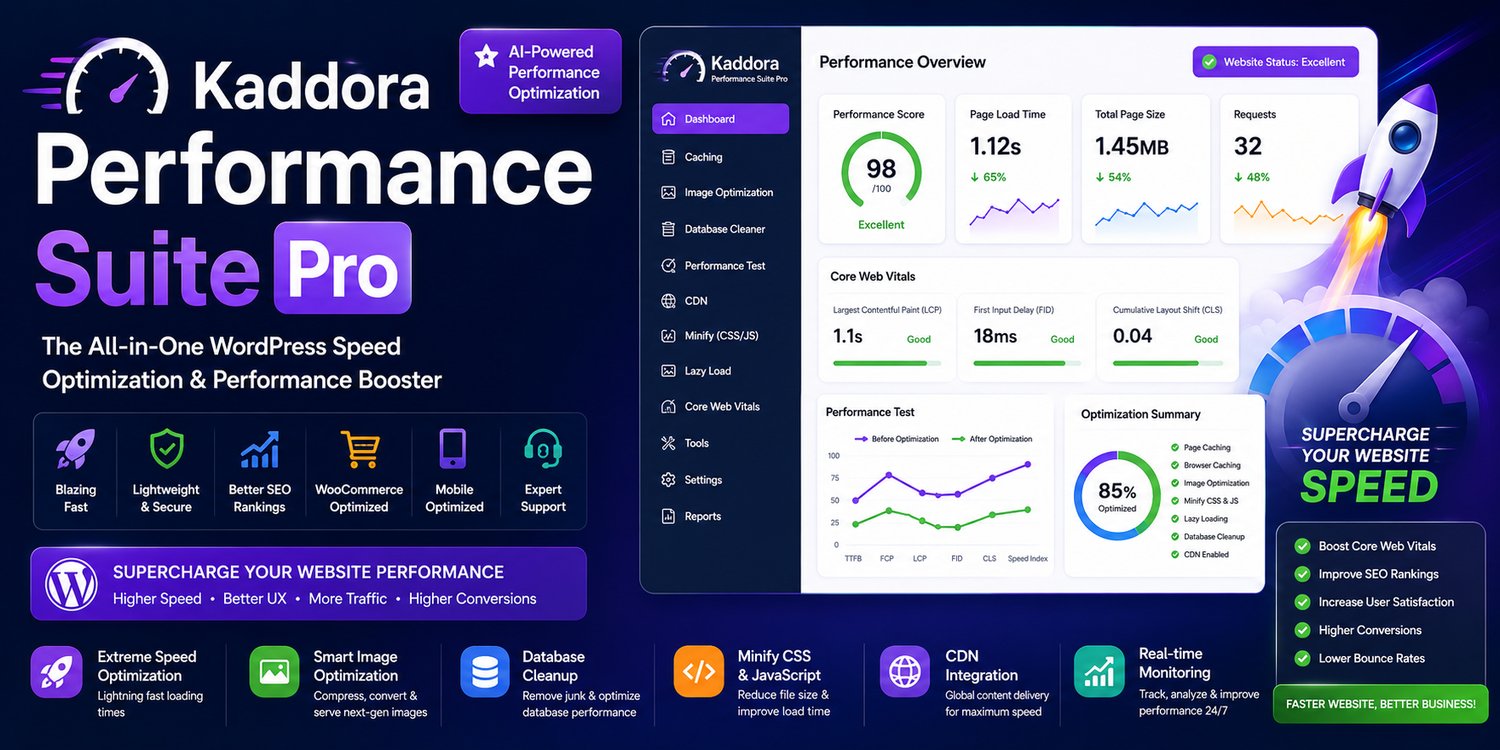
Kaddora Performance Suite Pro is a comprehensive WordPress performance optimization plugin designed to help website owners, developers, agencies, and WooCommerce businesses improve website efficiency through intelligent optimization tools.
With a single lightweight solution, you can optimize your database, compress and convert images, implement lazy loading, manage scripts and styles, generate critical CSS, optimize fonts, preload important resources, and streamline website performance from one centralized dashboard.
Built with modern WordPress development standards, Kaddora Performance Suite Pro offers a user-friendly interface, advanced automation capabilities, and developer-friendly customization options while maintaining compatibility with modern WordPress themes and plugins.
Key Features
Complete Website Performance Optimization
Optimize every aspect of your WordPress website using a unified performance management solution.
Features include:
- Performance monitoring
- Website optimization
- Resource optimization
- Loading strategy improvements
- Asset management
- Core Web Vitals enhancements
- Performance diagnostics
- Intelligent optimization controls
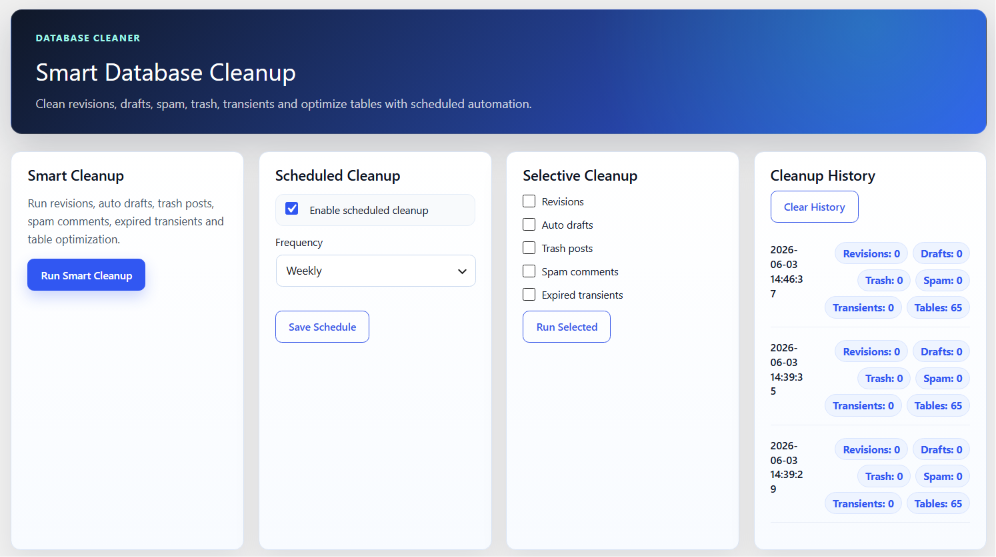
Database Optimization Suite
Keep your WordPress database clean and efficient.
Features
- One-click database cleanup
- Remove post revisions
- Delete auto drafts
- Clean trashed posts
- Remove spam comments
- Delete orphaned metadata
- Clean expired transients
- Optimize database tables
- Scheduled maintenance
- Automated cleanup tasks
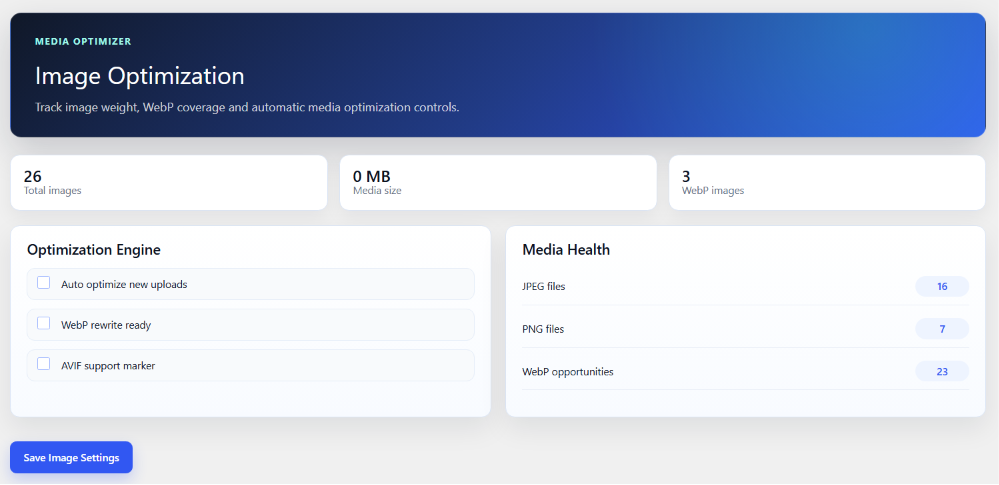
Advanced Image Optimization
Reduce image sizes while maintaining visual quality.
Supports:
- WebP conversion
- AVIF conversion
- Bulk image optimization
- Original image preservation
- Responsive image support
- Automatic srcset generation
- Background image processing
- Large media library optimization
- Batch processing
- Smart image handling
Smart Lazy Loading
Improve loading performance with intelligent lazy loading techniques.
Includes:
- Native image lazy loading
- Background image lazy loading
- YouTube lazy loading
- Vimeo lazy loading
- Google Maps lazy loading
- Iframe lazy loading
- Smart exclusion rules
- Custom loading strategies
- Performance-focused loading logic
Critical CSS & Asset Optimization
Reduce render-blocking resources and improve page rendering.
Features include:
- Critical CSS generation
- Remove unused CSS
- CSS optimization
- JavaScript delay
- Deferred script loading
- Asset optimization
- Resource prioritization
- CSS delivery improvements
- Smart asset management
JavaScript & Script Management
Gain complete control over frontend assets.
Capabilities:
- Delay JavaScript execution
- Defer JavaScript loading
- Optimize script delivery
- Remove unnecessary assets
- Page-specific asset control
- Global asset management
- Resource optimization
- Loading priority management
Font Optimization
Improve typography loading and website efficiency.
Supports:
- Local Google Fonts
- Font preloading
- Font optimization
- Font display optimization
- Remove unnecessary font requests
- Performance-focused font delivery
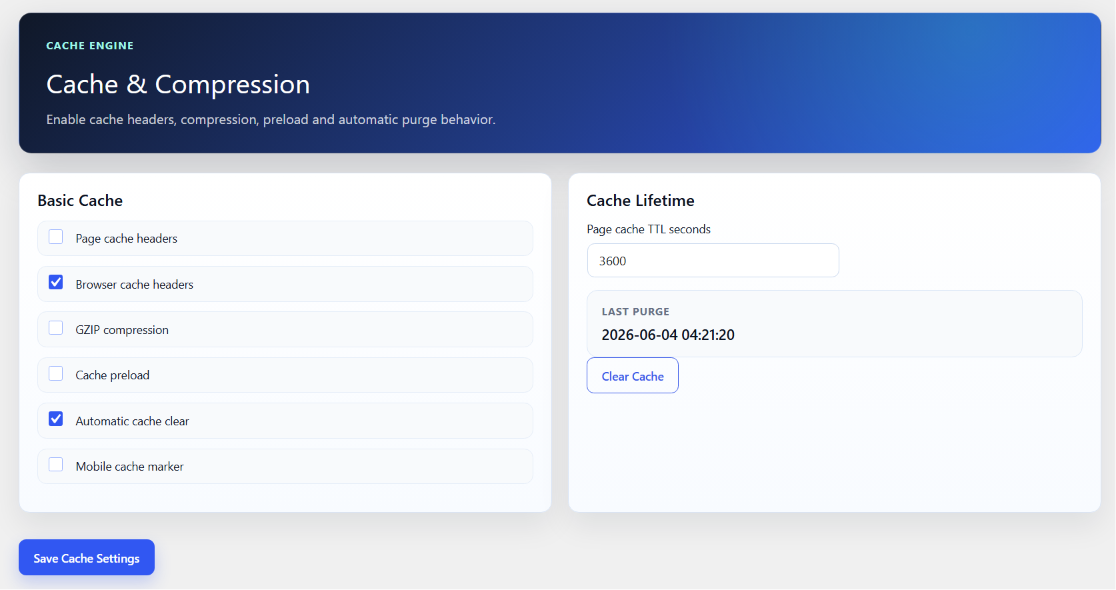
Cache Management
Enhance website speed with lightweight caching tools.
Features:
- Page cache management
- Cache preloading
- Automatic cache warming
- Cache refresh
- Scheduled cache generation
- Publish-triggered cache updates
- Lightweight cache engine
Resource Preloading & Delivery
Optimize important assets before users interact with your website.
Includes:
- Resource preloading
- DNS prefetch
- Preconnect optimization
- Browser hint optimization
- Asset prioritization
- Smart delivery optimization
WooCommerce Optimization
Built with WooCommerce compatibility in mind.
Supports optimization for:
- Product pages
- Shop pages
- Category pages
- Checkout pages
- Cart pages
- Product images
- Store performance
- Customer experience improvements
Developer-Friendly Architecture
Designed for developers and agencies requiring maximum flexibility.
Includes:
- WP-CLI support
- REST API compatibility
- Action Scheduler integration
- WordPress hooks
- Filters
- Automation-ready architecture
- CI/CD friendly workflows
- Extensible development environment
White Label Ready
Perfect for agencies and client projects.
Features:
- Custom branding
- White label support
- Configurable administration
- Flexible deployment
- Client-friendly management
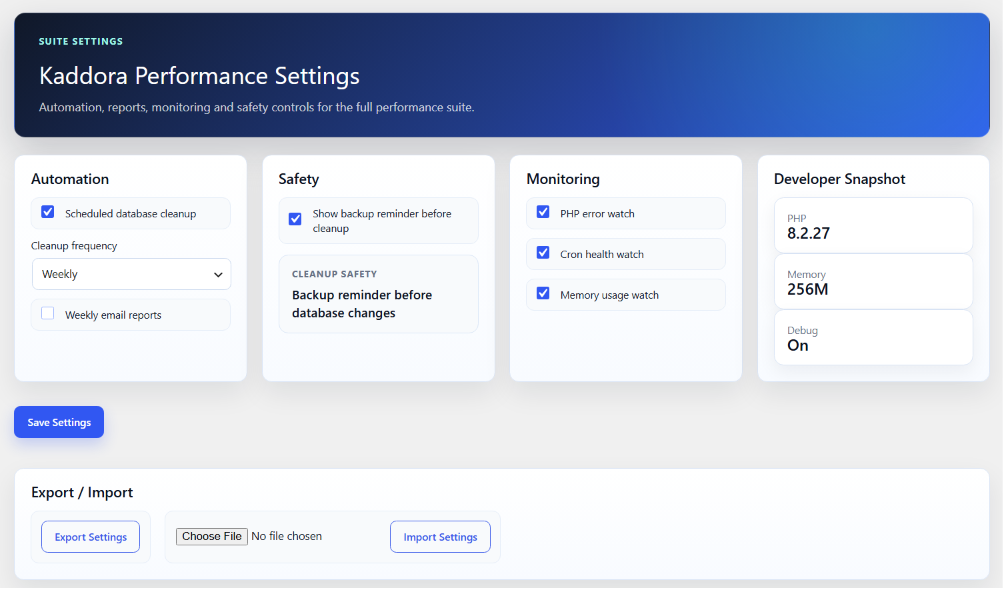
Automation & Scheduling
Automate repetitive optimization tasks.
Supports:
- Scheduled database cleanup
- Automated image optimization
- Background processing
- Cache warming
- Optimization scheduling
- Maintenance automation
- Cron integration
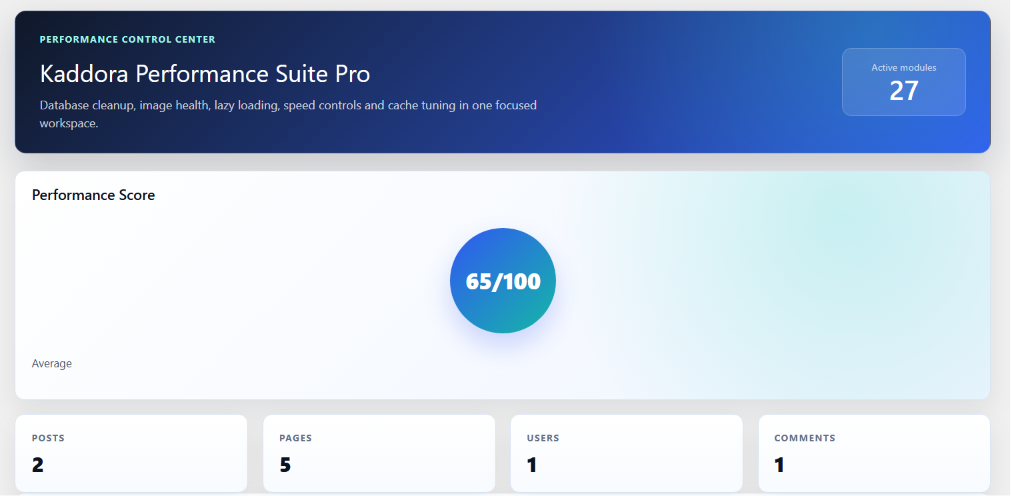
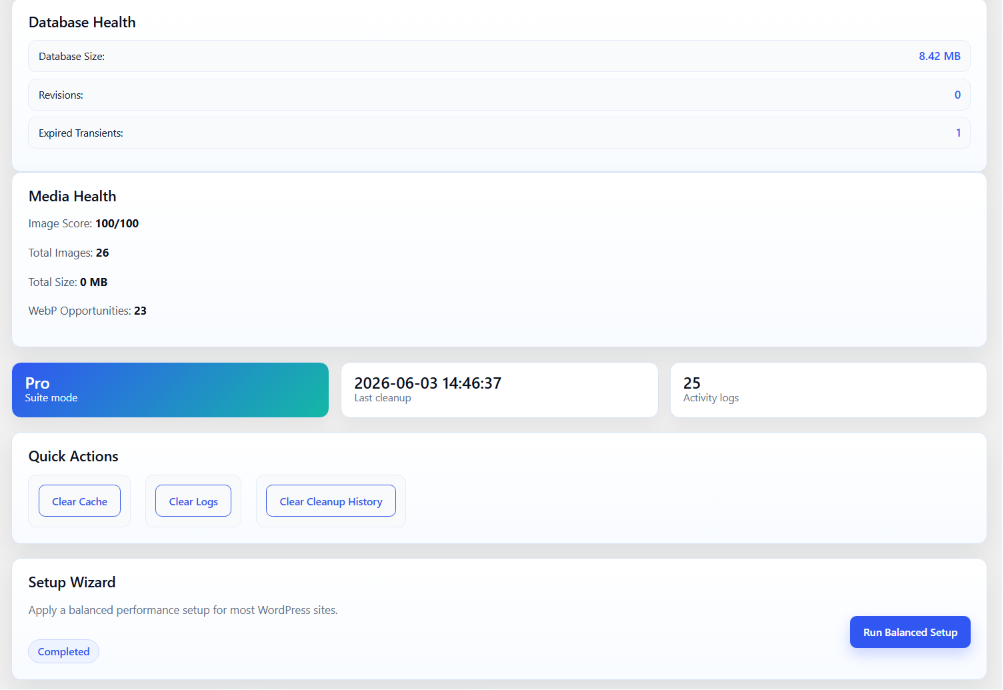
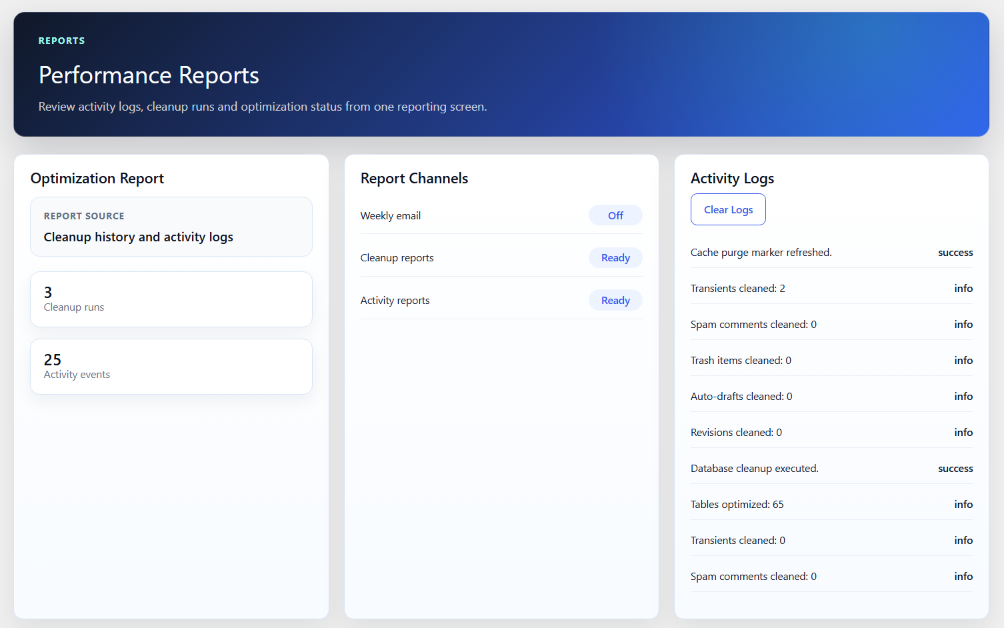
Performance Dashboard
Monitor website optimization from a centralized interface.
Dashboard includes:
- Optimization overview
- Database statistics
- Image optimization reports
- Cache status
- Performance summaries
- Maintenance logs
- Optimization history
Security & Reliability
Built following WordPress coding standards and security best practices.
Security features include:
- Input sanitization
- Output escaping
- Nonce verification
- Capability validation
- Secure AJAX handling
- Protected administrative operations
- Safe database interactions
Lightweight & Optimized
Designed for maximum efficiency with minimal overhead.
Benefits:
- Lightweight architecture
- Fast execution
- Efficient database queries
- Optimized processing
- Reduced server load
- Modern coding standards
Mobile & Responsive
Fully compatible across all modern devices.
Supports:
- Desktop
- Laptop
- Tablet
- Mobile devices
- Responsive WordPress themes
Compatibility
Compatible with:
- WordPress 5.8+
- PHP 7.4+
- PHP 8.x
- WooCommerce
- Multisite installations
- Modern WordPress themes
- Popular page builders
System Requirements
- WordPress 5.8 or later
- PHP 7.4 or higher
- MySQL 5.7+ or MariaDB equivalent
- HTTPS recommended
- GD or Imagick recommended for image optimization
Installation
- Download the plugin package.
- Log in to your WordPress Admin Dashboard.
- Navigate to Plugins → Add New.
- Click Upload Plugin.
- Select the plugin ZIP file.
- Click Install Now.
- Activate the plugin.
- Open Kaddora Performance Suite Pro settings.
- Configure your optimization preferences.
- Save settings and begin optimizing your website.
Key Benefits
Kaddora Performance Suite Pro helps you:
- Improve website performance
- Reduce unnecessary database bloat
- Optimize image delivery
- Implement lazy loading
- Optimize CSS and JavaScript
- Manage frontend assets
- Improve loading efficiency
- Simplify maintenance
- Automate optimization tasks
- Improve overall user experience
Perfect For
Ideal for:
- Business websites
- WooCommerce stores
- Online shops
- Agencies
- Developers
- Bloggers
- Portfolio websites
- Corporate websites
- Membership websites
- News portals
- Educational websites
Why Choose Kaddora Performance Suite Pro?
Unlike traditional optimization plugins that require multiple third-party solutions, Kaddora Performance Suite Pro combines powerful optimization tools into one integrated platform.
With database cleanup, image optimization, lazy loading, critical CSS generation, script management, font optimization, cache management, automation, and developer-friendly features, it provides a complete performance optimization solution for WordPress websites.