
AI Storyboard Setup Kit (PDF)
Plan Coherent AI Video Storyboards Before You Generate
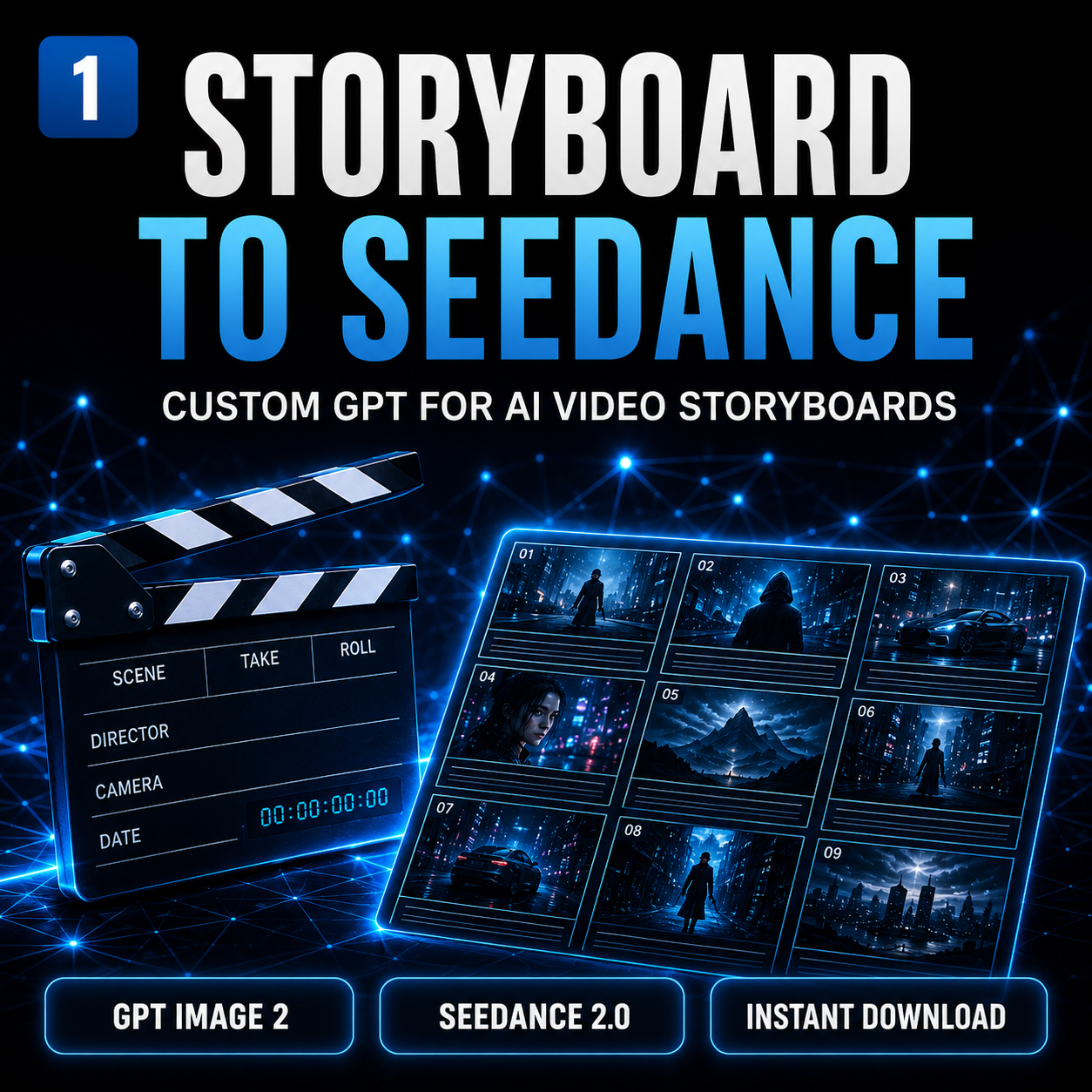
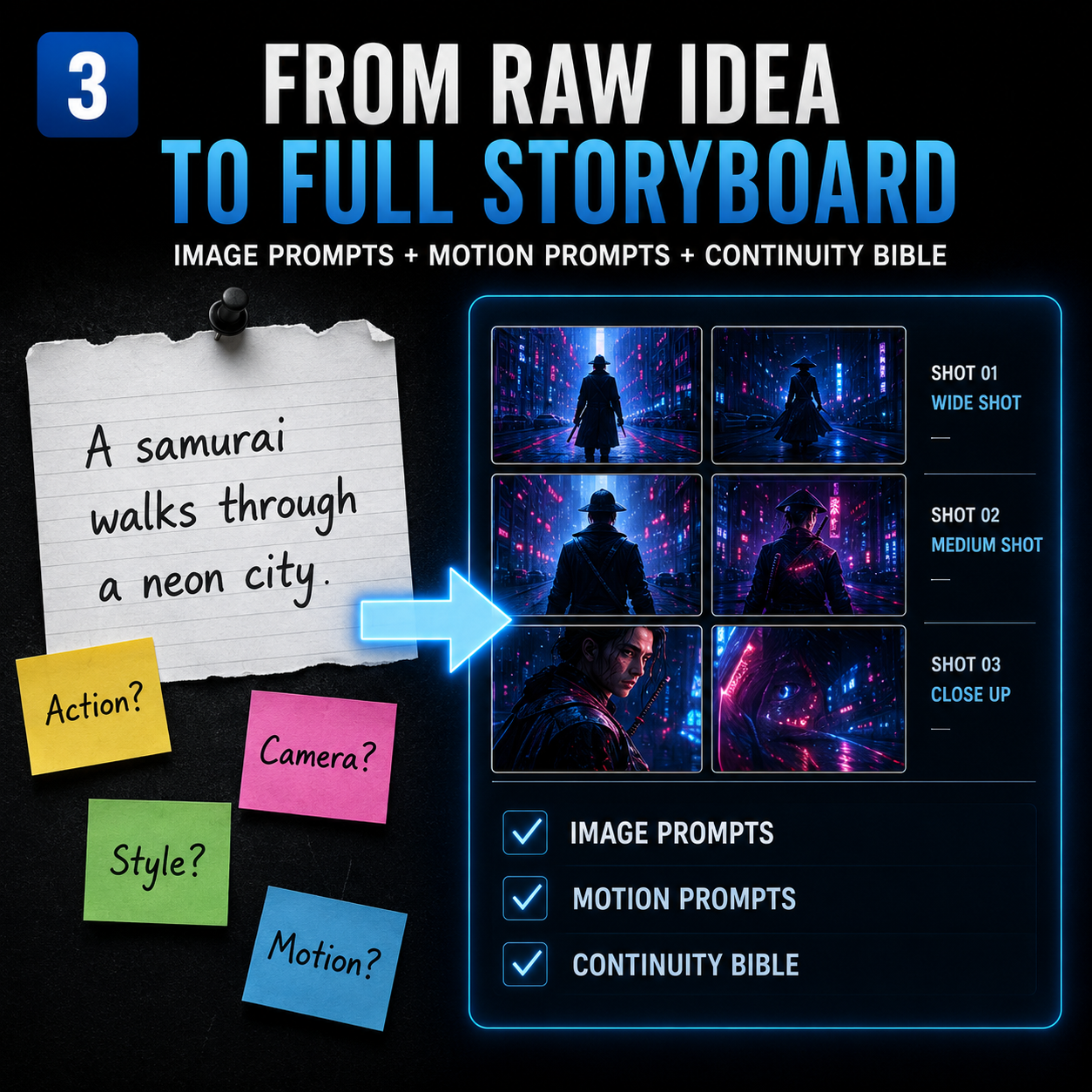
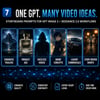
Turn one raw idea into a clear, shot-by-shot plan for a GPT Image 2 and Seedance 2.0 workflow.
This PDF setup guide is for AI video creators who want to plan multi-shot sequences before generating clips. It gives you a practical way to separate visual decisions from motion directions, so your storyboard has a clearer structure from the opening shot to the final frame.
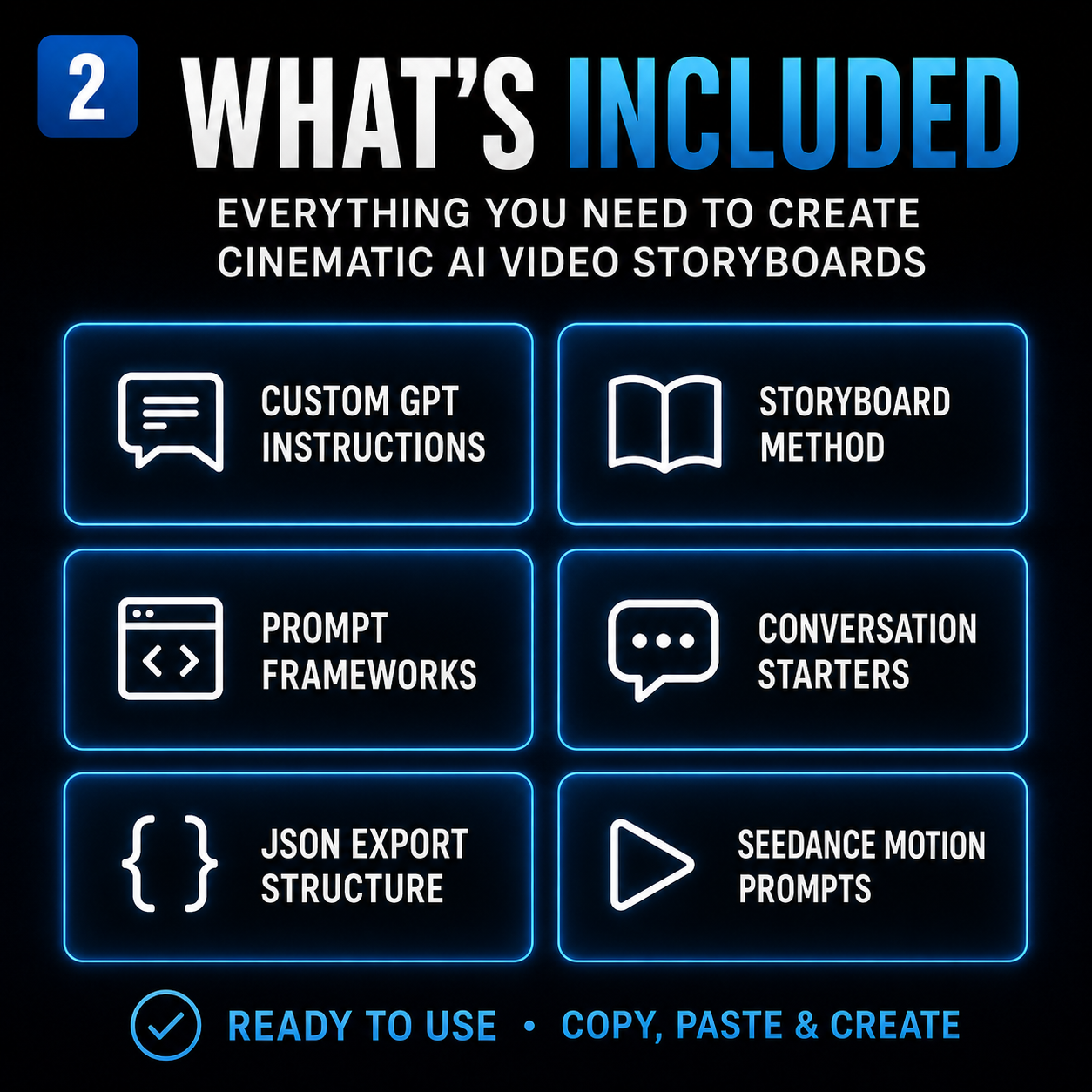
WHAT THIS GUIDE HELPS YOU PLAN
• The order and purpose of each shot
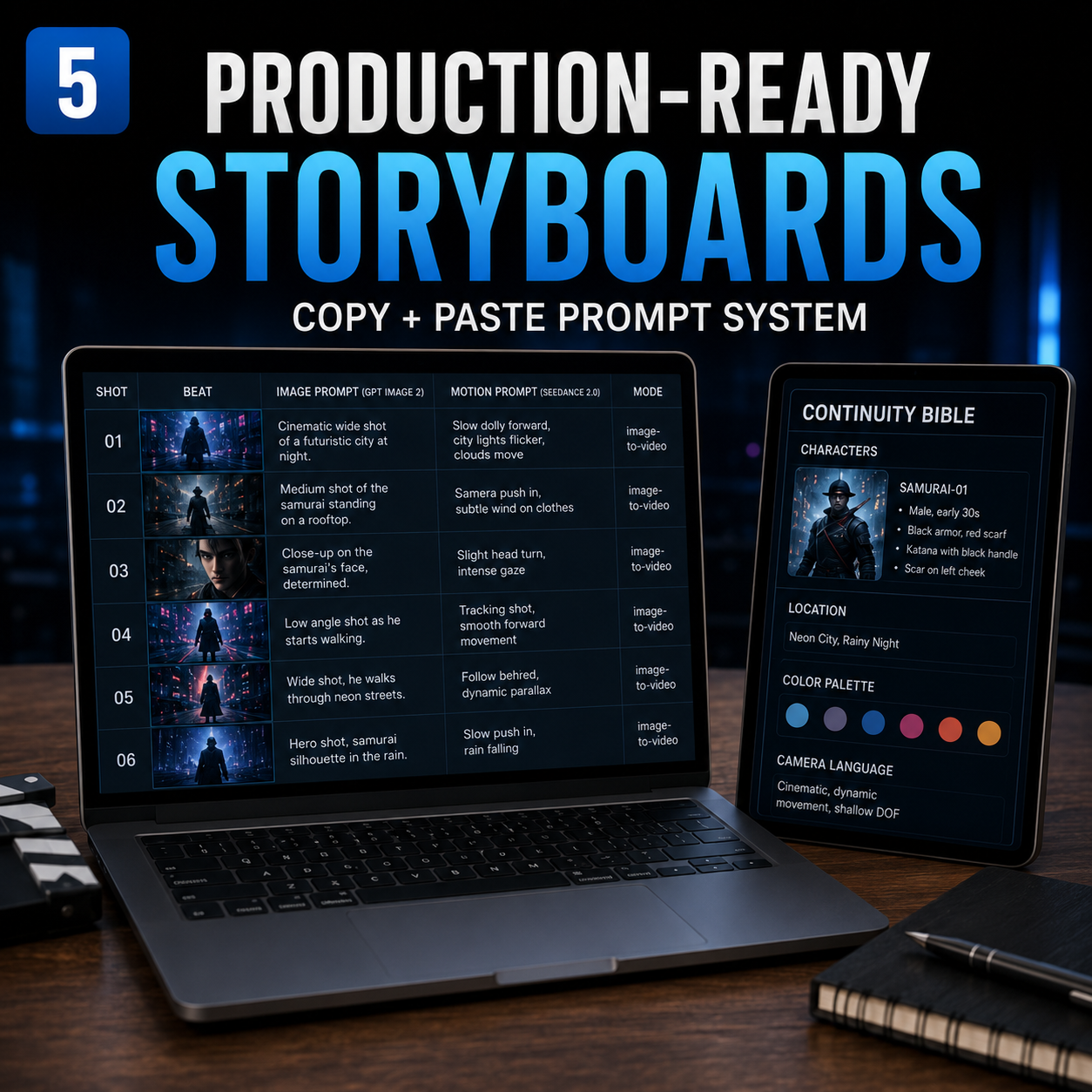
• Stable character, setting, wardrobe, prop, lighting and style anchors
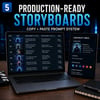
• Start-frame image prompts for GPT Image 2 workflows
• Separate motion, camera and pacing directions for Seedance 2.0 workflows
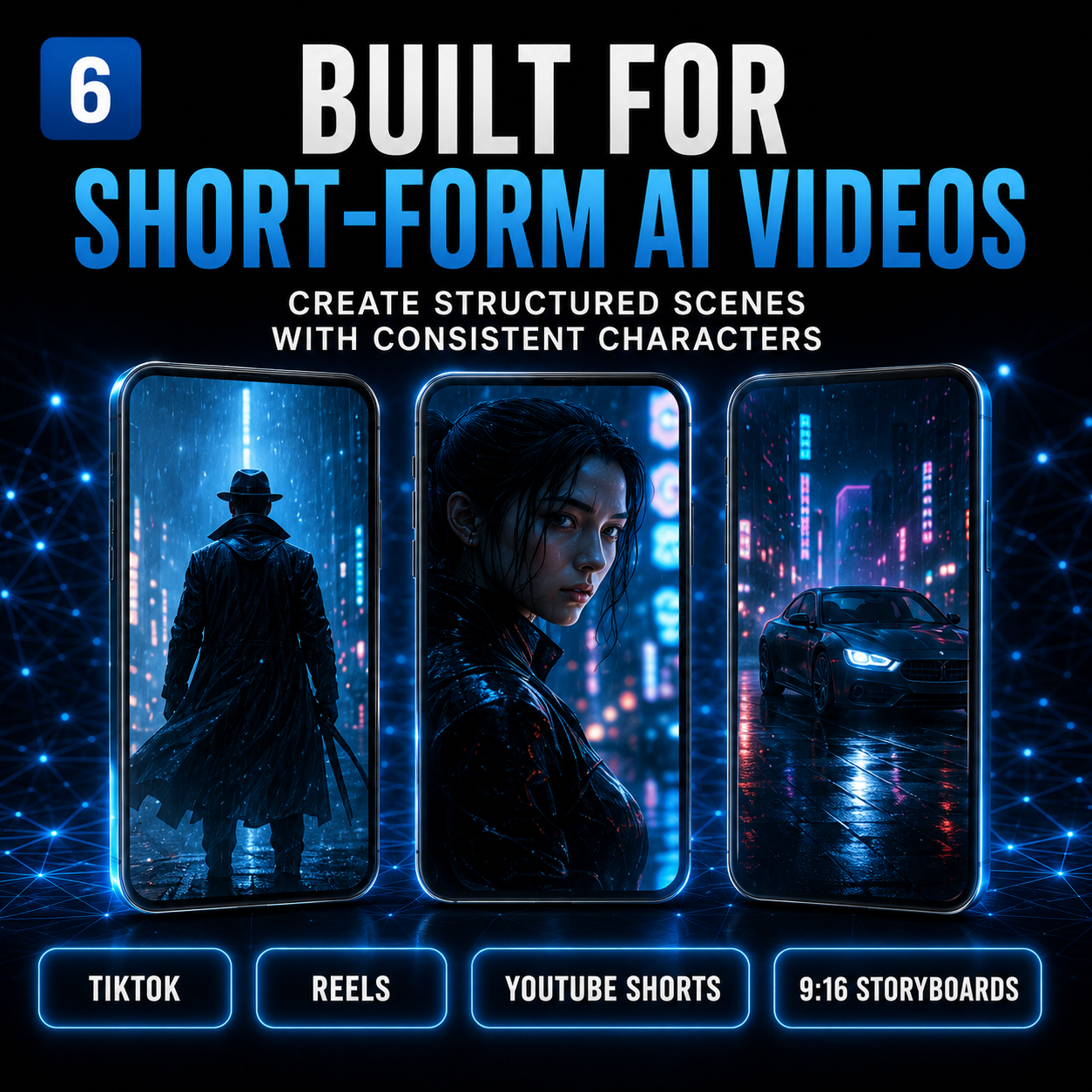
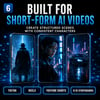
• Vertical 9:16 sequences for Shorts, Reels and TikTok
• Widescreen 16:9 sequences for cinematic and YouTube projects
• A continuity check before you begin generating clips
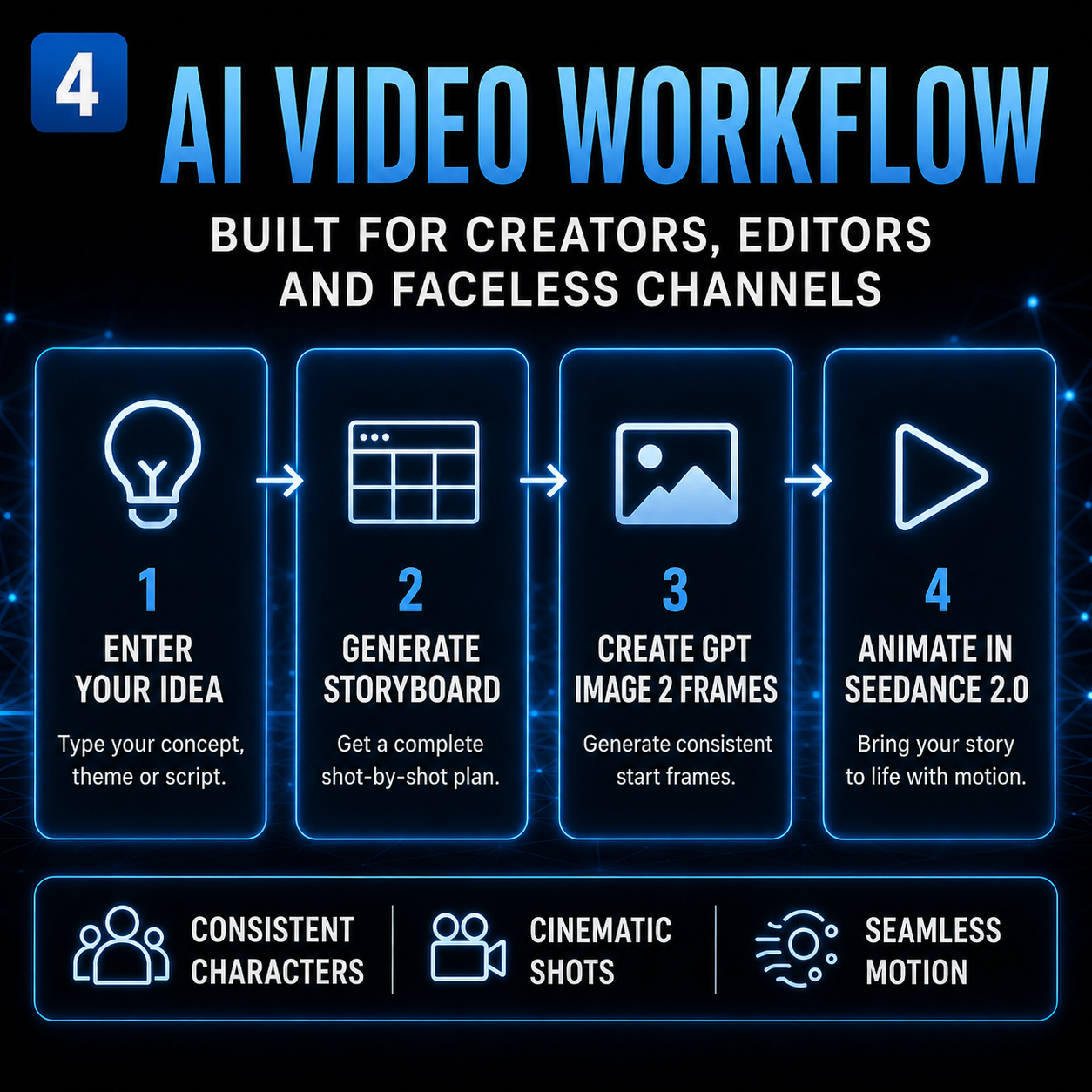
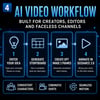
A CLEAR FOUR-STEP WORKFLOW
1. Define the idea, audience and final purpose of the video.
2. Lock the visual anchors that should remain consistent between shots.
3. Plan each start frame separately from its motion instructions.
4. Review the complete shot sequence before using your chosen AI tools.
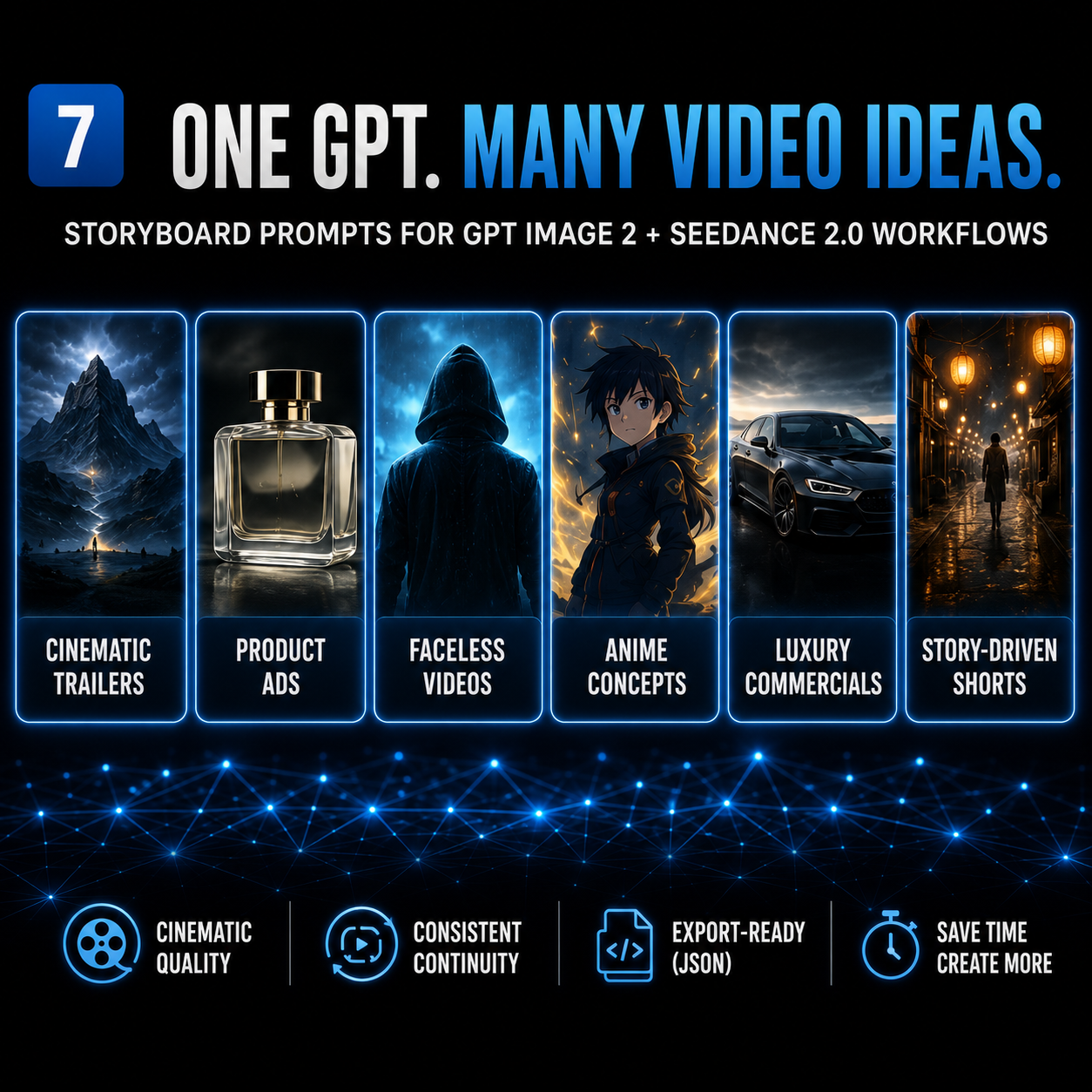
USEFUL FOR
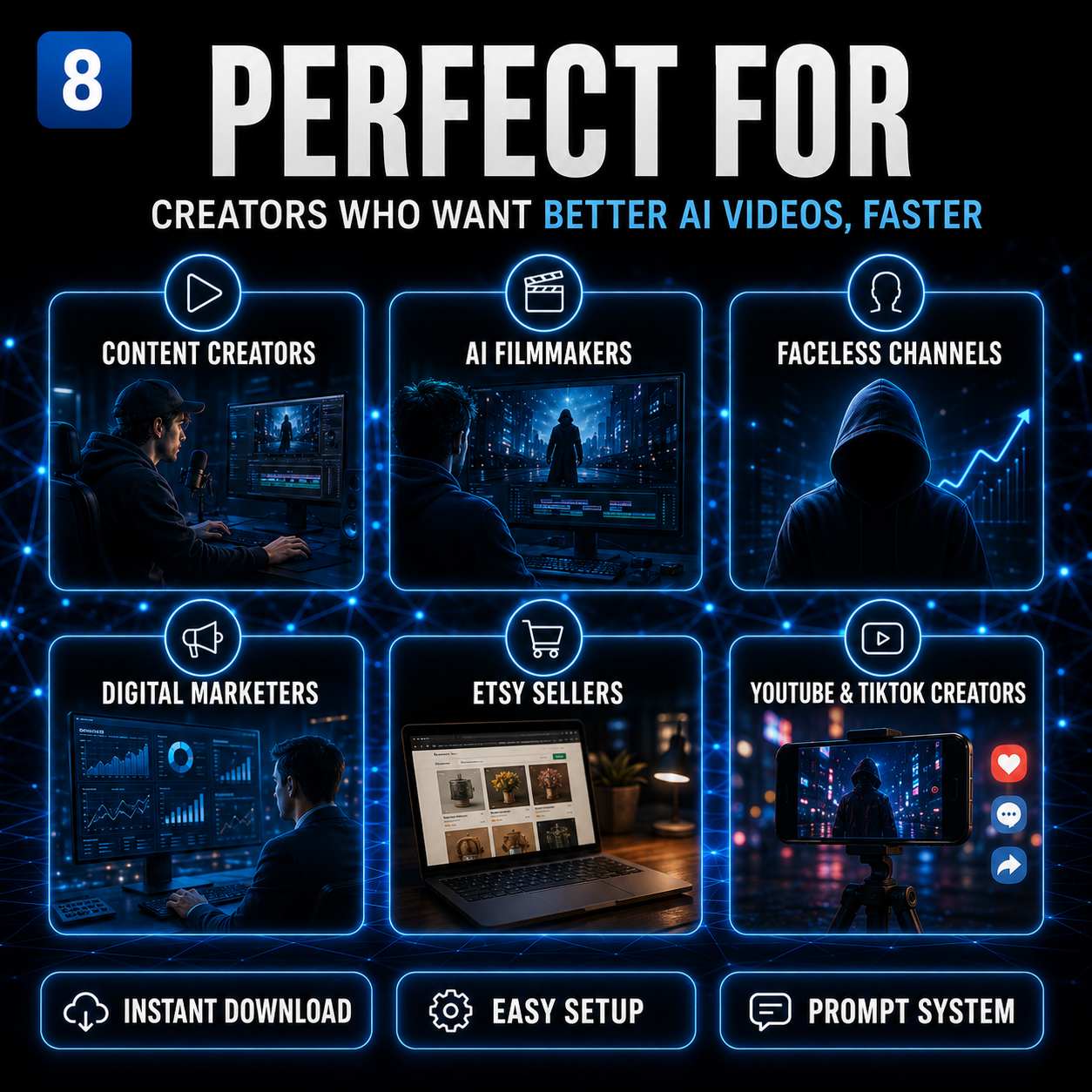
• Faceless video channels
• Short-form social videos
• Product and advertising concepts
• Cinematic scenes and trailers
• Multi-shot stories with recurring characters or locations
WHAT YOU RECEIVE
One 145 KB PDF digital download containing setup guidance for a Custom GPT-based storyboard planning workflow.
PLEASE READ BEFORE BUYING
• This is a PDF guide, not video-generation software.
• It does not generate images or videos by itself.
• You need access to the ChatGPT features required to create or customize a GPT if you want to recreate the described setup.
• ChatGPT, GPT Image, Seedance and other third-party subscriptions, credits and services are not included.
• Results depend on your idea, source material, prompts, tools and settings.
• This is a digital download. No physical item will be shipped.
• This product is not affiliated with or endorsed by OpenAI, ChatGPT, GPT Image, ByteDance or Seedance. Product names are used only to describe workflow compatibility.
Build the storyboard before you generate the next clip.