
Rental Business Operations OS — Excel Booking, Inventory & Deposit Tracker
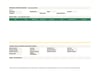
A practical rental business spreadsheet for small party, event, camera, tool, camping, and equipment-hire operators. Record one booking header with separate SKU item lines, review inclusive-date capacity warnings, and keep rental charges, manually entered payments, refundable deposits, returns, damage, and maintenance in one operational workbook.
Features
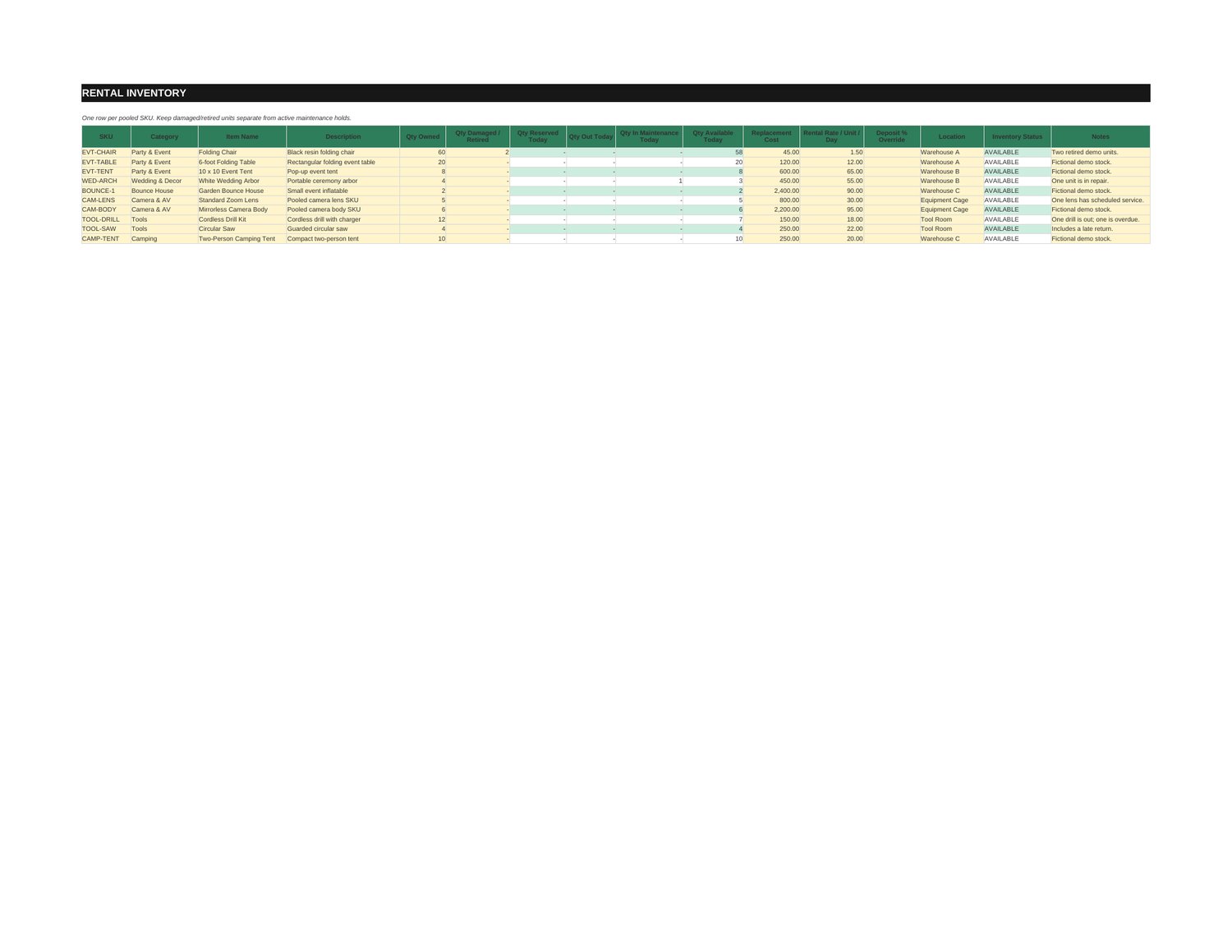
- Track pooled inventory by SKU, with owned and damaged or retired quantities kept separate from temporary maintenance holds.
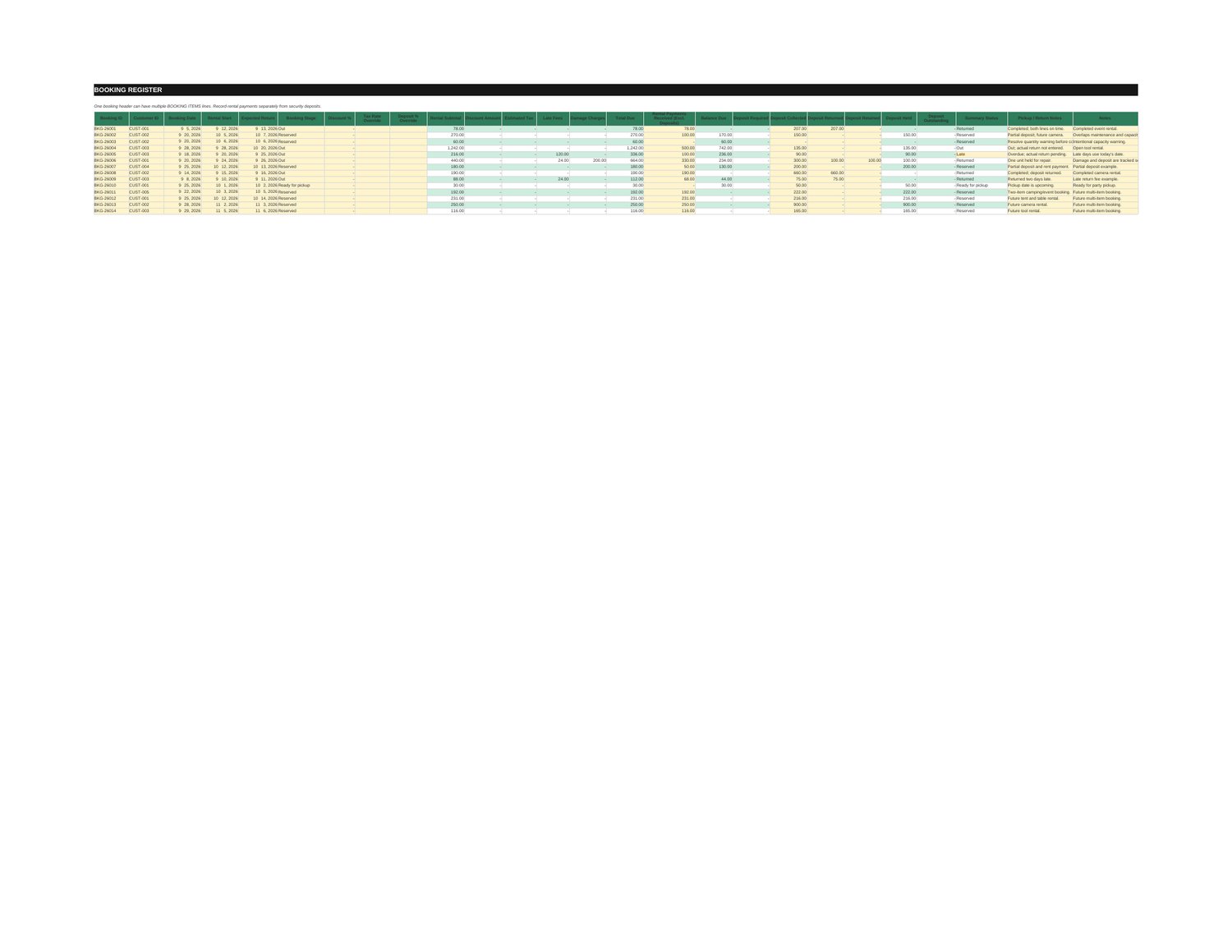
- Use one booking header and one booking-item line per SKU and quantity; split lines when quantities return on different dates.
- Review period-specific, inclusive-calendar-day availability and peak-overlap warnings before confirming a booking.
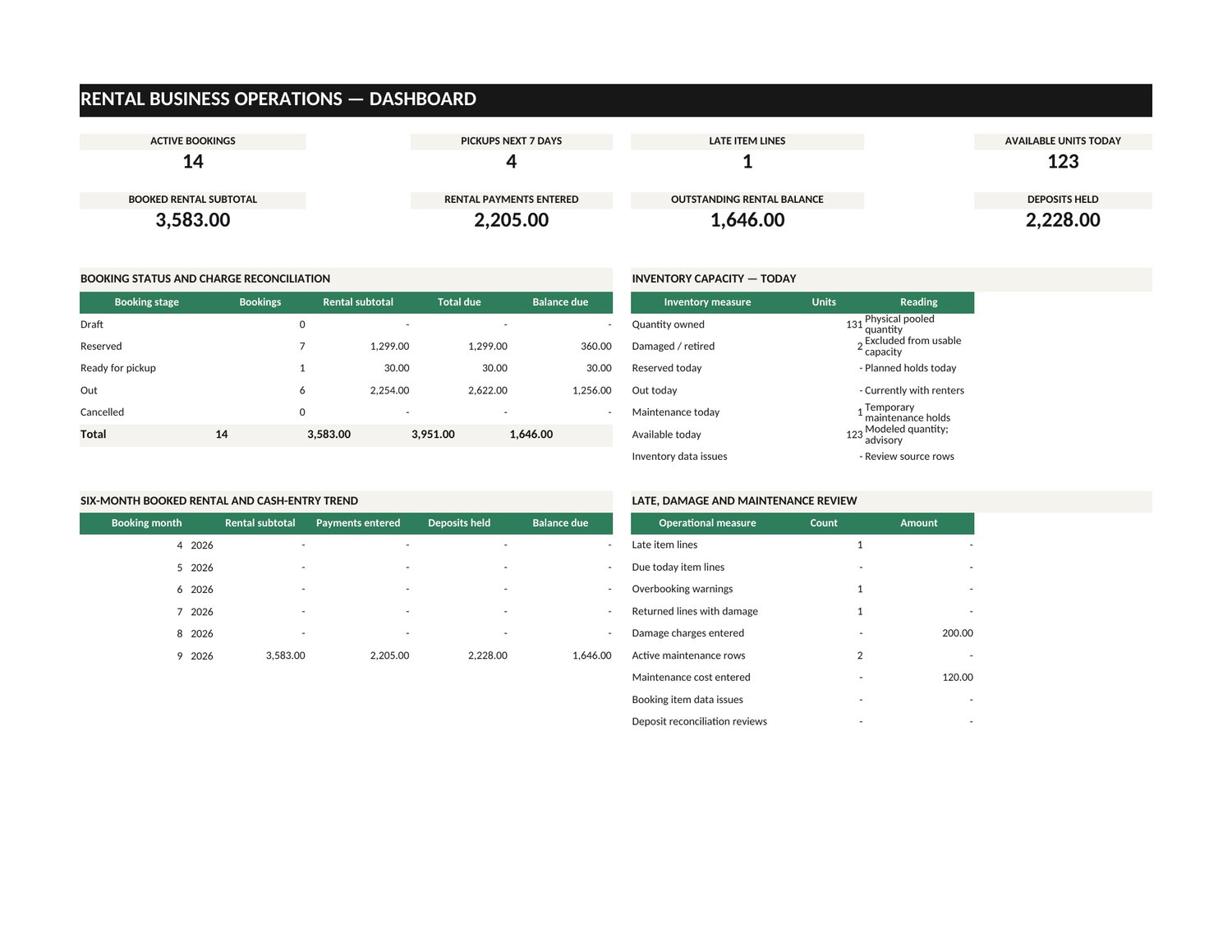
- Keep rental subtotal, discounts, estimated tax, late fees, damage charges, rental payments, and deposit balances in separate fields.
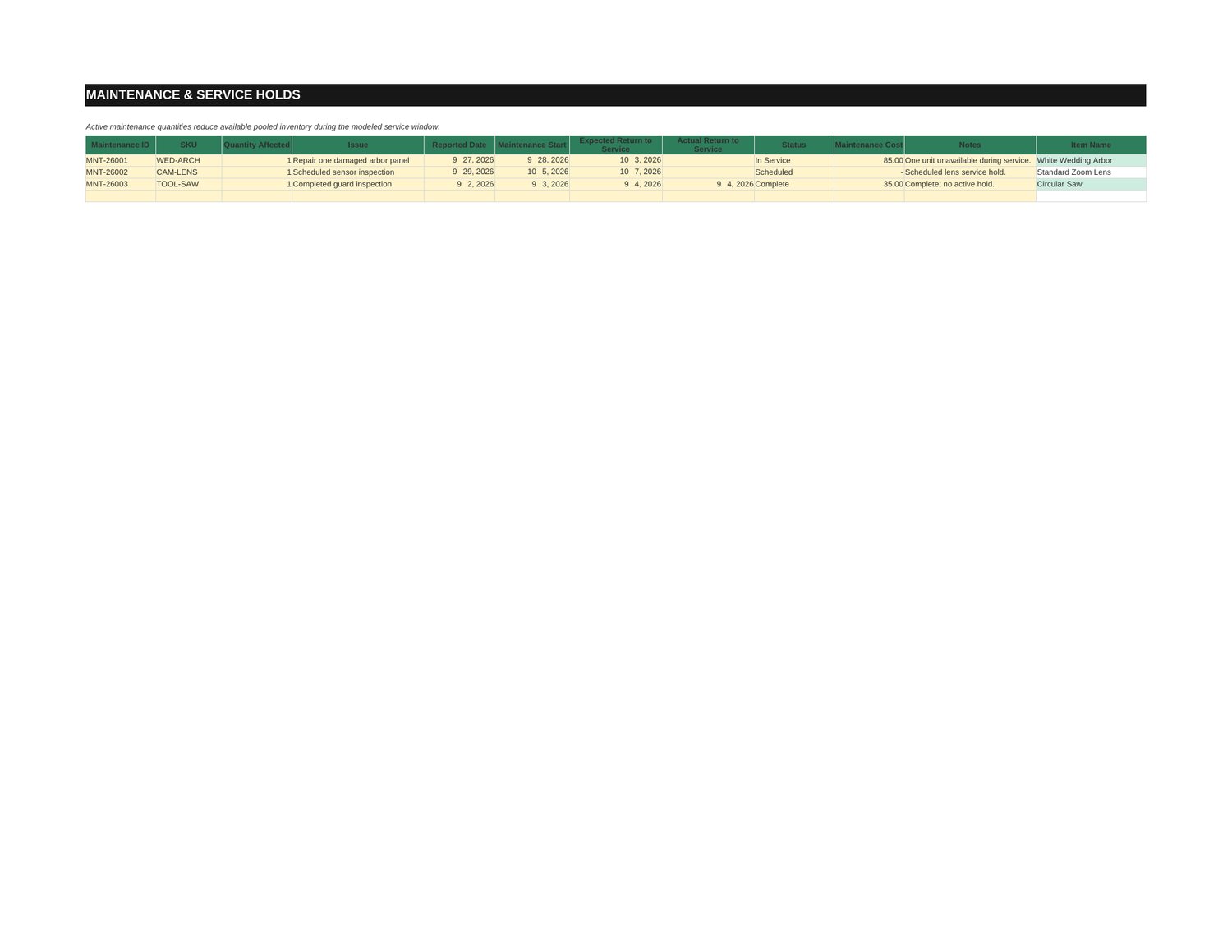
- Record full-line returns, condition, damage notes, manually entered charges, and maintenance service windows.
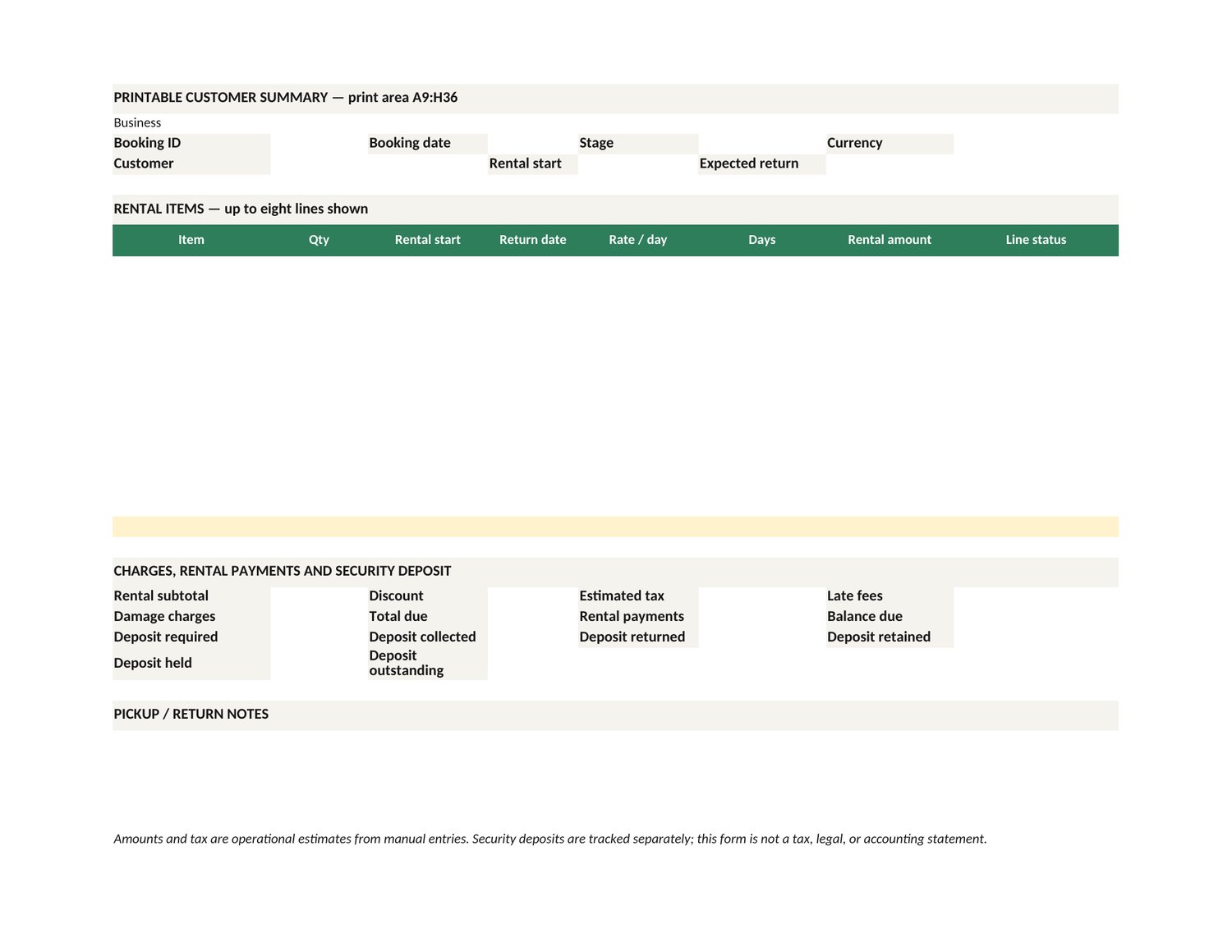
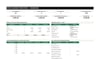
- Review an operational dashboard and use a customer-facing booking check and printable summary.
What is included
- Rental-Business-Operations-OS.xlsx — blank workbook for your own records.
- Rental-Business-Operations-OS-DEMO.xlsx — fictional example records.
- Rental-Business-Operations-OS-Quick-Start.pdf — setup and workflow guide.
Who it is for
Small party, event, camera, tool, camping, and equipment-hire operators.
Requirements
- Microsoft Excel 2019 or Microsoft 365, or a compatible spreadsheet engine supporting MAXIFS.
- Enter your own inventory, rental rates, replacement costs, operating rules, tax estimate, and payment/return records.
- Choose one currency label and use it throughout; the workbook does not convert currencies.
Limitations
- Availability warnings use manually maintained records and are not a transactional reservation lock or guarantee against simultaneous edits.
- Inventory is pooled by SKU; serial-number asset tracking is not included. Use separate item lines for quantities returning on different dates.
- Payments, deposits, returns, condition, damage, and maintenance are entered manually; no payment processing, calendar sync, CRM, API, or customer notifications are included.
- Tax is an editable estimate. The workbook does not provide jurisdiction-specific tax, legal, insurance, accounting, or P&L compliance.
- Native Microsoft Excel acceptance is not claimed; exact-final-workbook Excel runtime testing remains NOT_RUN.
FAQ
Is this for residential or landlord rent tracking?
No. It is for small goods and equipment rentals such as party, event, camera, tool, camping, and similar hire businesses.
Does the workbook prevent every double booking?
No. It calculates a period-specific capacity warning from manually maintained booking and maintenance records. It does not create a live reservation lock or guarantee availability during simultaneous edits.
Are security deposits counted as rental revenue or payment?
No. Deposits are tracked separately from rental charges and rental payments. Returned, retained, held, and outstanding deposit amounts have separate fields.
Can I record partial returns?
Each booking-item line closes as a whole. Create separate lines when quantities will return on different dates.
Does it collect payments, send reminders, or sync a calendar?
No. Payment, return, maintenance, and customer records are entered manually; external integrations are not included.
Does it calculate tax for my location or convert currencies?
No. Tax is an operator-entered estimate, currency is a display label, and no jurisdiction-specific tax treatment or currency conversion is determined.