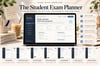
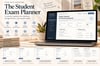
Student Exam Planner | Study Schedule, Exam Countdown & Assignment Tracker
Student Exam Planner: Study Schedule, Exam Countdown & Assignment Tracker
Plan your studies, organize assignments, track exams, and build better study habits in one interactive digital planner.
Feeling overwhelmed by exams, deadlines, assignments, and multiple subjects? The Student Exam Planner helps you organize your academic life in one simple workspace so you can plan ahead, stay focused, and approach your studies with greater confidence.
Whether you're preparing for midterms, final exams, or everyday coursework, this digital study planner helps you keep track of what needs to be done and when.
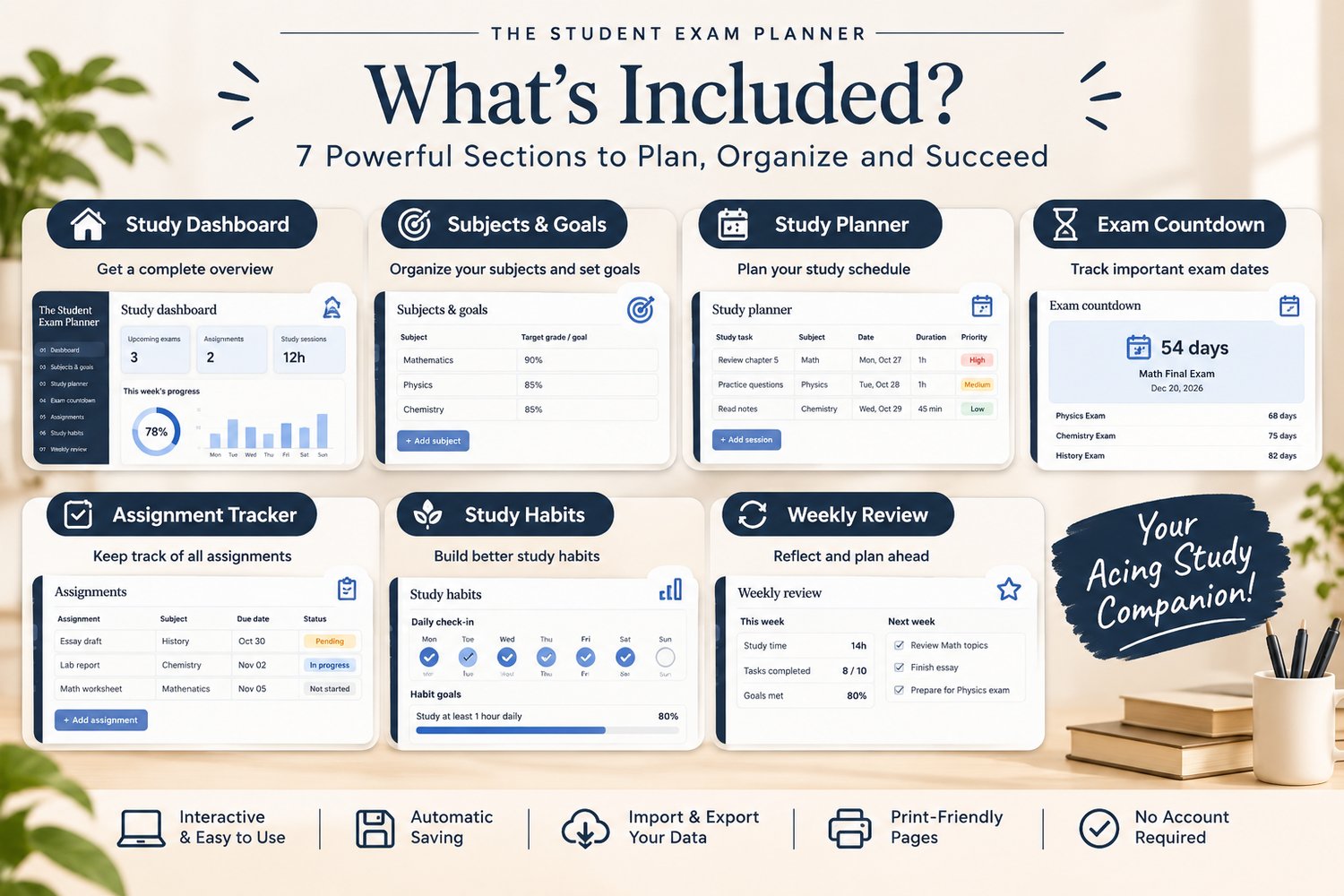
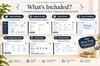
What's Included?
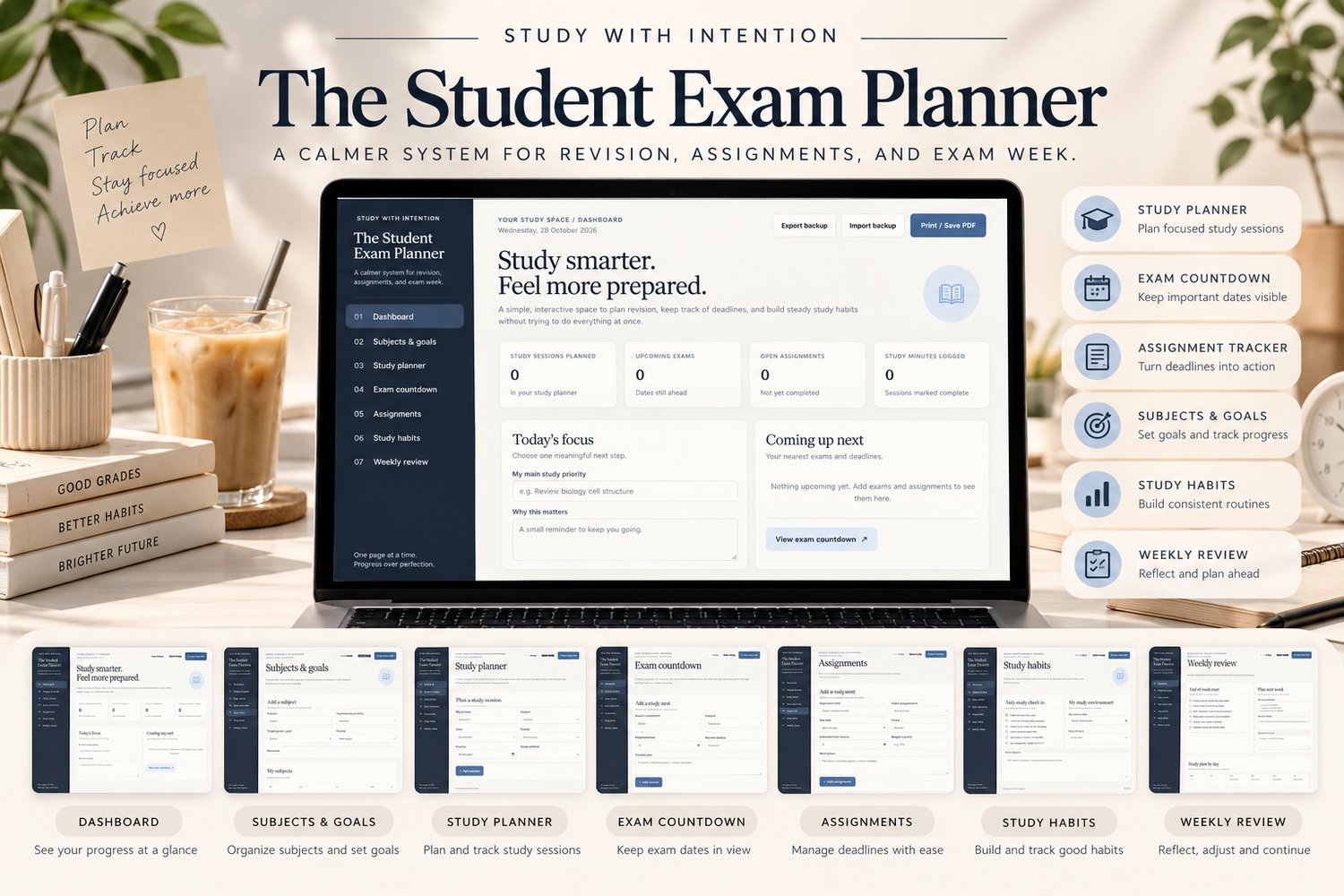
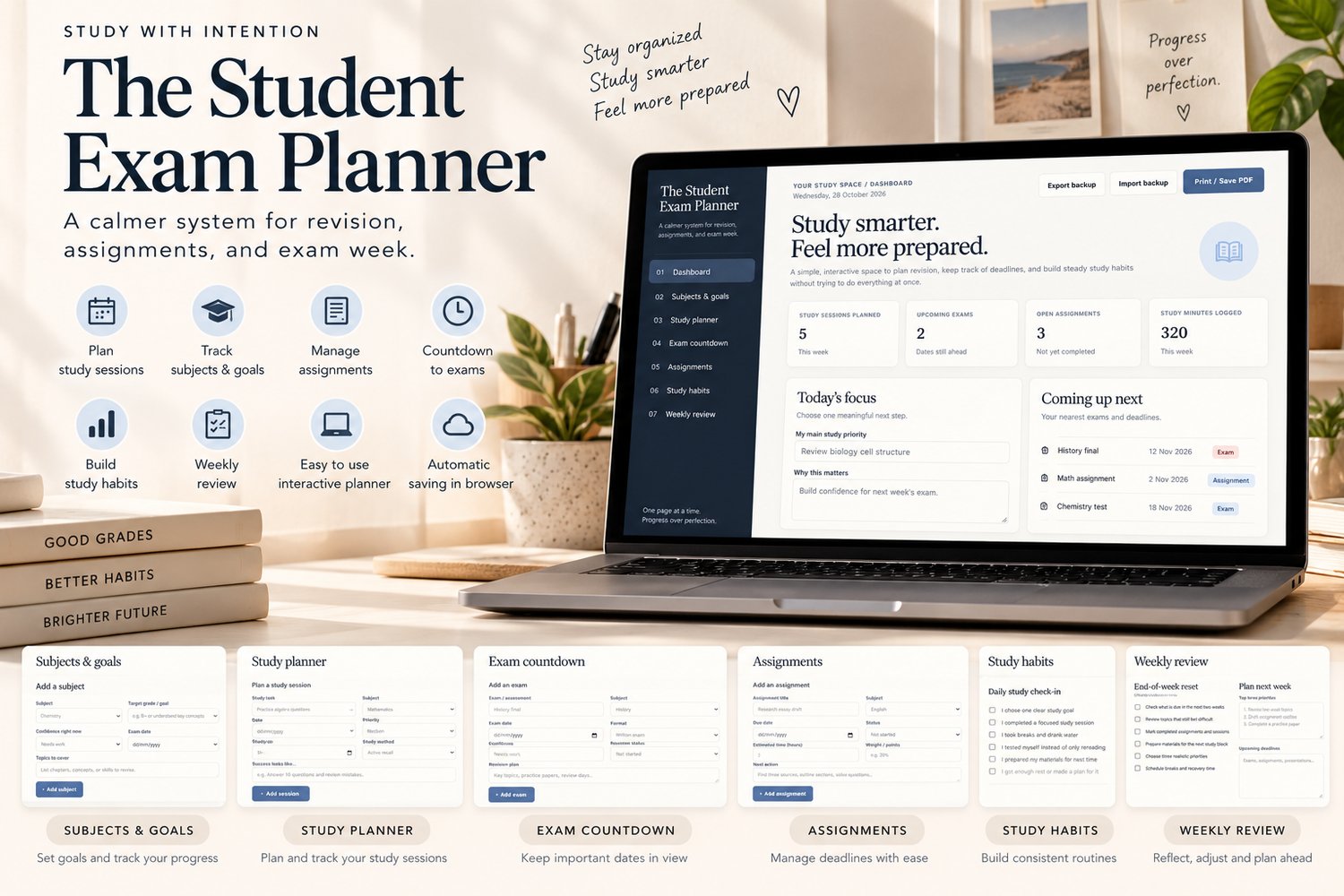
📚 Study Dashboard
Get an overview of your upcoming exams, assignments, study sessions, and progress.
🎯 Subject & Goal Tracker
Organize your subjects, set study goals, identify difficult topics, and track your confidence in each subject.
🗓️ Study Schedule Planner
Plan study sessions by date, duration, priority, and study method to make your revision more manageable.
⏳ Exam Countdown Tracker
Keep important exam dates visible and monitor your revision progress as exams approach.
📝 Assignment & Deadline Tracker
Record assignments, due dates, estimated work hours, current status, and next steps.
🌱 Study Habits Tracker
Reflect on your daily routines and build more consistent study habits.
🔄 Weekly Study Review
Review upcoming deadlines, identify priorities, and prepare a realistic study plan for the week ahead.
Key Features
- Interactive digital planner in HTML format
- Automatic saving in your browser
- Import and export options for data backups
- Print-friendly pages
- Minimalist, easy-to-use interface
- No subscription or separate account required to use the planner
- Designed primarily for desktop and laptop browsers
Who Is This Student Planner For?
- High school students
- College and university students
- Students preparing for midterms and final exams
- Students managing multiple subjects and assignments
- Anyone who wants a more organized study routine
How to Use Your Digital Study Planner
- Download the ZIP file and extract its contents.
- Open student_exam_planner.html in a modern browser such as Chrome, Edge, or Firefox.
- Add your subjects, exam dates, assignments, and study sessions.
- Update your progress as you study.
- Export backups regularly to keep a copy of your planner data.
Important Information
This is a digital download. No physical product will be shipped.
The planner is designed primarily for desktop and laptop use. Your entries are stored locally in your browser and do not automatically sync between devices or browsers. Export your data regularly as a backup.
The planner is an organizational tool and does not replace your school's official timetable, gradebook, or learning platform.
Make Your Study Time Count
Bring your subjects, assignments, exam dates, and study goals together in one place. Plan ahead, track your progress, and take your academic journey one study session at a time.