

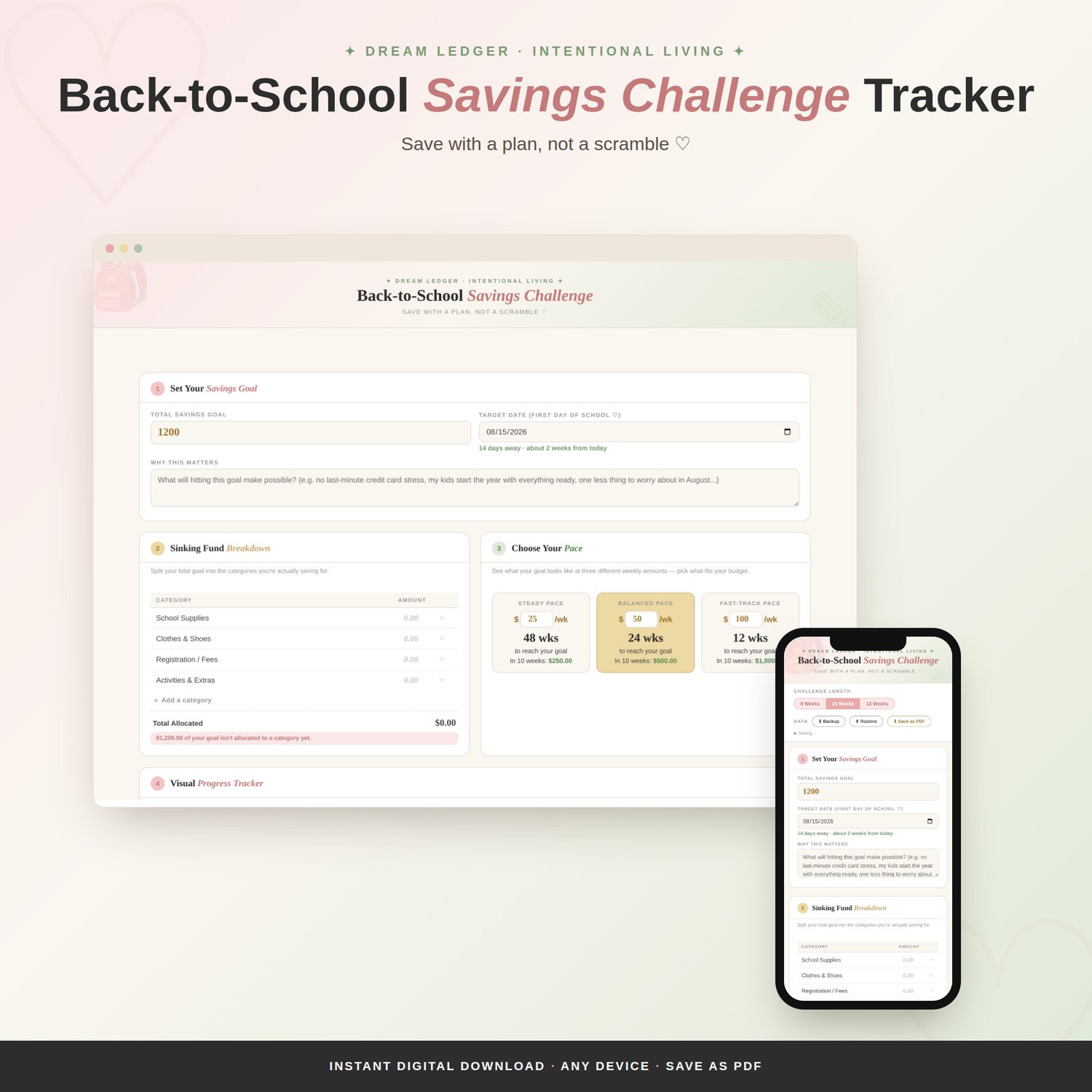

Back-to-School Savings Challenge Tracker
Turn "I need to save $800 by August" into an actual week-by-week plan — with a pace that fits your real budget, not just a wish.
How to open it:
No app or login required. Download the file and open it directly in any web browser on your computer. It works offline right away.
How to use it:
Set your total goal and target date, then choose your challenge length (8, 10, or 12 weeks). Check off each week as you save, and everything — your progress, your numbers — autosaves in your browser as you go. Use the "Save as PDF" button anytime you'd like a printed or downloadable copy.
*Mobile Version COMING SOON*
What's inside:
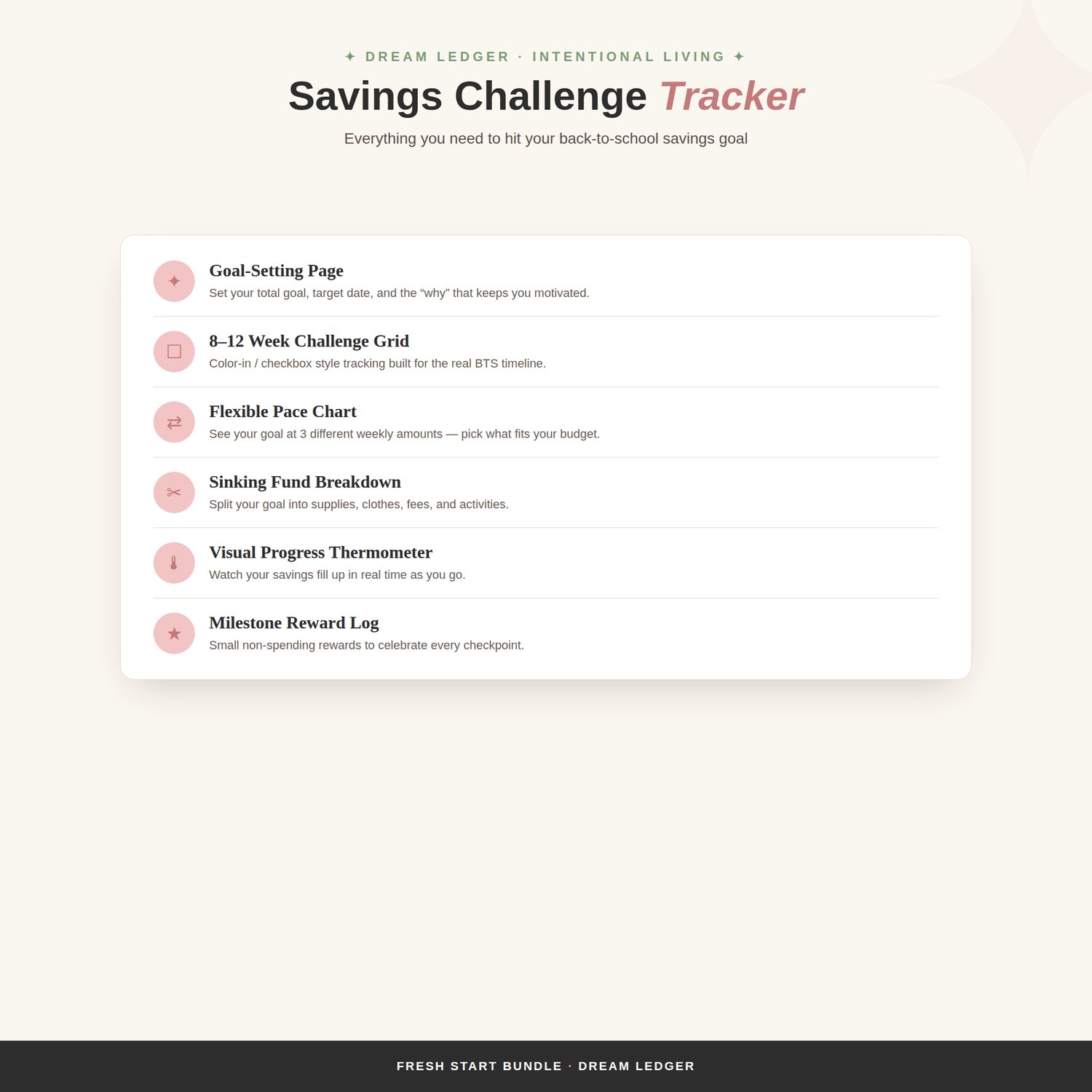
- Goal-setting page with your total, target date, and a "why this matters" prompt
- An 8–12 week challenge grid you check off as you save
- A flexible pace chart showing your goal at 3 different weekly amounts, so you can pick what actually fits your paycheck
- A sinking fund breakdown that splits your goal into supplies, clothes, fees, and activities
- A visual thermometer tracker so you can see progress at a glance
- A milestone reward log for small, non-spending celebrations along the way
Works seamlessly on desktop and mobile. Part of the Fresh Start Bundle — designed to work hand-in-hand with the Family Budget Planner.