









Concession Stand Profit Tracker: Game Day Cash Count
For treasurers: a concession stand tracker that adds up each deposit and payment and checks it against the bank statement. Google Sheets and Excel.
Use it the evening before the monthly meeting: you type each deposit and payment once.
Your group's money is in a shoebox.
One workbook adds it up and checks it against the bank.
What it does
- Budget vs actual: each category with the budget to date.
- Bank match: the lines not yet on your statement.
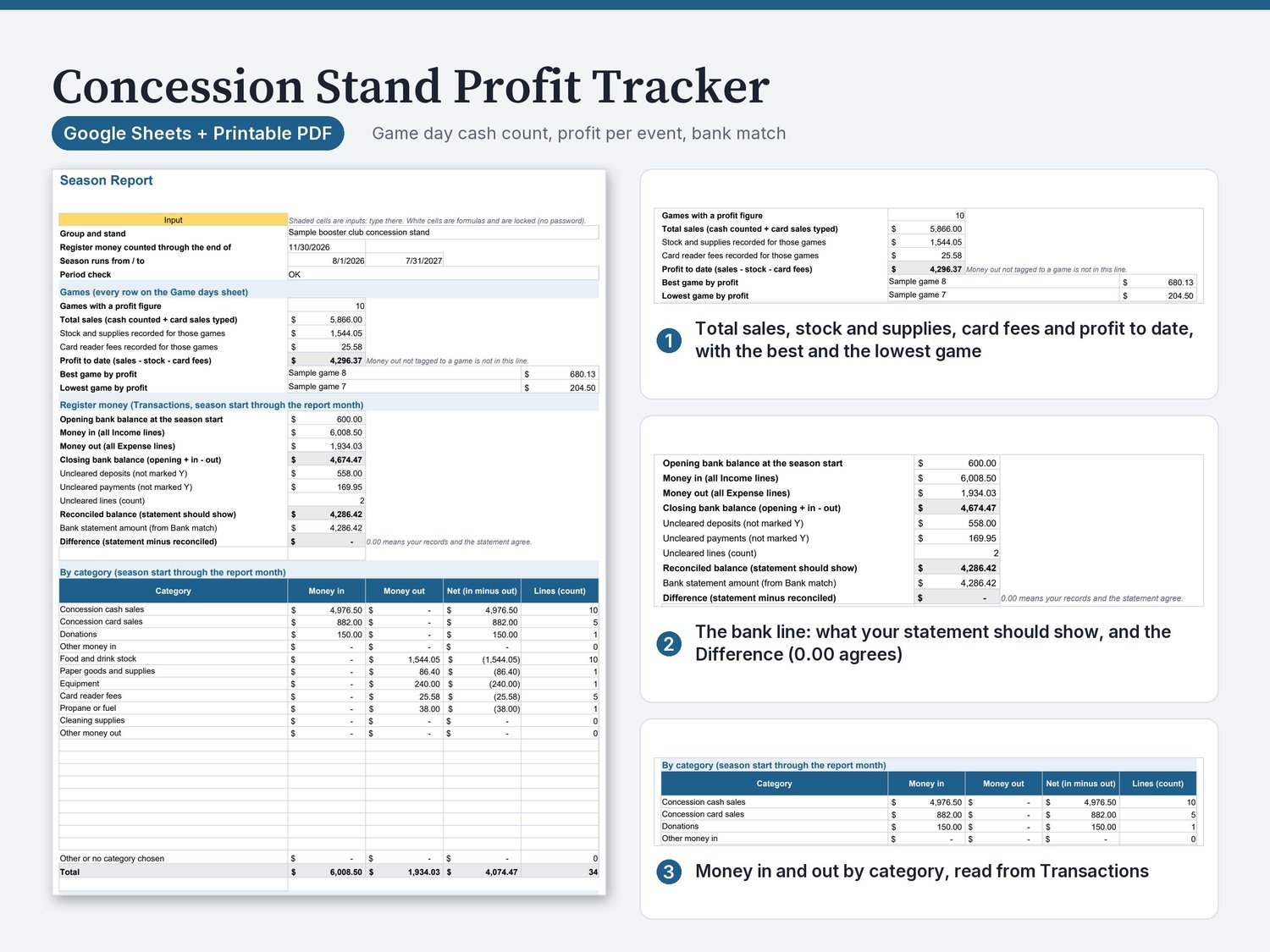
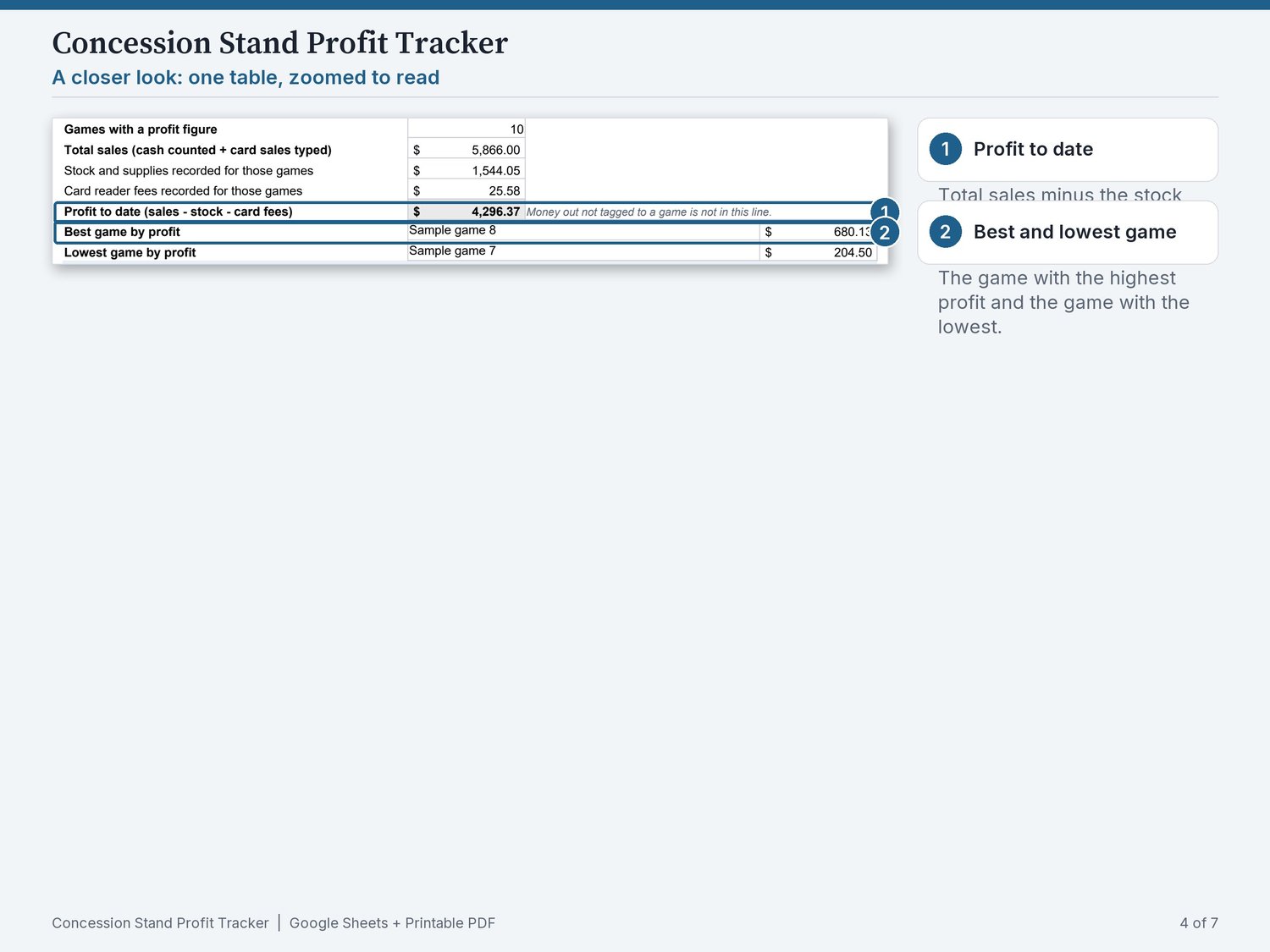
- Season Report: the games, the register money in and out, the closing balance.
- Game days: one row for each game or event: the date.
- Cash deposits: compares, for each game.
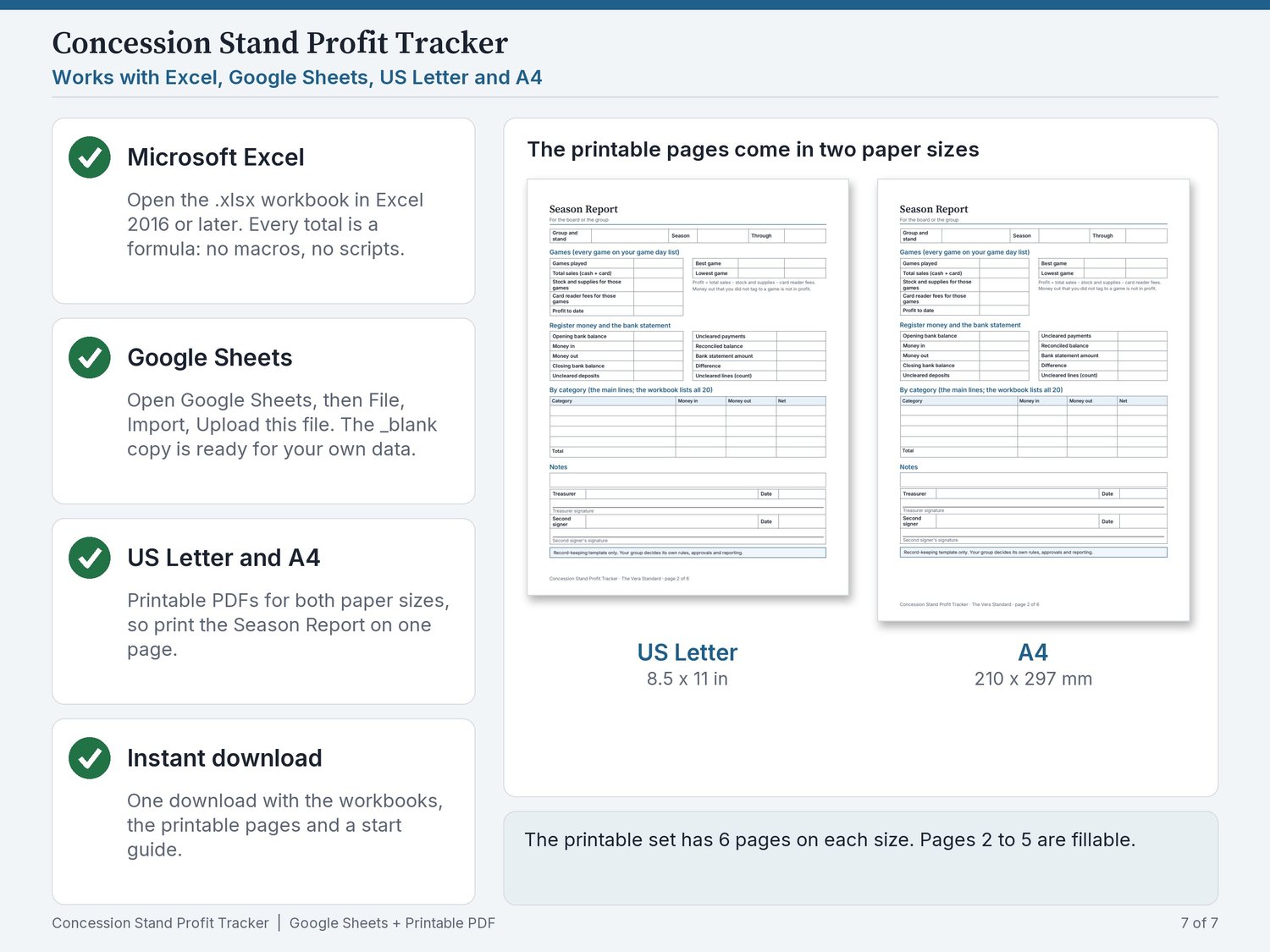
What you get: 5 files: the workbook with sample data, the same workbook blank, the printable pages on US Letter and on A4, and a one-page read-me guide. The workbook has 10 sheets (Start here, Settings, Transactions, Budget vs actual, Bank match, Season Report, Game days, Cash deposits, Lists, License).
How it works
- Open the .xlsx in Excel, or upload it to Google Drive and open it with Google Sheets.
- Type each deposit and payment in the shaded cells.
- Read the report and print it.
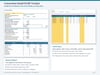
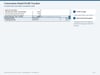
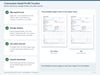
See it first
Real screens. Sample data is fictional.
Who it is for
The volunteer treasurer of a booster club, league or school group that runs a concession stand, who wants to know what each game earned, keep the cash counts in one place and hand the books to the next treasurer. It.
It is not the right fit if you need:
- a bank feed or automatic import.
- donor-receipt or tax forms.
- payroll.
- double-entry accounting.
What you need
Built for Microsoft Excel and Google Sheets (free). The printables need any PDF reader. Built for a computer.
FAQ
Where is my download? Press View content, then Download all. The link is in your receipt email too.
How do I open it in Google Sheets? Upload the .xlsx to Google Drive and open it with Google Sheets. No copy link is needed.
Can I change the categories, funds or committees? Yes, on the Lists sheet. The dropdowns and totals follow.
Does it connect to my bank? No. You type or paste your numbers; nothing is linked.
Is anything shipped? No. It is a digital download.
Help and refunds
If anything is wrong, we fix it or refund you. Changed your mind? Write within 30 days and we refund you in full. Buyers in the EU and UK keep any withdrawal right the law gives them.
Files
- concession-stand-profit-tracker_workbook_v1.xlsx
- concession-stand-profit-tracker_workbook_v1_blank.xlsx
- concession-stand-profit-tracker_printables_Letter.pdf
- concession-stand-profit-tracker_printables_A4.pdf
- 00_READ_ME_FIRST.pdf
License: one purchase covers you and the one organization, club or class you use it for. If you hand over the role, the next treasurer may keep using it. Please do not resell or share the files outside that organization.
About
The Vera Standard is a small independent studio in Hyderabad, India. We make plain, tested templates for volunteer treasurers. Write to theverastandard@gmail.com. We reply within two working days.
We design these templates with the help of AI tools. Every formula and total is then tested by us with sample data before release.
Record-keeping template only. Your group decides its own rules, approvals and reporting. Arithmetic on the numbers you type. Not advice of any kind.
Google Sheets is a trademark of Google LLC. Excel is a trademark of the Microsoft group of companies. The Vera Standard is independent and is not affiliated with or endorsed by them.
Next step
More from The Vera Standard are on the same profile.


