
Cleaning Quote & Cash Tracker - XLSX Workbook
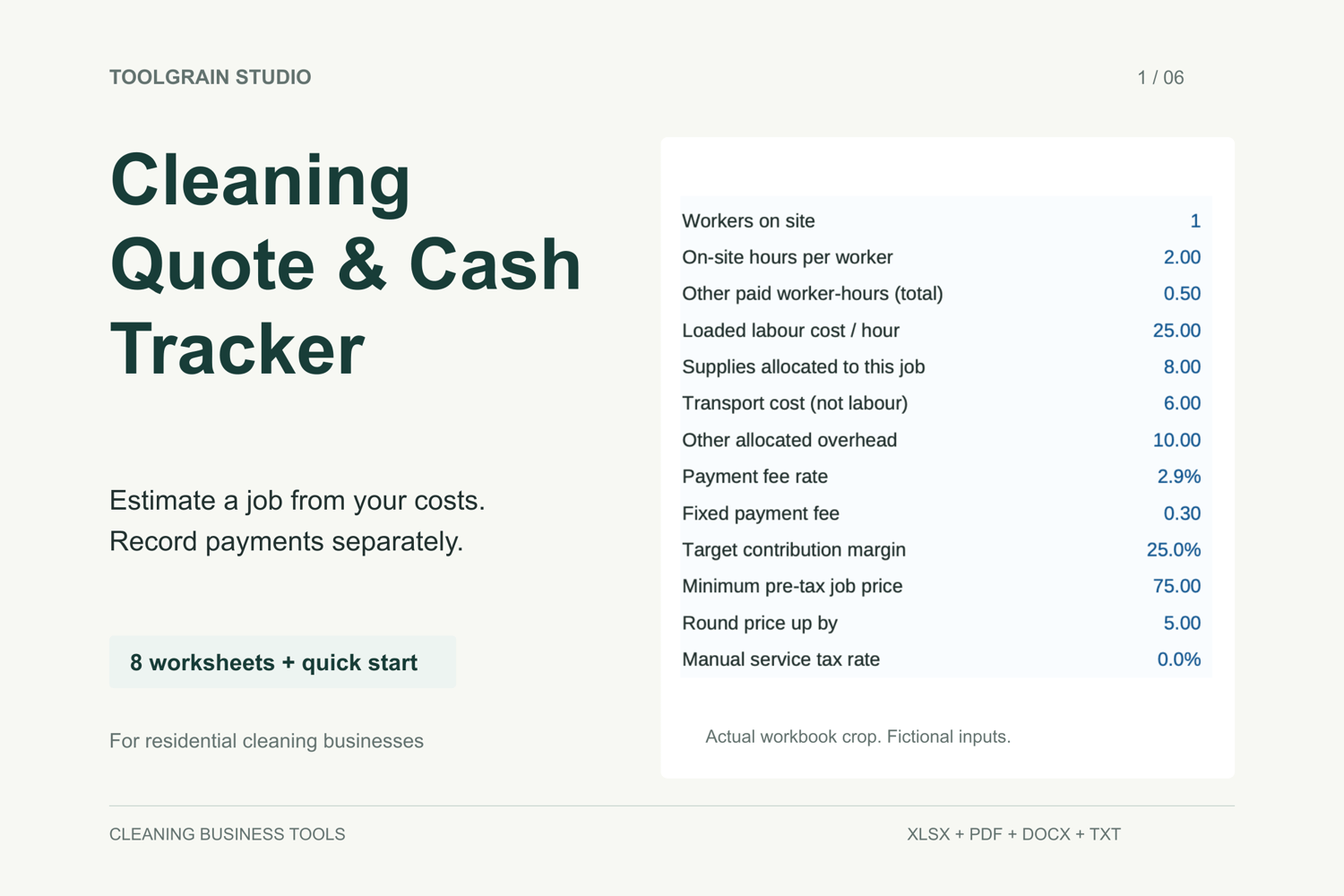
Estimate a residential cleaning job from your own costs, then record agreed charges, customer receipts, refunds and expenses separately.
This is a downloadable workbook for solo cleaning operators and small residential cleaning teams who want a simple, manual record of job costs and cash activity. It is a manual workbook, not a complete bookkeeping system.
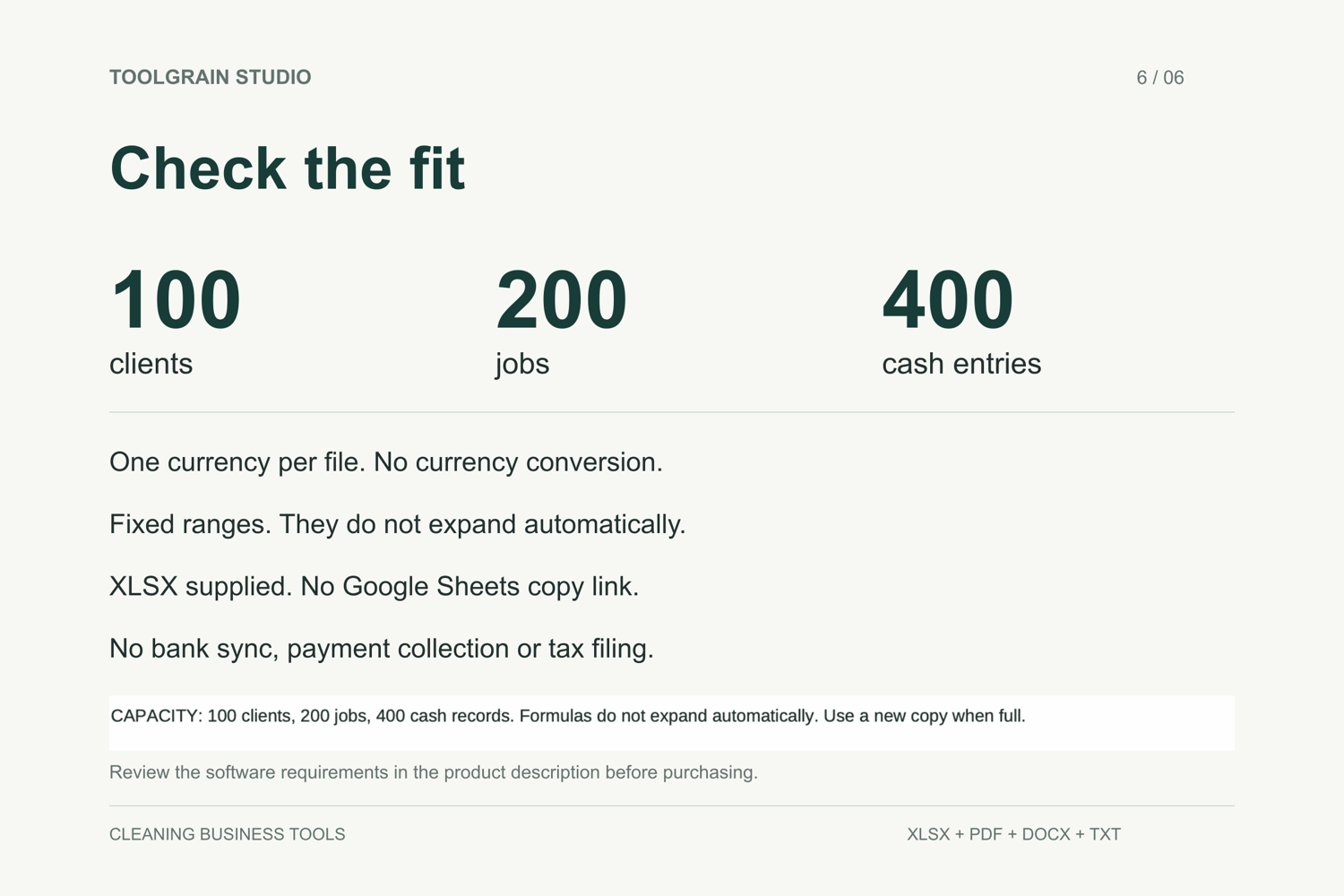
An XLSX file is supplied for Microsoft Excel for the web. The core quote, cash-recording, validation and save/reopen workflow was tested in Excel for the web on 11 September 2026. You need a Microsoft account and an internet connection to upload and use your own copy. Desktop Excel and Google Sheets support are not included in this edition. No Google Sheets copy link or spreadsheet software is supplied.
What is included
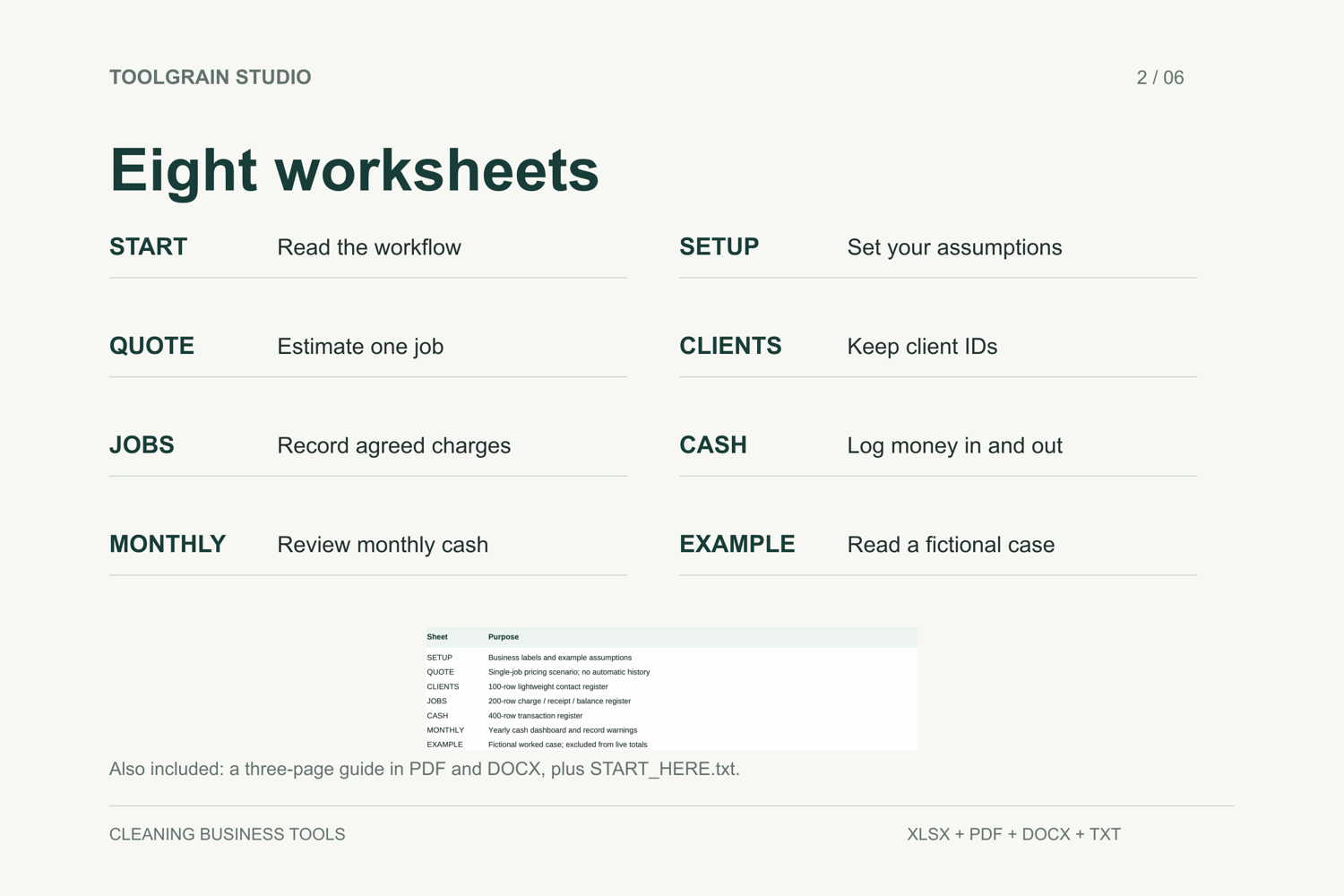
- Cleaning_Quote_Cash_Tracker.xlsx — one workbook with eight worksheets.
- Workbook_Quick_Start.pdf — a three-page guide in US Letter size.
- Workbook_Quick_Start.docx — an editable copy of the same guide, not extra guide pages.
- START_HERE.txt — opening instructions and capacity notes.
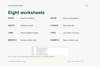
The worksheets are START, SETUP, QUOTE, CLIENTS, JOBS, CASH, MONTHLY and EXAMPLE. Live client, job and cash logs start empty. Cost assumptions and the worked example are fictional.
What you can do
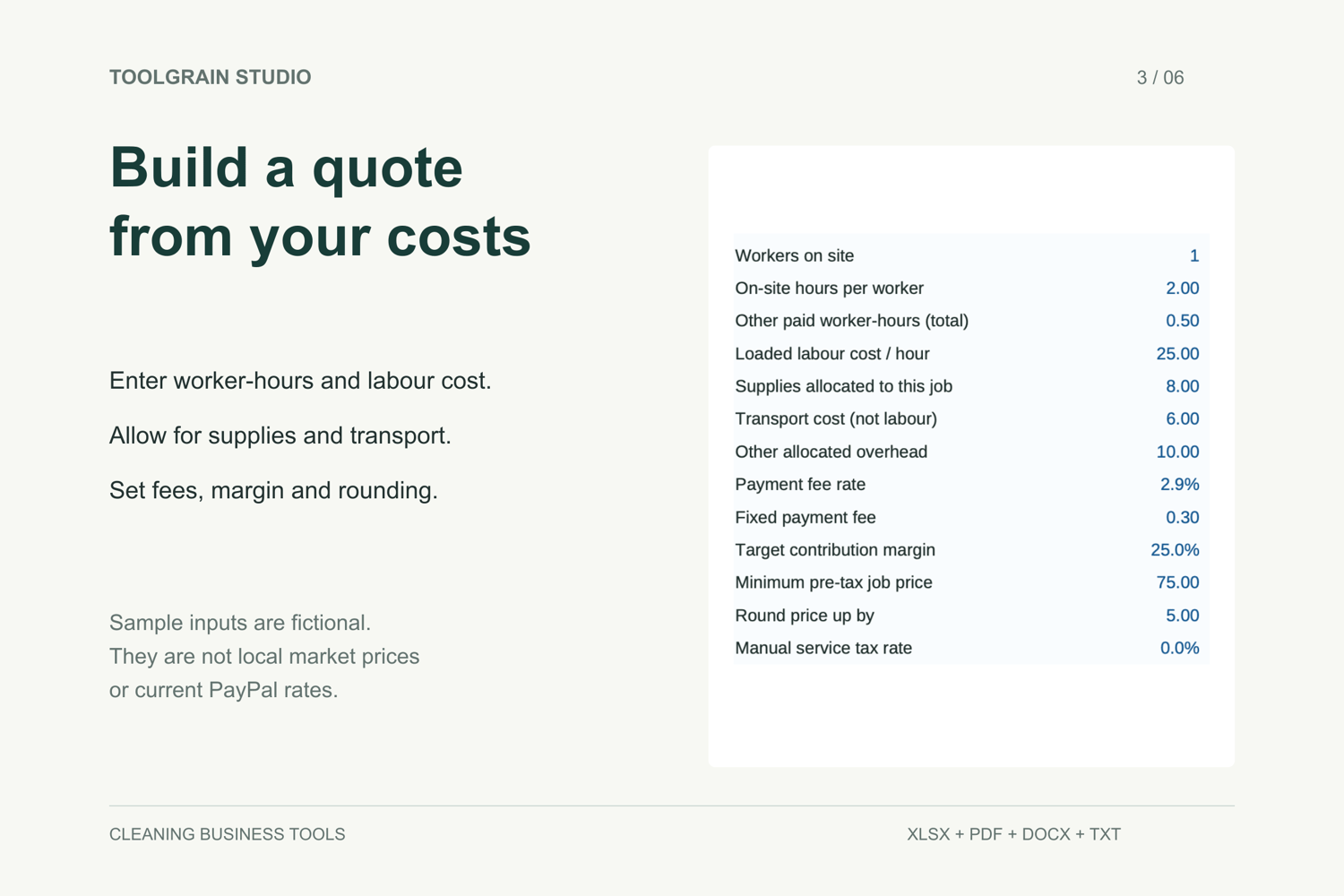
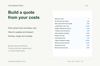
Build a single-job quote using worker-hours, labour cost, supplies, transport, allocated overhead, estimated payment fees and your chosen contribution margin. The QUOTE sheet does not save quote history or create a customer-ready quote document automatically.
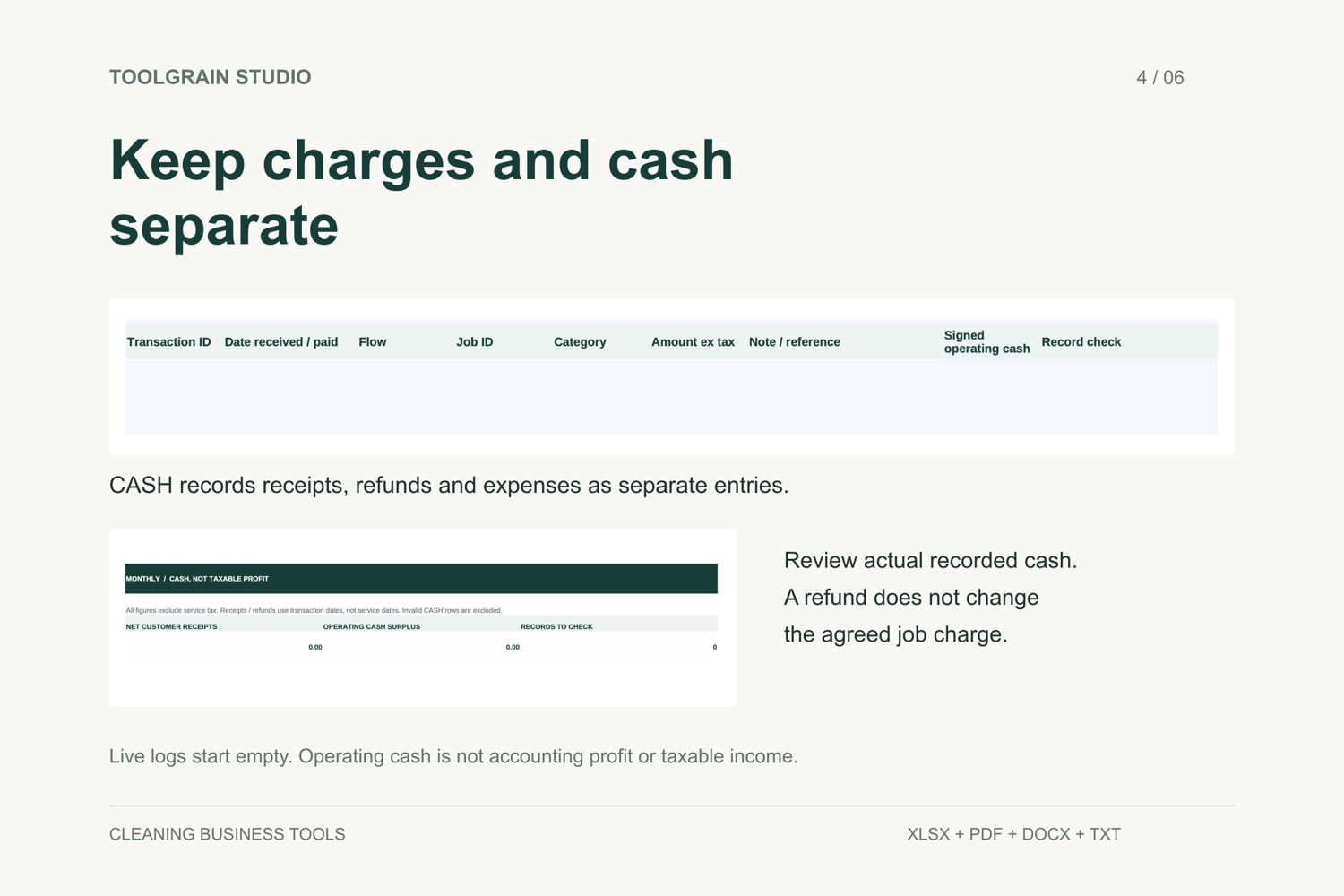
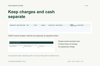
Record a client ID, an agreed job charge and payments as separate records. Log deposits and balance payments as receipts, record refunds separately, and enter fees as expenses. Review the monthly cash summary and record-check warnings.
A refund does not automatically reduce the agreed job charge. If you agree a lower charge with a customer, update JOBS as well. Operating cash is not accounting profit or taxable income.
How to start
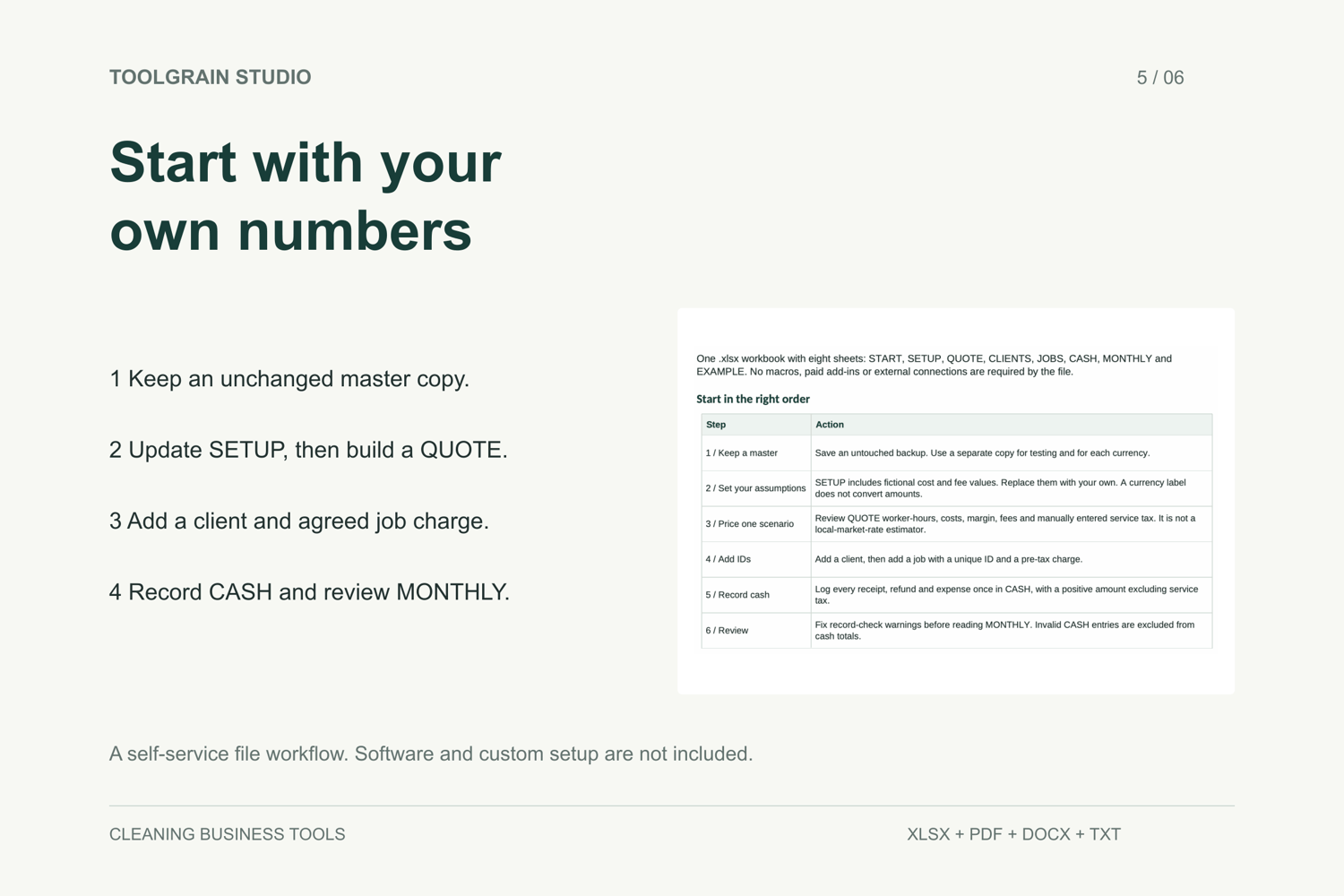
- Keep an unchanged master copy, read the quick-start guide and upload a working copy to Excel for the web.
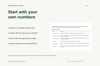
- Replace the fictional SETUP assumptions with your own and review a QUOTE.
- Add the client and job with unique IDs and the agreed charge excluding service tax.
- Record each receipt, refund and expense once in CASH using positive amounts.
- Resolve record-check warnings before relying on MONTHLY totals.
Pale-blue cells are inputs. Leave calculation cells unchanged. Some QUOTE inputs link to SETUP and can be deliberately overridden.
Formats and limits
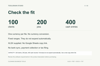
The prebuilt capacity is 100 clients, 200 jobs and 400 cash entries. Ranges do not expand automatically. Use one currency per file; USD and GBP labels do not convert amounts. Taxes need appropriate records outside this workbook.
The PDF is a reference guide, not a fillable form. This product does not include Canva or Notion templates, bank sync, booking automation, payment collection, tax filing, payroll, legal contracts, custom branding or data-entry services.
Support
For questions about file access or a reproducible issue, use the Contact page at https://payhip.com/ToolgrainStudio/contact. Include the order reference, worksheet/cell and application version when relevant. Remove customer names, addresses and payment details from screenshots.
Delivery and support
This is a digital download. No physical item will be shipped. After successful payment, Payhip provides a download page and sends an email receipt with a download link. Save the ZIP, extract it, and read START_HERE.txt and the quick-start guide before editing.
The ZIP contains the XLSX workbook, a three-page PDF guide, an editable DOCX copy of that guide, and START_HERE.txt. Use a working copy in Microsoft Excel for the web; a Microsoft account and internet connection are required. Keep an unchanged backup.
For download problems or a reproducible file issue in Excel for the web, contact us at https://payhip.com/ToolgrainStudio/contact with your order reference, application details and the affected sheet or cell. Remove customer names, addresses and payment information from screenshots. Customisation, data entry and support for other spreadsheet applications are not included.
File issues and refunds
Please contact https://payhip.com/ToolgrainStudio/contact if you were charged twice, cannot access your files, or find a reproducible fault or a material mismatch with the product description. Include your order reference and a brief explanation; please do not send payment-card details or customer records.
We will refund a verified duplicate charge. For non-delivery, a reproducible file fault in the stated supported application, or a material mismatch with the description, we will first try to restore access or provide a working, correctly described file. If we cannot resolve the issue, we will refund the affected purchase.
Please check the listed formats, requirements and limits before buying. Requests outside the situations above will be reviewed individually. Nothing in this policy limits your applicable statutory rights.