
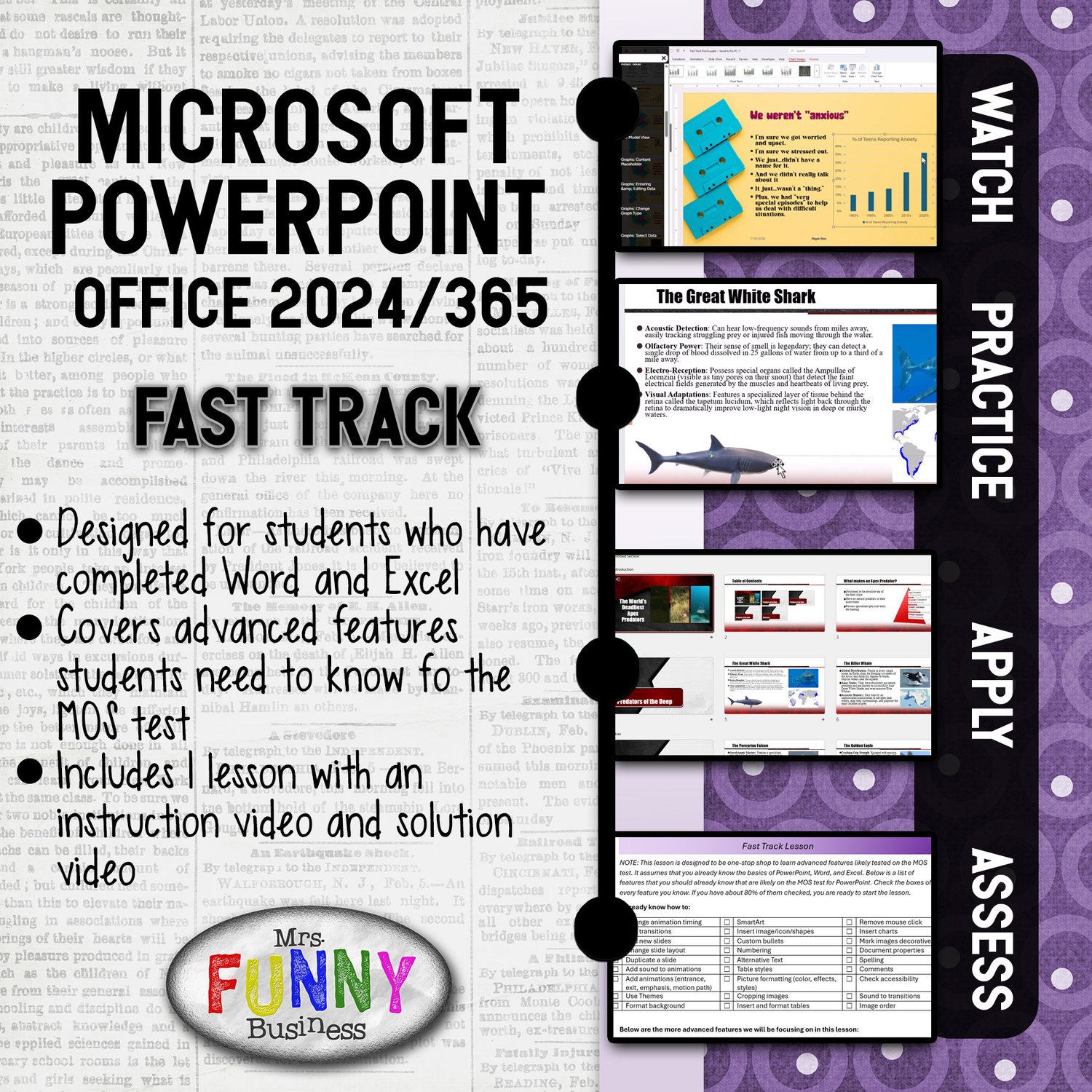
365/2024 PowerPoint Fast Track Lesson
Stop Teaching PowerPoint via Simulators. Start Building Experts.
I believe students learn best when they are inside the actual program, solving problems and "figuring it out" for themselves. This philosophy is why my students consistently achieve a 90%+ MOS pass rate—the highest in my state—with a curriculum that empowers them to take ownership of their learning.
Designed specifically for MOS Certification prep but flexible enough for any Computer Apps course, this series is built on a proven "Watch-Practice-Apply" framework. My method consistently yields results—even with freshmen!
The Fast Track lesson is designed to be a ONE-STOP SHOP for students getting ready to take the MOS PowerPoint test. This curriculum was designed with the idea that students have already completed Word and Excel--eliminating a lot of the features to learn in PowerPoint since they already know them. This lesson can be done in a matter of days, and will prepare them to take--and pass--the MOS test easily. I also have a full curriculum for teachers who have more time to spend on PowerPoint and would like to go deeper into the program. The full curriculum also includes thi Fast Track lesson.
Why Teachers (and Departments) Love This Curriculum:
- One-Time Investment: Unlike simulator programs that require costly annual seat licenses, this is a one-time purchase. Buy it once, own it forever, and protect your department budget.
- Authentic Learning: No "point-and-click" simulations. Students work directly in PowerPoint 365 or 2024, building the muscle memory needed for the MOS exam and the professional world.
- Built for Blended Learning: My framework allows students to work at their own pace. You move from "lecturer" to "facilitator," providing targeted help where it’s needed most.
- Streamlined Grading: Every assignment is designed for a "quick glance" grade. Documents are structured so you can verify formatting, styles, and layouts in seconds, saving you hours of work.
The 4-Step Mastery Method
- WATCH: Students use a chaptered video to learn specific features at their own pace.
- PRACTICE: Students learn a new feature on each slide of the practice lessons
- APPLY: Real-world applications where students synthesize skills to create professional documents and reports.
- ASSESS: A self-reflection checklist ensures students feel confident before moving on.
What's included in this bundle?
- 4 Full Lessons in PowerPoint, covering every objective needed to pass the MOS Associate exam. (Lessons 1-3 are all that is needed for the exam. Lesson 4 is an advanced lesson that goes beyond MOS)
- 4 Instruction Videos with searchable tables of contents.
- 4 Silent Solution Videos, showing the entire assignment from start to finish.
- 2 Real-World Application Assignments – One is to be completed after doing lessons 1-3, and one is after completed lesson 4.
- Application Solution Videos, which can be provided or withheld to use these projects as formal summative assessments.
- Fast Track Lesson - This complete lesson is designed for classroom with less time. Students complete this lesson INSTEAD OF lessons 1-4. It will give them what they need to pass the MOS. It is best if they have already completed Word and Excel. This lesson can also be used as an application.
- Table of Contents File, mapping exactly which PowerPoint features are taught in every lesson.
- Get Started Guide – Explains how to set up Certiport, my teaching philosophy, grading rubrics, and pacing suggestions.