

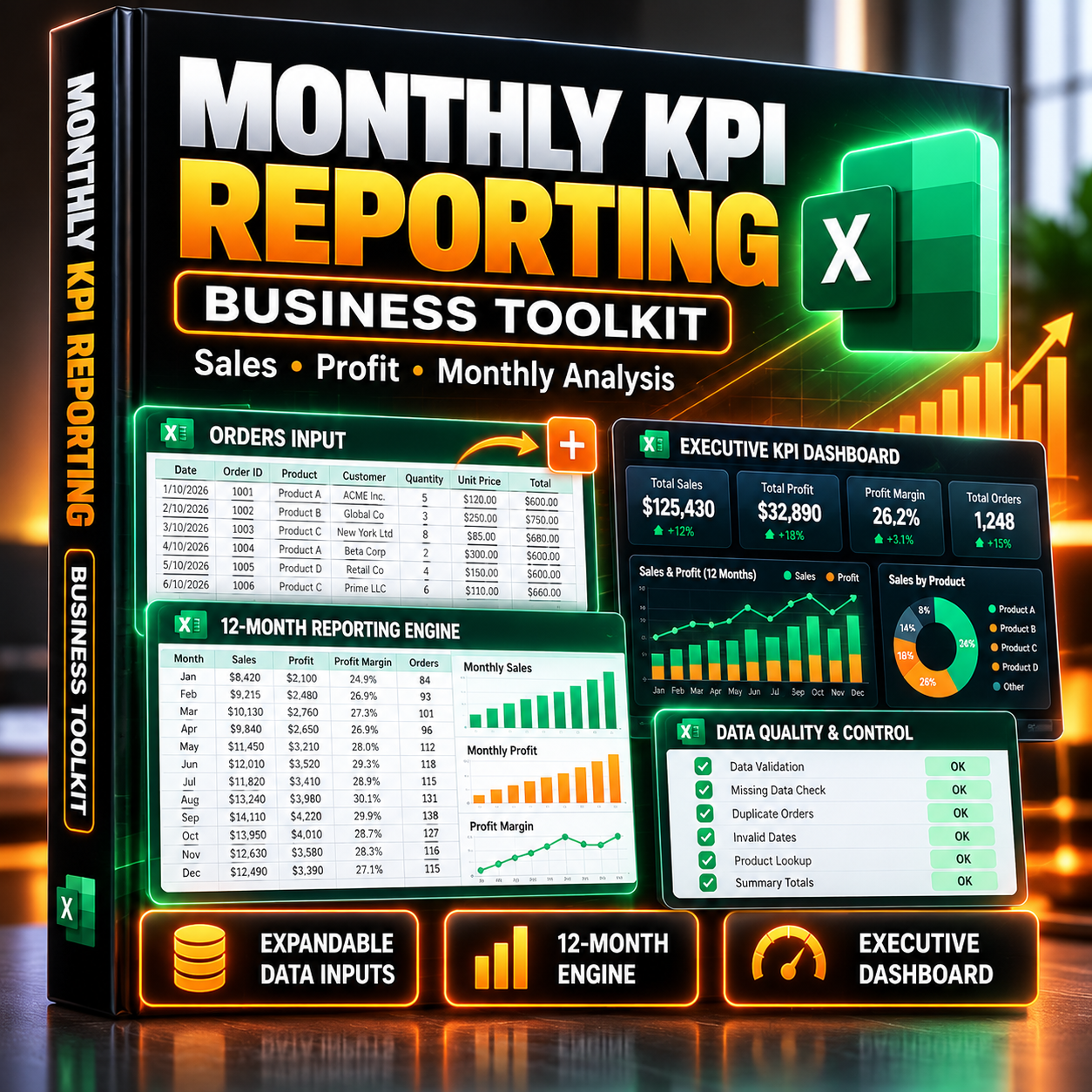
Excel Monthly KPI Reporting Toolkit — Automated Sales & Profit Analysis
Monthly KPI Reporting Toolkit for Excel
Turn your sales transactions into a reusable monthly KPI reporting system — without rebuilding calculations every month.
Designed for analysts, business owners, operations teams, and professionals who need a practical Excel-based reporting workflow.
This is a standalone business toolkit, not just a practice workbook.
What This Toolkit Does
Import or enter your sales transactions, select your reporting period, and use the built-in formulas to analyze monthly business performance.
The toolkit includes:
1. Expandable Sales Data Input
- Structured Excel Table for transaction-level records.
- Order dates, regions, channels, products, quantities, prices, costs, and statuses.
- Calculated revenue, direct costs, and gross profit.
- Expandable data structure without a fixed 500-row formula boundary.
2. Twelve-Month Reporting Engine
- Monthly revenue.
- Monthly direct costs.
- Gross profit and gross margin.
- Paid-order counts.
- Annual reporting period controlled through the Settings sheet.
3. Executive KPI Dashboard
- Selected-month revenue.
- Gross profit and margin.
- Paid orders.
- Regional revenue comparison.
- Regional reconciliation check.
4. Data Quality Monitoring
- Missing date checks.
- Missing status checks.
- Nonpositive quantity checks.
- Invalid paid-order price checks.
- Unexpected status checks.
5. Reusable Reporting Controls
Change the selected month and reporting year without manually rebuilding the underlying reporting formulas.
Who Is This For?
- Business analysts
- Sales managers
- Small business owners
- Operations specialists
- Excel professionals
- Finance and reporting teams
Why Buy This Toolkit?
Building a reliable monthly reporting model takes more than writing a SUMIFS formula.
You need consistent inputs, transaction calculations, reporting logic, error checks, management summaries, and a structure that can accommodate new records.
This toolkit brings those components together in one reusable Excel workbook.
What You'll Receive
One XLSX workbook containing:
- START_HERE
- INPUT_ORDERS
- SETTINGS
- MONTHLY_ENGINE
- EXEC_DASHBOARD
- DATA_QUALITY
Compatibility: Excel 2016, 2019, 2021, and Microsoft 365.
No VBA macros required.
The toolkit relies on Excel formulas and structured tables. It does not automatically import files from external systems, and performance with very large datasets depends on your Excel environment.
Financial scope: gross profit is calculated after direct transaction costs, excluding overhead, taxes, shipping, and other operating expenses.
Stop rebuilding monthly KPI reports. Use a structured Excel reporting workflow that can grow with your data.