
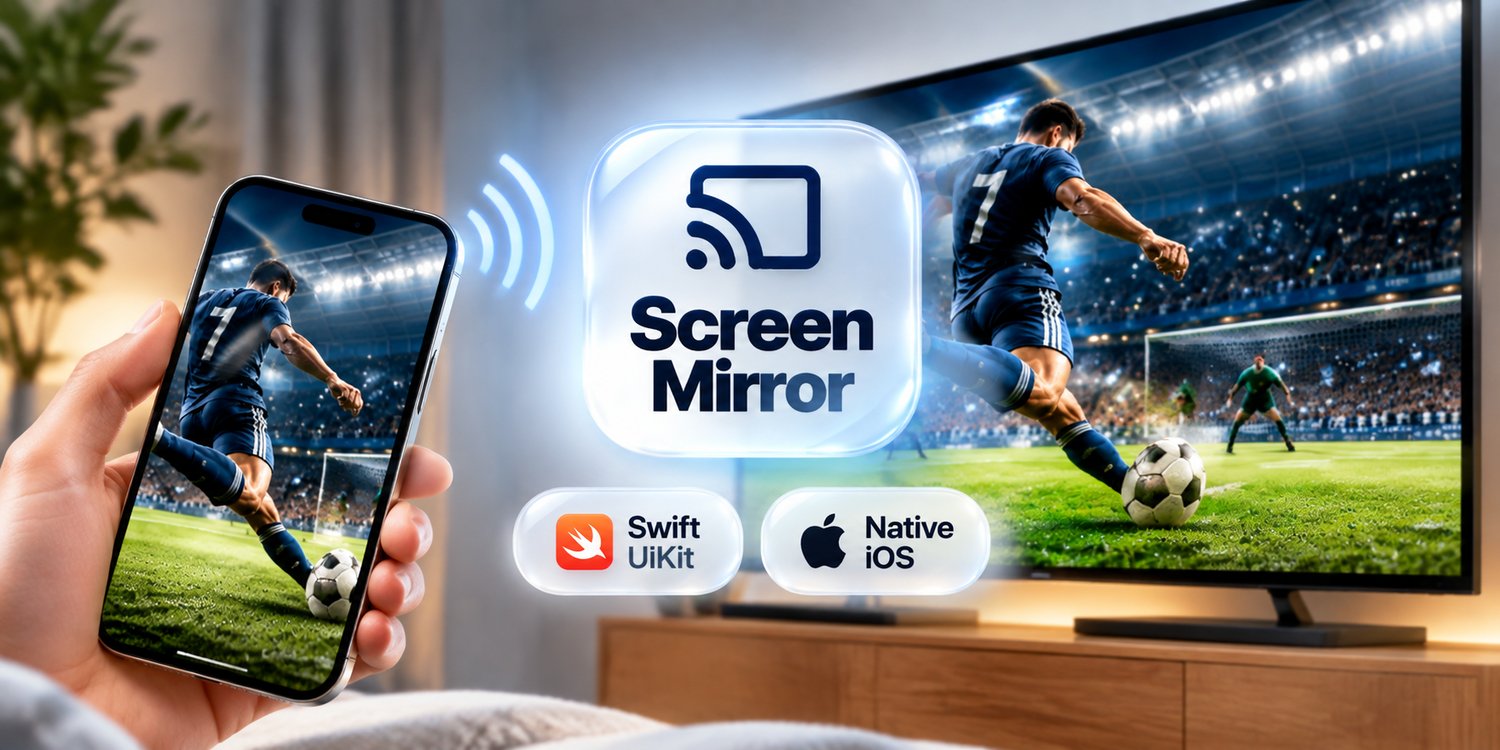
Bring the moments, videos, and ideas on your iPhone to a bigger screen with Screen Mirror: TV Cast & IPTV. Connect to a compatible TV or streaming device on the same Wi‑Fi network, choose what you want to show, and enjoy it together.
Share your photos and videos
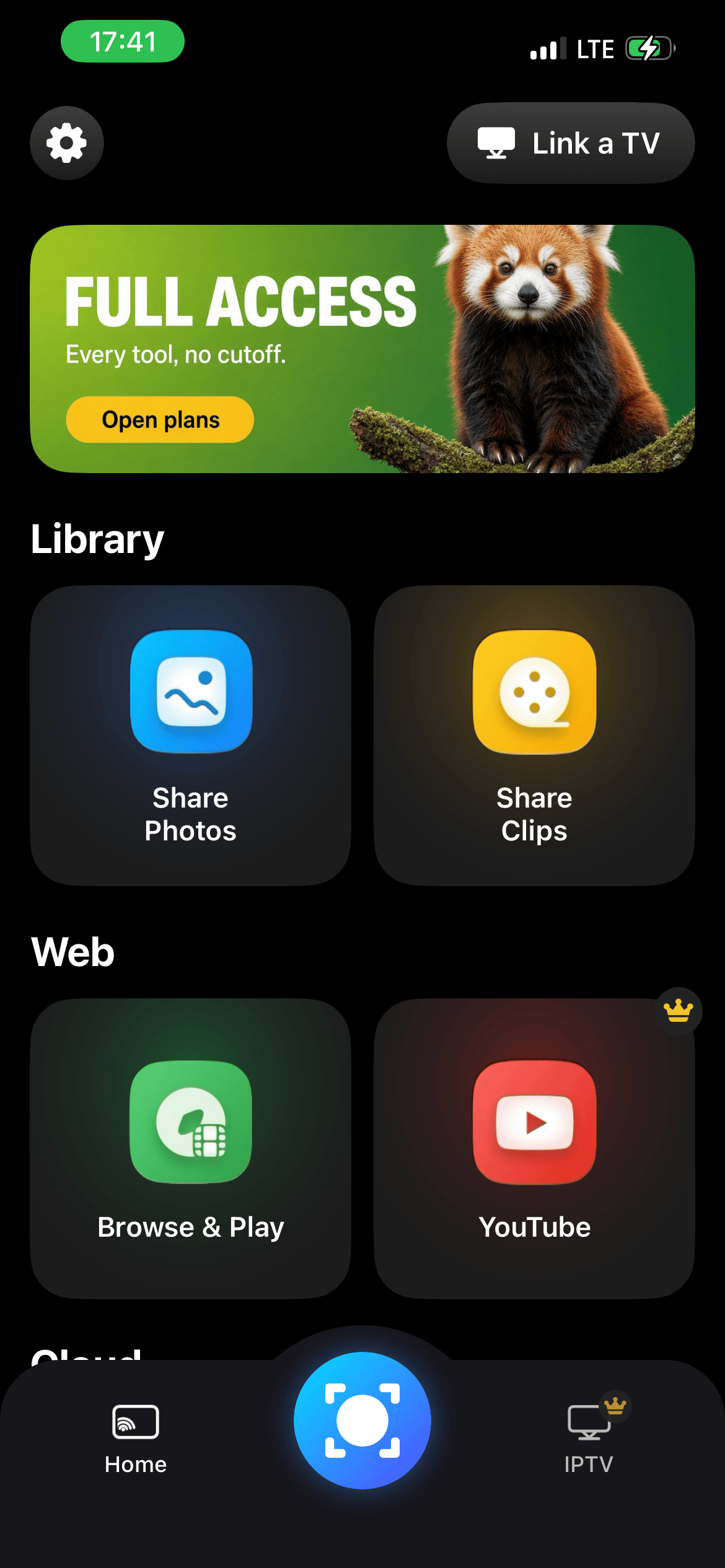
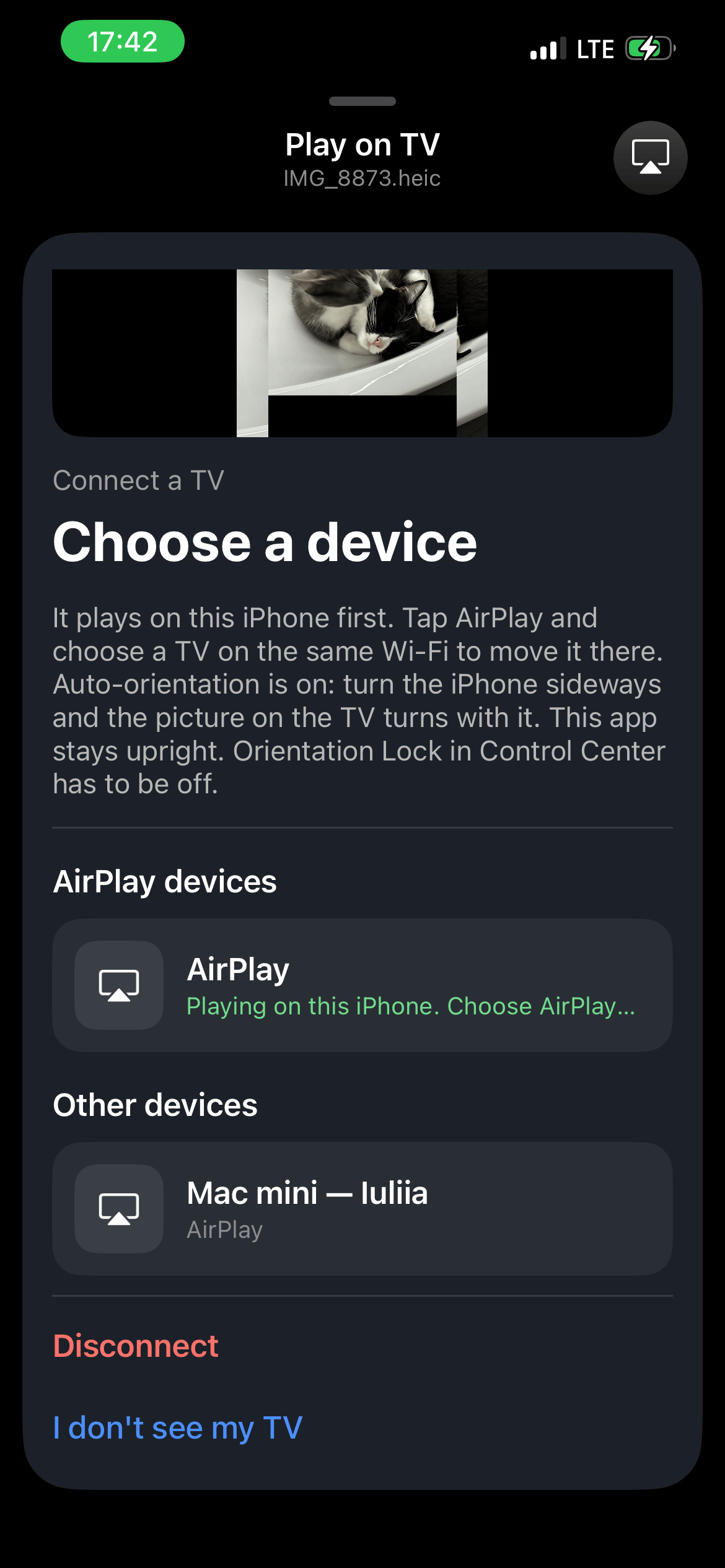
Pick photos or clips from your library and play them on a compatible AirPlay or Chromecast device. Show a vacation album, replay a favorite video, or share something with everyone in the room without passing your phone around.
Show more from your iPhone
Open a page in the in-app browser and display it on your TV. Quick links let you open YouTube, Google Photos, and Google Drive in the browser. These pages are shown from your iPhone; the app does not download videos or files from those services.
Sketch on the big screen
Use the built-in sketch board to draw an idea, make a quick note, or create something together, then send your drawing to a compatible display.
Watch streams you choose
Add your own stream link or M3U playlist to browse and play channels. Screen Mirror does not include channels, playlists, or access to streaming services.
Share your screen
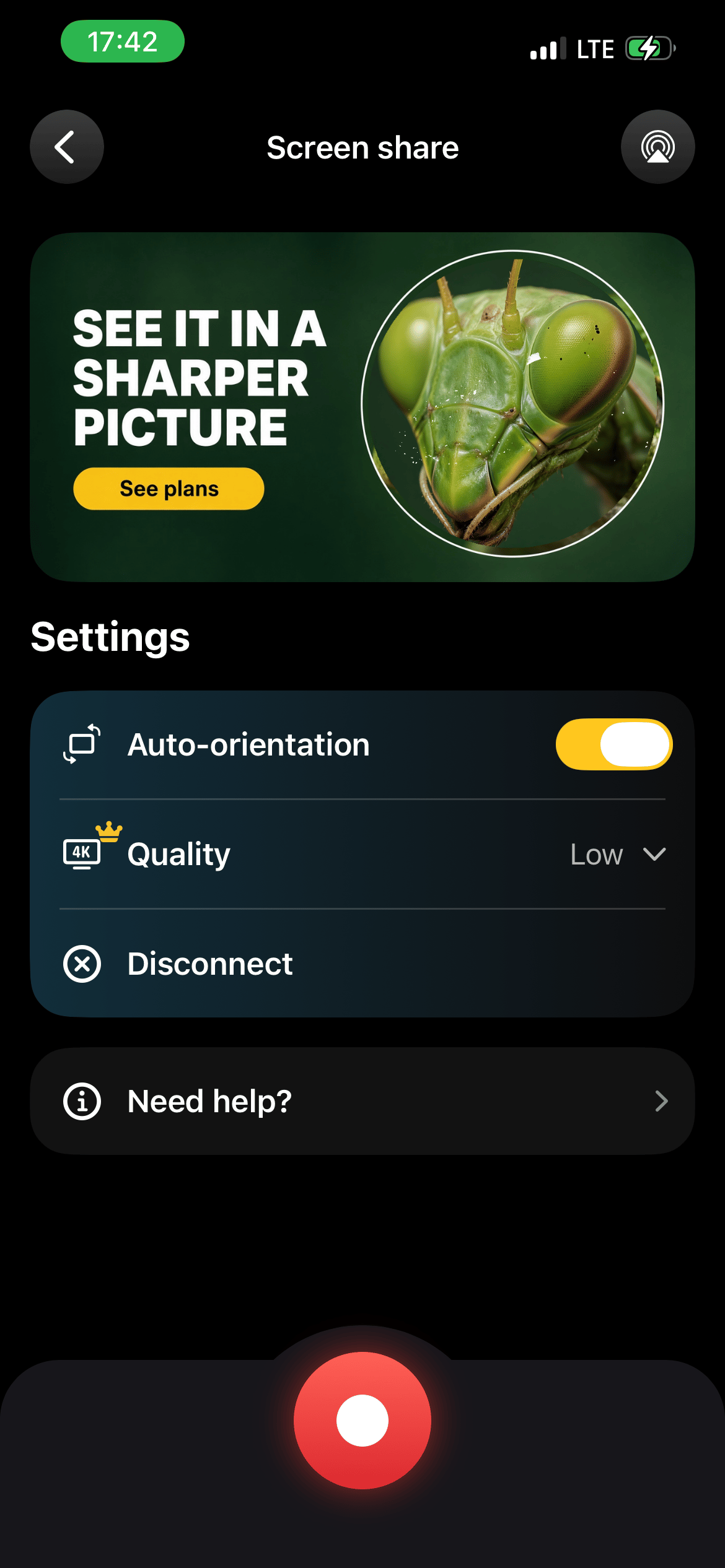
Use the screen-sharing controls to show what’s happening on your iPhone on a compatible display. You control when sharing starts and stops, and iOS asks for your permission before a system broadcast begins.
Screen Mirror works with compatible AirPlay and Chromecast devices. Your iPhone and display should be on the same Wi‑Fi network. Available features and playback quality depend on your devices, network, and the content you choose.