

Ubuntu Server Lab Setup
Ubuntu Server Lab Setup
A free, hands-on Obsidian mini-course for building your first Ubuntu Server virtual machine safely on Windows, macOS, or Linux.
This course walks you through downloading and verifying Ubuntu Server, choosing the right installer architecture, creating a local VM, completing the installation, applying updates, validating networking and SSH, and capturing a clean recovery snapshot.
What you’ll learn
- How to choose the correct Ubuntu Server installer for Intel/AMD or Apple Silicon hardware
- How to install Ubuntu Server in a VM on Windows, macOS, or Linux
- How to use NAT networking for a safer first lab
- How to verify ISO integrity with SHA-256 checksums
- How to validate hostname, networking, DNS, package updates, and SSH
- How to create a baseline snapshot and safely recover from mistakes
Included
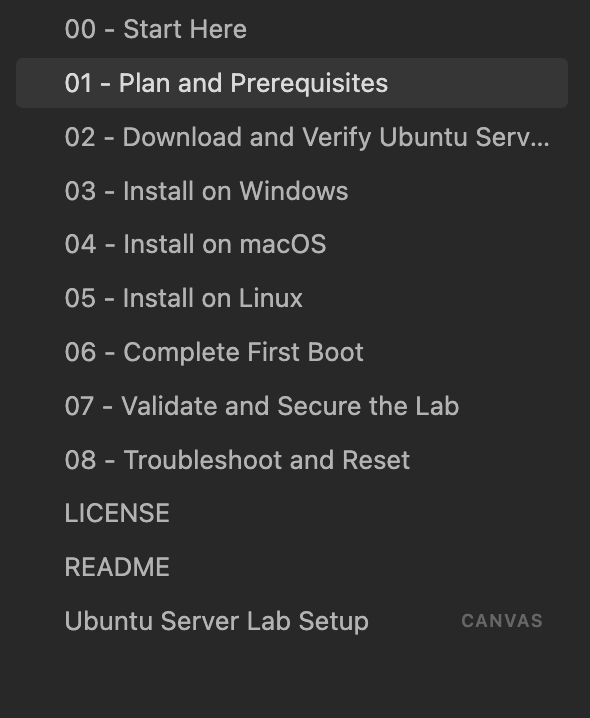
- 9 structured Markdown lessons
- Windows, macOS, and Linux installation paths
- Official documentation links and source references
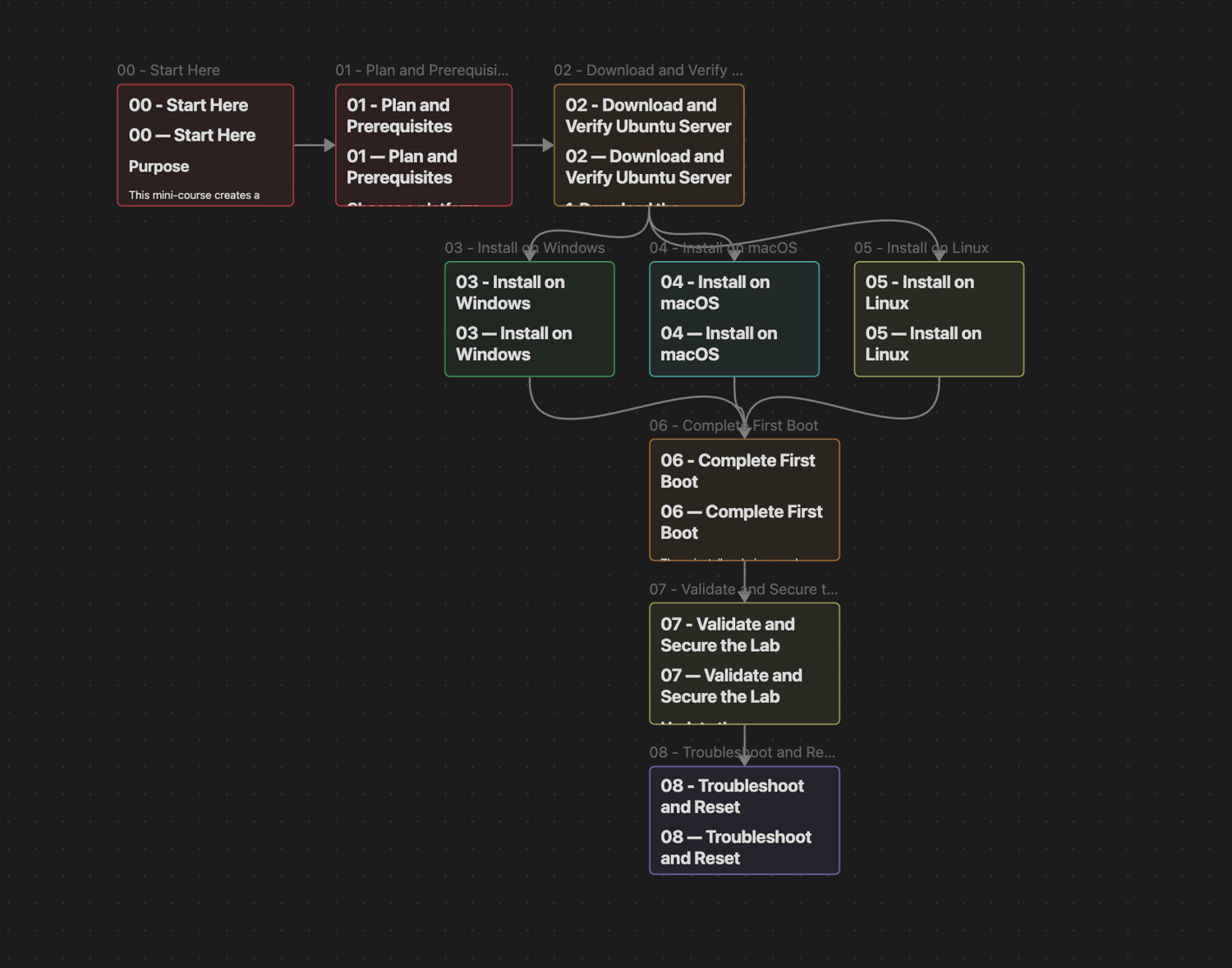
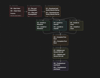
- An interactive Obsidian Canvas course map
- Troubleshooting, reset, and safe-lab guidance
Requirements
You need a computer running Windows, macOS, or Linux, enough available storage and memory for a virtual machine, and the free Obsidian app.
Download the ZIP, extract it, and open the folder as a vault in Obsidian.
Important note
This is educational material for authorized, local lab use. Do not expose the VM directly to the internet or use the course to access systems you do not own or have permission to administer.