
Etsy Gumroad Payhip Sales Spreadsheet, CSV Import Seller Ledger, Fee Tracker, Monthly Profit and Loss, Tax Savings, Excel Template
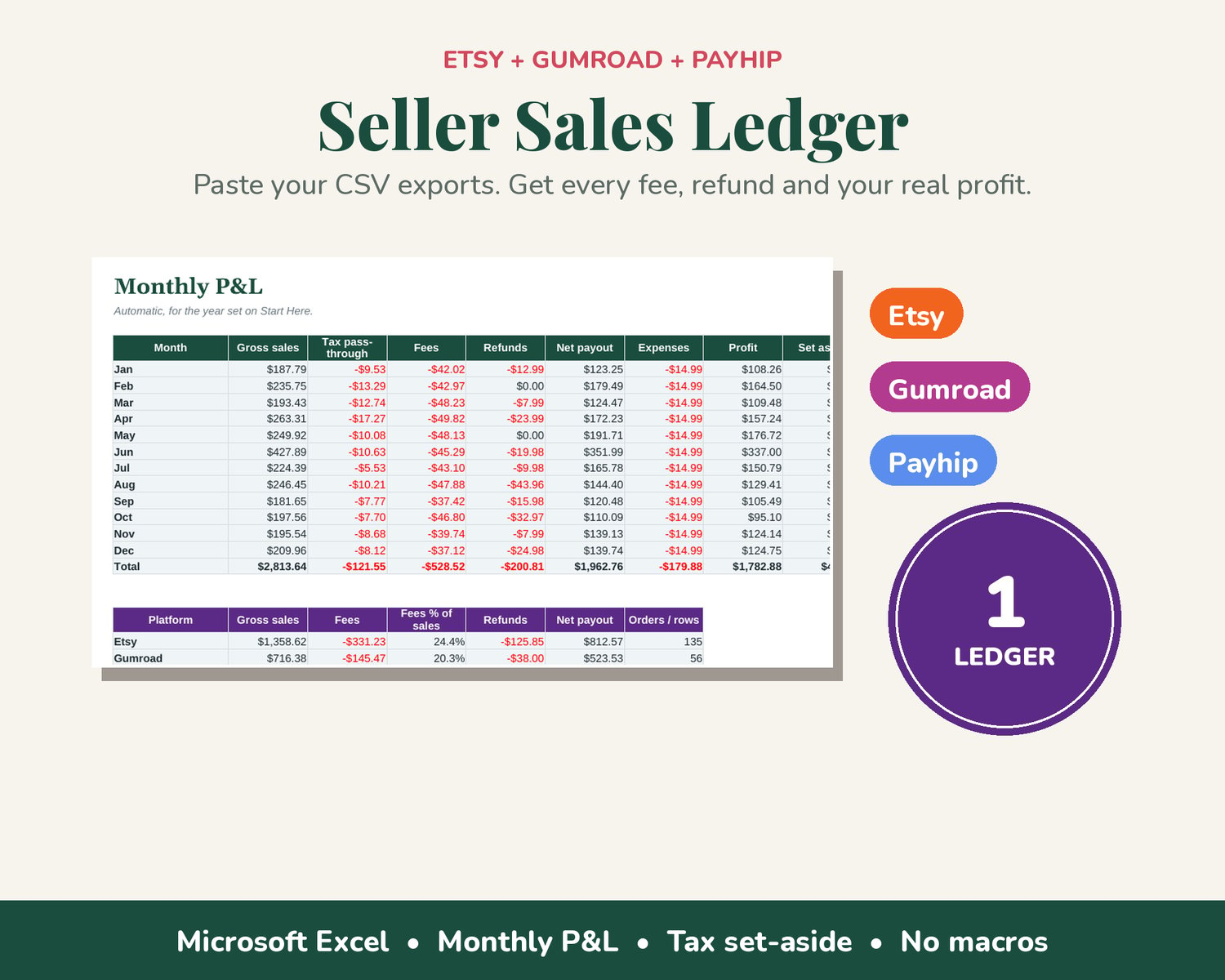
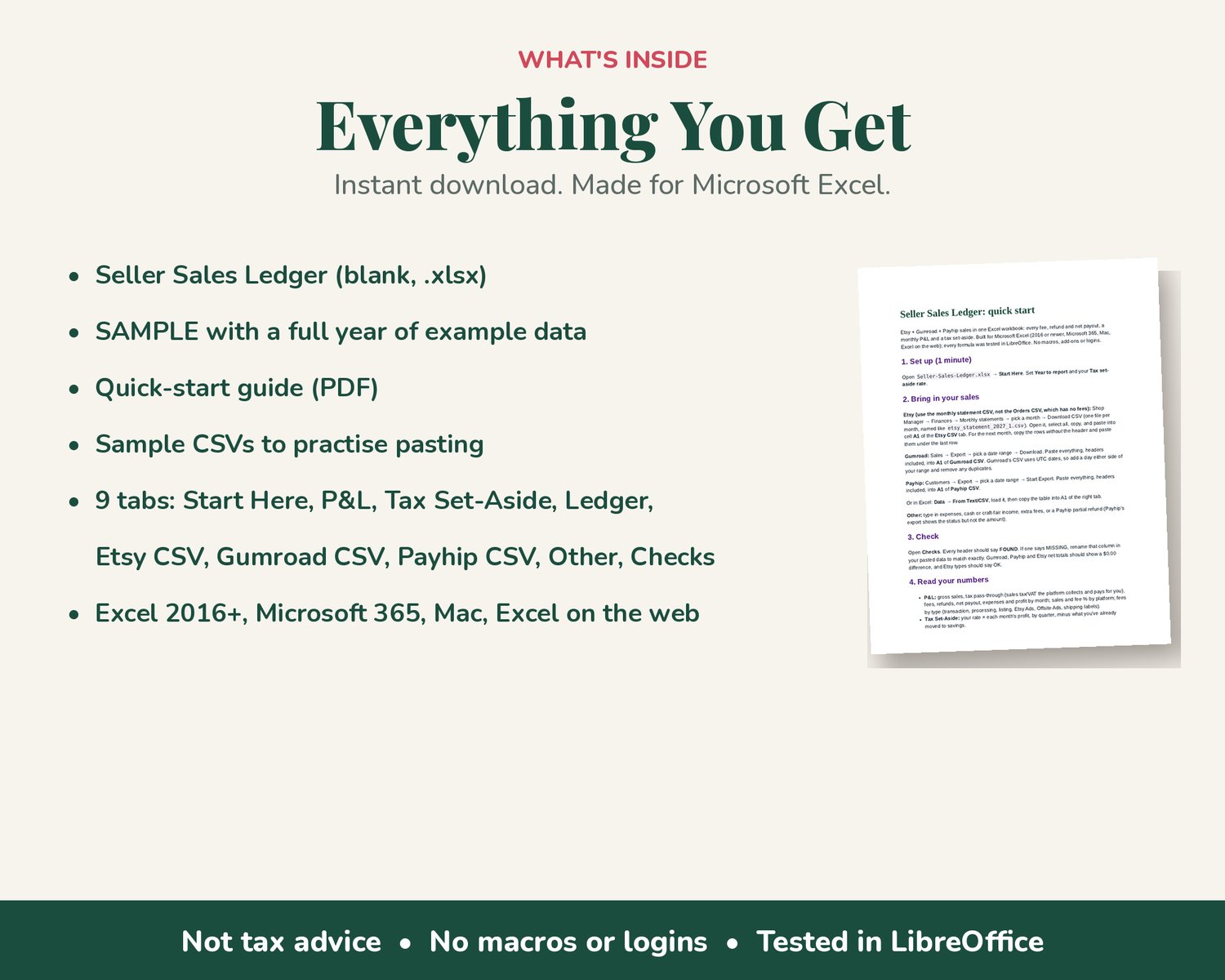
All your shop sales in one ledger: Etsy, Gumroad and Payhip. Paste each platform's CSV export into its own tab, and the spreadsheet sorts every sale, fee and refund into one ledger with a monthly profit and loss and a tax set-aside. Made for Microsoft Excel.
How it works
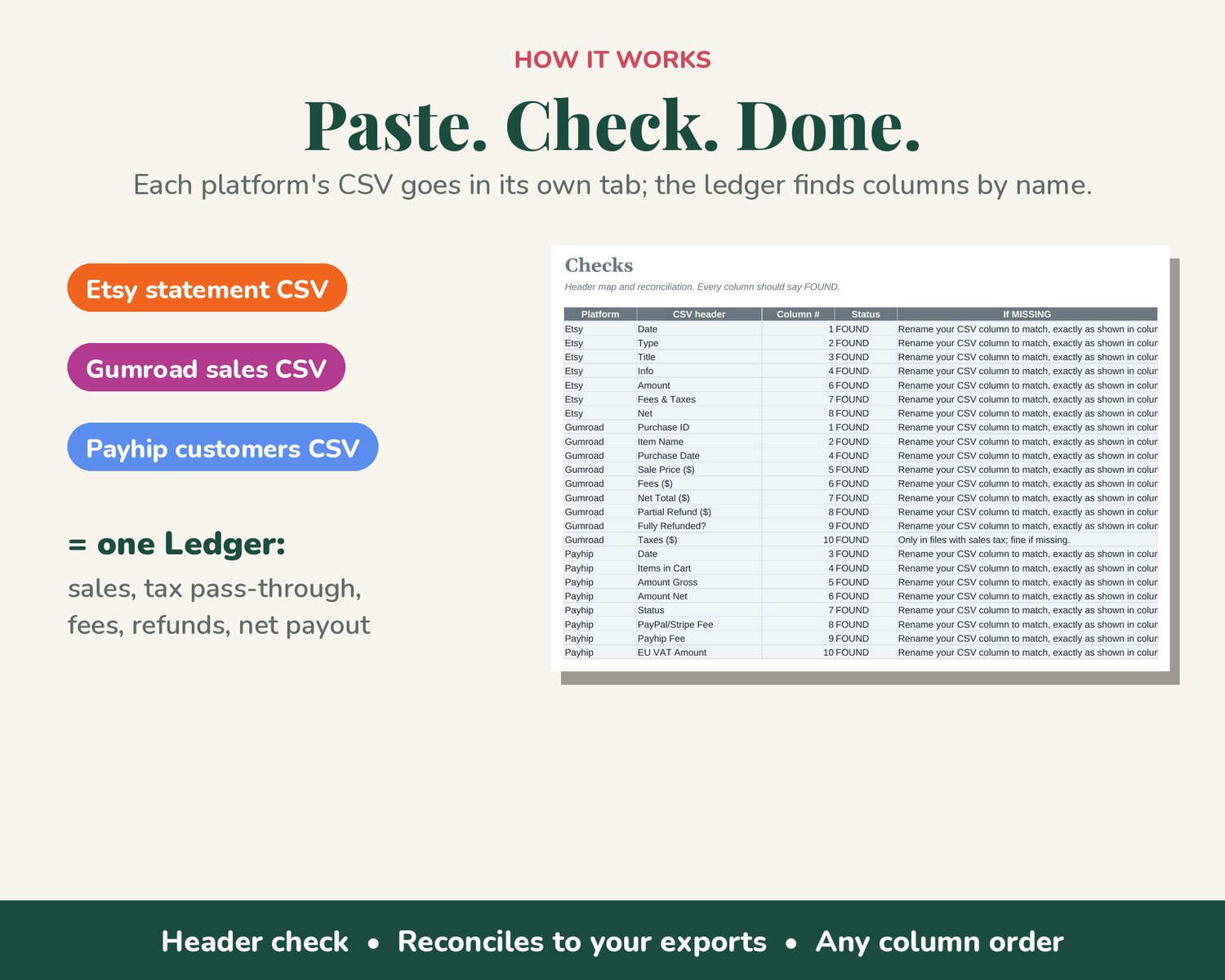
- Etsy: paste your monthly statement CSV (Shop Manager → Finances → Monthly statements). Use the statement, not the Orders CSV, which has no fees. It splits out transaction, processing and listing fees, Etsy Ads, Offsite Ads and shipping labels, and takes the sales tax Etsy collects for you out of your sales.
- Gumroad: paste your sales export. Sale price, Gumroad fees, full and partial refunds; any sales tax goes to tax pass-through, not income.
- Payhip: paste your customers export. Gross, PayPal/Stripe and Payhip fees, EU VAT, refunded orders.
- Other: type in expenses, craft-fair cash or anything else.
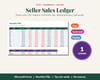
- Columns are found by name, so their order doesn't matter. A Checks tab confirms every column was found, flags any Etsy row type it doesn't recognise (those count as fees), and checks your Etsy, Gumroad and Payhip net totals against your exports.
What you'll see
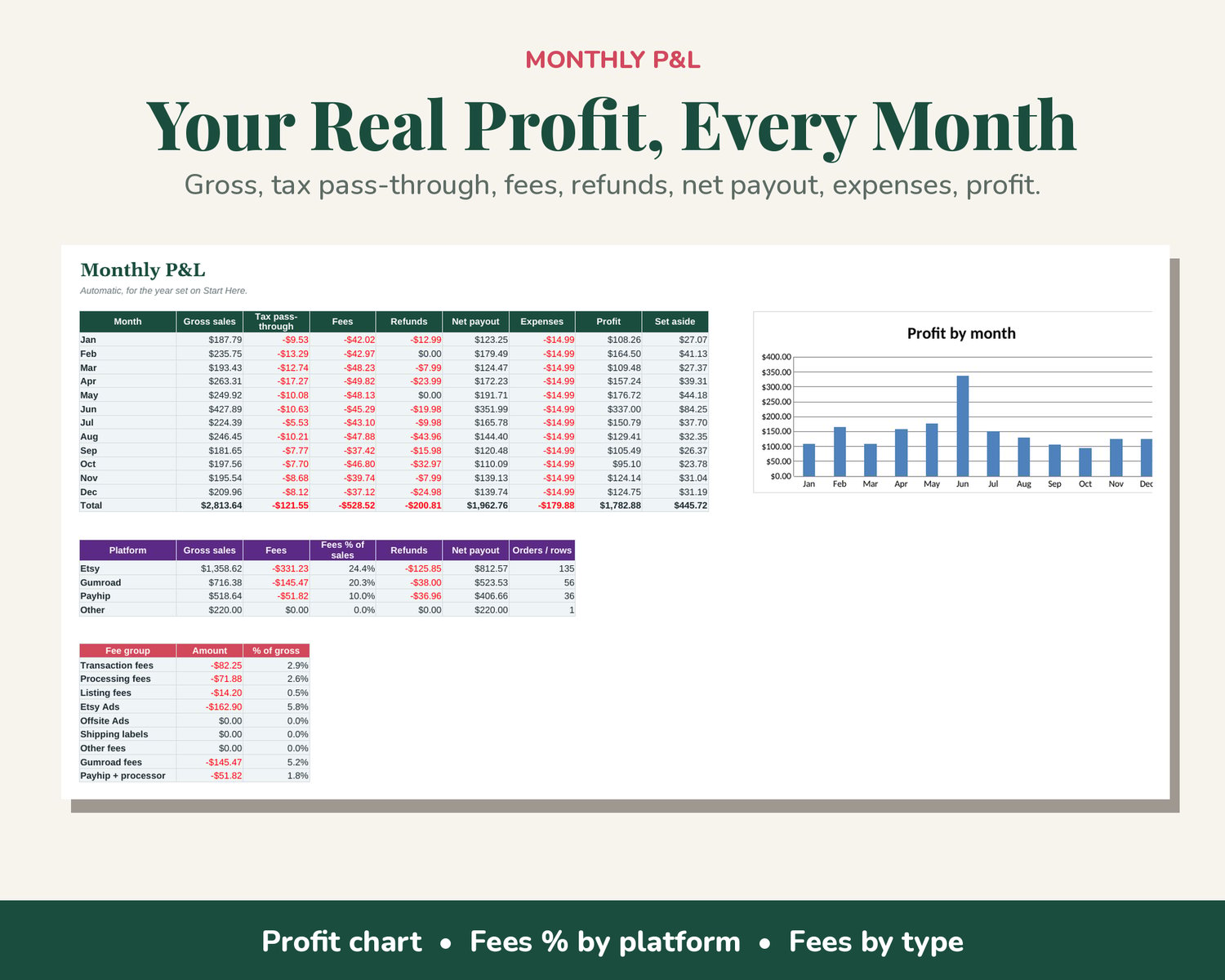
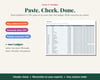
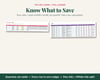
- Monthly P&L: gross sales, tax pass-through, fees, refunds, net payout, expenses and profit, with a profit chart
- Sales and fees by platform, including fees as a % of sales
- Fees by type, so you can see what Etsy Ads really cost you
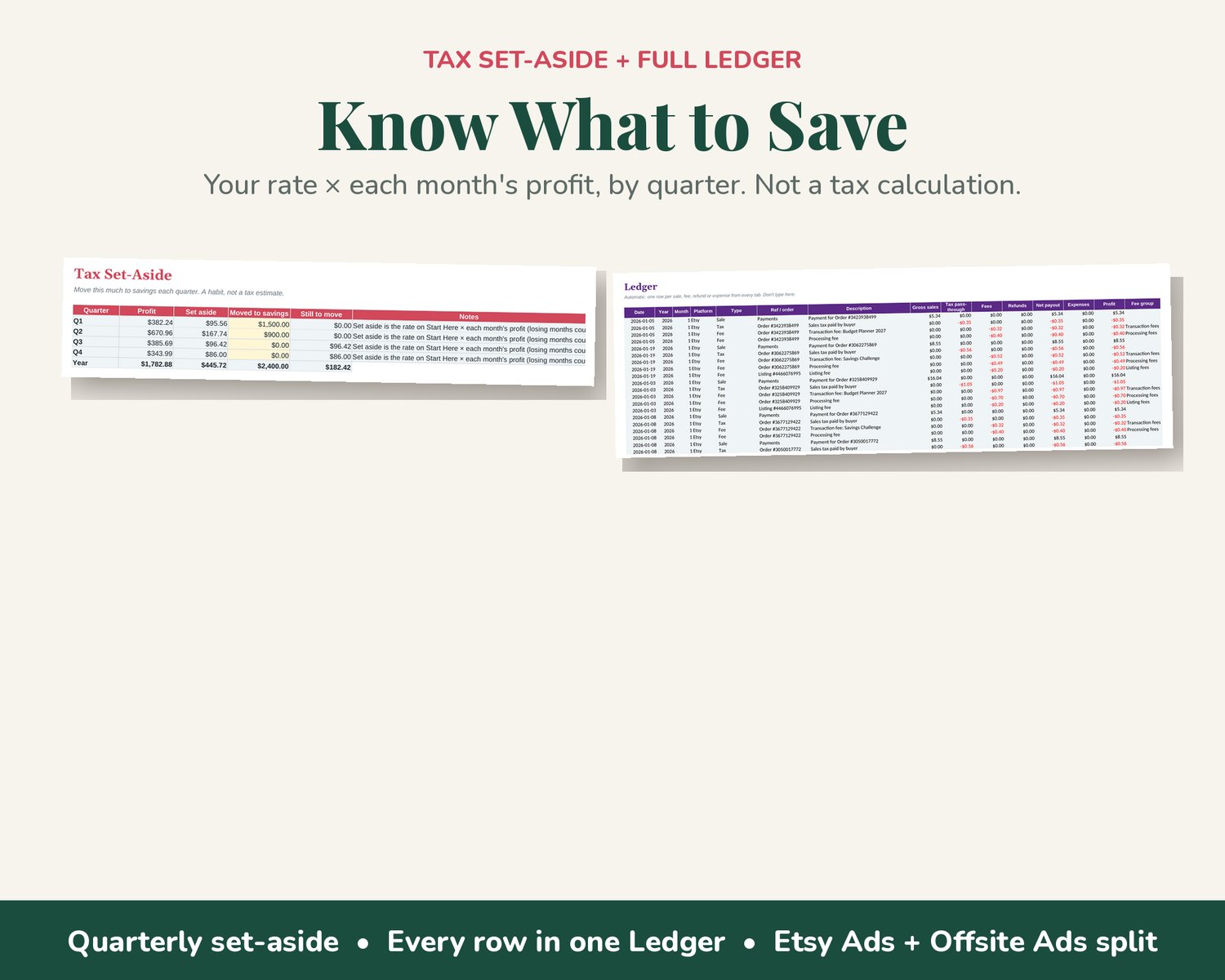
- Tax set-aside: choose a savings rate and see what to move to savings each quarter
What's inside
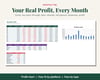
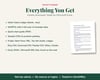
- Seller Sales Ledger (blank) and a SAMPLE with a full year of example data
- Quick-start guide (PDF)
- 9 tabs: Start Here, P&L, Tax Set-Aside, Ledger, Etsy CSV, Gumroad CSV, Payhip CSV, Other, Checks
- Room for about 500 Etsy orders a year (3,000 statement rows), 1,500 Gumroad and 1,500 Payhip orders, and 500 other entries per file
Built for Microsoft Excel (2016 or newer, Microsoft 365, Mac, Excel on the web). Every formula was tested in LibreOffice. No macros, add-ons or logins. Assumes US-dollar statements.
Digital download only. Nothing will be shipped. You'll get a download link right after checkout.
Made with AI help: designed with AI assistance (made with an AI generator), then built and tested formula by formula in LibreOffice.
Please note: an organizing tool, not tax, legal or accounting advice. The set-aside is a savings habit, not a tax calculation. Platforms can change their export columns; if one changes, the Checks tab shows which column to rename. For use in your own business only.