
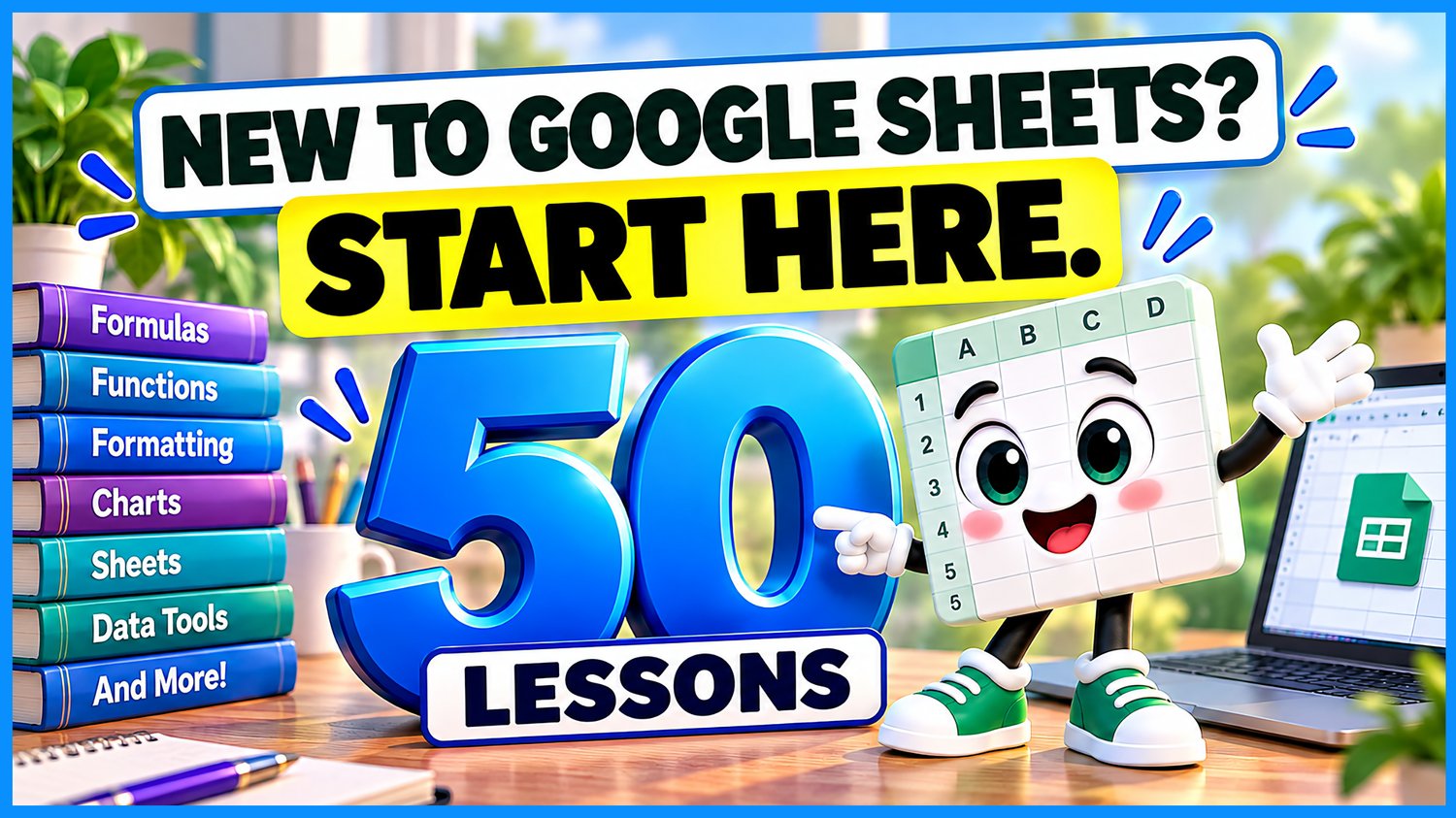
Google Sheets Beginner Course Bundle | 50 Lessons & 48 Practice Workbooks
Ready to go from Google Sheets beginner to confident spreadsheet user?
Spreadsheets don't have to be hard. We do them on Easy Mode! 💜
This comprehensive Google Sheets Beginner Course Practice Workbook Bundle from Easy Mode Excel Tutorials includes 48 hands-on practice workbooks covering 50 beginner lessons.
Start with the basics, then build your skills with formatting, formulas, charts, printing, worksheet management, percentages, and cell references.
Whether you're learning Google Sheets for work, school, budgeting, or everyday projects, these workbooks give you the opportunity to practice what you learn, one lesson at a time.
No previous spreadsheet experience required!
What You'll Practice
Getting Started & Basic Formatting
✓ Understand cells, rows, and columns and navigate your spreadsheet
✓ Apply bold formatting, colors, alignment, borders, and cell fill colors
✓ Format numbers as currency and percentages, and adjust decimal places
✓ Use margins, wrap text, merge cells, and resize rows and columns
Basic Calculations & Functions
✓ Add, subtract, multiply, and divide using spreadsheet formulas
✓ Calculate totals with SUM and averages with AVERAGE
✓ Find the smallest and largest values using MIN and MAX
✓ Round numbers using ROUND, ROUNDUP, and ROUNDDOWN
Organizing & Managing Information
✓ Sort and filter spreadsheet data
✓ Freeze rows and columns to keep important information visible
✓ Use Autofill, Find & Replace, and Copy & Paste
✓ Move cells, remove duplicates, and transpose data
Charts & Printing
✓ Create column, line, and pie charts to display information visually
✓ Explore print settings, margins, and page orientation
✓ Practice working with headers, footers, and gridlines
✓ Prepare spreadsheets for clearer printed results
Formatting & Editing Tools
✓ Use Format Painter and clear unwanted contents or formatting
✓ Adjust alignment, indentation, and spreadsheet themes
✓ Edit cell contents and work with the formula bar
✓ Explore zoom, view options, and drag-and-drop tools
Working with Worksheets
✓ Insert, delete, rename, move, and copy worksheets
✓ Hide and unhide worksheets, rows, and columns
✓ Practice organizing information across multiple worksheet tabs
✓ Explore saving and managing spreadsheet files
Percentages & Cell References
✓ Calculate percentages and percentage changes
✓ Create formulas using cell references
✓ Understand relative, absolute, and mixed cell references
✓ Practice using cell references to build more flexible formulas
What's Included
✓ 48 Google Sheets practice workbooks covering 50 lessons
The introductory Cells, Rows & Columns lesson and the Save, Save As & File Types lesson do not require separate practice workbooks.
✓ Links to create your own editable copies
✓ Beginner-friendly examples and hands-on practice activities
✓ Exercises covering formatting, formulas, charts, printing, and worksheet management
✓ Practice with percentages and cell references
✓ Workbooks you can keep and revisit whenever you need a refresher
Bundle & Save!
Get all 48 practice workbooks for just $57.99 USD!
Purchased separately, these workbooks would cost $119.52 USD.
Your bundle savings: $61.53 USD — approximately 51% off!
That's 50 beginner lessons and 48 matching practice workbooks in one convenient bundle!
Learn by Doing!
Watching a tutorial is helpful, but practicing the skills yourself makes them easier to remember!
Create your own copies of the workbooks, follow along with the lessons, and complete the exercises at your own pace.
Start with the basics and gradually build your confidence as you work through the course.
Perfect for Google Sheets beginners! Whether you're organizing lists, tracking expenses, creating budgets, working with formulas, or preparing reports, this collection helps you develop practical spreadsheet skills you can use again and again.
Watch the FREE 50-Lesson Video Compilation
Follow along with all 50 Google Sheets beginner lessons:
This purchase includes access to 48 Google Sheets practice workbooks. A Google account may be required to create and edit your own copies.