

Disperser — Zap Effect for Max 4 Live
Turn every hit into a laser zap with a small, stock-style disperser.
By ELXR.
Overview
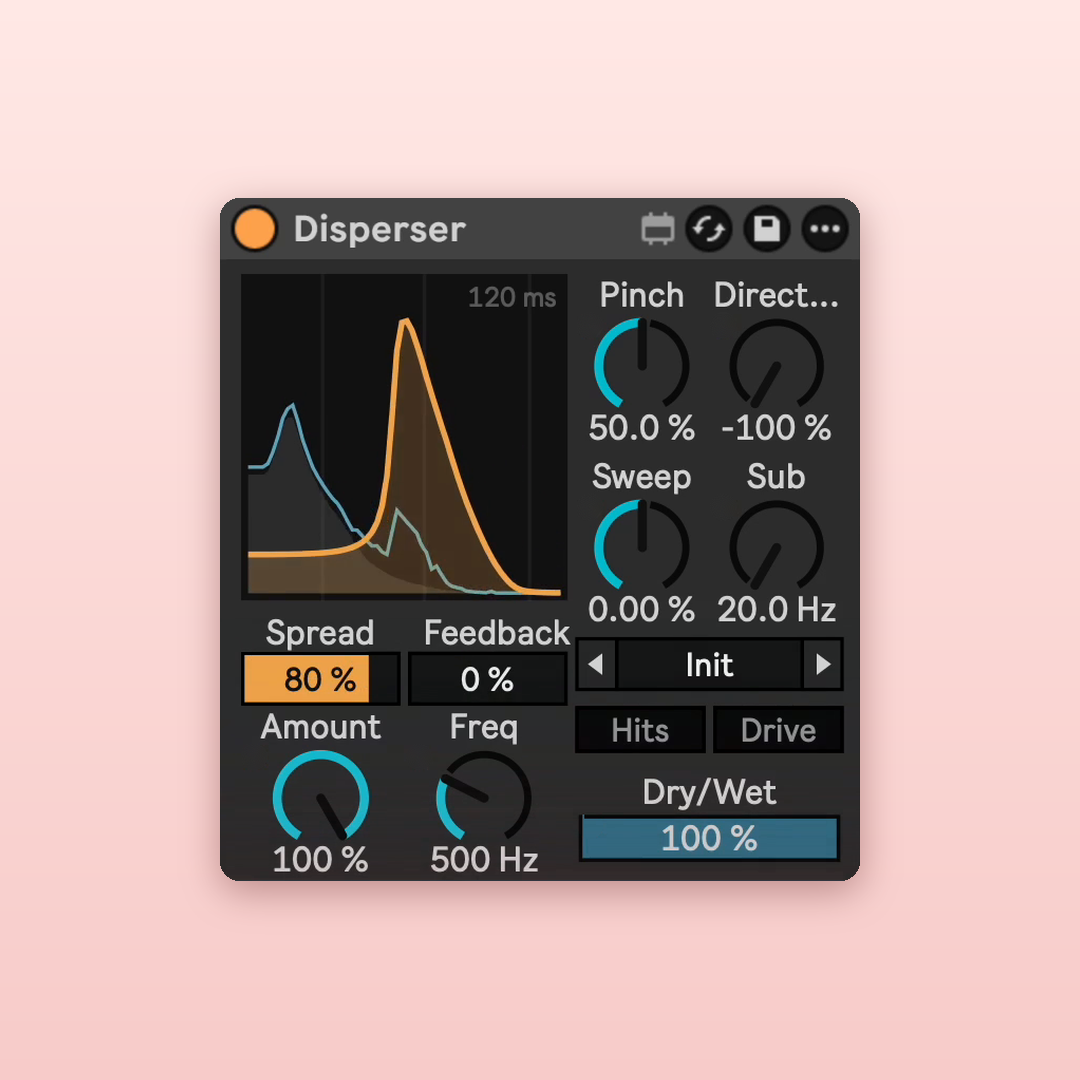
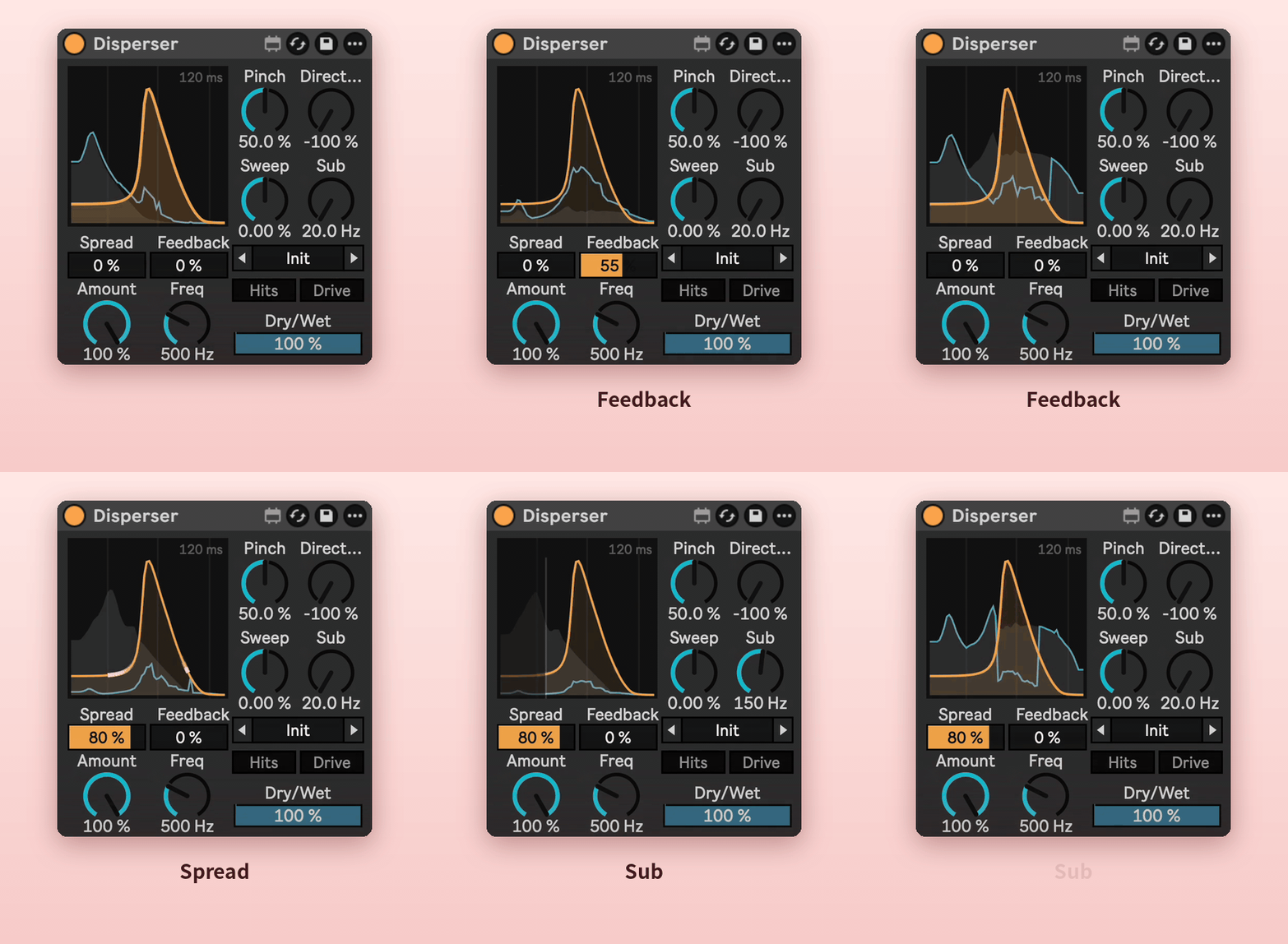
Disperser delays each frequency by a different amount, so snares, kicks and plucks turn into zaps, pews and springy lasers. The display shows the sound coming in, the zapped result, and the shape of the zap.
Why I made it
Inspired by Kilohearts' Disperser, which I use all the time for lasers and sound design. I wanted the same effect as a compact device that looks like it came with Live, plus a few extras I kept wishing for. Not affiliated with Kilohearts.
Features
Amount and Frequency
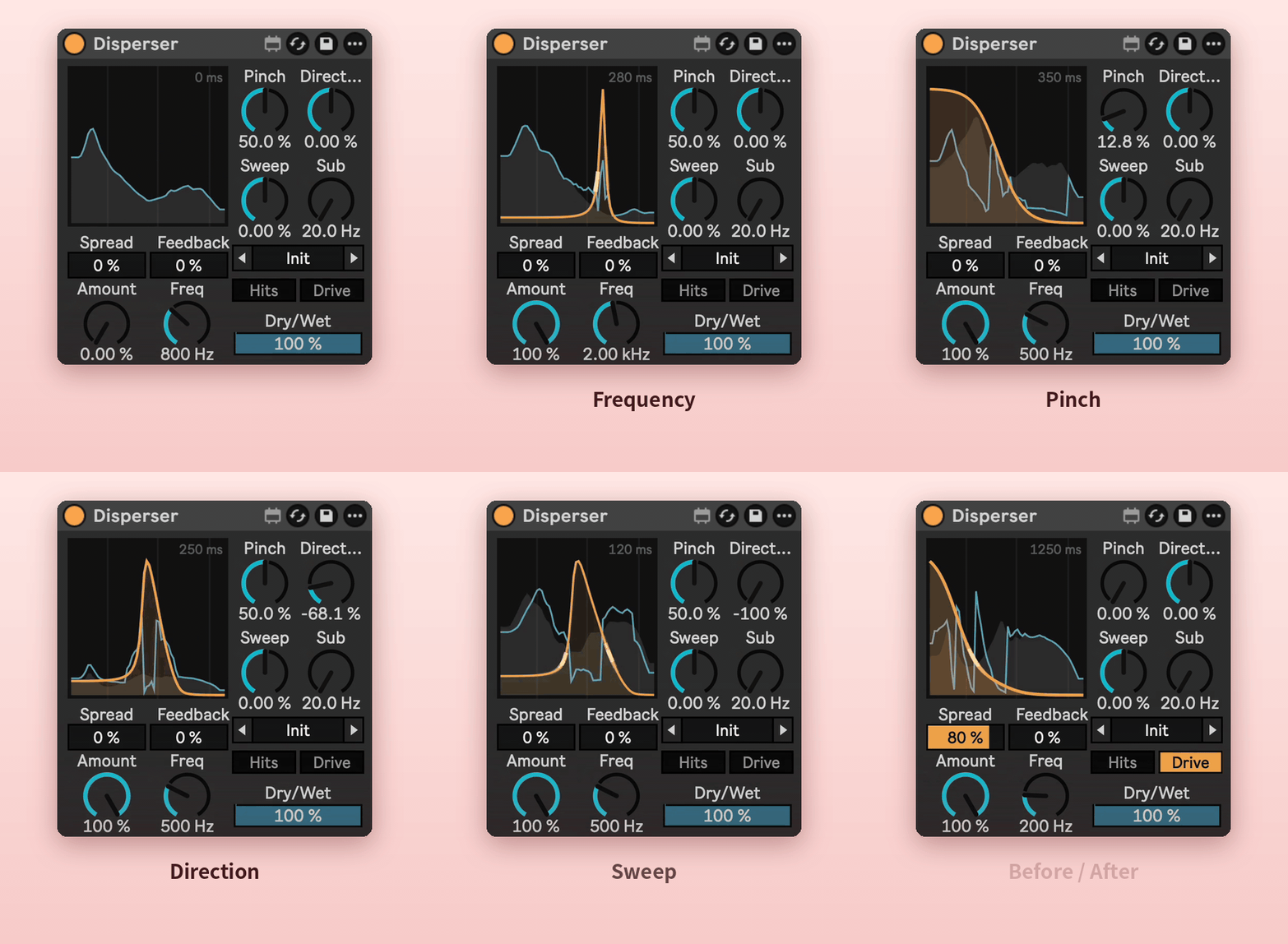
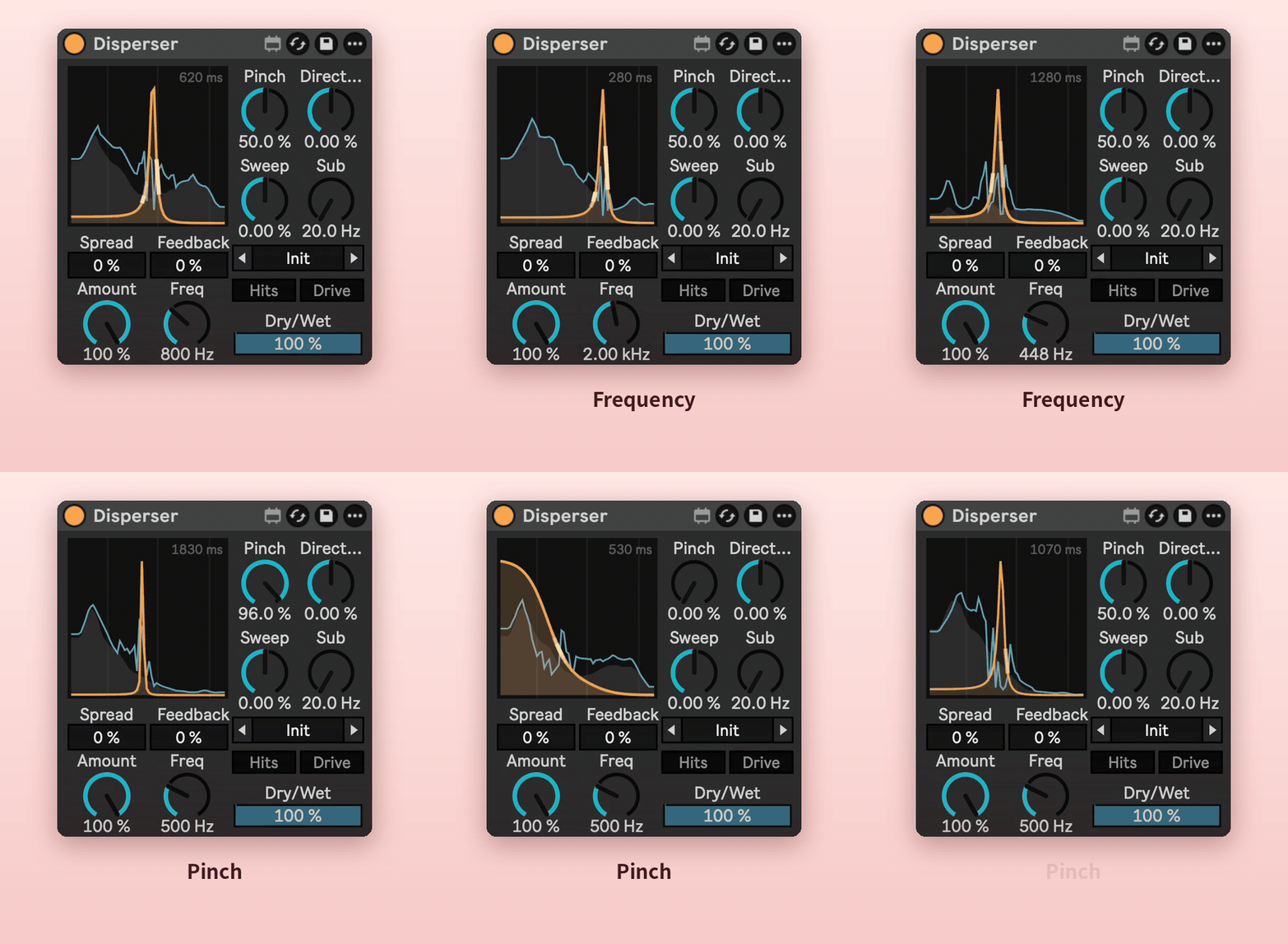
Amount sets how strong the zap is. Frequency sets its pitch.
Pinch
Low Pinch gives a wide falling pew. High Pinch rings like a single note.
Direction
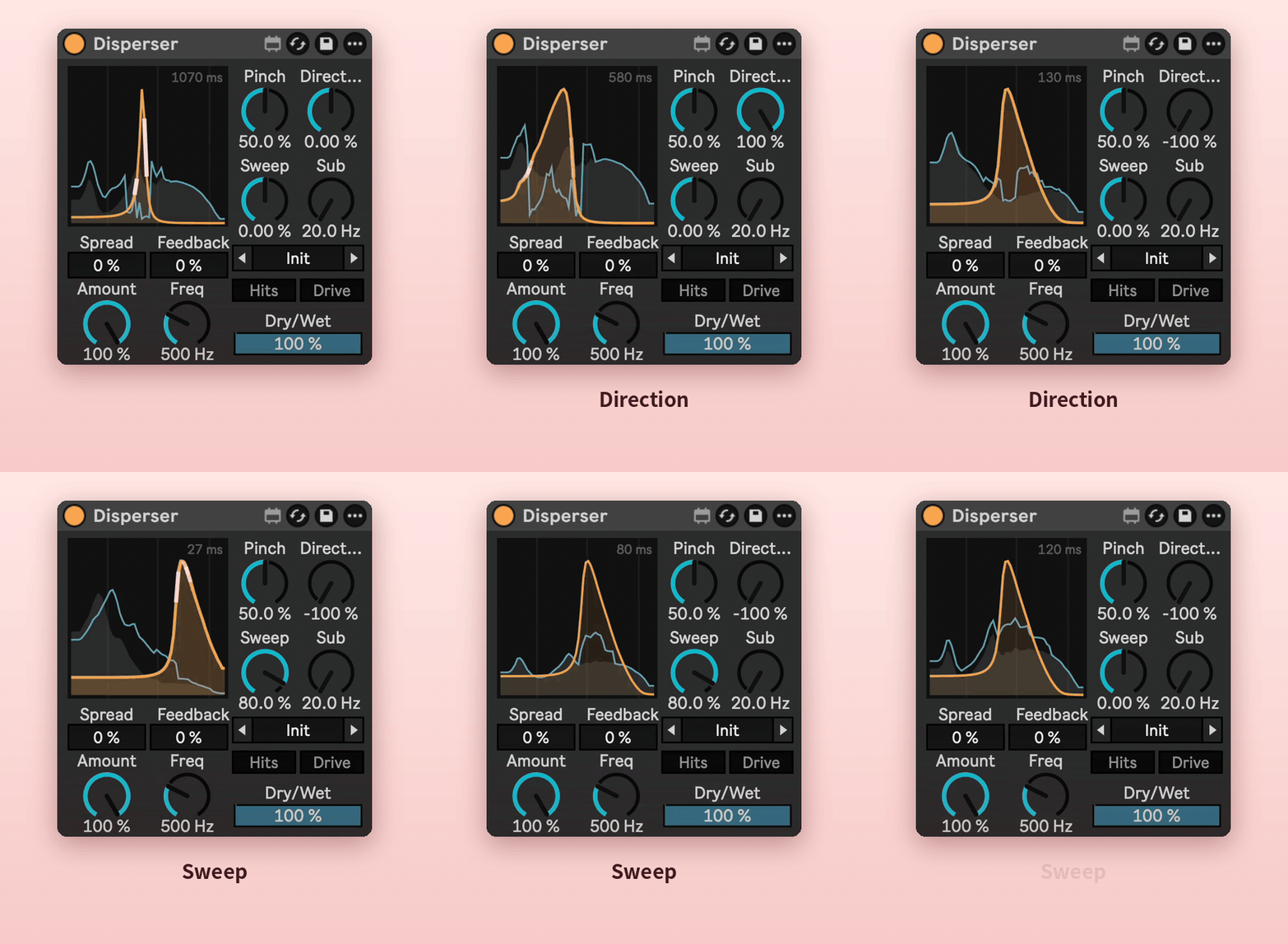
Flips the sweep, so the zap falls or rises.
Sweep
Drops (or raises) the pitch on every hit for a laser drop.
Feedback
Repeats the zap like a spring echo, getting darker with each repeat.
Spread
Stereo width that stays full in mono.
Sub
Keeps the low end clean: everything below the Sub frequency skips the zap.
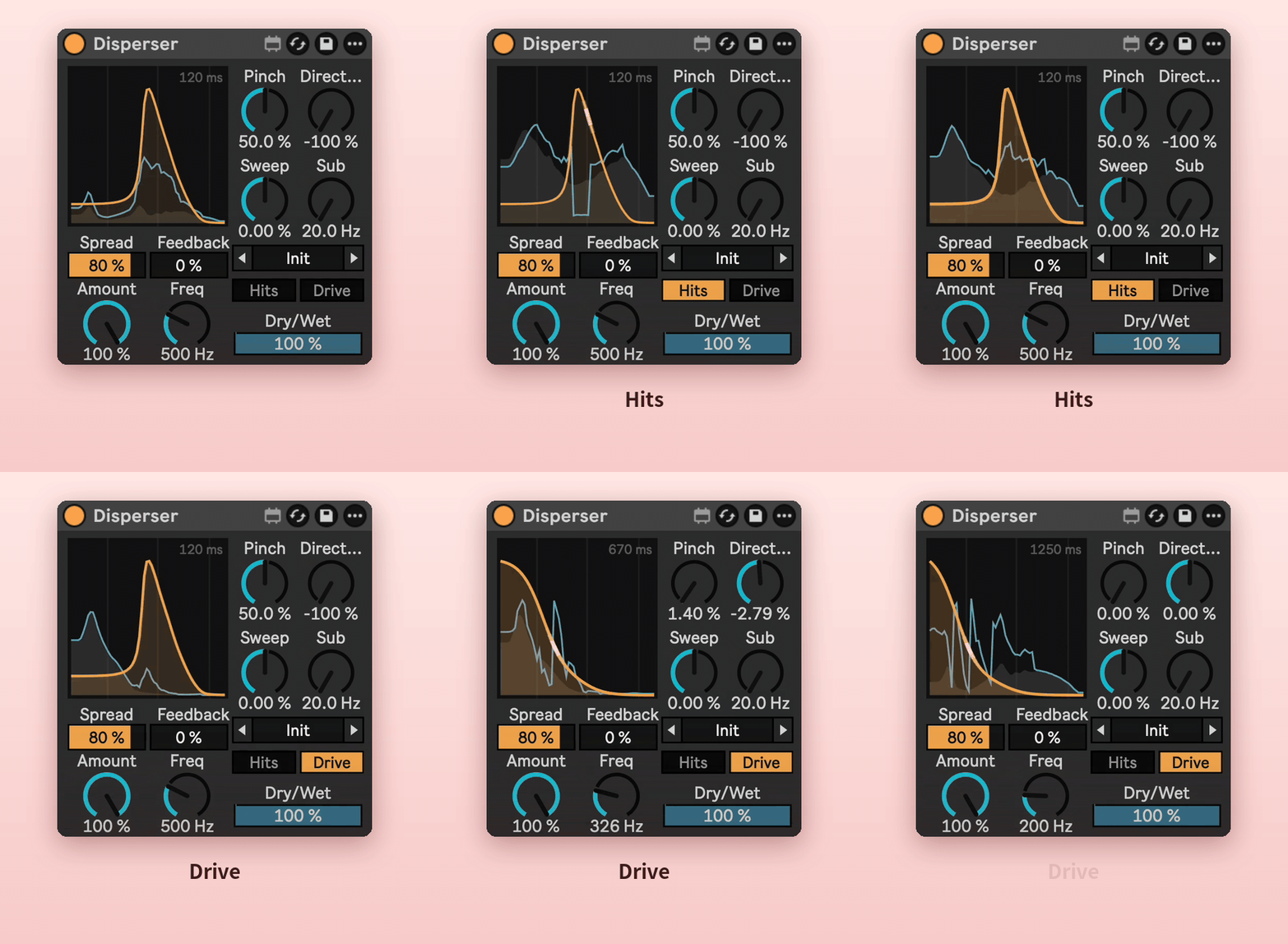
Hits and Drive
Hits zaps only the attacks, so tails and held notes stay clean. Drive adds grit and bite to the zap only.
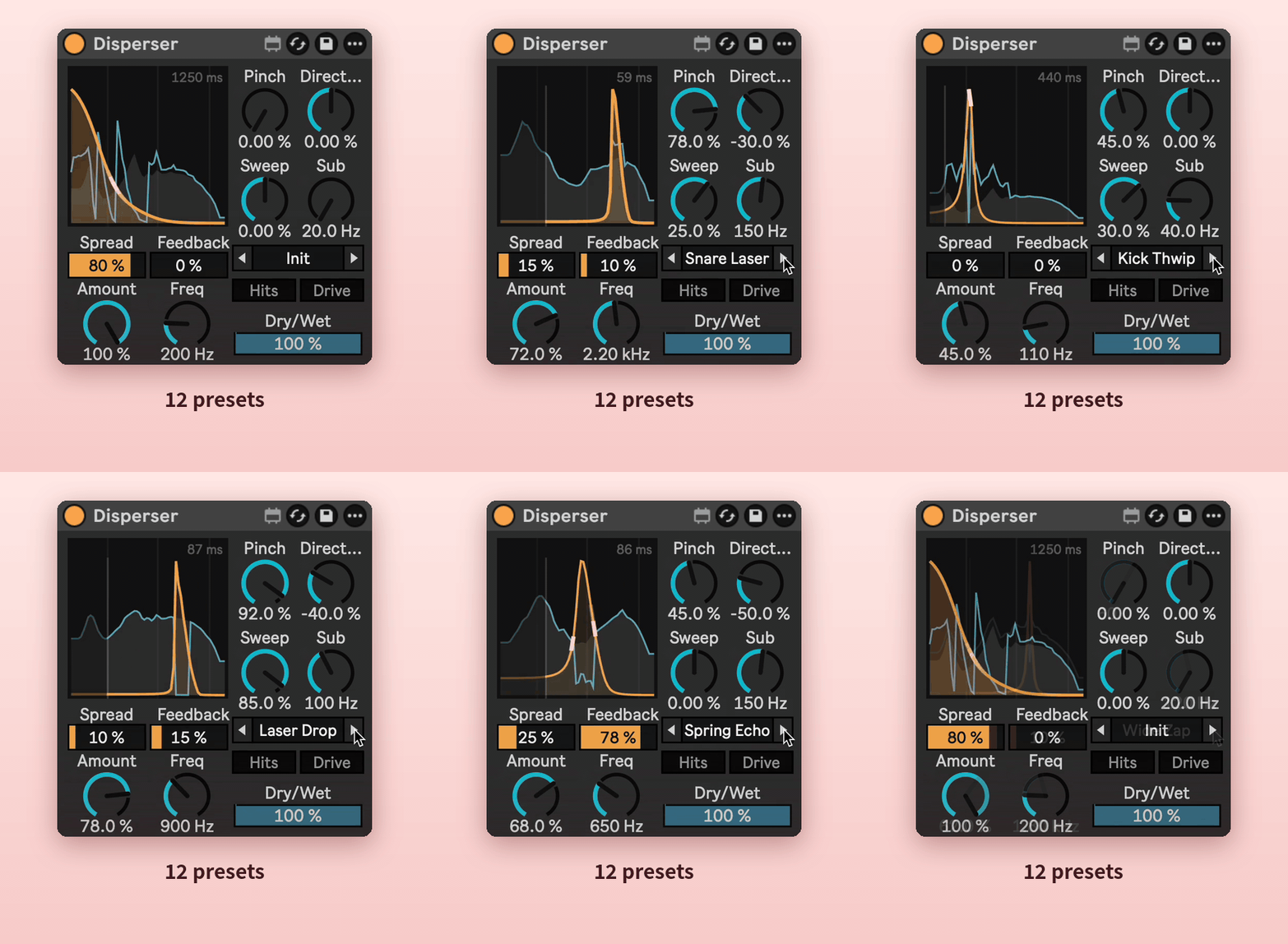
12 presets
Snare Laser, Kick Thwip, Pew Pluck, Laser Drop, Spring Echo, Wide Zap and more. Click the arrows or drag the name.
Requirements
- Ableton Live 12 with Max for Live.
- Works on any audio track or MIDI track (after the instrument).
- No added latency.
Install
Download Disperser.amxd and drag it into your User Library, or straight onto a track.