









Smart Style Creator 2.0 for Adobe InDesign
Smart Style Creator — every new document starts with the right styles.
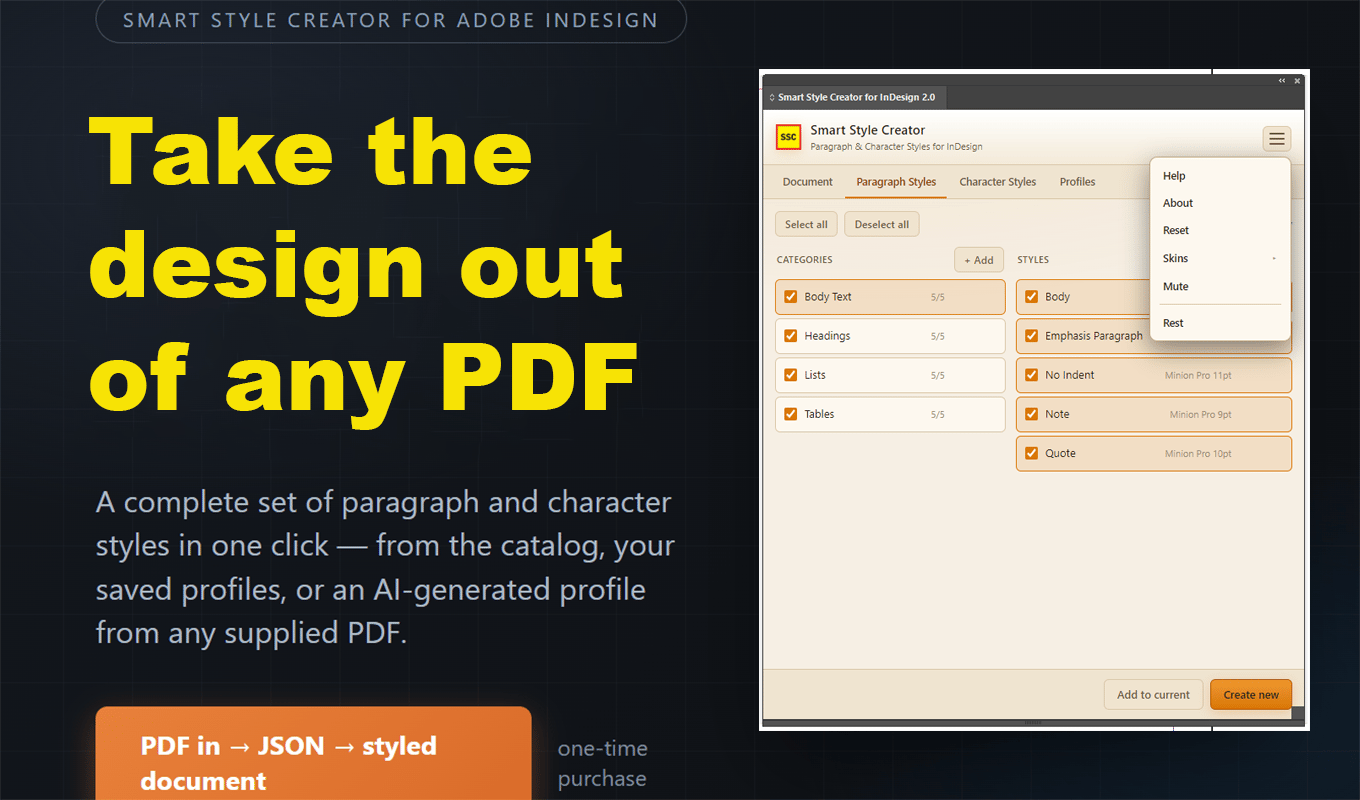
Set up a new InDesign document with a complete, consistent style set in one click — instead of twenty minutes in dialogs. Three ways to start: extract the design from any PDF, load your company's official standard, or use sensible ready-made styles for everyday work.
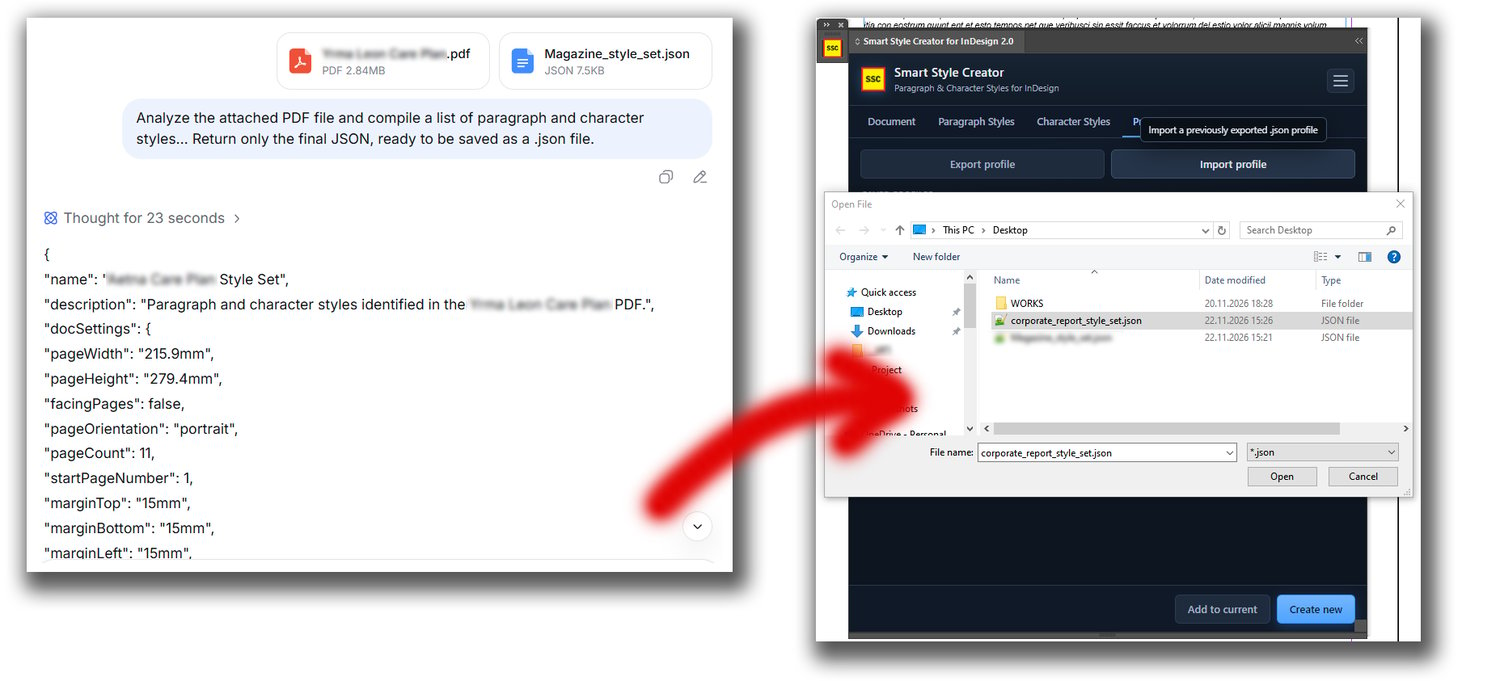
1. Turn a PDF's design into a ready document. Every designer knows the request: "Here is the PDF — make me a document like this." Traditional converters rebuild the whole file and bury you in fragmented text, stray frames and junk styles like "Paragraph Style 47". Smart Style Creator works differently: attach the PDF and an example profile to any AI assistant with the ready-made prompt from the manual — the AI reads the typography and writes a complete style profile as JSON. Import it, click Create new, and InDesign opens a fresh document where every paragraph and character style already matches the PDF's design. You don't get a copy of the PDF — you get a clean start: no fragments to delete, no styles to rename. The AI does the measuring; Smart Style Creator does the building.
2. Unify styles across the whole company. Keep your official style set in one shared place — a network drive, an intranet folder or a Git repository. Every employee imports it once, and every new document anyone creates starts from the same heading names, the same fonts, the same margins. One file, one place, zero questions — and a new contractor or employee is up to speed in minutes, not in a corrective-edit cycle.
3. Everyday styling without the routine. Twenty ready-made paragraph styles and eight character styles — inserted in one click, with sensible defaults instead of a blank slate. For every document where you just want proper Heading, Body, List and Table styles right now. Even without the PDF part, it saves real time on every new file.
What you get:
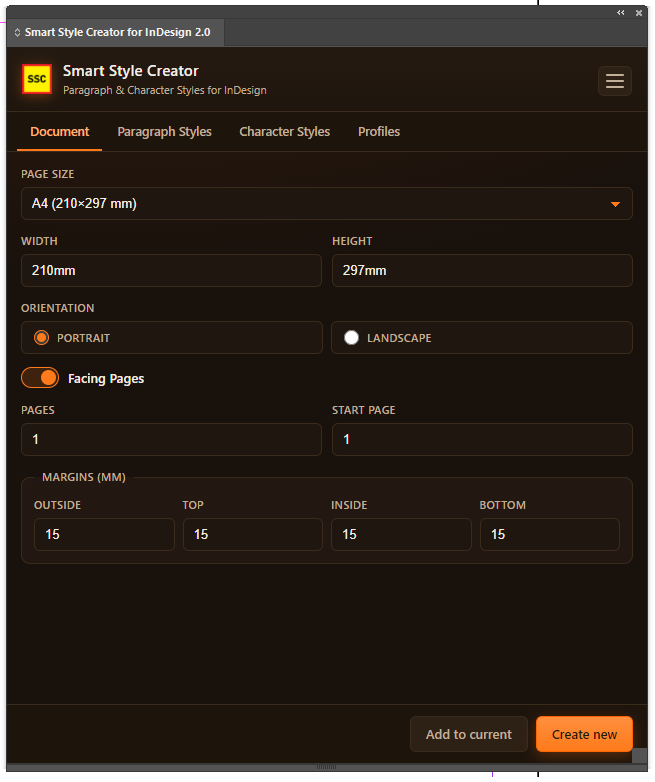
- A new document with defined page size, orientation, facing pages, page count, start page and margins — in one click.
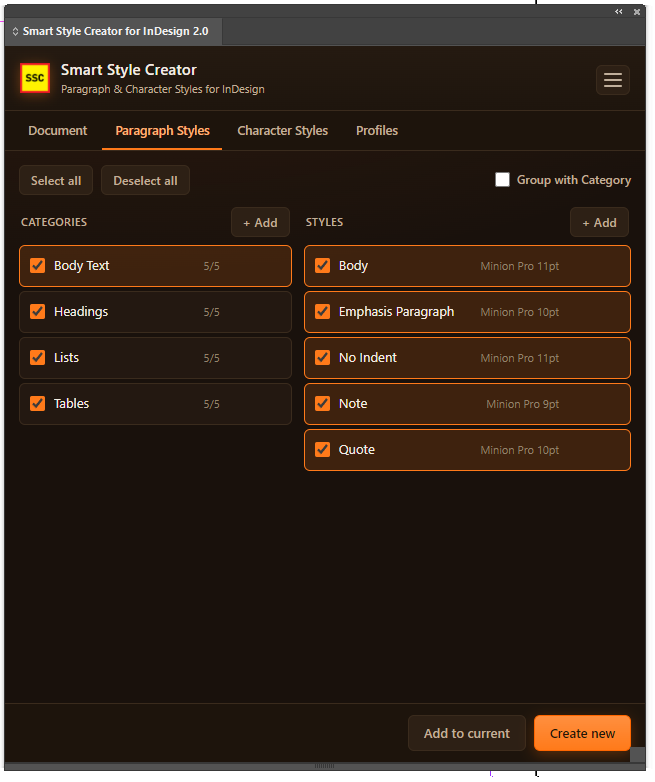
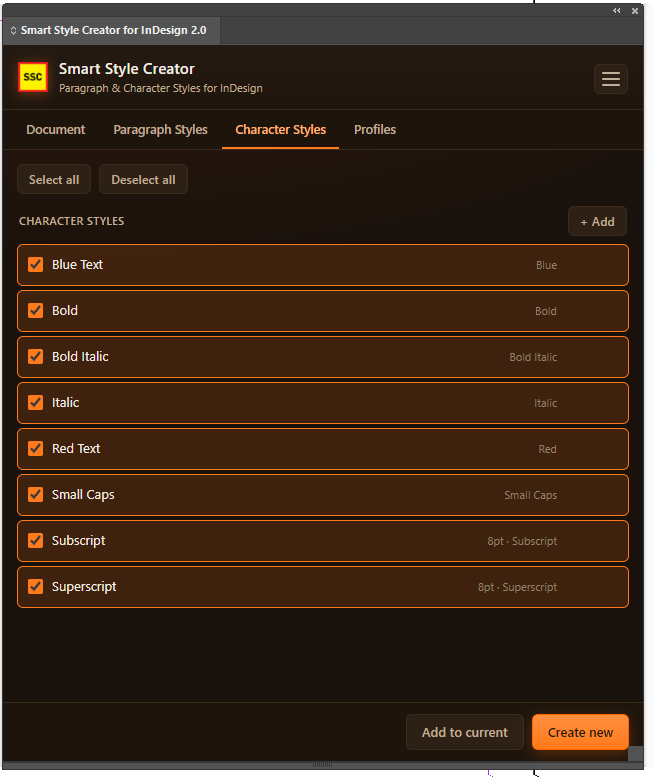
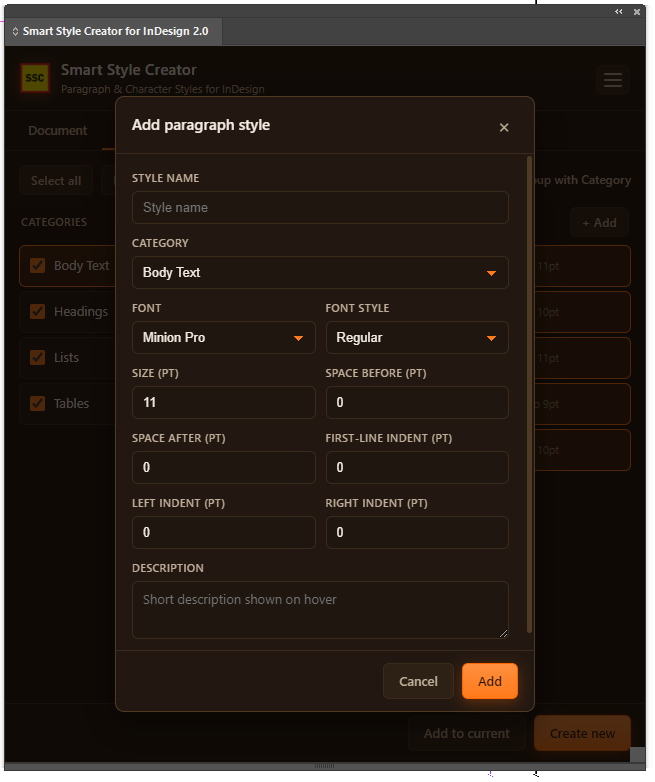
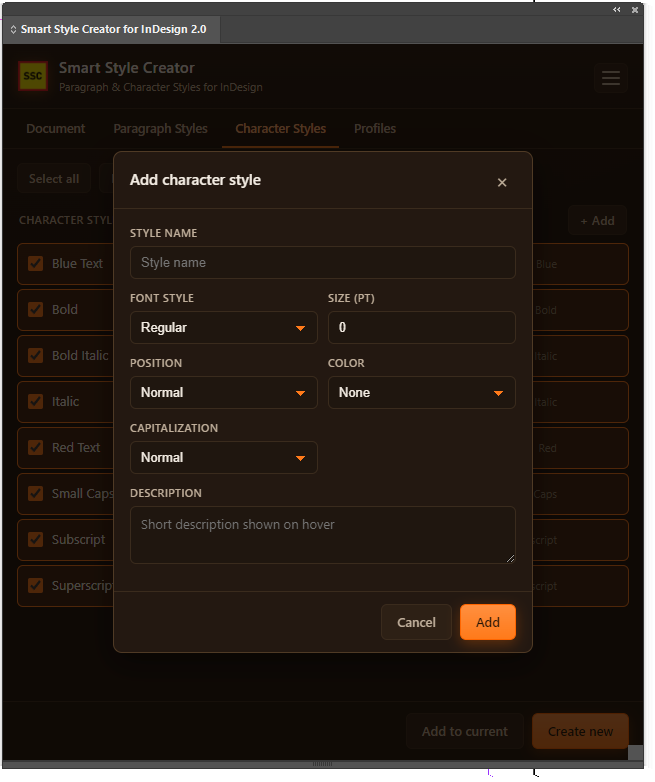
- 20 paragraph styles in 4 categories (Headings, Body Text, Lists, Tables) and 8 character styles — all editable, all with tooltips.
- "Add to current" to inject styles into the document you already have — perfect for adopting the company standard mid-project.
- Optional grouping of styles by category.
- Reusable profiles: save, load, export and import as human-readable JSON — diffable in version control, editable in any text editor, AI-friendly by design.
- A full user manual covering profiles, ready-to-use AI prompts and troubleshooting.
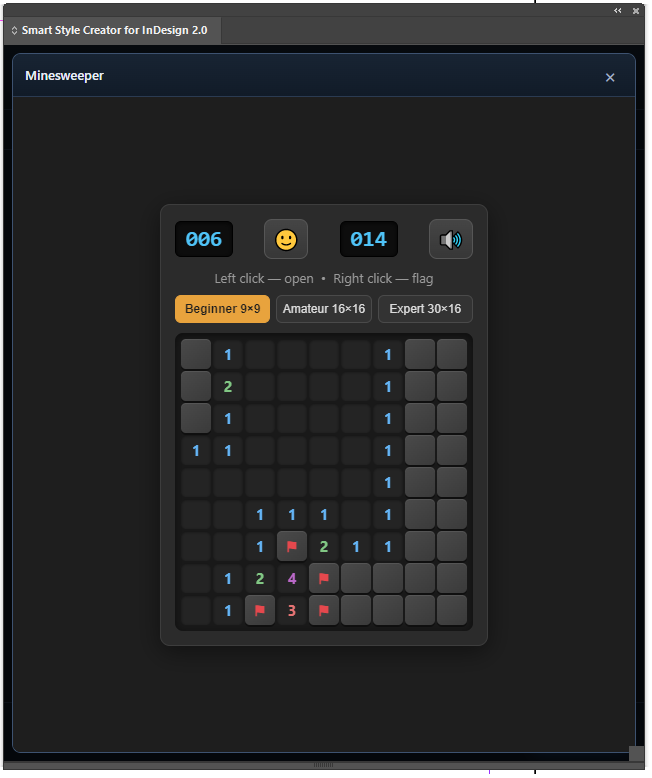
- Three color themes, subtle interface sounds, and a built-in Minesweeper for your coffee break.
Your download: a ZIP archive with the signed ZXP installer, the full user manual (PDF) and three example style profiles (JSON) — including one generated by AI from a real product catalog PDF.
One-time purchase. $25 once — no subscription, no monthly fees, no time limits. Buy it, use it forever. Free updates within version 2.x.
Upgrading from version 1.x? Your saved profiles open correctly in 2.0 — styles and settings load as before. Install 2.0 over your current version; the panel replaces the old dialog.
Requirements: Adobe InDesign CC 2018 (v13) or newer, macOS or Windows.
Support: sinozemez@gmail.com