
UK Budget Planner 2027 — Excel & Google Sheets (GBP)
Take control of your money in 2027 with a budget planner built for the UK — pounds by default, UK household categories, DD/MM/YYYY dates — that works properly in Excel, Google Sheets and LibreOffice.
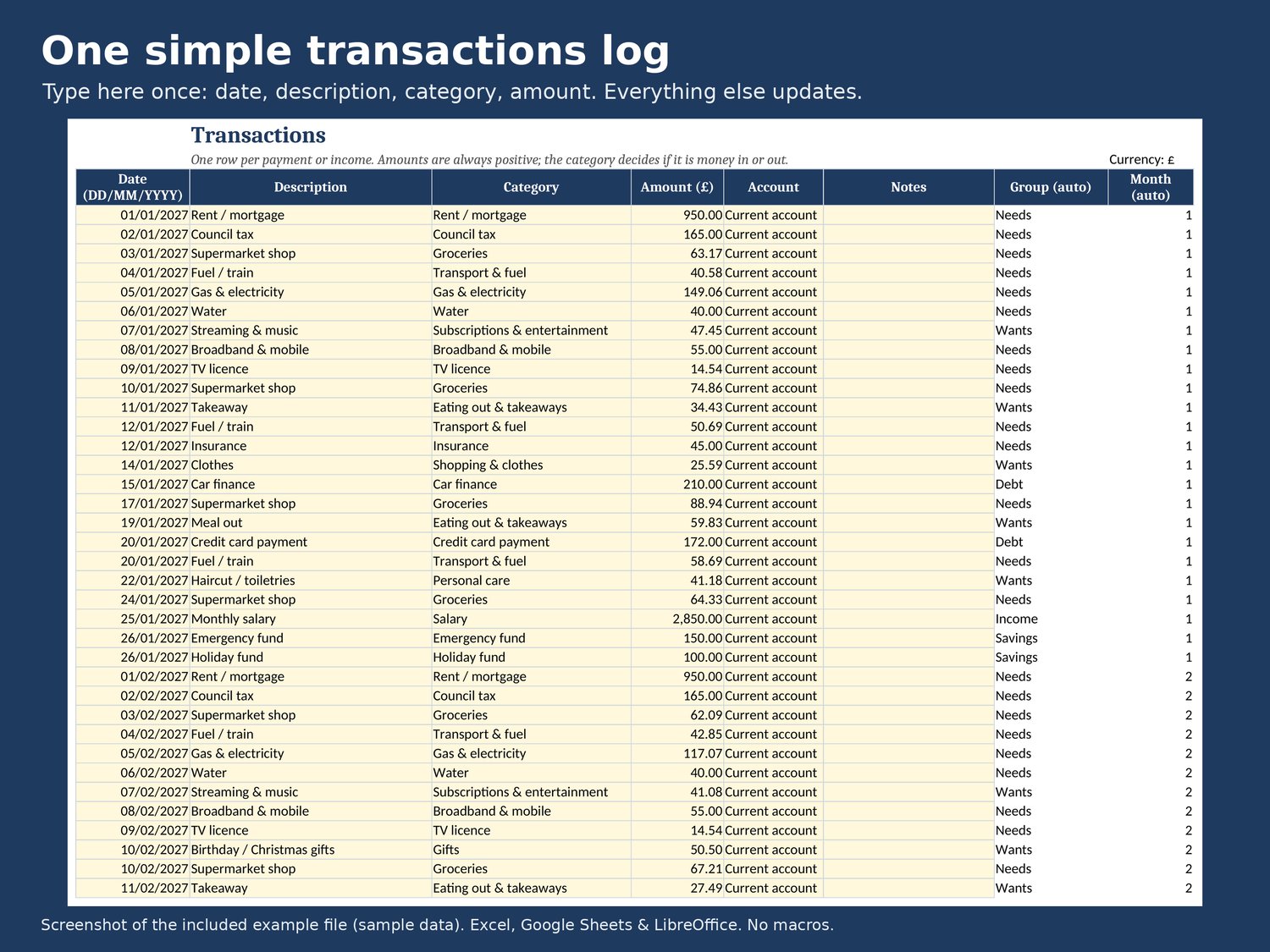
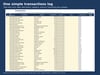
Type each payment once in a simple transactions log. Everything else updates for you: monthly budget vs actual, an annual dashboard with charts, savings goals and a month-by-month debt payoff plan.
WHAT'S INCLUDED
• UK-Budget-Planner-2027.xlsx — blank planner with UK categories ready to edit
• UK-Budget-Planner-2027-EXAMPLE.xlsx — the same planner filled with a year of sample data, so you can see it working
• Quick-start guide (PDF)
8 TABS
• Start Here — how it works in 7 steps
• Settings — currency symbol, year, up to 50 categories grouped as Income / Needs / Wants / Savings / Debt
• Budget Plan — a plan for every category for every month (great for Christmas, holidays, annual bills)
• Transactions — 1,000 rows, category drop-downs, unknown categories flagged
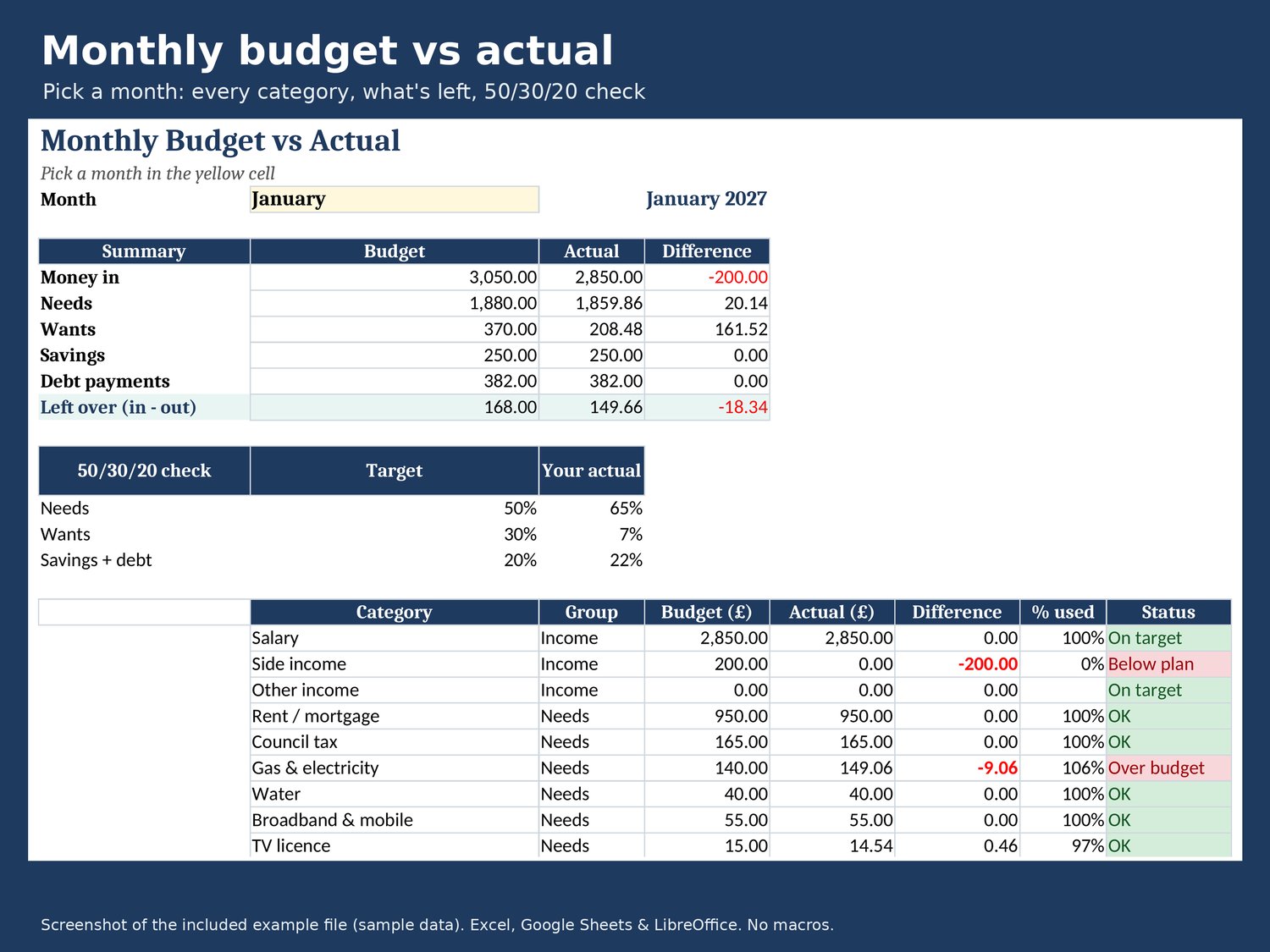
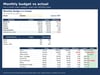
• Monthly — pick a month: budget vs actual per category, what's left over, 50/30/20 check
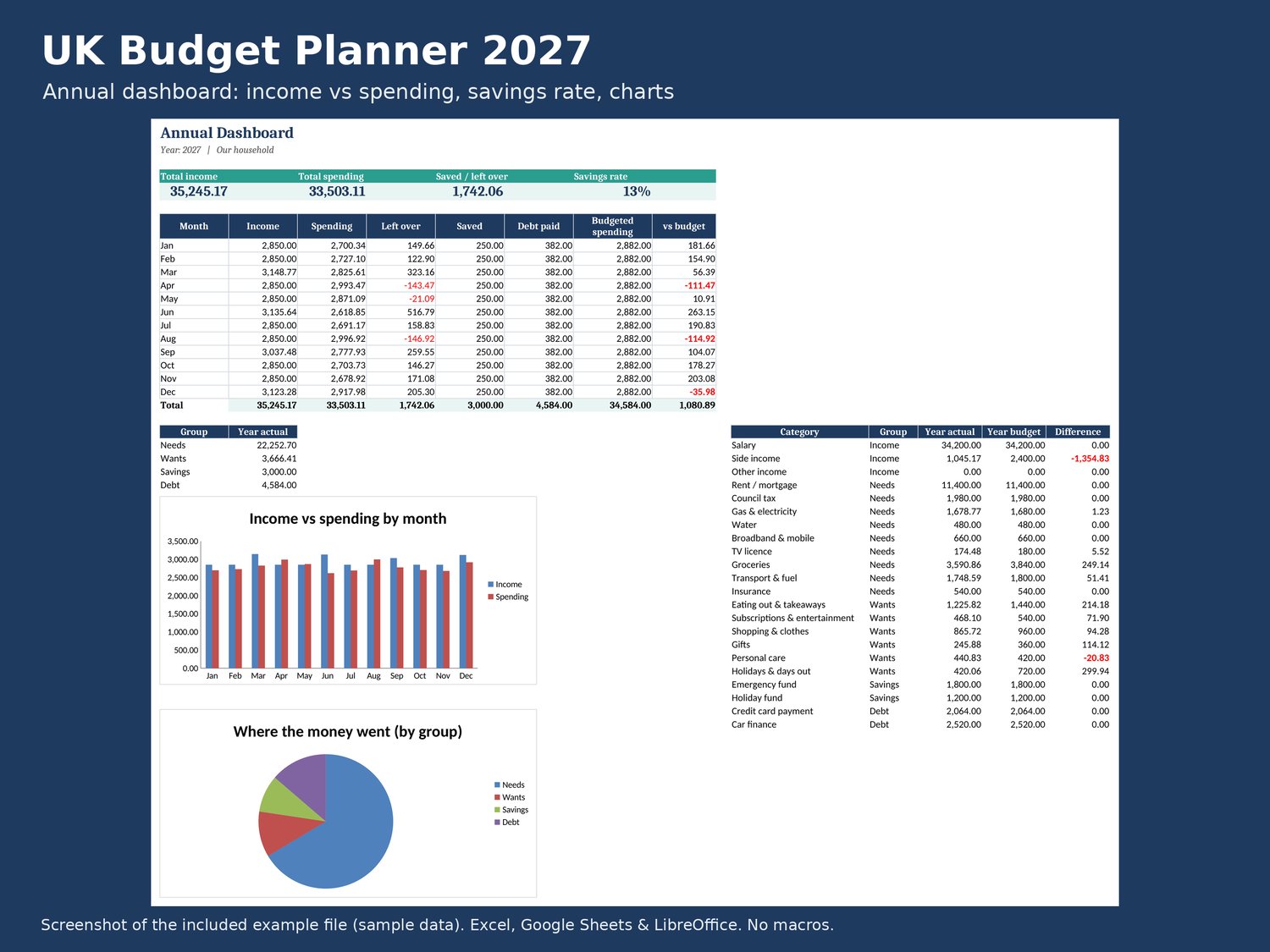
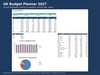
• Annual Dashboard — income vs spending by month, savings rate, spending by group and category, charts
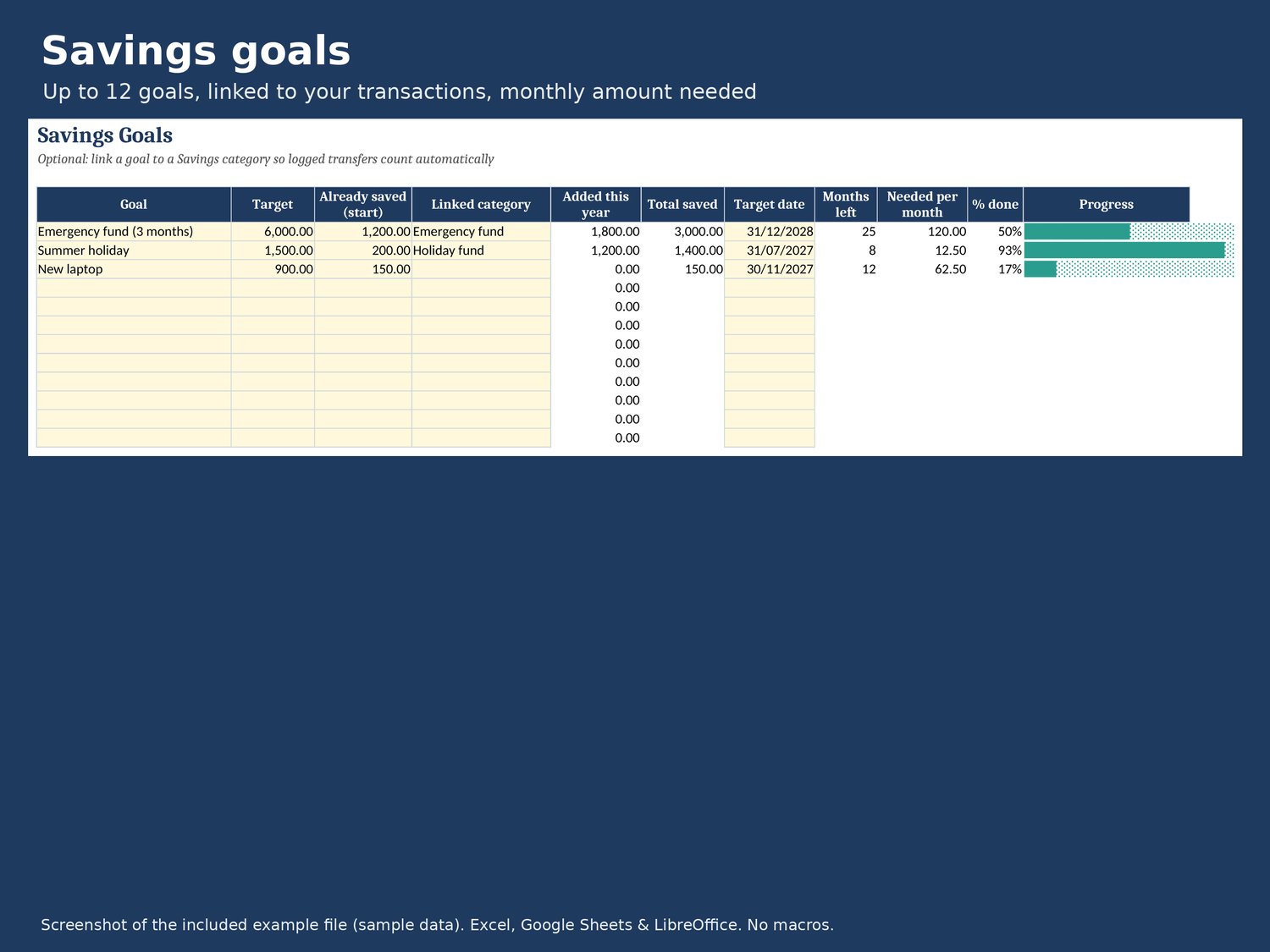
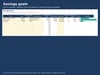
• Savings Goals — up to 12 goals with progress bars and the amount needed each month; link a goal to a savings category and it fills itself
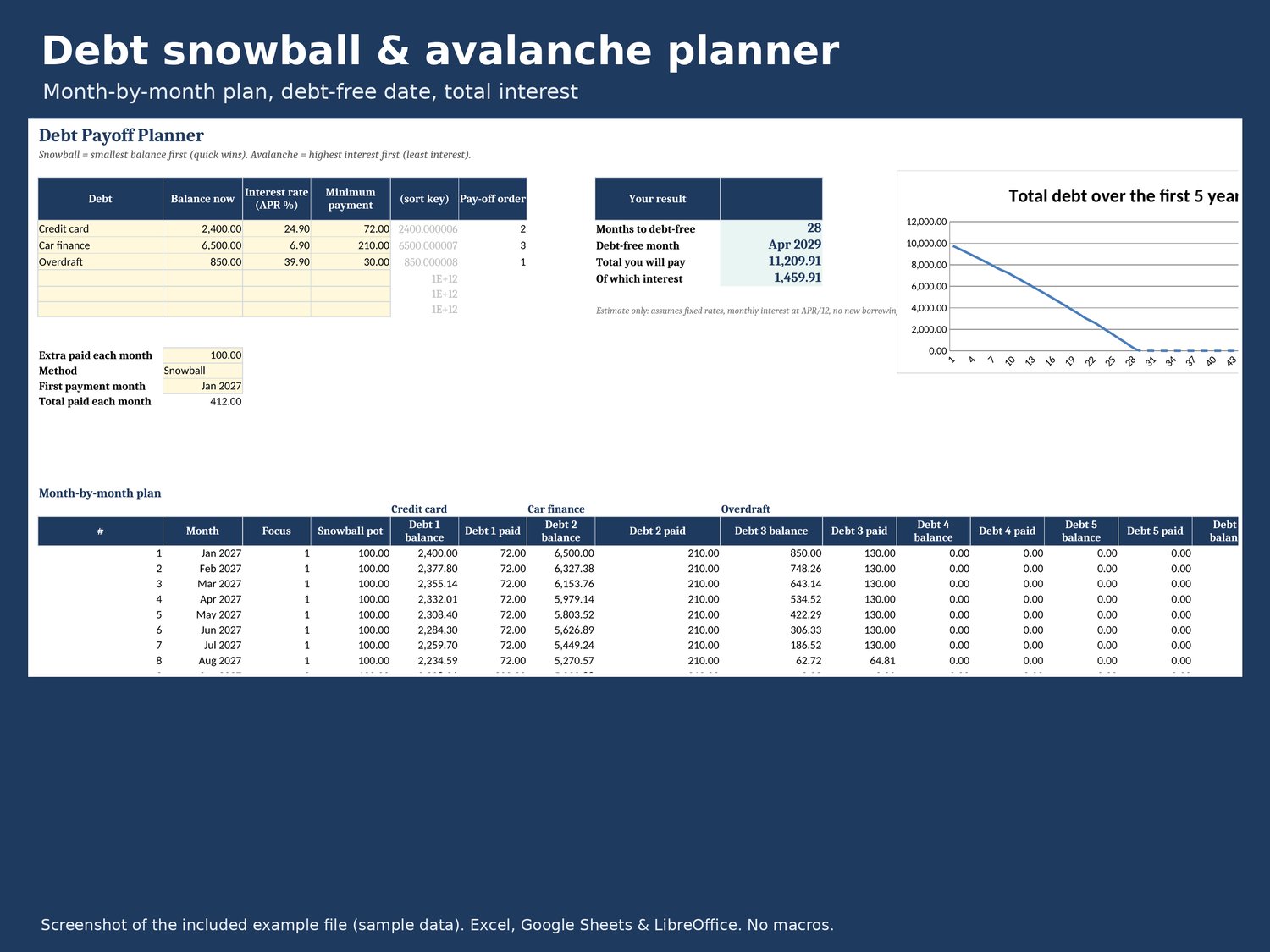
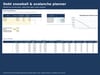
• Debt Payoff — up to 6 debts, snowball or avalanche, extra payment, debt-free date and total interest
WHY THIS ONE
• Works in Excel 2016+, Google Sheets and LibreOffice — only standard formulas, no macros, no Office-365-only functions
• Calculated tabs are protected (no password) so formulas don't get broken by accident
• Change the currency symbol in one cell
• Reuse it every year
HOW TO USE
1. Download the files after purchase.
2. Excel: open the .xlsx. Google Sheets: upload to Google Drive, open, then File > Save as Google Sheets.
3. Follow the Start Here tab.
PLEASE NOTE
• Digital download — nothing will be posted.
• Personal use only; please don't share or resell.
• A budgeting tool, not financial advice. The debt plan is an estimate.
• Screenshots show the example file with made-up data.
• Made by Tony Mulligan with AI assistance: the spreadsheet, guide and images were built with an AI tool and reviewed and tested by me.