


Field Photo Keynote
Payhip description
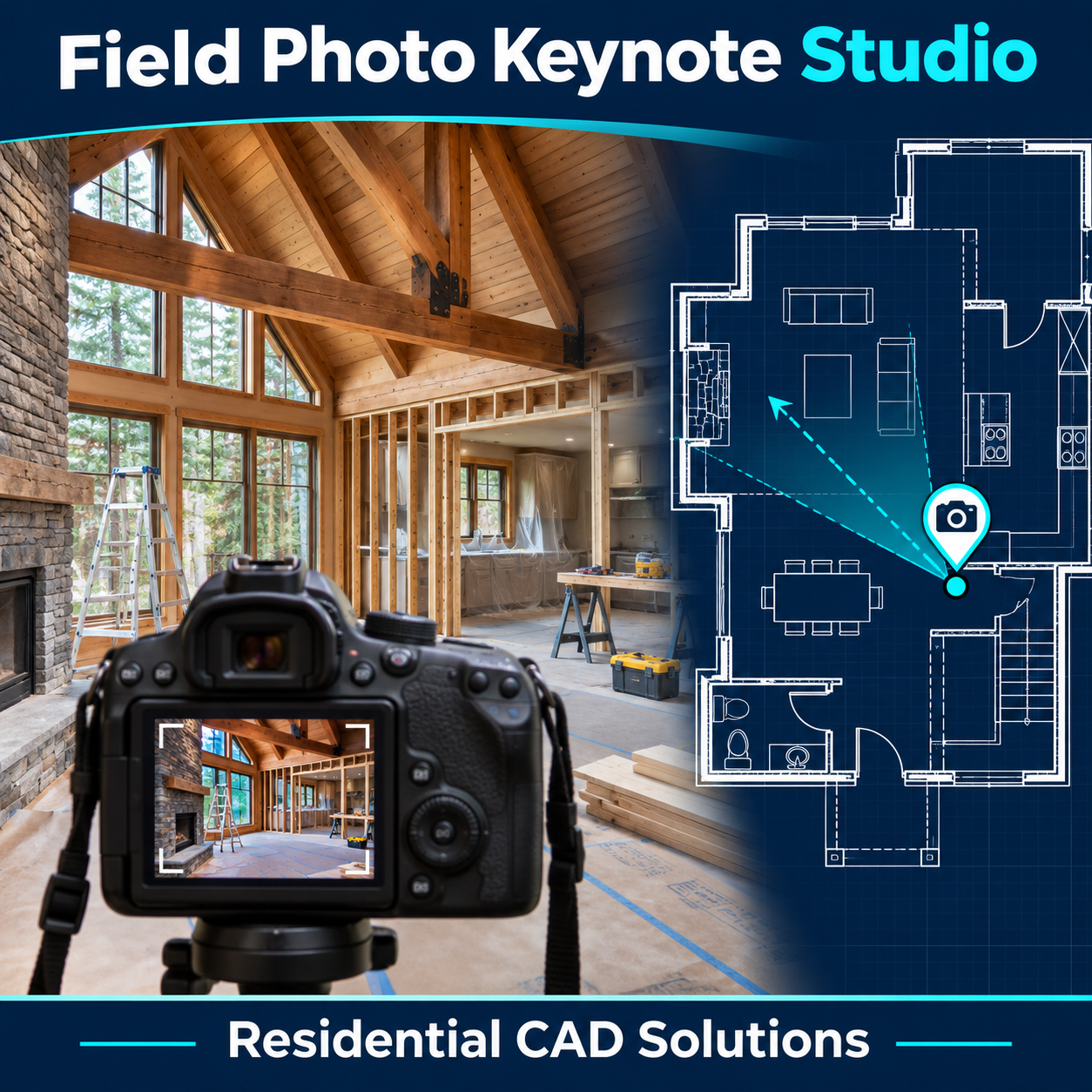
Back from a site visit with dozens of photos? Field Photo Keynote Studio lets you mark where you stood, which way you faced, and which photo belongs to that spot on the floor plan.
Pick the camera location, point toward the subject, and select your photo. The tool places a numbered marker such as P-01 with a directional arrow and a hyperlink to the image file. When you’re ready to document the visit, pick a spot on the drawing to insert a field photo index listing each marker number beside its filename.
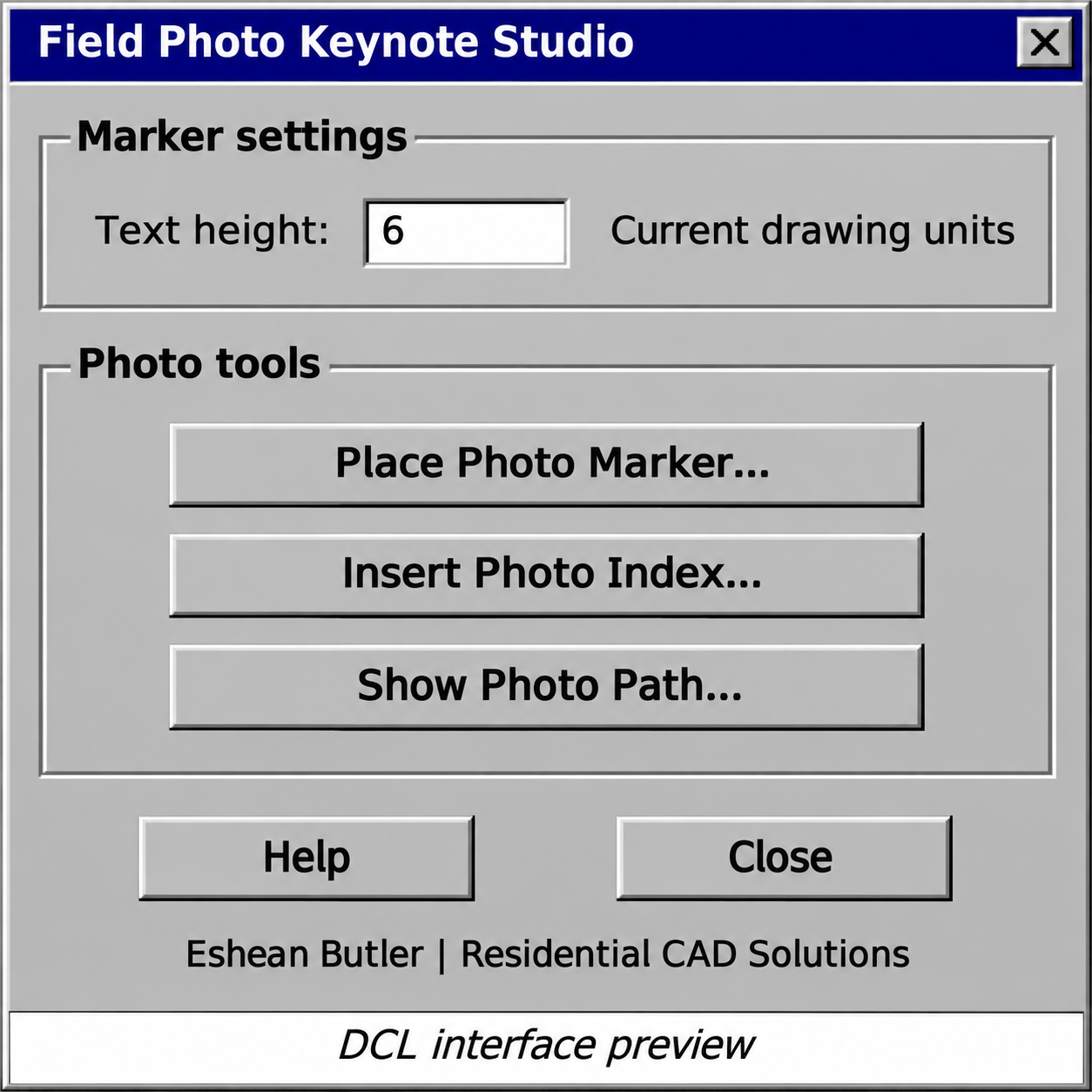
Use it to document existing conditions before a remodel, record framing before drywall goes up, or show a client exactly which window, wall, or opening you photographed. The marker text height is adjustable to suit your plan.
The download includes the AutoLISP program and classic gray DCL dialog with built-in Help. Extract both files into an AutoCAD support folder, load the .lsp with APPLOAD, and enter FPK or FIELDPHOTO.
Eshean Butler | Residential CAD Solutions