

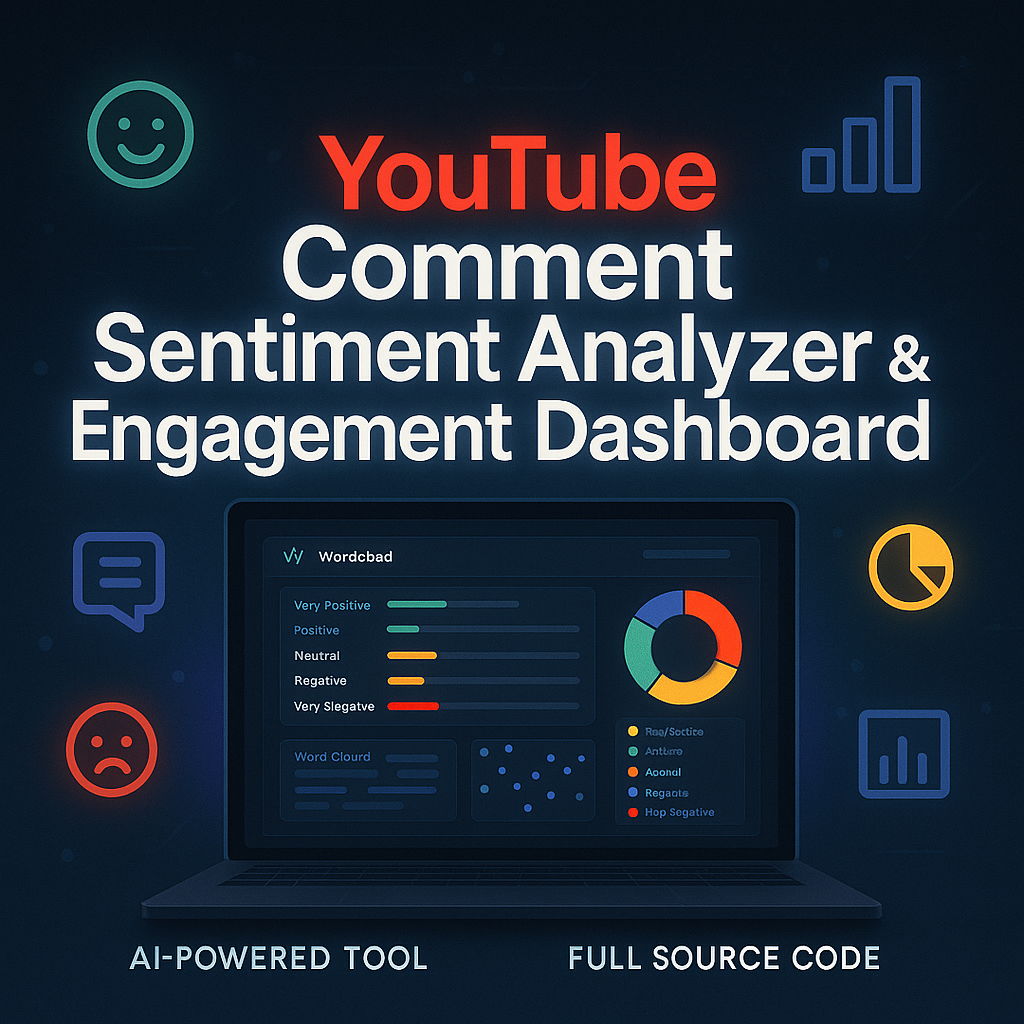
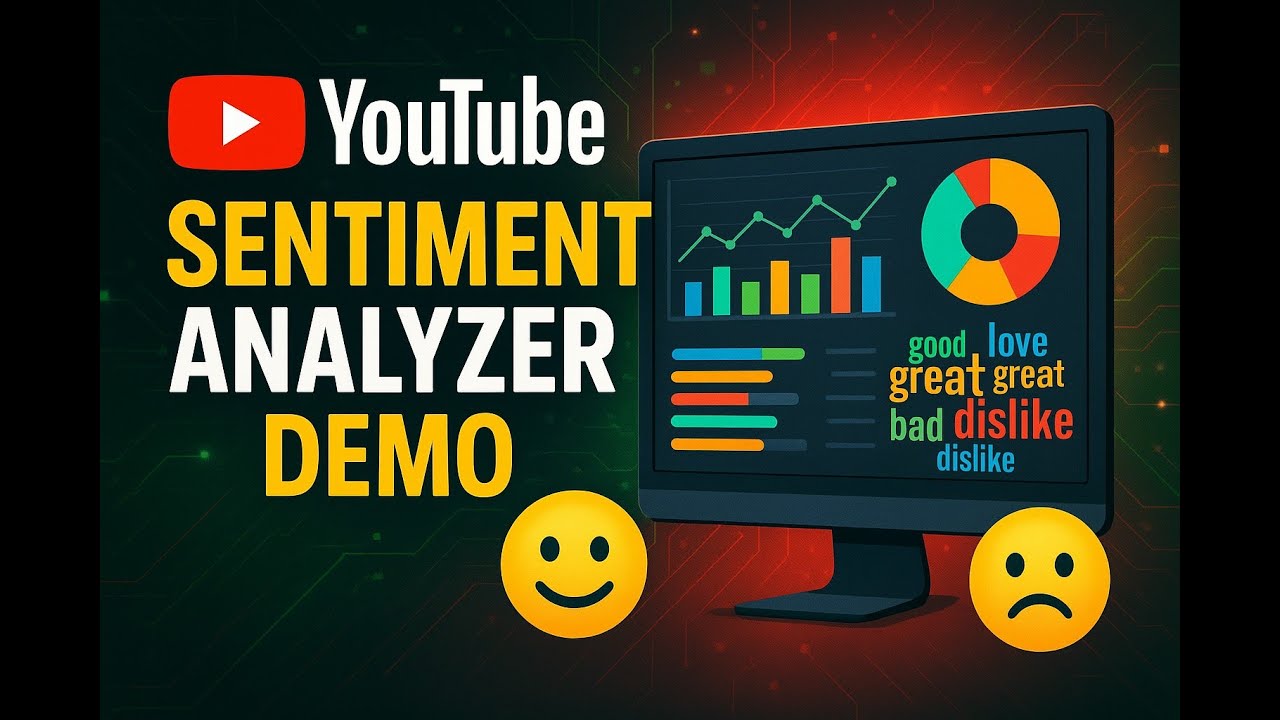
YouTube Comment Sentiment Analyzer & Engagement Dashboard
Supercharge your YouTube strategy with this advanced, user-friendly web application for deep comment analysis and actionable insights.
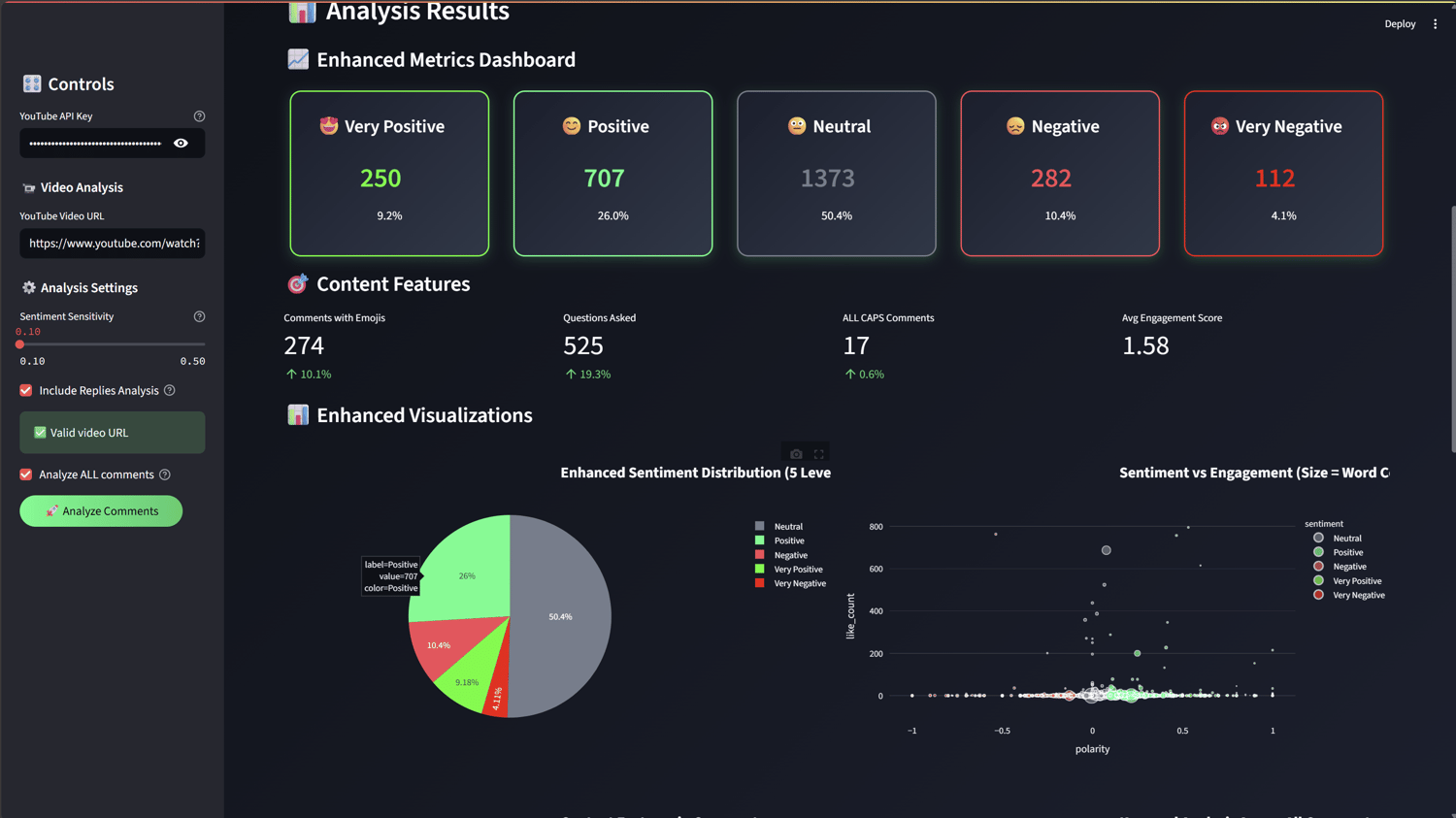
Harness AI-driven sentiment analysis to classify comments into five nuanced categories: Very Positive, Positive, Neutral, Negative, and Very Negative. Instantly detect trending keywords, engagement triggers, emojis, questions, and more. Visualize your audience’s mood and engagement patterns with interactive pie charts, scatter plots, bar charts, and customizable word clouds.
Key Functionalities:
- 5-Level Sentiment Analysis: Classifies comments from Very Positive to Very Negative for precise audience mood tracking.
- Keyword & Engagement Detection: Automatically identifies positive, negative, and engagement keywords, plus emojis, questions, exclamations, URLs, mentions, hashtags, and formatting.
- Author Analytics: Discover top commenters, sentiment trends by user, and engagement leaders.
- Engagement Scoring: Sophisticated algorithms measure likes, replies, and keyword impact.
- Interactive Visualizations: Pie charts, scatter plots, bar charts, and word clouds for intuitive data exploration.
- Customizable Reports: Export full datasets, summary reports, or filtered results (by sentiment or date) in CSV or JSON.
- Real-Time Processing: Live progress tracking and instant updates, even with large datasets.
- Easy Setup: No coding required—just your YouTube API key and a video URL.
Who Is This For?
- YouTube content creators
- Digital marketers and agencies
- Social media managers
- Academic researchers
- Business intelligence analysts
- Anyone seeking to understand YouTube audience sentiment and engagement
How to Use:
- Download and unzip the project files.
- Double-click setup_and_run.bat (Windows) or follow manual setup instructions in the README.
- Enter your YouTube Data API key in the app sidebar.
- Paste a YouTube video URL and configure analysis settings.
- Click "Analyze Comments" to view interactive dashboards, word clouds, and exportable reports.
Requirements:
- Windows PC
- Python 3.8+ (automatically installed by setup script if missing)
- YouTube Data API key (instructions included in README)
What’s Included:
- Full application source code
- Automated setup scripts
- Detailed README and usage guide
- MIT License (commercial use allowed)
License:
MIT License — Commercial use, modification, and distribution allowed. You may sell this application.
Support:
For technical support, please refer to the README or contact the developer via the provided support channel.
NB : For customers who have purchased the product and wish to connect it to a different LLM API—such as a local model via Ollama, LLM Studio, OpenAI, Claude, Perplexity ..etc—I’ll gladly adjust the application accordingly and send the updated version free of charge within 48 hours.